
11 Best AI Content Generation Tools for Marketers in 2026
The demand for high-quality content is higher than ever, but budgets and timelines are constantly shrinking. For marketers and content creators, this creates a significant challenge: how do you scale production without sacrificing quality? The answer for many is found in the strategic use of AI content generation tools. These powerful platforms are no longer a novelty; they are essential instruments for brainstorming, drafting, and producing everything from blog posts to video scripts at an unprecedented speed.
- Main Points
- What Are AI Content Generation Tools?
- The Core Benefits: Why Use Automated Content Tools?
- Boost Efficiency and Scale Production
- Enhance Creativity and Brainstorming
- Maintain Brand Consistency
- Reduce Costs
- How to Choose the Right AI Content Generation Tool for Your Needs
- Identify Your Primary Content Type
- Evaluate Key Features
- Consider Ease of Use and Learning Curve
- Analyse Pricing and Value for Money
- The Top 11 AI Content Generation Tools (Ranked & Reviewed)
- Category: AI Writing & SEO Tools
- 1. Jasper (formerly Jarvis): Best Overall for Marketing Teams
- 2. Writesonic: Best for Versatility and SEO Content
- 3. Semrush: Best for SEO-Driven Content Strategy
- 4. QuillBot: Best for Paraphrasing and Academic Writing
- 5. Grammarly: Best for Polishing and Editing
- Category: AI Video Generation Tools
- 6. Synthesia: Best for Corporate Training & Explainer Videos
- 7. Pictory: Best for Turning Blog Posts into Videos
- 8. HeyGen: Best for Realistic Avatars and Video Translation
- Category: AI Audio & Voice Tools
- Category: AI Image Generation
- Comparison of Top AI Writing Tools
- Understanding Pricing Models: What to Expect
- The Pros and Cons of Using Content Creation AI
- Frequently Asked Questions (FAQ)
- What is the best AI tool to generate content?
- What are the top 5 generative AI tools?
- What AI is better than ChatGPT?
- Is it illegal to publish a book written by AI?
- What is the 30% rule for AI?
- Final Thoughts: Integrating AI into Your Content Workflow
However, the market is flooded with options, each claiming to be the best. This guide cuts through the noise. We've tested and reviewed the top platforms to help you find the right AI writing tools and multimedia generators for your specific marketing needs, whether you're a solo creator or part of a large team.
Main Points
- Diverse Capabilities: AI content tools extend far beyond text. Modern platforms can generate video, realistic voiceovers, and unique images, covering the full spectrum of marketing content.
- Purpose-Driven Choice: The best tool for you depends entirely on your primary goal. A blogger needs a different tool than a social media manager creating video shorts or a podcaster needing voiceovers.
- Top-Tier Writing Assistants: For written content, tools like Jasper and Writesonic lead the pack with specialised features for marketing copy, SEO optimisation, and maintaining a consistent brand voice.
- Multimedia is Accessible: Platforms like Synthesia for AI video and Murf AI for voiceovers make high-production value multimedia accessible without expensive equipment or actors.
- Human Oversight is Crucial: AI is a powerful assistant, not a replacement for a human creator. Always review, edit, and fact-check AI-generated content to ensure accuracy, originality, and alignment with your brand's standards.
What Are AI Content Generation Tools?
AI content generation tools are software applications that use artificial intelligence, particularly large language models (LLMs) and other machine learning algorithms, to create new content. This isn't just about spinning existing articles. These tools generate original text, images, video, and audio based on a user's instructions, known as prompts.
Think of it as a highly advanced creative partner. You provide the initial idea, context, and direction, and the AI uses its vast training data to produce a draft. For example, you could ask an AI writer to draft a blog post outline about digital marketing trends, create three different versions of ad copy for a new product, or even generate a script for a 60-second explainer video.
The technology behind this is complex, but the user experience is often simple. Most platforms offer templates and guided workflows designed for specific tasks, such as 'Blog Post Writer' or 'Social Media Ad'. This makes content creation AI accessible even to those without a technical background, empowering marketers to produce a wider variety of assets more efficiently.
The Core Benefits: Why Use Automated Content Tools?
Integrating automated content tools into your workflow offers more than just speed. It fundamentally changes how content is planned, created, and distributed, providing a competitive edge in a crowded digital space.
Boost Efficiency and Scale Production
The most immediate benefit is a massive increase in efficiency. A task that might take a human writer hours, like drafting a 1,500-word article, can be accomplished by an AI in minutes. This allows content teams to scale their output significantly, publishing more blog posts, social media updates, and newsletters without needing to expand their headcount.
This speed also helps conquer the dreaded 'writer's block'. Instead of staring at a blank page, a creator can generate multiple outlines, introductions, or entire drafts to use as a starting point. This transforms the creation process from one of pure invention to one of refinement and editing, which is often much faster.
Enhance Creativity and Brainstorming
AI tools are excellent brainstorming partners. You can feed them a simple concept and ask for a list of blog titles, video ideas, or unique marketing angles. The AI can generate dozens of possibilities in seconds, providing a wealth of creative sparks that a team might take hours to develop on their own.
This is particularly useful for breaking out of creative ruts. By presenting ideas you might not have considered, these tools can push your content strategy in new and interesting directions. You can ask for content to be written from a different perspective, in a different tone, or for a different audience to explore all possibilities.
Maintain Brand Consistency
Maintaining a consistent brand voice across all channels is a major challenge, especially with multiple contributors. Many advanced AI content generation tools, like Jasper, offer 'Brand Voice' features. You can upload your style guides, existing content, and brand information, and the AI will learn to write in your specific tone.
This ensures that whether it's an email, a social media post, or a website update, the content consistently reflects your brand's personality. It reduces the time editors spend rewriting copy to fit the brand voice and helps build a stronger, more recognisable brand identity.
Reduce Costs
While these tools have subscription fees, they can offer significant cost savings in the long run. Consider the cost of hiring a freelance writer for a blog post, a graphic designer for social media images, and a voice actor for a video ad. An AI platform can handle the initial drafts for all of these tasks for a single monthly fee.
This doesn't eliminate the need for skilled human professionals, but it allows you to use their time more strategically. Instead of paying for first drafts, you can invest in high-level strategy, editing, and final polishing, getting more value from your content budget.
How to Choose the Right AI Content Generation Tool for Your Needs
With so many options available, selecting the right tool can feel overwhelming. The key is to focus on your specific requirements rather than searching for a single 'best' tool. Use these criteria to guide your decision.
Identify Your Primary Content Type
First, determine what you create most often. Your needs will vary dramatically based on your role.
- Bloggers and SEO Specialists: You need a tool with strong long-form writing capabilities, SEO integration, and research features. Look for platforms like Writesonic or Semrush.
- Social Media Managers: Your focus is on short-form copy, image generation, and video creation. Tools like Jasper for copy and Pictory for video are excellent choices.
- Corporate Trainers: You'll benefit most from AI video generators with professional avatars and multi-language support, such as Synthesia.
- Podcasters and Video Producers: High-quality AI voice generators like Murf AI or ElevenLabs will be your priority.
Evaluate Key Features
Beyond the core function, look for features that will make your workflow smoother. Consider integrations with other software you use, like WordPress or SEO tools. Check for collaboration features if you work in a team, allowing multiple users to work on projects together. The quality and variety of pre-built templates can also be a deciding factor, as they save you from having to write complex prompts from scratch.
Consider Ease of Use and Learning Curve
A powerful tool is only effective if your team can actually use it. Most platforms offer free trials or free tiers. Use these opportunities to assess the user interface. Is it intuitive.
Can you get the results you want without spending hours learning how to write the perfect prompt. A simpler tool that you use consistently is better than a complex one that gathers digital dust.
Analyse Pricing and Value for Money
AI tool pricing can be complex. Some use a tiered subscription model with different feature sets, while others operate on a credit-based system where you pay for the amount of content you generate. Calculate your expected usage to determine which model offers the best value. An 'unlimited' plan might seem appealing, but if you only need to generate a few articles a month, a credit-based plan could be more cost-effective.
The Top 11 AI Content Generation Tools (Ranked & Reviewed)
Here are our top picks for AI content generation tools in 2026, categorised by their primary function to help you find the perfect fit for your marketing stack.
Category: AI Writing & SEO Tools
These tools are the foundation of any content strategy, helping you create everything from blog posts to emails with a focus on quality and search engine visibility.
1. Jasper (formerly Jarvis): Best Overall for Marketing Teams
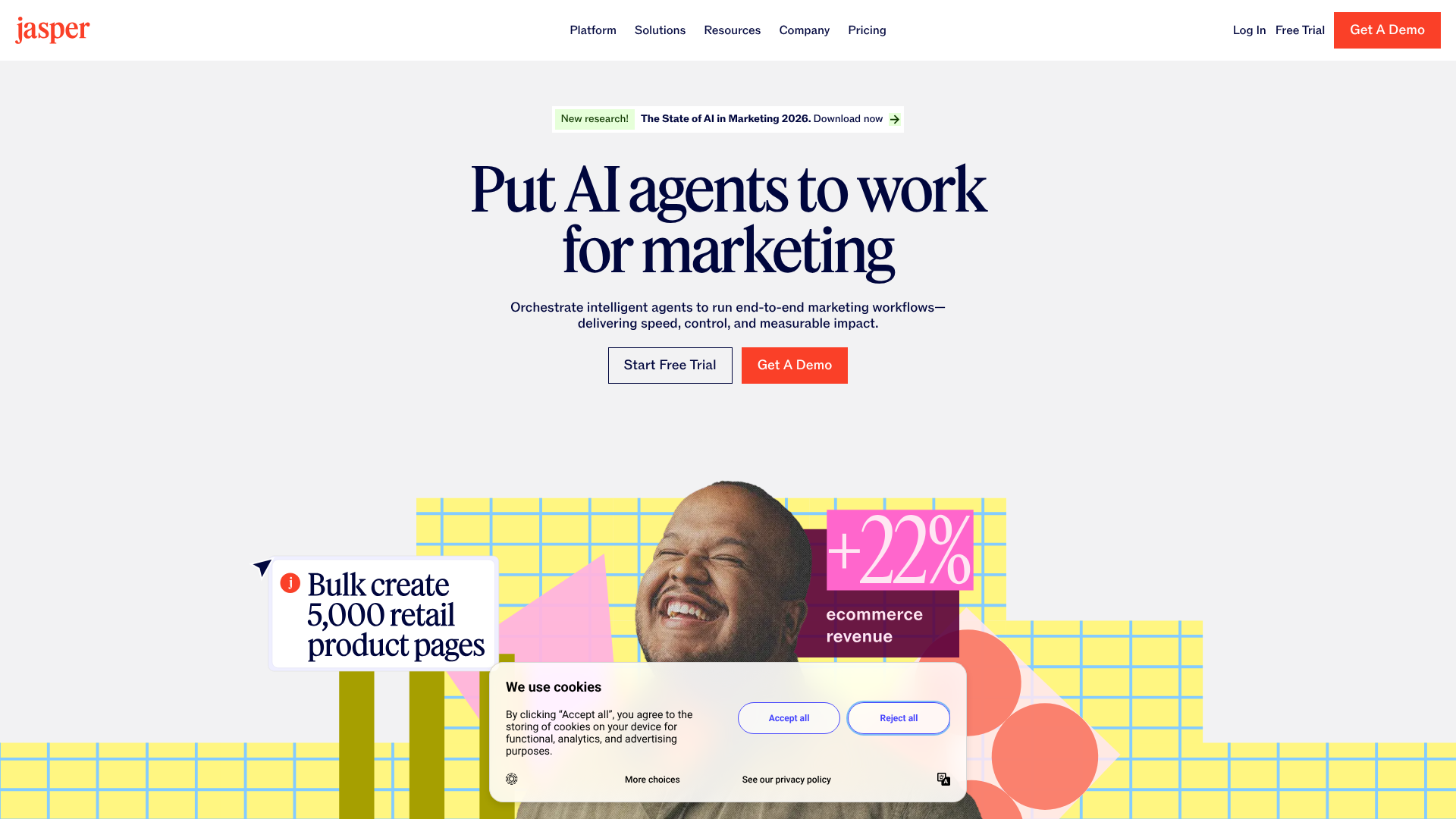
Jasper has established itself as a leader in the AI writing space, and for good reason. It's designed specifically for marketers, with a suite of tools and templates that cover virtually every aspect of a marketing campaign. Its 'Brand Voice' feature is particularly powerful, allowing you to train the AI on your company's style guide for highly consistent output.
What sets Jasper apart is its focus on workflows, not just one-off tasks. You can use it to create an entire campaign, from the initial blog post to the social media promotions and email newsletters that follow. Its user interface is clean and collaborative, making it a strong choice for teams.
Pros
- Excellent output quality tailored for marketing and sales copy.
- Powerful Brand Voice and collaboration features for teams.
- Vast library of templates for specific marketing tasks.
Cons
- Premium pricing makes it one of the more expensive options.
- The sheer number of features can present a learning curve for new users.
2. Writesonic: Best for Versatility and SEO Content
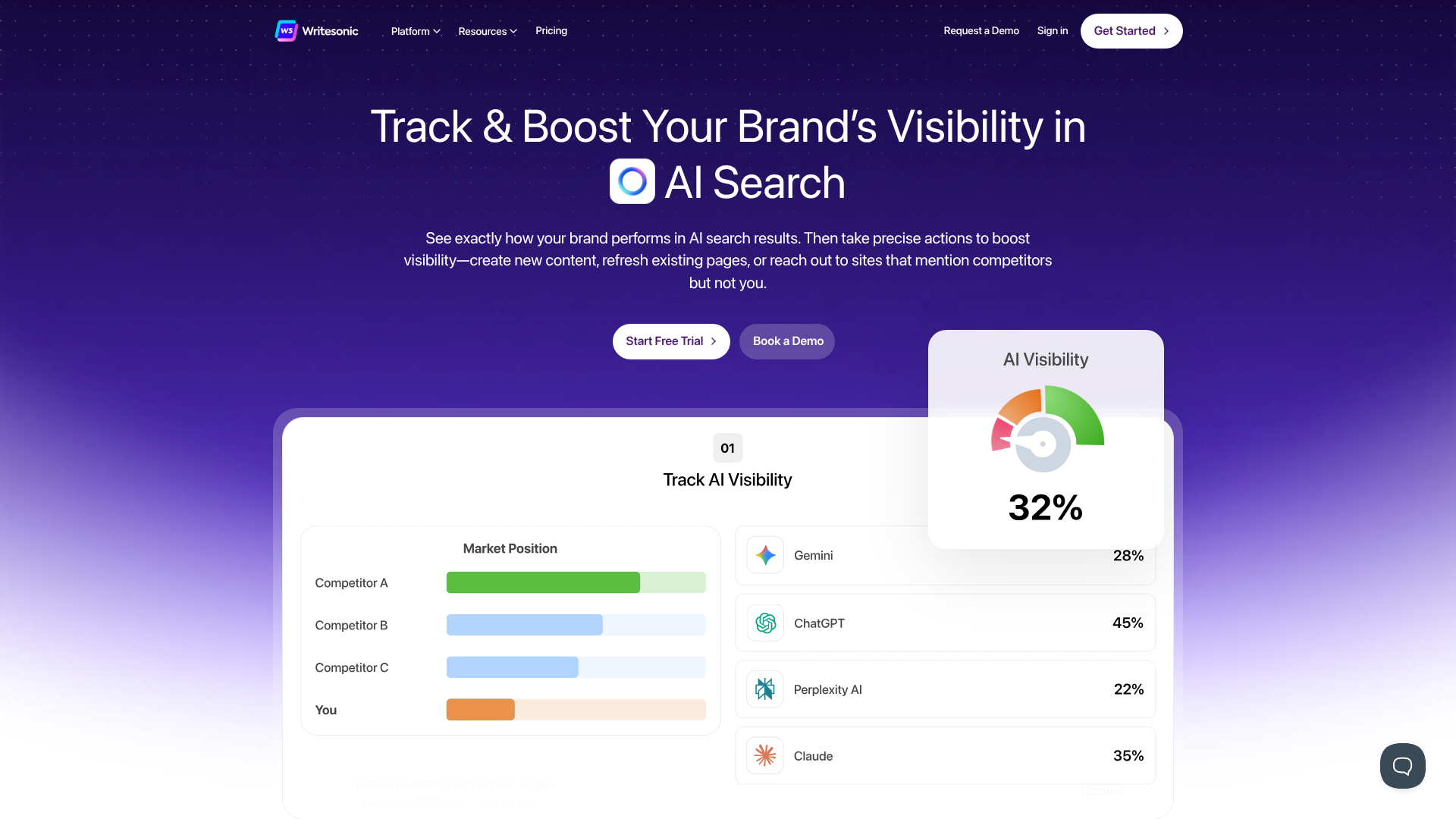
Writesonic is a true all-in-one content platform that competes directly with Jasper. It offers a wide array of tools, including an AI article writer, a paraphrasing tool, and landing page copy generators. One of its standout features is Audicle, which can create a complete, fact-checked, and SEO-optimised article with minimal input.
Its deep integration with Surfer SEO makes it a top choice for content creators focused on search engine rankings. This allows you to optimise your content as you create it, ensuring it meets the criteria for ranking for your target keywords. Writesonic provides a great balance of power and affordability.
Pros
- Excellent value for money with generous free and paid plans.
- Strong SEO features, including Surfer integration.
- Audicle feature automates much of the blog writing process.
Cons
- The user interface isn't as polished as some competitors.
- Credit system on some plans can be confusing to manage.
3. Semrush: Best for SEO-Driven Content Strategy
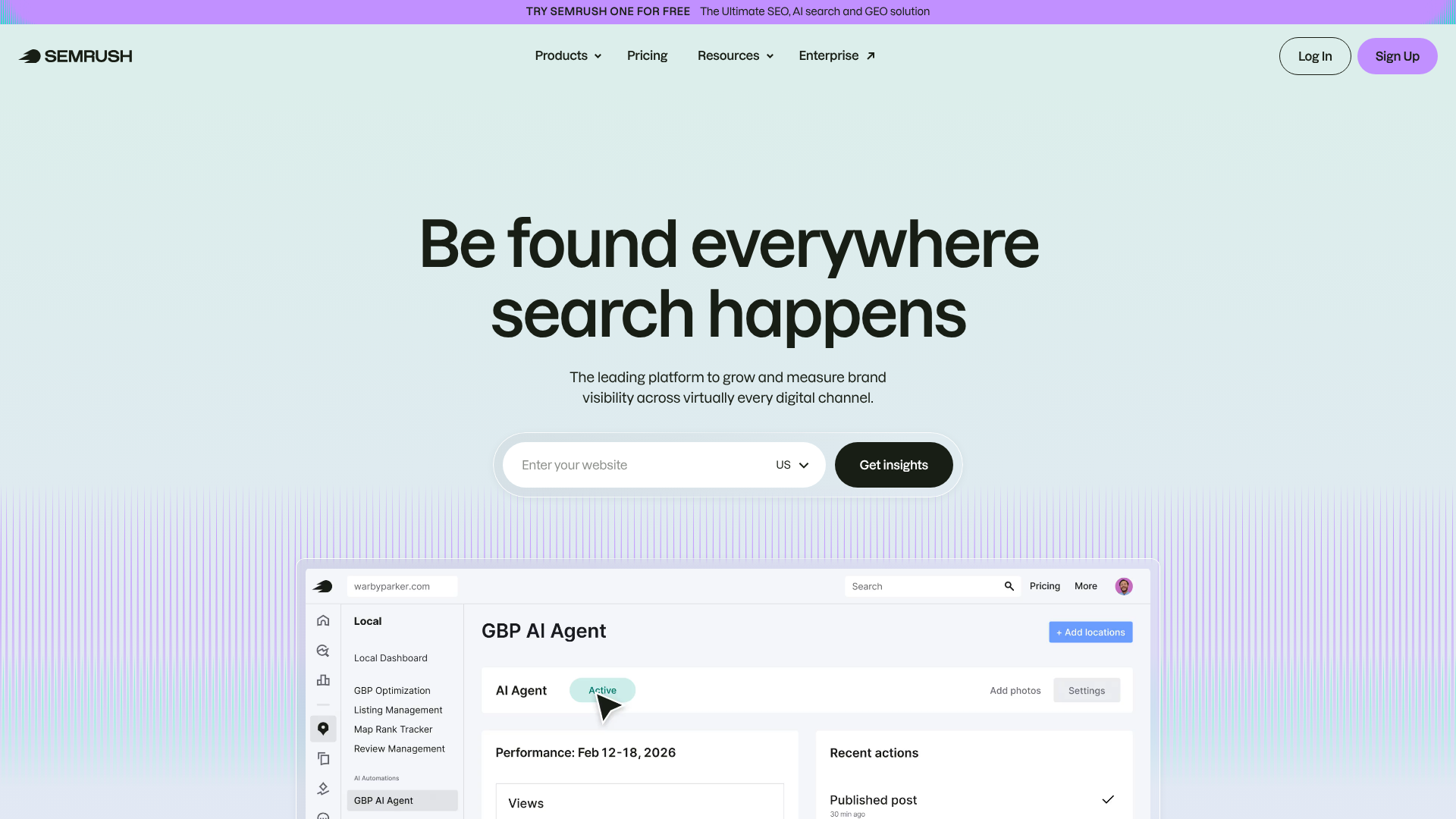
Semrush is already a household name in the SEO world, but its suite of AI-powered content tools makes it a formidable content generator. It's not just a writer; it's a complete content marketing platform. You can perform keyword research, analyse competitors, and then use the SEO Writing Assistant to draft content that is optimised from the ground up.
The tool provides real-time feedback on readability, tone of voice, and SEO as you write. It helps you ensure your content is not only well-written but also strategically sound. If your content strategy lives and dies by search engine traffic, integrating your writing process into a powerful SEO tool like Semrush is a logical step.
Pros
- Seamlessly integrates content creation with top-tier SEO analytics.
- Provides data-driven recommendations to improve ranking potential.
- A holistic tool for managing the entire content lifecycle.
Cons
- The core focus is SEO, so the pure AI writing features are less extensive than dedicated tools.
- It has a high price point, making it better suited for serious marketers and businesses.
4. QuillBot: Best for Paraphrasing and Academic Writing
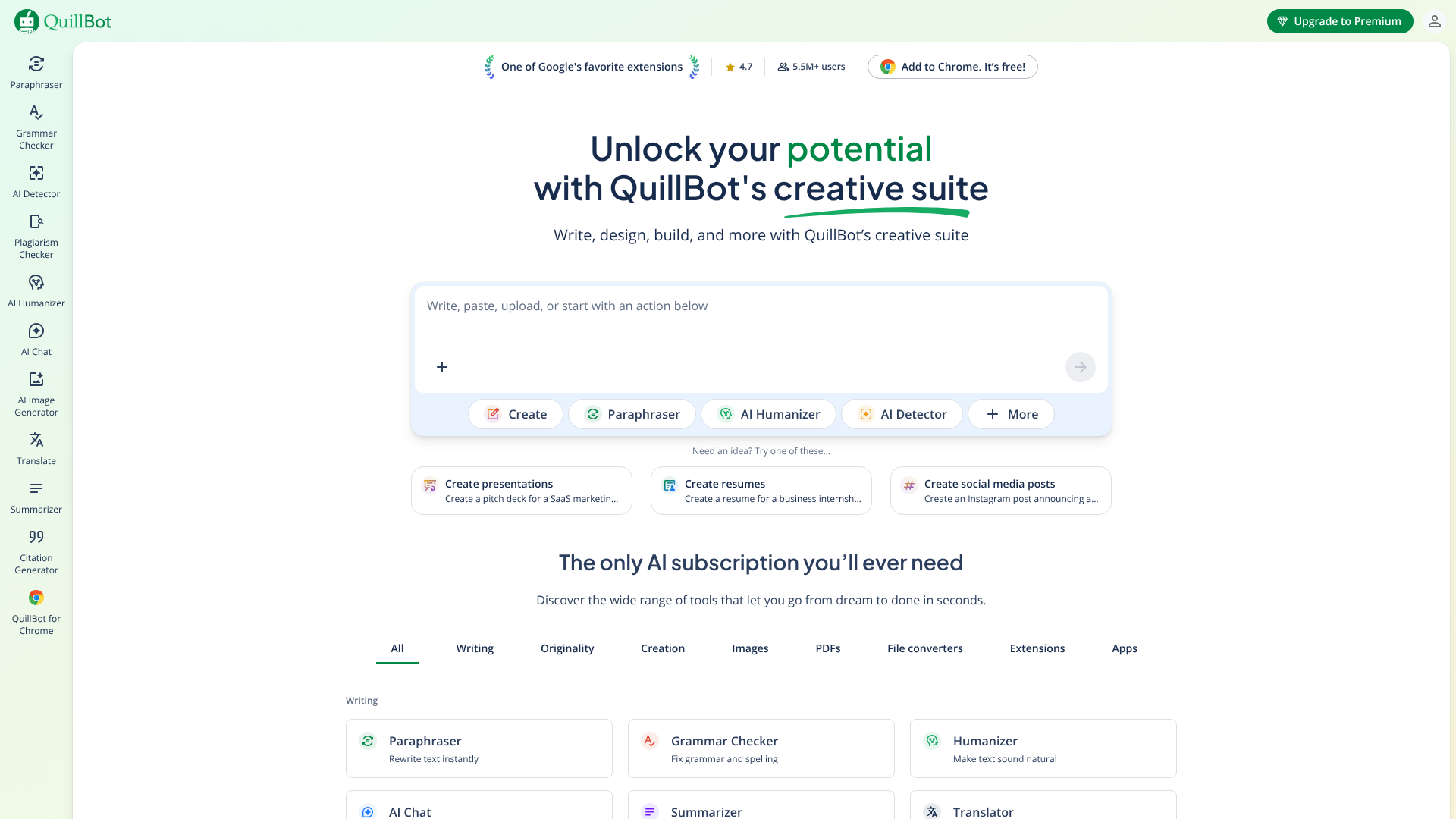
QuillBot's primary strength lies in rewriting and refining existing text. Its paraphrasing tool is arguably the best on the market, allowing you to rephrase sentences, paragraphs, or entire documents to improve clarity, change the tone, or avoid plagiarism. It offers several modes, from 'Standard' to 'Creative', giving you control over the final output.
While it's not designed to generate long-form content from a simple prompt like Jasper, it's an invaluable tool for editors and writers who want to improve their drafts. It also includes a grammar checker, summariser, and citation generator, making it a favourite among students and academics. For marketers, it's perfect for repurposing content for different platforms.
Pros
- Industry-leading paraphrasing capabilities with multiple modes.
- Very affordable, with a useful free version.
- Easy-to-use browser extension for on-the-fly editing.
Cons
- Not a generative tool for creating new content from scratch.
- The free version has significant limitations on character count.
5. Grammarly: Best for Polishing and Editing
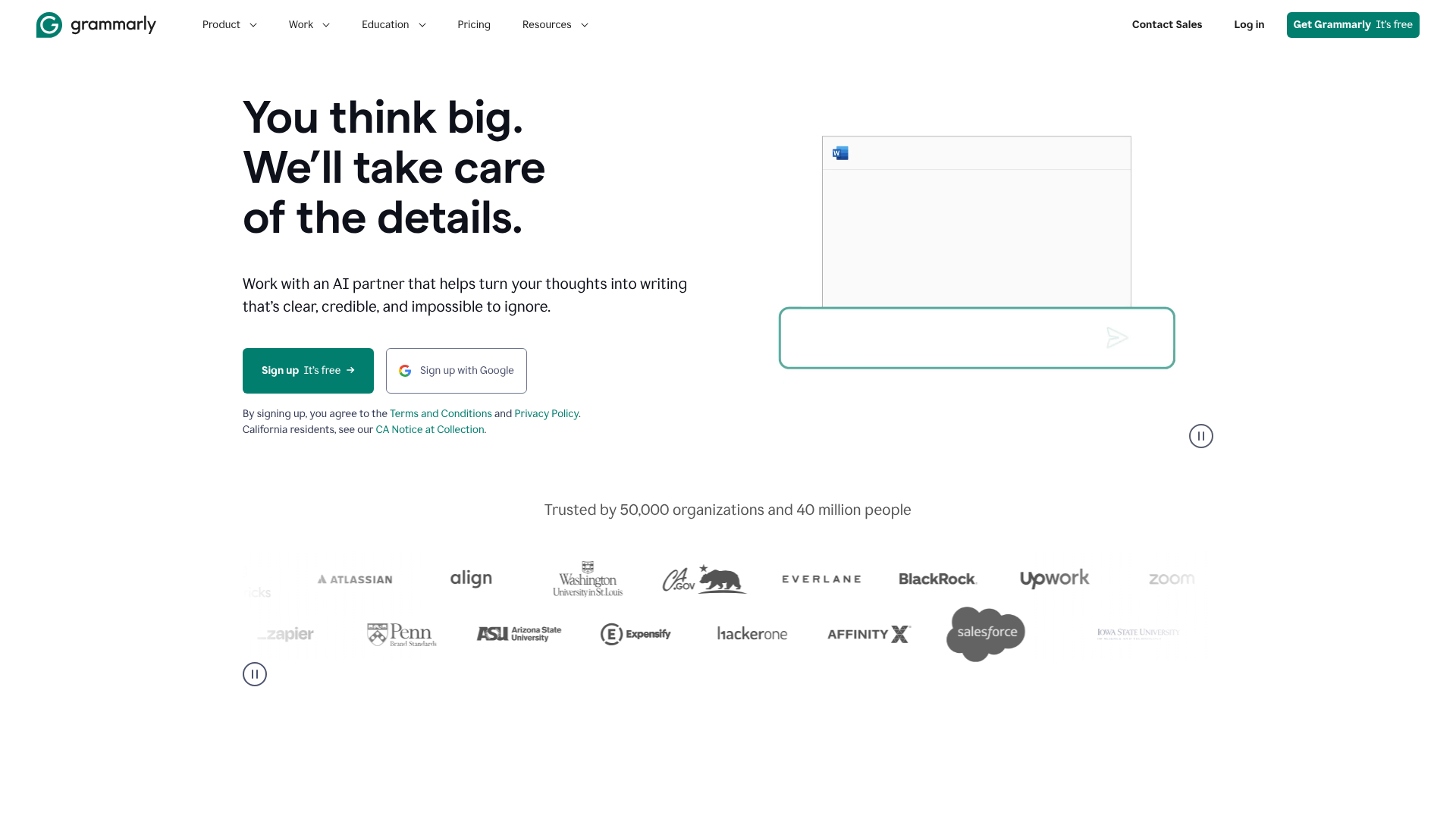
Grammarly is the essential final step in any writing process. While known for its world-class grammar and spell-checking, its AI-powered features, known as GrammarlyGO, have transformed it into a capable content creation assistant. It can help you brainstorm ideas, compose drafts, and rewrite text directly within the apps you already use.
It excels at improving the clarity, tone, and professionalism of your writing. While its generative capabilities aren't as robust as dedicated tools like Writesonic, its strength lies in its seamless integration into your workflow. It acts as a proofreader and editor that is always on, ensuring every piece of content you produce is polished and error-free.
Pros
- Best-in-class grammar, spelling, and style checking.
- GrammarlyGO adds useful generative AI features for brainstorming and drafting.
- Integrates everywhere, from your browser to Microsoft Word.
Cons
- Generative AI is less powerful than specialised writing tools.
- The free version is limited, and the premium plan is subscription-based.
Category: AI Video Generation Tools
Video is king, but production can be expensive and time-consuming. These AI tools make it possible to create professional-looking videos from text in minutes.
6. Synthesia: Best for Corporate Training & Explainer Videos
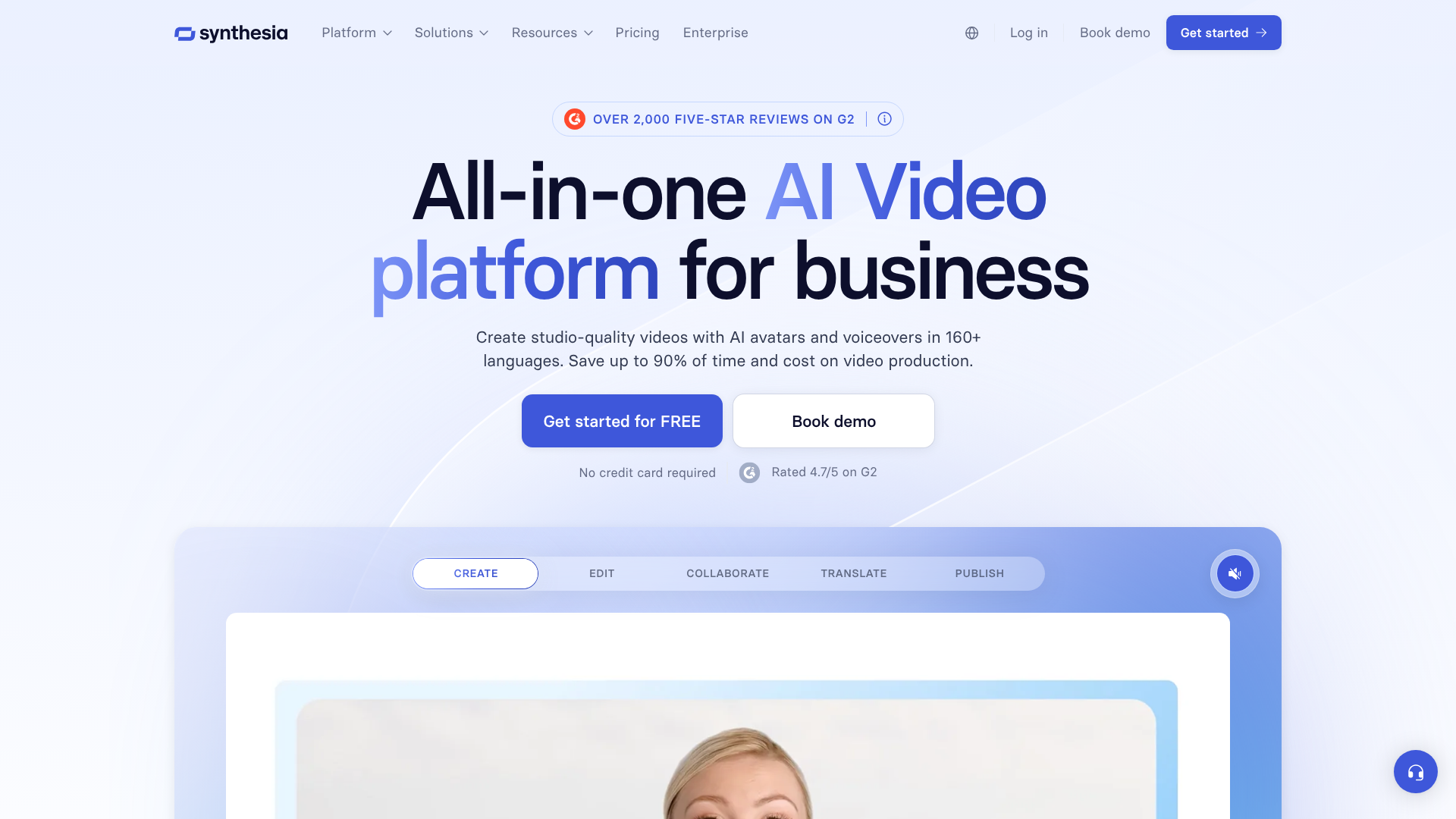
Synthesia is a leader in AI video generation, allowing you to create videos with realistic AI avatars from just a text script. You simply type or paste your script, choose an avatar and a background, and the platform generates a video with a presenter speaking your words. It's an ideal solution for creating corporate training materials, product explainers, and internal communications.
With support for over 120 languages and a wide selection of stock avatars, it's easy to localise content for a global audience. The process is incredibly simple and removes the need for cameras, microphones, or actors, drastically reducing the cost and complexity of video production.
Pros
- High-quality, realistic AI avatars.
- Extensive language support for global content creation.
- Extremely easy to use, with no video editing experience required.
Cons
- The cost can be high for individuals or small businesses.
- Avatar customisation is limited on the lower-priced plans.
7. Pictory: Best for Turning Blog Posts into Videos
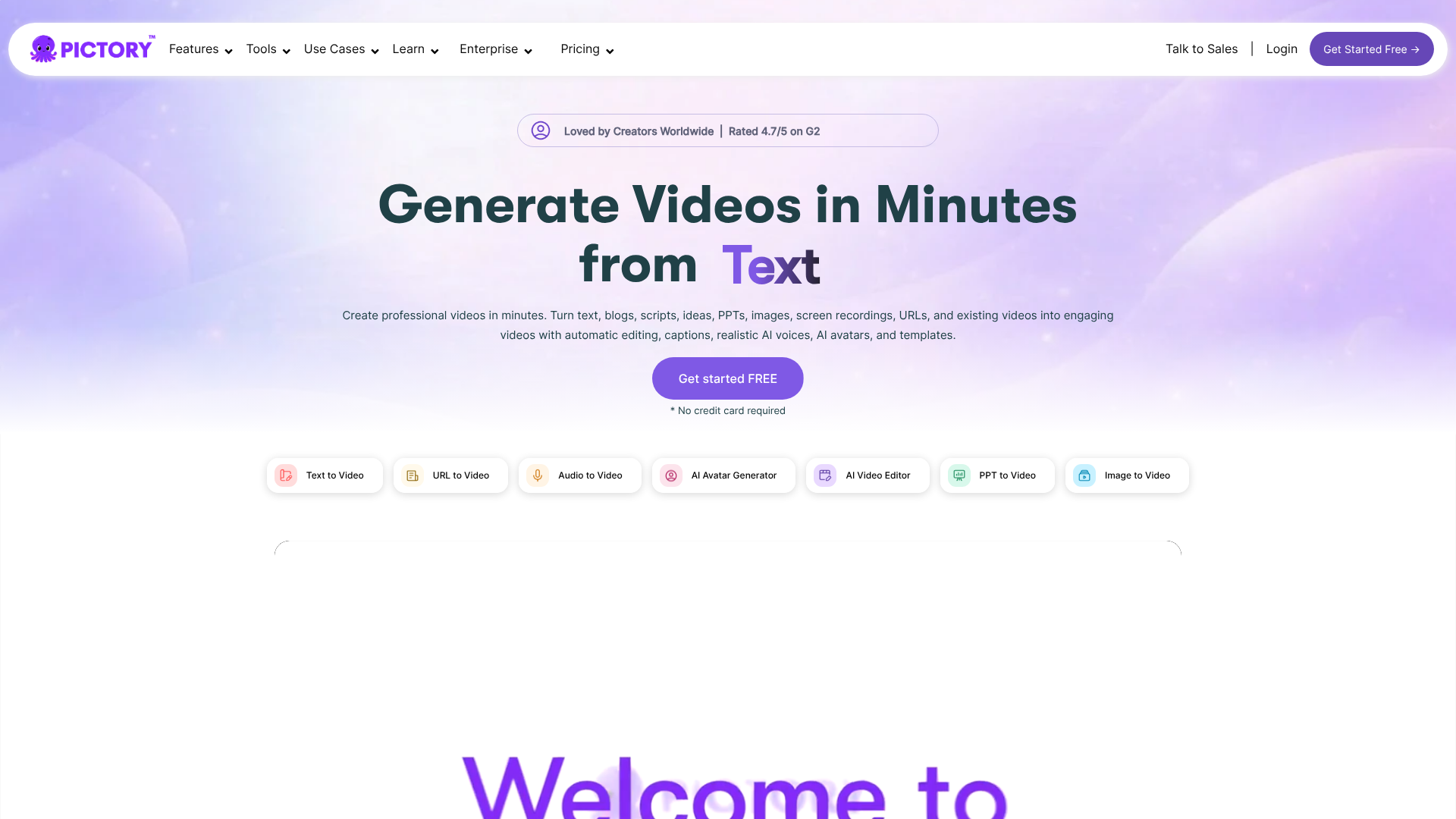
Pictory excels at one specific, highly valuable task: content repurposing. Its 'Article to Video' feature allows you to paste the URL of a blog post, and its AI will automatically analyse the text, select key highlights, and match them with relevant stock video clips, images, and music to create an engaging summary video.
This is a perfect tool for social media managers and content marketers looking to get more mileage out of their existing content. It can transform a single blog post into multiple video assets for platforms like TikTok, Instagram Reels, and YouTube Shorts. It also offers AI-powered voiceovers to narrate the video, completing the package.
Pros
- Incredibly fast and efficient for repurposing text content.
- Massive library of royalty-free video clips and music.
- Automatically adds captions, which is great for social media.
Cons
- The video editor is less flexible than traditional software.
- The AI's clip selection sometimes needs manual correction.
8. HeyGen: Best for Realistic Avatars and Video Translation
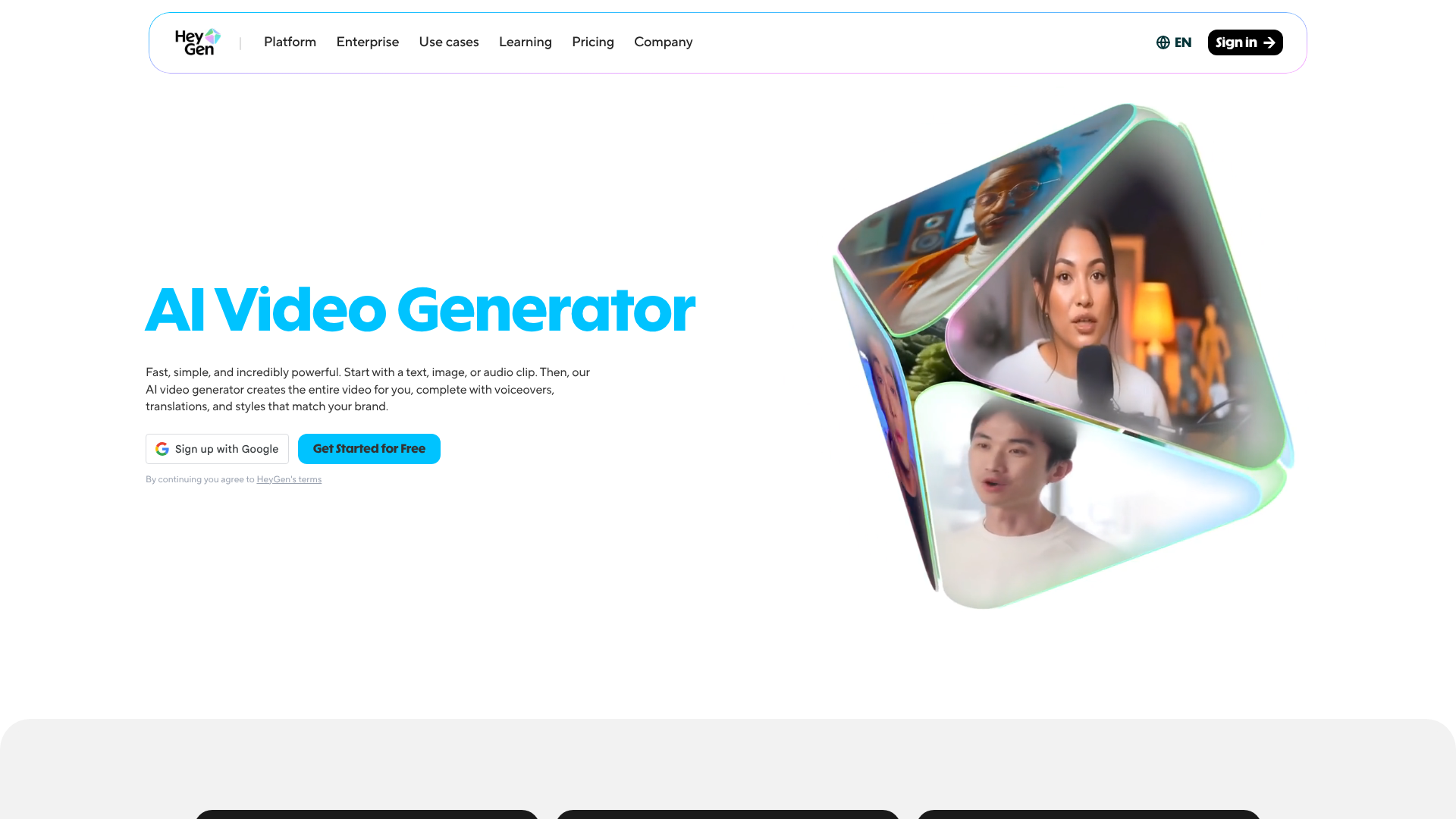
HeyGen is another top contender in the AI avatar video space, often praised for the realism of its avatars and voices. It offers similar functionality to Synthesia but has gained significant attention for its innovative features, particularly its one-click video translation tool. You can upload a video of yourself speaking English, and the AI will translate the audio into another language while also syncing your lip movements to the new words.
This powerful feature opens up new possibilities for reaching international markets without the need for expensive dubbing services. HeyGen's focus on high-fidelity avatars and cutting-edge features makes it a compelling choice for marketers who prioritise visual quality.
Pros
- Extremely realistic avatars and natural-sounding voices.
- Groundbreaking video translation and lip-sync feature.
- Good selection of templates for various use cases.
Cons
- The credit-based pricing model can become expensive with heavy use.
- Video rendering times can sometimes be slow.
Category: AI Audio & Voice Tools
From podcast intros to video voiceovers, high-quality audio is crucial. These AI tools generate human-like speech from text, saving you the cost of hiring voice actors.
9. Murf AI: Best for Professional Voiceovers
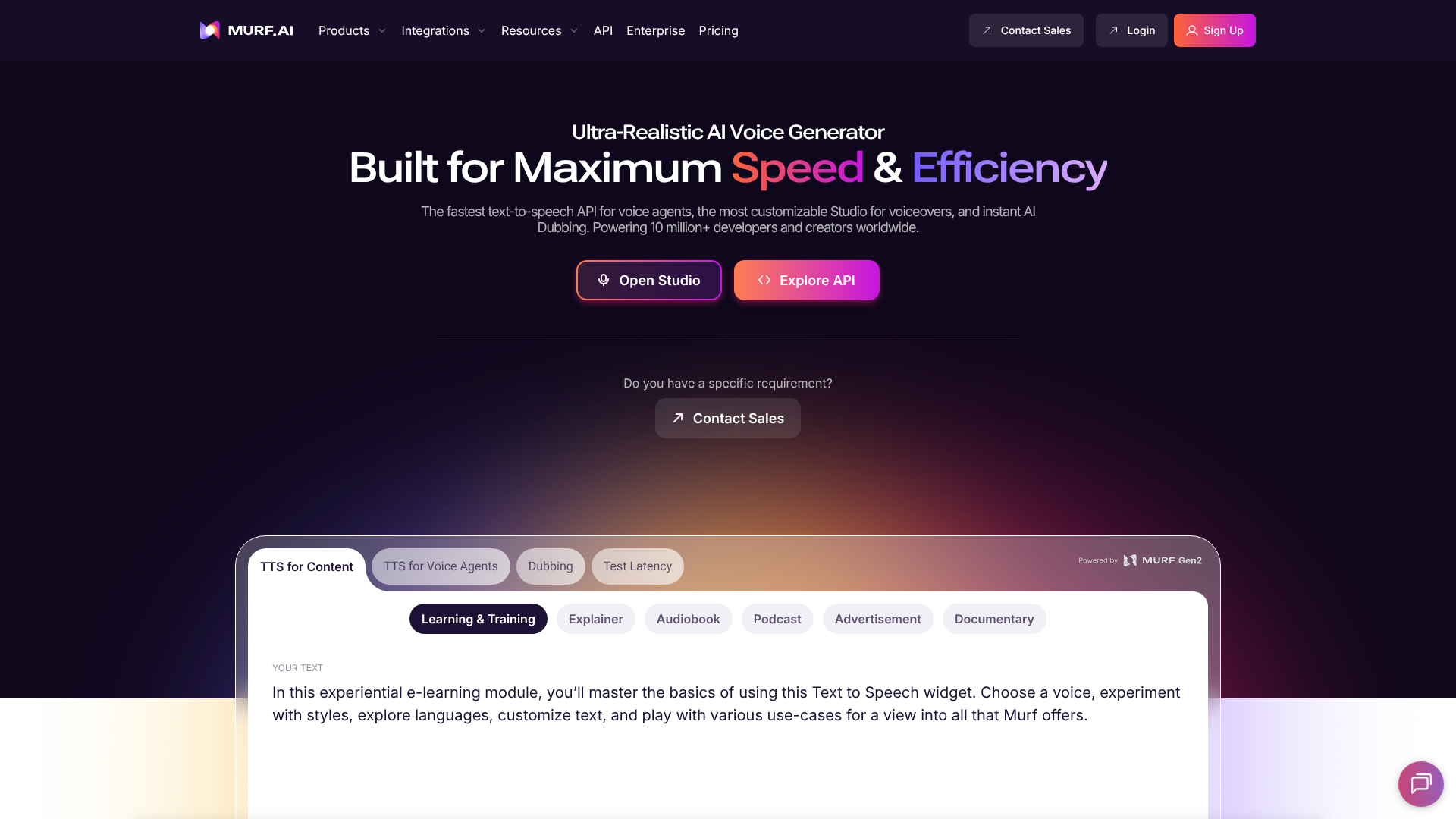
Murf AI provides a versatile text-to-speech studio with a vast library of over 120 AI voices in more than 20 languages. The platform gives you a high degree of control over the output, allowing you to adjust pitch, speed, and emphasis to create the perfect delivery. You can even add pauses to make the speech sound more natural.
It's an excellent tool for creating voiceovers for explainer videos, e-learning modules, and corporate presentations. Murf AI also offers a voice cloning feature, enabling you to create a digital version of your own voice for consistent branding across all your audio content.
Pros
- Large and diverse library of high-quality AI voices.
- Powerful editor for fine-tuning voice characteristics.
- Includes a built-in tool for syncing voiceovers with video.
Cons
- The free plan is quite limited.
- Voice cloning is only available on the more expensive Enterprise plan.
10. ElevenLabs: Best for Hyper-Realistic Voice Cloning
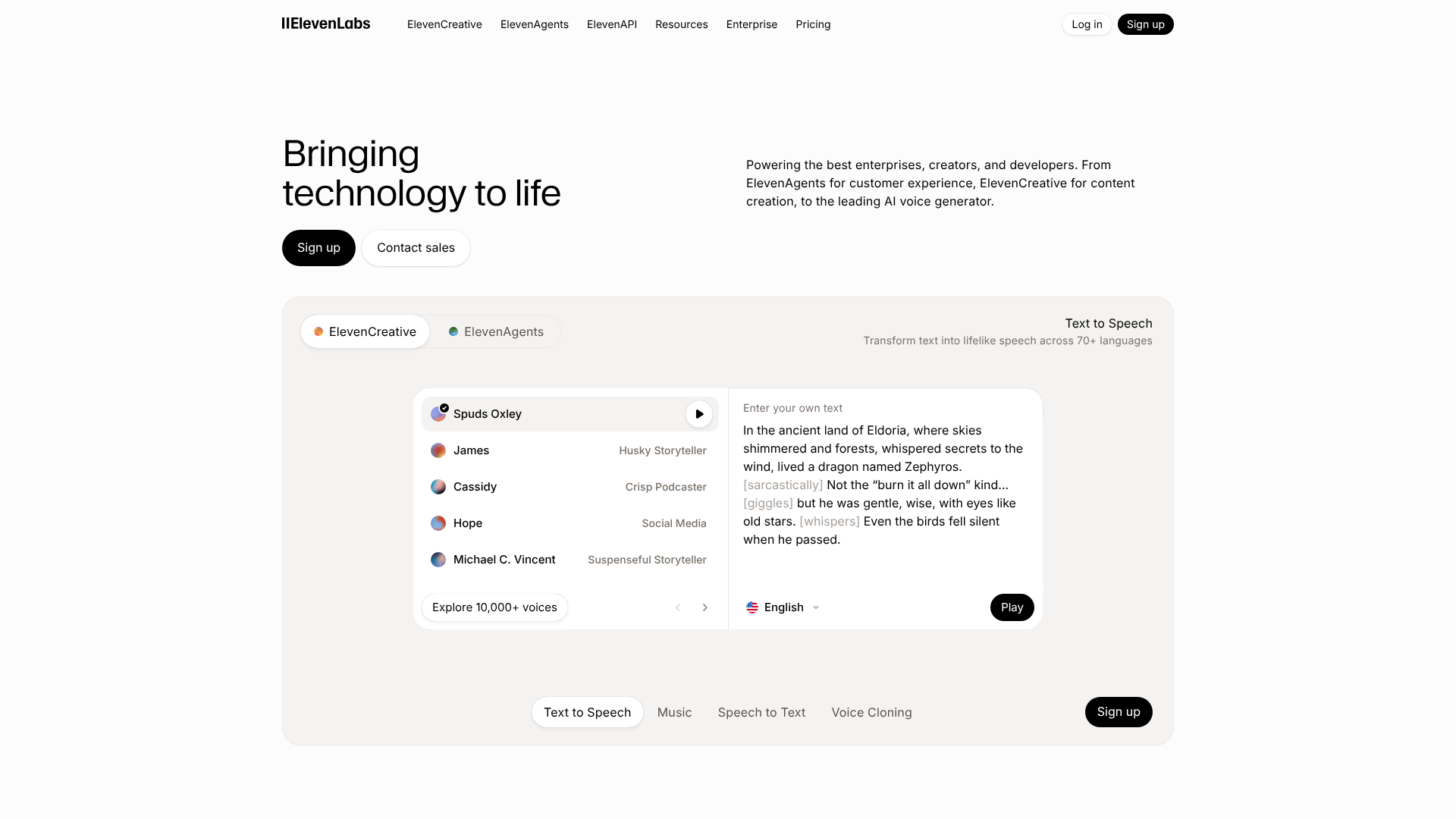
ElevenLabs is widely regarded as the gold standard for realistic AI voices. Its technology is capable of producing speech that is almost indistinguishable from a human recording, complete with natural inflections and emotional tones. The platform's primary strength is its voice cloning, which can create a high-fidelity digital replica of a voice from just a few minutes of audio.
This makes it a favourite among content creators, developers, and even audiobook producers. While it's a premium tool, the quality of the output is unmatched. If your project demands the most realistic and emotionally resonant AI voice possible, ElevenLabs is the top choice.
Pros
- Unparalleled realism in voice generation and cloning.
- Captures emotional nuances and intonations effectively.
- Offers a powerful API for developers to integrate into their applications.
Cons
- Can be more expensive than other text-to-speech tools.
- Ethical considerations around voice cloning require responsible use.
Category: AI Image Generation
Creating custom visuals for blog posts and social media can be a bottleneck. AI image generators create unique, royalty-free images from simple text descriptions.
11. OpenArt: Best for Creative Image Generation and Control
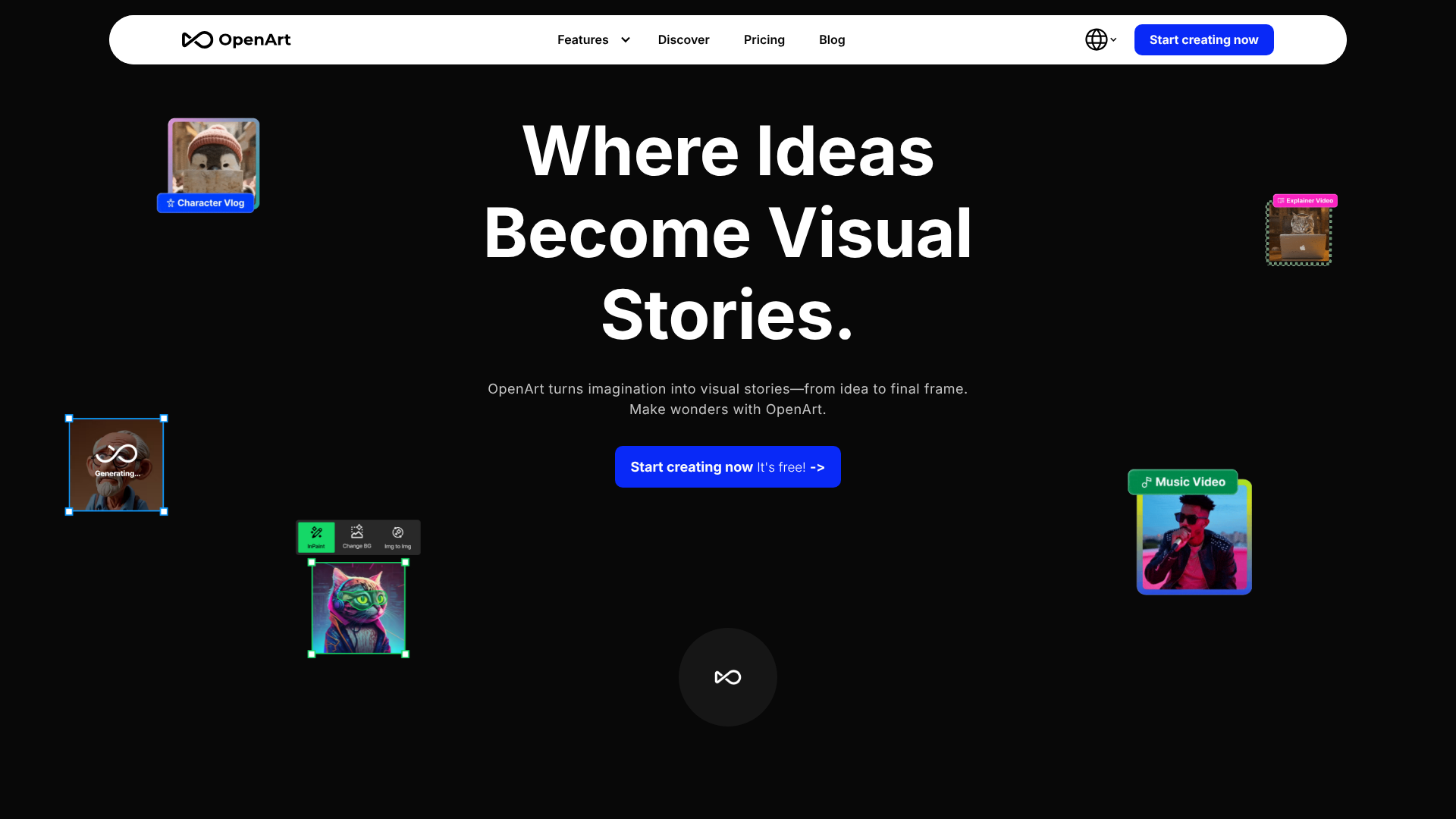
OpenArt is a powerful AI image generator built on Stable Diffusion technology. It gives users a high level of creative control, allowing them to train their own custom AI models based on specific styles or subjects. This is perfect for brands that want to generate images with a consistent and unique aesthetic.
The platform has a strong community focus, where users can browse and use models created by others. Whether you need photorealistic images, anime-style illustrations, or abstract art, OpenArt provides the tools to bring your vision to life with a great deal of precision.
Pros
- High degree of customisation with the ability to train custom models.
- Active community and a vast library of public models to use.
- Generous free credits to get started.
Cons
- The interface can be more complex for beginners compared to simpler tools.
- Achieving the perfect result can require some experimentation with prompts.
Comparison of Top AI Writing Tools
To help you decide between the leading text-based platforms, here’s a quick comparison of our top picks for writing and SEO.
| Feature | Jasper | Writesonic | Semrush |
|---|---|---|---|
| Best For | Marketing teams and campaign creation | All-in-one content and SEO writing | SEO-first content strategy |
| Pricing Model | Tiered Subscription | Credits & Subscription | Tiered Subscription |
| SEO Integration | Good (Surfer integration) | Excellent (Surfer integration) | Native & Best-in-Class |
| Brand Voice | Yes, very advanced | Yes | Yes, Tone of Voice checker |
| Free Trial | Yes | Yes (Free Tier with credits) | Yes |
Pro Tip: Don't rely on just one tool. Many professionals use a combination. For example, you might use Semrush for strategy and keyword research, Writesonic to generate the first draft, and Grammarly to polish the final version. This 'stack' approach lets you use the best features of each platform.
Understanding Pricing Models: What to Expect
Navigating the cost of AI tools can be tricky. Most fall into one of three categories:
Tiered Subscriptions: This is the most common model. You pay a flat monthly or annual fee for access to a certain set of features and a specific word or generation limit. Higher tiers unlock more advanced features and higher limits. This is predictable and good for consistent users.
Credit-Based Systems: On these plans, you purchase a number of 'credits' which are then consumed each time you generate content. A short piece of ad copy might cost one credit, while a full blog post could cost ten. This model is flexible and can be cost-effective for users with inconsistent needs.
Pay-As-You-Go: Less common for content tools, this model allows you to pay per generation without a subscription. This is ideal for very occasional users but can become expensive quickly with regular use.
Always take advantage of free trials. Use them to create the type of content you normally would to get a realistic idea of your monthly usage. This will help you choose the most cost-effective plan and avoid overpaying for features or credits you don't need.
The Pros and Cons of Using Content Creation AI
While these tools offer incredible advantages, it's important to approach them with a balanced perspective. They are not a magic solution for all your content needs and come with their own set of challenges and risks.
Advantages (Recap)
- Speed and Scale: Generate content drafts in a fraction of the time it takes a human.
- Cost-Effectiveness: Reduce reliance on freelancers and agencies for first drafts.
- Idea Generation: Overcome creative blocks with endless brainstorming potential.
- Consistency: Maintain a uniform brand voice and style across all content.
Disadvantages and Risks to Consider
- Factual Inaccuracies: AI models can 'hallucinate' and present false information as fact. Always fact-check any claims, statistics, or data generated by an AI.
- Lack of Originality: While the text is technically original, AI can produce generic or formulaic content if not guided by a creative prompt and a human editor. It lacks true human experience and emotion.
- SEO Risks: Google's helpful content guidelines prioritise content made for humans. Low-quality, unedited AI content can harm your search rankings. The key is to use AI to assist, not to automate entirely.
- Ethical Concerns: Issues around data privacy, copyright of training data, and the potential for misuse (e.g., creating deepfakes) are ongoing concerns in the AI industry.
Frequently Asked Questions (FAQ)
Here are answers to some common questions people have about using AI for content creation.
What is the best AI tool to generate content?
There is no single 'best' tool; it depends entirely on your needs. For general marketing and blog writing, Jasper is often considered a top contender due to its high-quality output and marketing-focused features. For turning articles into videos, Pictory is exceptional. For the most realistic voiceovers, ElevenLabs leads the industry.
The best approach is to identify your primary content type and choose a specialised tool that excels in that area.
What are the top 5 generative AI tools?
The top 5 generative AI tools, covering different categories, are generally considered to be:
- Jasper: For comprehensive AI writing and marketing campaigns.
- Writesonic: For versatile, SEO-optimised content creation.
- Midjourney: (A non-affiliate tool) For state-of-the-art AI image generation.
- Synthesia: For creating professional videos with AI avatars.
- ElevenLabs: For hyper-realistic text-to-speech and voice cloning.
What AI is better than ChatGPT?
'Better' is subjective and depends on the task. While ChatGPT is an excellent general-purpose tool for conversation and drafting, other tools are superior for specific functions. For example, Jasper is often better for creating structured marketing copy because of its templates and workflows. Anthropic's Claude is frequently praised for its ability to handle very long documents and produce more natural, nuanced long-form prose.
For SEO-optimised content, a tool with built-in guidance like Semrush's Writing Assistant is more effective.
Is it illegal to publish a book written by AI?
It is not illegal to publish a book written by AI. However, the legal landscape around copyright is still evolving. In many jurisdictions, including the US, content generated solely by AI without significant human authorship cannot be copyrighted. This means you might not be able to protect your work from being copied.
Most publishers and platforms, like Amazon's KDP, now require authors to disclose the use of AI in their work. The key is transparency and ensuring you've added substantial human creativity and editing to the AI-generated draft.
What is the 30% rule for AI?
The '30% rule' is an informal guideline, not a strict rule, that many content creators follow. It suggests that you should aim to edit, rewrite, or add to at least 30% of the AI-generated text to make it your own. The goal is to add unique insights, personal experience, and your brand's voice, transforming the generic AI draft into a valuable, original piece of content. This practice helps ensure the content is helpful for readers and aligns with what search engines like Google want to see.
Final Thoughts: Integrating AI into Your Content Workflow
AI content generation tools have fundamentally changed the creator's toolkit. They offer a powerful way to scale production, break through creative barriers, and produce a wider variety of content than ever before. From writing blog posts with Jasper to creating training videos with Synthesia, the possibilities are vast.
However, the most successful content teams understand that these are tools for augmentation, not automation. The best results come from a partnership between human creativity and artificial intelligence. Use AI to handle the heavy lifting of drafting and brainstorming, but always apply your unique expertise, critical thinking, and editorial judgment to shape the final product.
If you're looking to scale your marketing efforts, exploring a tool like Jasper for writing or Pictory for video can be a great starting point. Find the one that best fits your workflow, embrace the learning process, and start creating more efficiently today.