
9 Best AI Content Generation Tools for Marketers in 2026 (Ranked)
Creating high-quality content consistently is one of the biggest challenges for any marketer or business owner. Finding the right ideas, drafting compelling copy, and optimising for search engines takes significant time and resources. The search for the best AI content generation tool is about finding a partner that can streamline this process, boost productivity, and help you scale your content strategy without sacrificing quality.
- Quick Summary
- What Exactly is an AI Content Generation Tool?
- Key Features to Look For in a Top AI Content Tool
- How to Choose the Right AI Writing Software for Your Needs
- The 9 Best AI Content Generation Tools of 2026
- 1. Jasper (formerly Jarvis): Best Overall for Quality & Versatility
- 2. Writesonic: Best for SEO Content & Factual Accuracy
- 3. Pictory: Best for Turning Text into Engaging Videos
- 4. Synthesia: Best for Creating Professional AI Avatar Videos
- 5. Murf AI: Best for Realistic AI Voiceovers & Narration
- 6. QuillBot: Best for Paraphrasing and Improving Existing Text
- 7. Semrush: Best for AI-Powered SEO Content Strategy
- 8. ChatGPT: Best for Versatility and Brainstorming
- 9. Grammarly: Best for AI-Powered Editing and Proofreading
- Comparison of Top AI Content Generators
- The Pros and Cons of Using AI Writing Software
- Frequently Asked Questions (FAQ)
- Which AI is best for content generation?
- What is the best AI platform for content creators?
- What AI is better than ChatGPT?
- What are the top 5 generative AI tools?
- Final Thoughts: Choosing Your Content Creation Partner
These tools use advanced artificial intelligence to help you write blog posts, create social media updates, generate video scripts, and even produce entire videos with AI avatars. They are designed to help you overcome writer's block, produce content faster, and ensure your message resonates with your target audience. Whether you're a solo creator or part of a large marketing team, the right AI platform can transform your workflow.
Quick Summary
- Best Overall AI Writer: Jasper stands out for its high-quality output, extensive templates, and powerful Brand Voice features, making it ideal for marketing teams.
- Content Varies by Type: The best tool depends on your needs. For text, Jasper and Writesonic lead. For video, Pictory and Synthesia are top choices. For audio, Murf AI offers realistic voiceovers.
- Not a Replacement, But an Assistant: AI tools are powerful assistants, not replacements for human creativity. They excel at drafting, brainstorming, and research but require human oversight for fact-checking, editing, and adding unique insights.
- Key Features to Consider: When choosing, evaluate the quality of the output, ease of use, variety of templates, and integration capabilities to ensure the tool fits your workflow.
What Exactly is an AI Content Generation Tool?
An AI content generation tool is a type of software that uses artificial intelligence, specifically large language models (LLMs), to create human-like content. You provide a prompt, which can be a simple topic, a detailed outline, or a few keywords, and the AI processes this information to generate text, images, video scripts, or even voiceovers.
These platforms are trained on vast datasets of text and code from the internet, allowing them to understand context, grammar, tone, and style. The core technology enables them to predict the next most likely word in a sequence, effectively 'writing' sentences and paragraphs that are coherent and contextually relevant. Think of it as an incredibly advanced autocomplete function that can build entire articles instead of just finishing your sentence.
Modern tools go beyond simple text generation. The best content generator will often include specialised features for different formats. For example, some tools are designed specifically for creating SEO-optimised blog posts, while others focus on generating social media captions, email newsletters, or video scripts. There are also AI tools that create images from text descriptions (text-to-image) or turn a blog post into a summary video, complete with stock footage and AI narration.
Key Features to Look For in a Top AI Content Tool
With so many options available, identifying the right tool can be difficult. Focusing on a few key features will help you narrow down the choices and find a platform that genuinely supports your content goals. Not every tool will excel in all areas, so prioritise what matters most for your specific workflow.
First, the quality of the output is paramount. The generated content should be coherent, grammatically correct, and require minimal editing. A top AI content tool produces text that sounds natural and aligns with the tone you specify. It should be able to handle complex topics without producing nonsensical or repetitive sentences.
Many platforms offer different quality settings or models to choose from.
Next, consider ease of use and the user interface (UI). The software should be intuitive, even for non-technical users. Look for a clean dashboard, logical navigation, and helpful tutorials or guides. A complicated interface can create a steep learning curve, defeating the purpose of using a tool to save time.
The best platforms make it easy to start generating content within minutes.
Template variety and supported use cases are also crucial. A good tool will offer a wide range of pre-built templates for different content types, such as blog post intros, social media ads, product descriptions, and email subject lines. This saves you from having to write complex prompts from scratch. Ensure the tool you choose supports the primary content formats you need to create.
Finally, look for customisation and integration options. The ability to set a custom brand voice or tone is a powerful feature that ensures content consistency. Additionally, check if the AI writing software integrates with other tools you use, such as WordPress, Google Docs, or SEO platforms like Semrush. These connections can create a much more efficient content creation process.

How to Choose the Right AI Writing Software for Your Needs
Selecting the perfect AI writing software involves more than just picking the one with the most features. It requires a clear understanding of your own goals, workflow, and resources. A tool that works wonders for a large agency might be overkill for a solo blogger. Here’s a practical approach to making the right choice.
Start by assessing your primary content needs. What type of content do you create most often. If you're focused on long-form SEO articles, a tool with deep SEO integration and research capabilities like Writesonic or Semrush's ContentShake AI is ideal. If your work revolves around creating short, snappy social media copy, a platform with templates for different social networks would be more suitable.
For those creating video content, a specialised tool like Pictory is a much better fit than a text-focused generator.
Next, consider your budget and the pricing structures. AI tools range from free with limitations to expensive enterprise-level subscriptions. Many offer tiered pricing based on word count, features, or the number of users. Determine how much you're willing to invest and look for a plan that aligns with your expected usage.
Take advantage of free trials to test a platform's capabilities before committing to a paid plan.
Your technical skill level is another important factor. While most modern AI tools are designed to be user-friendly, some offer more advanced features and customisation that might require a learning curve. If you're new to AI, choose a tool with a simple interface and plenty of tutorials. If you're an experienced user, you might prefer a platform that offers more control through complex prompting and workflow automation.
Finally, if you work in a team, evaluate collaboration features. Look for tools that allow multiple user seats, shared folders, and commenting or editing capabilities. The ability to create and share custom templates or brand voice profiles across a team can ensure consistency and improve overall efficiency. A platform like Jasper is built with team collaboration in mind, making it a strong choice for agencies and marketing departments.
The 9 Best AI Content Generation Tools of 2026
Now that you know what to look for, let's explore the top AI content generation tools available today. This list covers a range of use cases, from writing and editing to video and audio creation, helping you find the perfect fit for your content strategy.
1. Jasper (formerly Jarvis): Best Overall for Quality & Versatility
Jasper is often considered the market leader in AI writing, and for good reason. It consistently produces high-quality, natural-sounding content across a massive library of over 50 templates. It's an excellent all-rounder for marketing teams, content creators, and businesses that need to produce a variety of content types at scale.
The platform's standout feature is its 'Brand Voice' capability. You can upload documents, paste text, or scan your website, and Jasper will learn your company's tone, style, and key facts. This ensures that all generated content is perfectly on-brand, a crucial feature for maintaining consistency. Its 'Campaigns' feature also allows you to generate a suite of related marketing assets from a single brief, saving an enormous amount of time.
While it's one of the more premium options, its powerful features, collaborative workspace, and high-quality output justify the cost for serious content creators. It's the best content generator for teams that prioritise quality and brand consistency above all else.
Pros
- Excellent Output Quality: Generates some of the most human-like and coherent text available.
- Brand Voice Feature: Learns and applies your specific brand style for consistent content.
- Versatile Templates: Offers a huge library of templates for almost any marketing task.
- Team Collaboration: Designed with features that support marketing teams and agencies.
Cons
- Higher Price Point: Can be more expensive than some competitors, especially for individuals.
- Learning Curve: The sheer number of features can be overwhelming for new users.
Pricing
Jasper offers several pricing tiers based on features and word credits. For the most current information, it's best to visit the Jasper website.
2. Writesonic: Best for SEO Content & Factual Accuracy
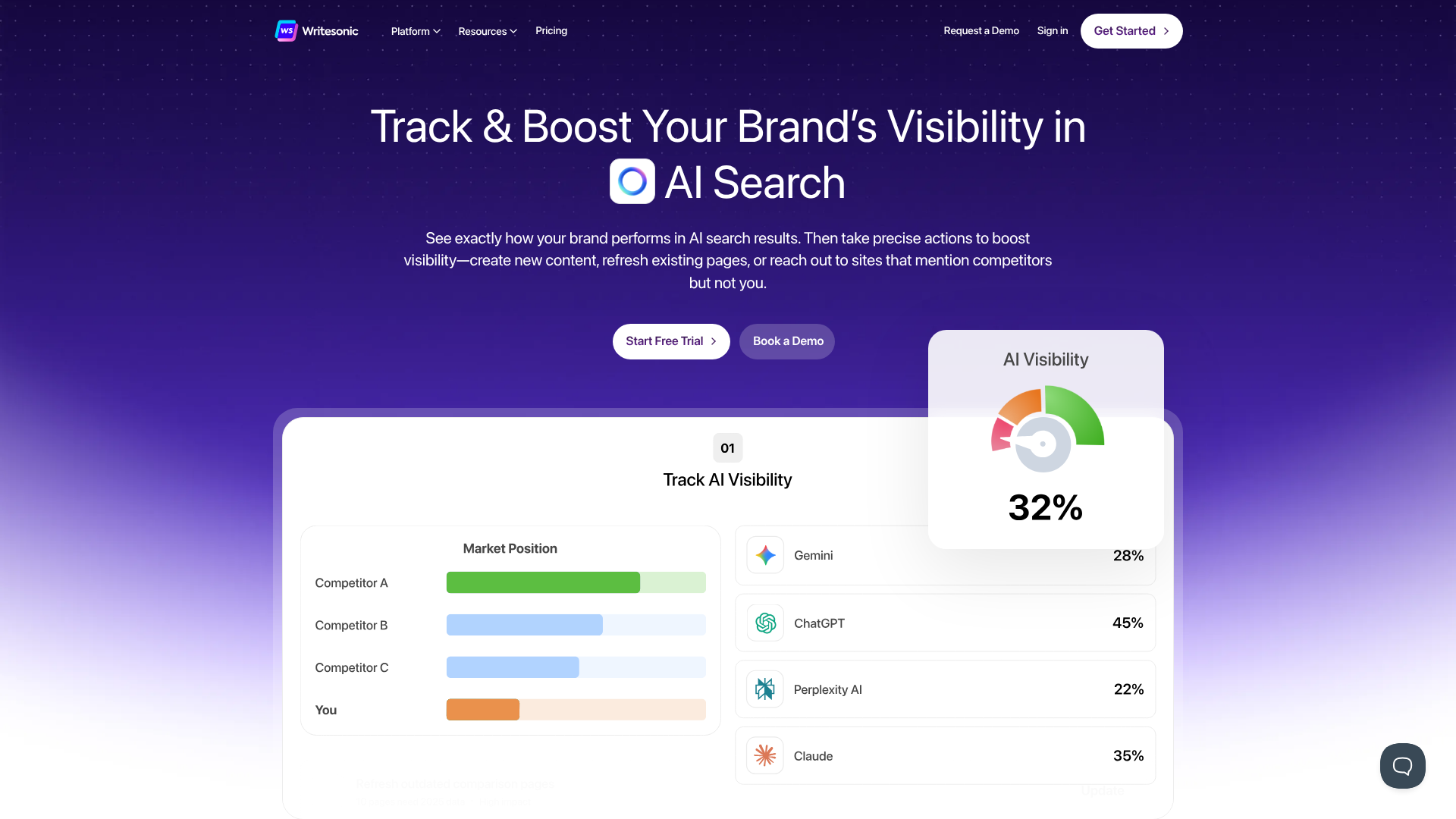
Writesonic is a powerful AI writing assistant that excels at creating long-form, SEO-optimised content. Its standout feature is the AI Article Writer, which can generate a 1,500-word, fact-checked article from a single topic idea. It integrates with Google Search to pull in current information, helping to ensure the content is accurate and relevant.
Beyond text, Writesonic has expanded into a full content suite. It includes Photosonic for AI image generation, Audiosonic for creating realistic voiceovers, and Botsonic, an AI chatbot builder. This makes it a versatile platform for creators who need to produce multiple types of media. Its integration with Surfer SEO also allows you to optimise articles directly within the platform, a huge benefit for content marketers focused on search rankings.
Writesonic is a fantastic choice for bloggers, SEO specialists, and marketers who need to produce factually accurate, search-engine-friendly articles efficiently. The free trial is generous, giving you a good opportunity to test its capabilities.
Pros
- Fact-Checked Content: Integrates with Google Search to improve factual accuracy.
- Strong SEO Features: Includes integration with Surfer SEO for on-page optimisation.
- All-in-One Platform: Offers tools for text, image, audio, and chatbot creation.
- User-Friendly Interface: Clean and easy to navigate, even for beginners.
Cons
- Credit System Can Be Confusing: Different features consume credits at different rates.
- Output Can Sometimes Be Generic: May require more human editing to add a unique voice.
Pricing
Writesonic uses a credit-based system with various plans, including a free tier. Check their official website for the latest pricing details.
3. Pictory: Best for Turning Text into Engaging Videos
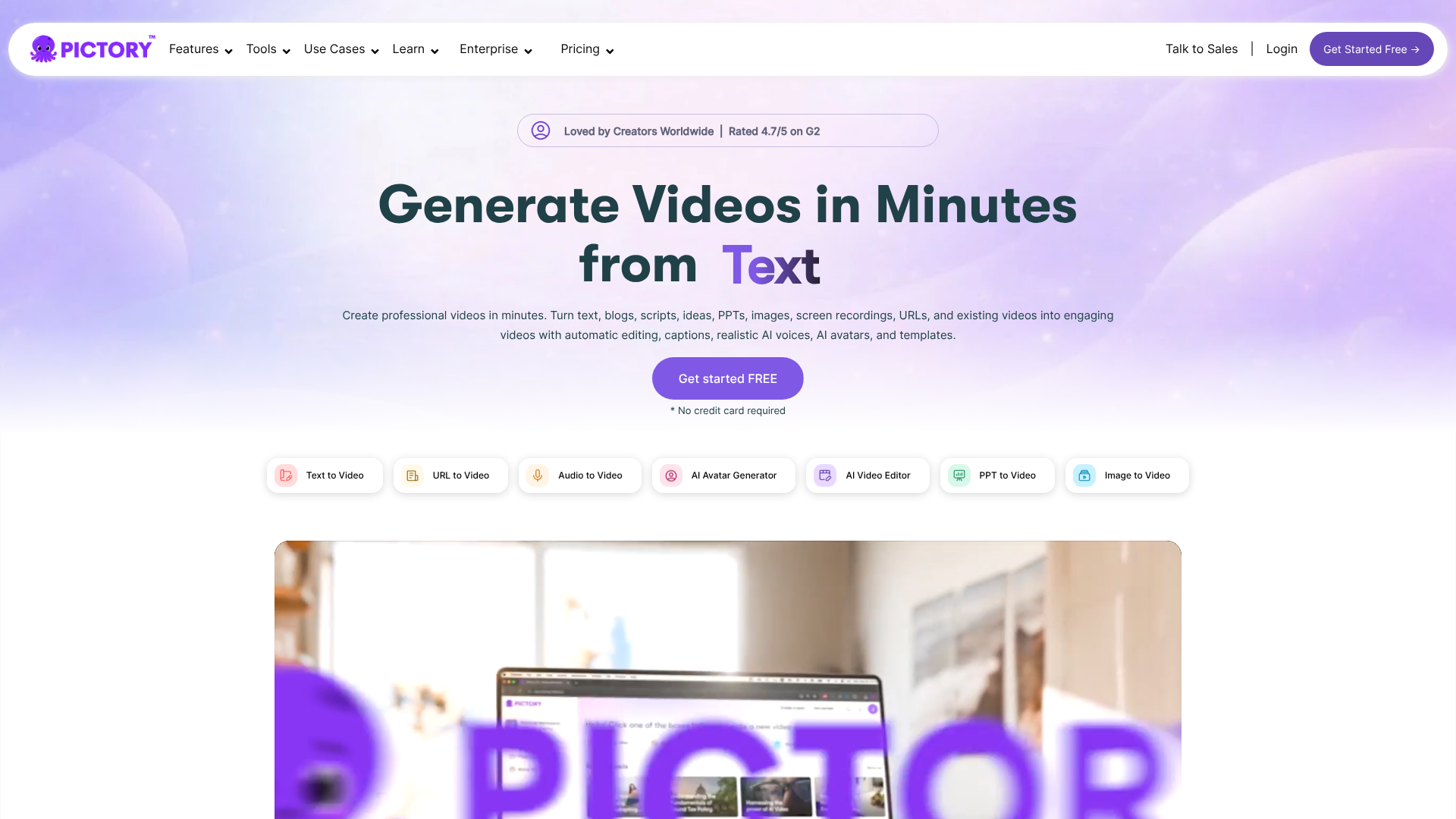
Video content is essential, but production can be slow and expensive. Pictory solves this problem by using AI to transform long-form text content, like blog posts or scripts, into professional-looking videos in minutes. It's an incredibly efficient tool for content repurposing.
You simply paste your text, and Pictory's AI analyses it to select relevant stock video clips, images, and music from its extensive library. It automatically adds captions, which is vital for social media engagement, and allows you to add an AI-generated voiceover or record your own. The entire process is fast and requires no video editing experience.
Pictory is perfect for marketers, YouTubers, and course creators who want to increase their video output without investing in complex software or hiring a video editor. It's one of the best ways to give your written content a new life on video-centric platforms.
Pros
- Extremely Fast Workflow: Creates videos from text in a matter of minutes.
- Large Stock Media Library: Access to millions of royalty-free videos, images, and music tracks.
- Automatic Captions: Adds subtitles to all videos, boosting accessibility and engagement.
- No Editing Skills Required: The interface is simple and intuitive for beginners.
Cons
- AI Voiceovers Can Sound Robotic: While convenient, they lack the nuance of a human narrator.
- Limited Customisation: Less control over fine-tuning edits compared to traditional video editors.
Pricing
Pictory offers several subscription plans based on the number of videos and features. Visit their website for current pricing.
4. Synthesia: Best for Creating Professional AI Avatar Videos
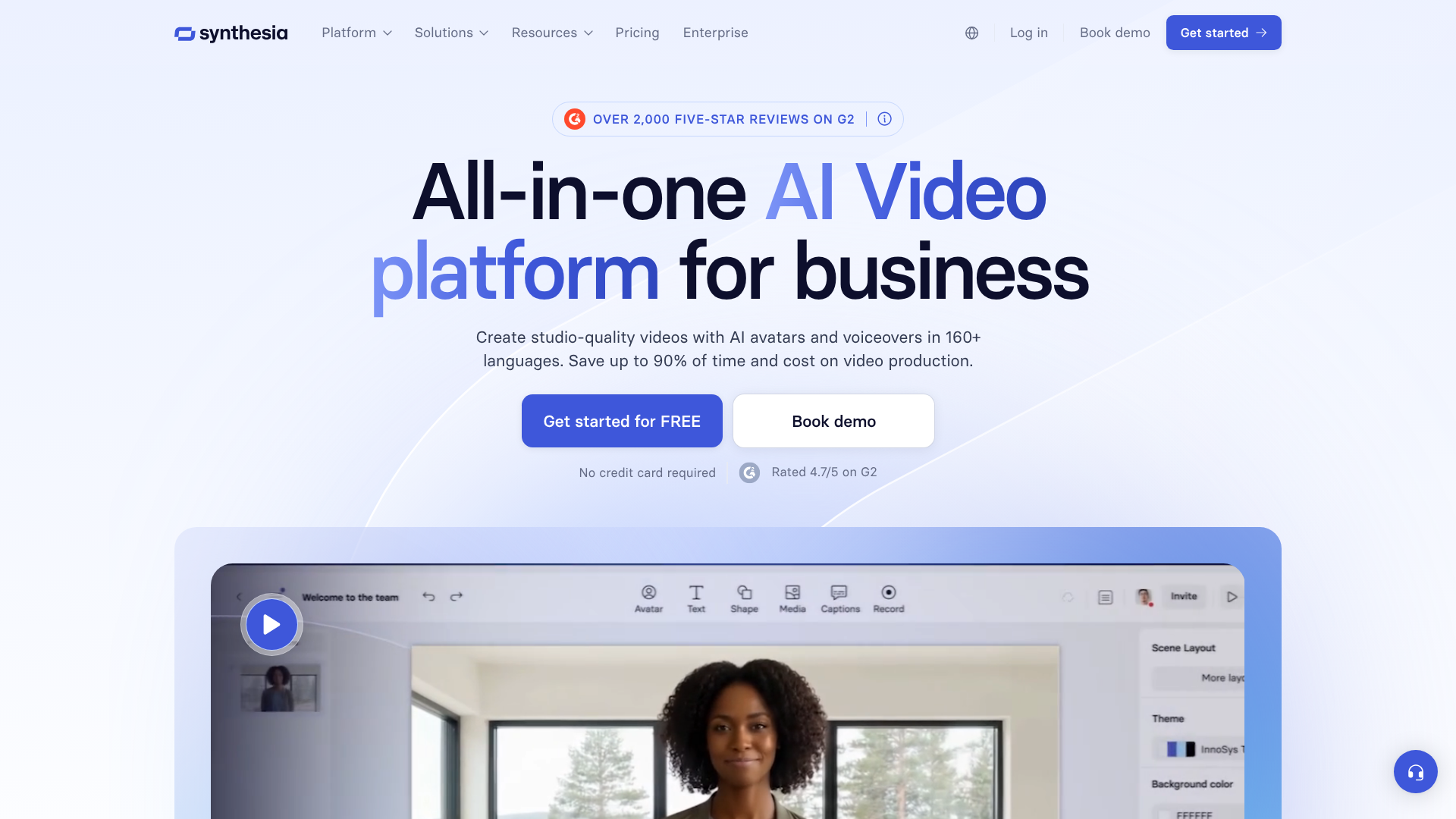
Synthesia takes AI video generation to the next level by allowing you to create videos featuring hyper-realistic AI avatars. You choose an avatar, type your script, and the AI generates a video of the avatar speaking your text. It's a powerful tool for creating training videos, corporate communications, and marketing presentations without needing cameras, actors, or studios.
The platform supports over 120 languages and offers a diverse range of stock avatars. For a truly personalised experience, you can even create a custom avatar of yourself. This technology allows you to update videos simply by editing the text, making it incredibly scalable and cost-effective for content that requires frequent updates.
Synthesia is the ideal solution for businesses looking to create professional, scalable video content for learning and development, sales enablement, and customer support. It replaces the traditional, costly video production process with a simple, text-based workflow.
Pros
- Hyper-Realistic Avatars: High-quality, lifelike AI presenters.
- Multi-Language Support: Create videos in over 120 languages and accents.
- Scalable and Editable: Update videos by simply changing the script.
- Custom Avatars: Option to create a digital twin for branded content.
Cons
- Can Be Expensive: The cost may be prohibitive for small businesses or individual creators.
- Avatars Lack Genuine Emotion: While realistic, they can't replicate the full range of human expression.
Pricing
Synthesia's pricing is tailored to individuals and enterprise teams. Check their website for detailed plans.
5. Murf AI: Best for Realistic AI Voiceovers & Narration
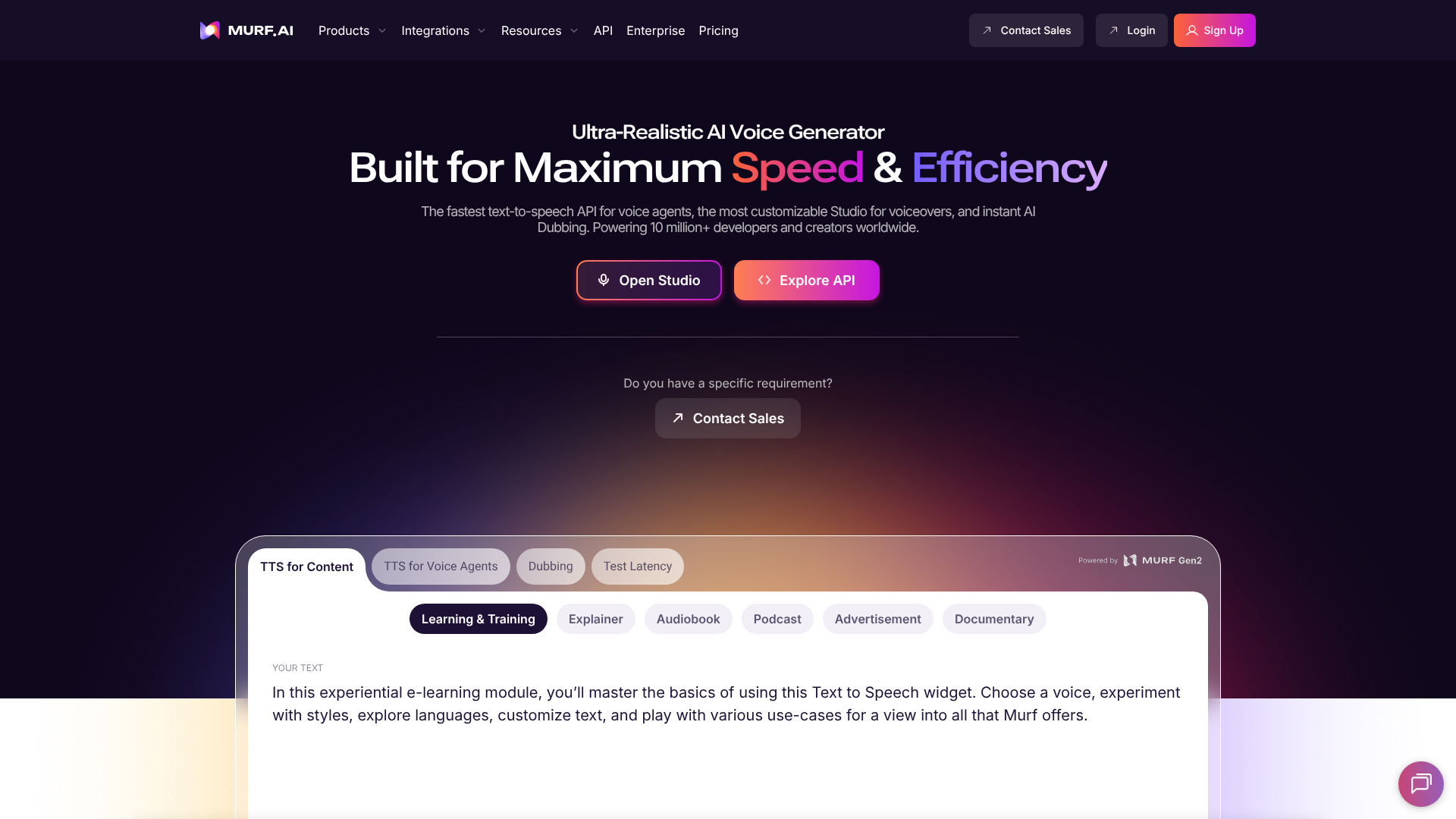
High-quality audio can make or break a piece of content. Murf AI is a text-to-speech generator that produces incredibly realistic and natural-sounding voiceovers. It's an excellent tool for podcasters, video creators, and educators who need professional narration without hiring voice actors.
Murf offers a library of over 120 AI voices across different languages, genders, and accents. What sets it apart is the ability to control pitch, speed, and emphasis, allowing you to fine-tune the delivery to match the tone of your content. It also includes a voice cloning feature, enabling you to create a digital replica of your own voice for consistent branding.
The platform includes a simple video editor, so you can sync your voiceover to videos or presentations directly within Murf. It's a comprehensive solution for anyone needing to add a polished audio track to their projects.
Pros
- Highly Realistic Voices: Some of the most natural-sounding AI voices on the market.
- Voice Customisation: Extensive control over tone, pitch, and speed.
- Voice Cloning Feature: Create a custom AI voice for your brand.
- Integrated Editor: Sync voiceovers with video and images within the app.
Cons
- Cloning Requires a High-Tier Plan: The voice cloning feature is only available on the Enterprise plan.
- Some Voices Sound Better Than Others: Quality can vary across the voice library.
Pricing
Murf AI has a free plan and several paid tiers based on voice generation time and features. Visit their site for the latest details.
6. QuillBot: Best for Paraphrasing and Improving Existing Text
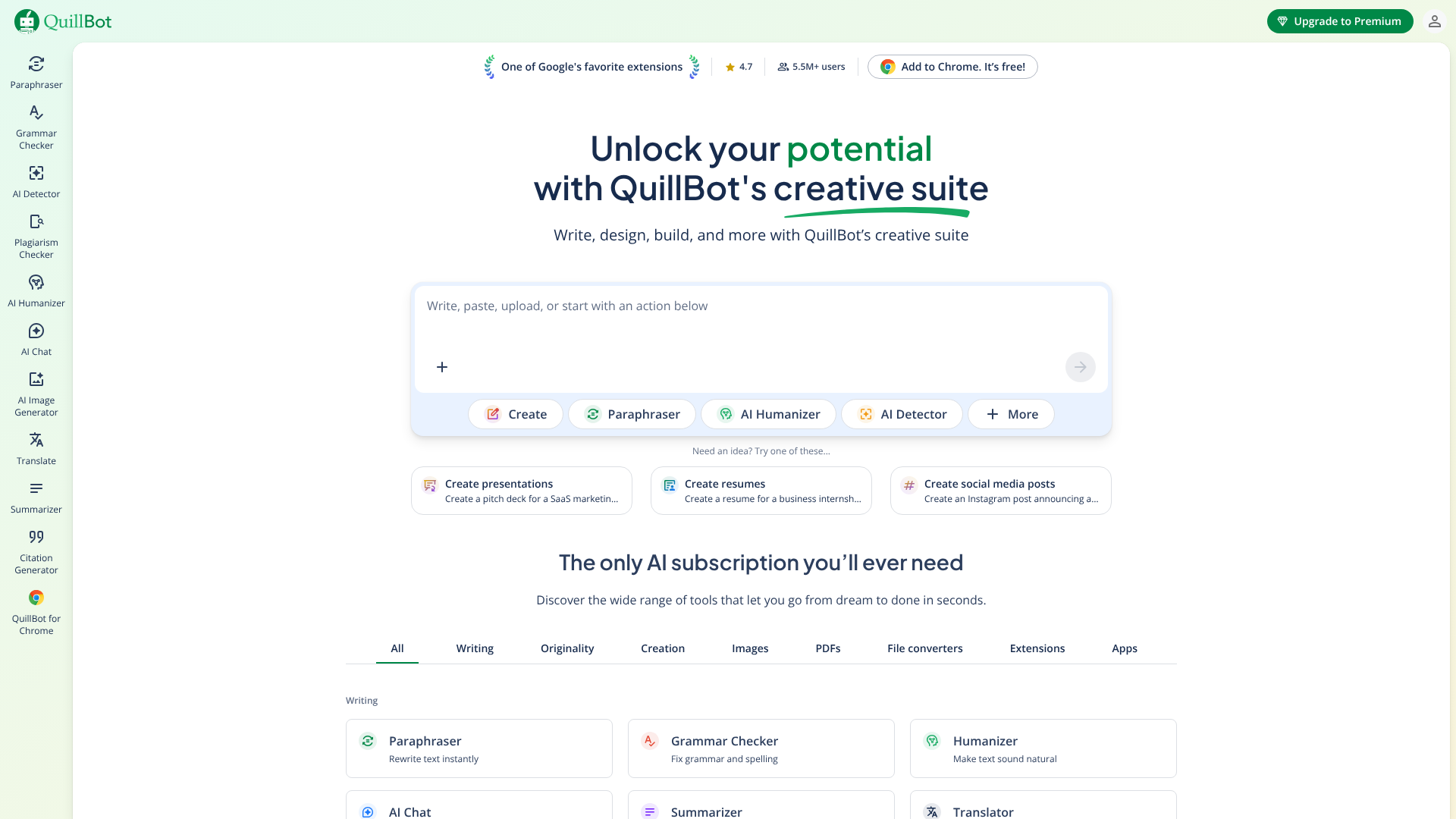
Not all content creation starts from scratch. QuillBot is an AI-powered writing companion that specialises in improving existing text. Its core feature is a sophisticated paraphrasing tool that can rewrite sentences, paragraphs, or entire articles in different tones, such as formal, simple, or creative.
This makes it an invaluable tool for academics, students, and writers looking to avoid plagiarism, rephrase complex ideas for clarity, or simply find a better way to say something. Beyond paraphrasing, QuillBot also includes a grammar checker, a summariser, and a co-writer that helps you complete your sentences and overcome writer's block.
While it can't generate a full blog post from a prompt like Jasper, QuillBot is an essential tool for the editing and refining stage of the writing process. It helps you polish your first draft into a clear, concise, and compelling final piece.
Pros
- Excellent Paraphrasing Tool: Offers multiple modes for rewriting text effectively.
- Integrated Writing Tools: Includes a grammar checker, summariser, and citation generator.
- Improves Clarity and Fluency: Helps make complex writing easier to understand.
- Affordable Pricing: The premium version is very budget-friendly.
Cons
- Not a Full Content Generator: Cannot create new content from a simple prompt.
- Paraphrasing Can Sometimes Lose Nuance: Requires human review to ensure the original meaning is preserved.
Pricing
QuillBot has a free version with limitations and an affordable Premium plan that unlocks all features. Check their website for details.
7. Semrush: Best for AI-Powered SEO Content Strategy
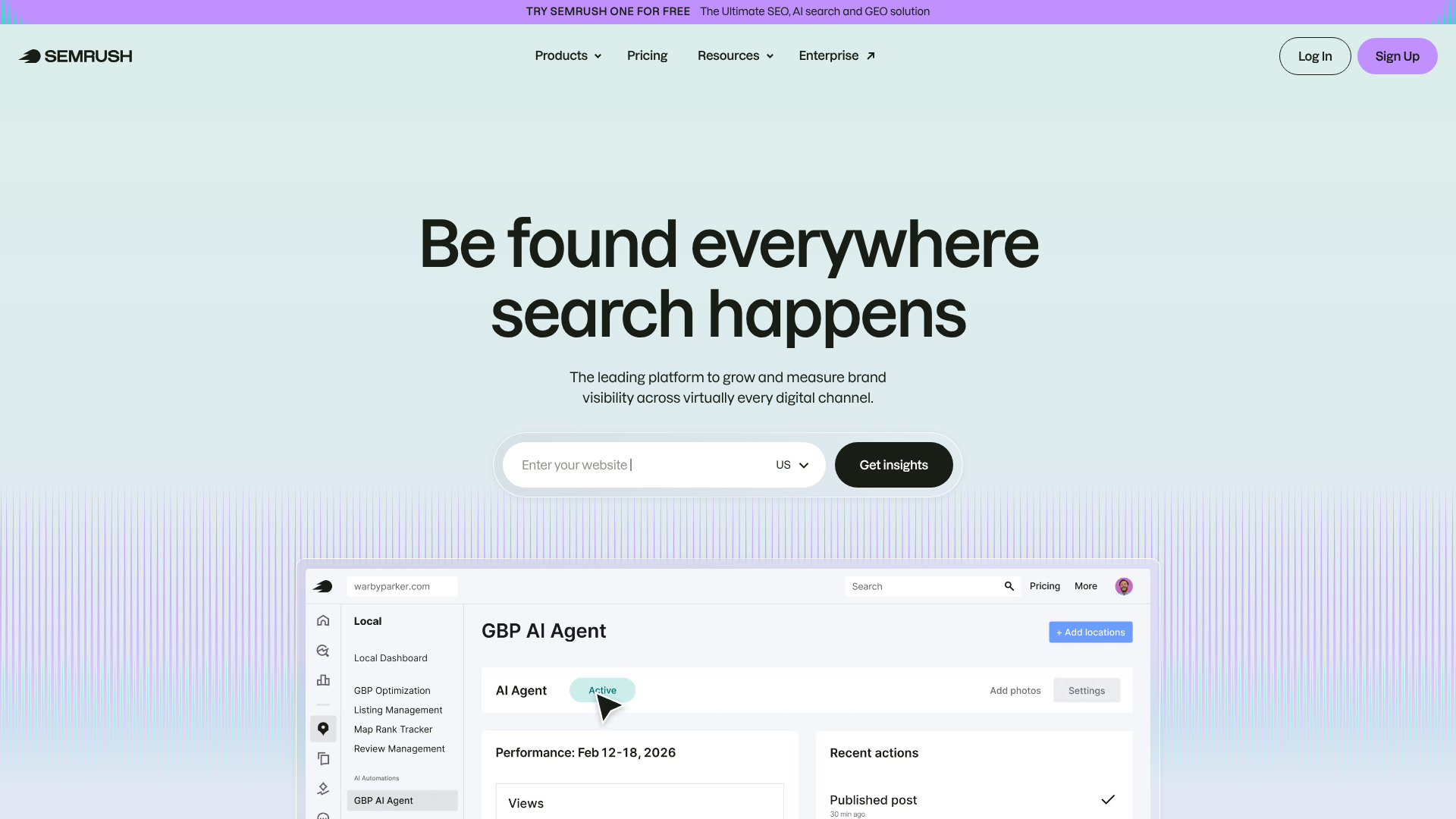
Semrush is a giant in the world of SEO, and it has integrated powerful AI features into its suite of tools. While not a standalone AI writer in the same vein as Jasper, its AI-powered content tools are designed specifically to help you rank on Google. This makes it the best choice for marketers whose primary goal is organic traffic.
The SEO Writing Assistant provides real-time feedback on your text, scoring it based on readability, SEO, tone of voice, and originality. It gives actionable suggestions based on the top-ranking pages for your target keyword. More recently, Semrush launched ContentShake AI, an app that helps you find content ideas and generate SEO-friendly articles based on your domain and target audience.
If your content strategy is heavily reliant on SEO, using the AI tools within Semrush is a smart move. It combines the power of AI generation with one of the world's best SEO data sets, giving your content a competitive edge.
Pros
- Data-Driven SEO Suggestions: AI recommendations are based on top-ranking competitor data.
- All-in-One SEO and Content Platform: Combines keyword research, writing, and analytics in one place.
- ContentShake AI for Idea Generation: Helps you find and create content your audience is looking for.
- Plagiarism Checker: Ensures your content is original.
Cons
- Expensive: Semrush is a professional-grade tool with a corresponding price tag.
- Overkill for Non-SEO Use Cases: If you don't need the deep SEO features, a simpler tool is better.
Pricing
Semrush offers several subscription plans. Visit their website for detailed pricing information.
8. ChatGPT: Best for Versatility and Brainstorming
No list of AI tools would be complete without ChatGPT. Developed by OpenAI, it's the conversational AI that brought generative AI into the mainstream. Its strength lies in its incredible versatility. You can ask it to do almost anything: draft a blog post, write code, create a meal plan, summarise a book, or brainstorm marketing slogans.
For content creators, ChatGPT is an exceptional brainstorming partner. It can generate endless ideas, create detailed outlines, and provide different angles on a topic. While its raw output for long-form content can sometimes be generic, it's an unparalleled tool for getting started and overcoming the initial hurdle of a blank page.
The free version (GPT-3.5) is powerful, but the paid Plus version (GPT-4) offers more advanced reasoning, accuracy, and access to features like web browsing and data analysis. It's a foundational tool that should be in every content creator's toolkit.
Pros
- Extremely Versatile: Can handle a vast range of tasks beyond content writing.
- Excellent for Brainstorming: Perfect for generating ideas, outlines, and new perspectives.
- Conversational Interface: Easy and intuitive to use.
- Powerful Free Version: The free model is highly capable for many tasks.
Cons
- Can Produce Factual Inaccuracies: Always requires fact-checking, especially the free version.
- Lacks Specialised Marketing Templates: Not purpose-built for specific content formats like other tools.
Pricing
ChatGPT offers a powerful free version and a paid 'Plus' subscription for access to the more advanced GPT-4 model.
9. Grammarly: Best for AI-Powered Editing and Proofreading
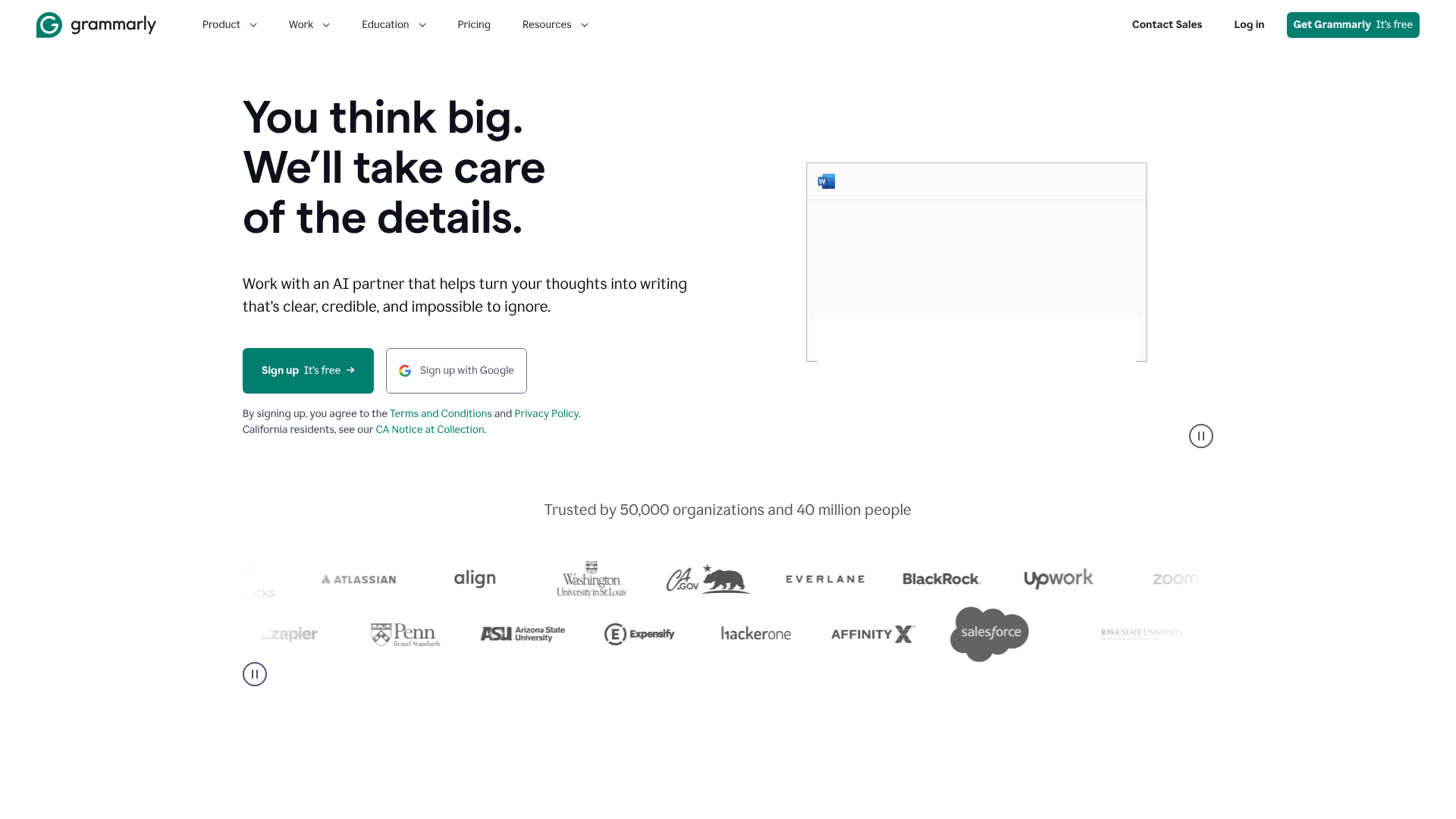
While often seen as a simple grammar checker, Grammarly has evolved into a sophisticated AI writing assistant. Its new generative AI features allow it to help you compose, ideate, and rewrite text, but its core strength remains in polishing and perfecting your content.
Grammarly goes far beyond basic spell-checking. It analyses your writing for clarity, engagement, and delivery, offering suggestions to make your sentences more concise and impactful. Its tone detector helps you ensure your message aligns with your intended audience, whether you want to sound confident, friendly, or formal.
It's the perfect final step in any content creation workflow. After you've used a tool like Jasper to generate a draft, Grammarly helps you refine it to a professional standard. It's an indispensable tool for ensuring every piece of content you publish is error-free and easy to read.
Pros
- Advanced Grammar and Style Checking: Catches errors that other tools miss.
- Tone Detector: Helps you adjust your writing for the right audience and context.
- Generative AI Features: Can now help with brainstorming and rewriting.
- Seamless Integration: Works across browsers, email clients, and desktop apps.
Cons
- Suggestions Can Sometimes Be Overzealous: Not every recommendation needs to be accepted.
- Generative Features Are Less Powerful: Not as strong for initial content creation as dedicated generators.
Pricing
Grammarly offers a free version for basic checks and a Premium plan for advanced features.
Comparison of Top AI Content Generators
To help you decide, here's a quick comparison of our top picks for different content types.
| Feature | Jasper | Writesonic | Pictory | Synthesia |
|---|---|---|---|---|
| Primary Use | High-Quality Text & Copy | SEO Articles & Factual Content | Text-to-Video Creation | AI Avatar Videos |
| Key Feature | Brand Voice & Campaigns | Fact-Checked AI Article Writer | AI-Powered Video Assembly | Hyper-Realistic Avatars |
| Best For | Marketing Teams & Agencies | SEO Specialists & Bloggers | Content Repurposing | Corporate Training & Comms |
| Free Trial | Yes | Yes (Free Plan) | Yes | No (Free Demo Video) |
The Pros and Cons of Using AI Writing Software
AI writing software offers incredible benefits, but it's important to approach it with a clear understanding of its limitations. These tools are powerful allies, but they are not a magic solution to all content challenges. A balanced perspective is key to integrating them effectively into your workflow.
Advantages
The most obvious benefit is speed and efficiency. An AI tool can generate a first draft of a blog post in minutes, a task that could take a human writer hours. This allows content teams to significantly increase their output and focus more time on strategy, editing, and promotion rather than initial drafting.
Cost-effectiveness is another major advantage. While some tools have a subscription fee, it is often significantly less than the cost of hiring freelance writers or a full-time content team. For small businesses and startups, AI makes it possible to maintain a consistent publishing schedule on a limited budget.
These tools are also fantastic for overcoming writer's block. Staring at a blank page can be intimidating. AI can provide a starting point, generate outlines, or offer different angles on a topic, giving you the momentum needed to start writing. It acts as a brainstorming partner that is available 24/7.
Disadvantages
The biggest drawback is the potential for factual inaccuracies. AI models can 'hallucinate' or confidently state incorrect information. All AI-generated content, especially content dealing with facts, statistics, or sensitive topics, must be thoroughly fact-checked by a human expert.
AI also struggles with creativity, nuance, and emotional depth. It can replicate styles and tones, but it cannot create truly original insights or share personal experiences. Content that relies on storytelling, humour, or deep emotional connection still requires a significant human touch to be effective.
Finally, there is a risk of over-reliance and producing generic content. If everyone uses the same tools with the same prompts, the internet could become filled with homogenous, uninspired articles. The best results come from using AI as a starting point and then adding your own unique voice, expertise, and analysis to make the content stand out.
Pro Tip: Use AI to generate the structure and foundational points of your article, but write the introduction and conclusion yourself. This ensures you hook the reader with a personal touch and leave them with a unique, memorable takeaway.
Frequently Asked Questions (FAQ)
Which AI is best for content generation?
The best AI for content generation depends entirely on the type of content you need. For high-quality, versatile written content like blog posts and marketing copy, Jasper is widely regarded as a top choice due to its excellent output and brand voice features. For SEO-focused articles, Writesonic is a strong contender with its fact-checking capabilities. If you need to create videos from text, Pictory is the best tool for the job.
What is the best AI platform for content creators?
For content creators who produce a variety of media, the best platform is often a combination of specialised tools. A great stack would include Jasper for writing scripts and articles, Pictory or Synthesia for video creation, and Murf AI for voiceovers. However, if you're looking for a single, versatile platform, Writesonic is becoming a strong all-in-one solution with its text, image, and audio generation capabilities built into one interface.
What AI is better than ChatGPT?
While ChatGPT is incredibly versatile, several specialised tools are 'better' for specific tasks. For professional marketing copy and brand consistency, Jasper's templates and Brand Voice feature produce more polished results. For creating factually accurate, SEO-optimised articles, Writesonic's AI Article Writer often outperforms ChatGPT's generalist approach. The term 'better' is subjective; specialised tools typically offer a more refined workflow and higher-quality output for their intended use case compared to a general-purpose tool like ChatGPT.
What are the top 5 generative AI tools?
Based on popularity, capability, and market impact, the top 5 generative AI tools for content creators currently are:
- Jasper: For premium AI-written marketing copy and long-form content.
-acd78319-9cd2-4feb-9d35-fdcdd69c5c45-1773912221512-olki4f.png "9 Best AI Content Generation Tools for Marketers in 2026 (Ranked) 13")
- ChatGPT: For its unmatched versatility in brainstorming, drafting, and general-purpose tasks.
- Pictory: For its efficiency in turning text into engaging social and marketing videos.
- Synthesia: For leading the market in professional AI avatar video generation for corporate use.
- Murf AI: For producing some of the most realistic and customisable AI voiceovers available.
Final Thoughts: Choosing Your Content Creation Partner
Choosing the best AI content generation tool is a strategic decision that depends on your specific goals, budget, and the type of content you create. There is no single 'best' tool for everyone. The right choice is the one that seamlessly integrates into your workflow, saves you time, and helps you produce higher-quality content more consistently.
For most marketers and businesses needing high-quality written content, Jasper remains the top recommendation due to its versatility and powerful branding features. If your focus is primarily on SEO-driven blog content, Writesonic offers an excellent, feature-rich alternative. And for those looking to expand into video, a tool like Pictory can revolutionise your ability to repurpose content and engage a wider audience.
Take advantage of the free trials offered by these platforms. Experiment with them, test their output on your specific topics, and see which one feels like the most natural fit. By investing a little time in research, you can find an AI partner that will become an invaluable asset to your content strategy for years to come.