
Choosing an AI Writing Assistant Free: A Buyer's Guide for Writers
Finding a high-quality, genuinely free AI writing assistant can feel like searching for a needle in a digital haystack. With countless tools promising to perfect your prose and generate flawless copy, it's difficult to know which ones deliver and which are simply limited trials in disguise. These tools are designed to do more than just check your spelling; they can help you refine your tone, restructure sentences, and even brainstorm ideas from scratch, making them invaluable for writers, marketers, students, and professionals.
- What to Know
- What Exactly is a Free AI Writing Assistant?
- The "Free" Factor: Understanding Limitations and Business Models
- Key Features to Look For in a Free AI Writer
- Core Proofreading and Grammar Correction
- Paraphrasing and Rewriting
- Content Generation and Ideation
- Style and Tone Adjustment
- Plagiarism Detection
- How to Choose the Right AI Writing Tool for Your Needs
- Top Recommendations for a Free AI Writing Assistant in 2026
- 1. Grammarly: Best for All-Around Proofreading and Polish
- 2. QuillBot: Best for Paraphrasing and Academic Writing
- 3. Writesonic: Best for Content Generation on a Free Plan
- 4. Jasper (Free Trial): Best for High-Quality Marketing Copy
- Comparison of Top Free AI Writing Tools
- The Pros and Cons of Using a Free Writing Assistant
- Watch: How to Choose the Best Free AI Writing Tools
- Frequently Asked Questions (FAQ)
- Is there a completely free AI writer?
- Which is the best free AI assistant?
- Is ChatGPT an AI writing tool?
- Is there a catch to using free AI?
- Are free AI assistants safe to use?
- Final Thoughts: Is a Free AI Writer Worth It?
This guide cuts through the noise. We'll break down what to look for in a free AI writer, explore the common limitations you'll encounter, and provide clear recommendations based on specific use cases. Whether you're drafting a university essay, writing a blog post, or composing a critical business email, this buyer's guide will help you select the right free writing assistant to elevate your work without costing you a penny.
What to Know
- "Free" Almost Always Means "Freemium": Most free AI writing tools operate on a freemium model. This means you get access to core features, but with limitations on word count, daily usage, or advanced capabilities like plagiarism checks, which are reserved for paid users.
- Core Features Are Key: The most valuable free tools offer strong core functionalities. Look for excellent grammar and spelling correction, effective paraphrasing options, and useful style or tone suggestions.
- Your Use Case Matters Most: The best free AI writer for a novelist is different from the best one for a marketing professional. Identify your primary writing need—be it academic integrity, SEO optimisation, or creative brainstorming—to choose the most suitable tool.
- Top Tiers Offer Real Value: Established tools like Grammarly and QuillBot provide robust, genuinely useful free versions that are sufficient for many users. Others, like Writesonic, offer generous free trials or monthly word credits that let you access premium features.
What Exactly is a Free AI Writing Assistant?
A free AI writing assistant is a software tool that uses artificial intelligence, specifically natural language processing (NLP) and large language models (LLMs), to help you improve your writing. Think of it as a supercharged proofreader and a creative partner rolled into one. Unlike traditional word processors that only catch basic spelling and grammar mistakes, an AI writing tool free of charge can analyse context, suggest stylistic improvements, and even generate new text.
These assistants work by processing vast amounts of text data to understand the rules, patterns, and nuances of human language. When you input your text, the AI compares it against these patterns to identify potential errors in grammar, punctuation, clarity, and tone. It can suggest rephrasing a clunky sentence to make it more concise or recommend a different word to better match your intended tone, whether it's formal, casual, or confident.
It's important to distinguish a dedicated free writing assistant from a general-purpose AI chatbot like ChatGPT. While a chatbot can certainly write and edit text, a specialised assistant is built specifically for that purpose. It often integrates directly into your workflow through browser extensions or app add-ins, providing real-time feedback as you type in Google Docs, Outlook, or even on social media. This focused approach makes it a more efficient tool for writers who need immediate, context-aware support.
The "Free" Factor: Understanding Limitations and Business Models

When a powerful tool is offered for free, it's natural to ask, "What's the catch?" The answer lies in the business models that power the world of free software. Understanding these models helps you set realistic expectations and choose a tool that aligns with your needs without unexpected restrictions. The most common model is "freemium," a blend of "free" and "premium."
In a freemium model, the company offers a basic version of its product at no cost to attract a large user base. This free version is designed to be genuinely useful but intentionally limited. For an AI writing tool, these limitations often include a cap on the number of words you can process per day or per month, restricted access to advanced features like a plagiarism checker or in-depth tone analysis, and fewer suggestions for stylistic improvements. The goal is to show you the value of the tool, hoping that you'll eventually upgrade to a paid plan for unrestricted access.
Another common approach is the free trial. This gives you full access to all the premium features of an AI writer for a limited time, typically between 7 to 14 days. This is a great way to test the tool's full potential, but it's not a long-term free solution. It's crucial to be aware of when the trial ends to avoid being charged automatically.
Many writers on platforms like Reddit's r/WritingWithAI discuss these trade-offs, often concluding that freemium tools are better for ongoing, light use, while free trials are ideal for short, intensive projects.
Finally, data privacy is a significant consideration. To train their AI models, some companies may use the text you input. While reputable companies have strict privacy policies, it's always wise to avoid entering sensitive personal or proprietary information into any free online tool. Always review the terms of service to understand how your data is handled.
Key Features to Look For in a Free AI Writer
Navigating the options for a free AI writer can be overwhelming, but focusing on a few key features will help you identify a tool that offers real value. Not all free plans are created equal, so knowing what to prioritise is essential for making an informed choice. Here are the core functionalities you should look for.
Core Proofreading and Grammar Correction
This is the most fundamental feature of any writing assistant. A good free tool should go far beyond the native spell checkers in Microsoft Word or Google Docs. It needs to catch complex grammatical errors, such as incorrect subject-verb agreement, dangling modifiers, and punctuation misuse. The best tools, like the free version of Grammarly, also provide suggestions for improving clarity, conciseness, and readability, helping you make your writing more impactful.
Paraphrasing and Rewriting
Writer's block isn't always about a blank page; sometimes it's about being stuck on a single, awkward sentence. A paraphrasing feature is incredibly useful for overcoming this. It allows you to highlight a sentence or paragraph and receive multiple alternative versions. This can help you find a better way to phrase an idea, simplify complex language, or avoid repetitive sentence structures. Tools like QuillBot are particularly strong in this area, offering different modes to rewrite text for fluency, formality, or creativity.
Content Generation and Ideation
Some of the more advanced free AI writing tools offer limited content generation capabilities. This can be a lifesaver when you're struggling to start. You might be able to input a prompt to generate a blog post outline, a list of topic ideas, or a few opening sentences to get you going. While free plans, such as the one offered by Writesonic, will have strict word count limits on generation, even a small amount can be enough to spark your creativity and provide a structural foundation for your piece.
Style and Tone Adjustment
Effective communication depends heavily on tone. A message intended to be persuasive can fall flat if it sounds demanding, and a formal report can lose credibility if its language is too casual. A good AI assistant can analyse your text and suggest adjustments to better match your intended tone. It might recommend swapping certain words, changing sentence structures, or adding transitional phrases to ensure your writing strikes the right chord with your audience.
Plagiarism Detection
For students, academics, and professional content creators, originality is non-negotiable. A built-in plagiarism checker is a critical feature that scans your text against billions of web pages and academic papers to identify any non-original content. While this feature is often one of the first to be locked behind a paywall, some tools offer a limited number of free scans. It's a feature worth looking for, as it provides an essential layer of protection against accidental plagiarism.
How to Choose the Right AI Writing Tool for Your Needs
The best AI writing tool is not a one-size-fits-all solution. The right choice depends entirely on what you write, who you're writing for, and what you want to achieve. By matching a tool's strengths to your specific needs, you can find a free assistant that significantly enhances your workflow.
For Students and Academics
If you're writing essays, research papers, or a dissertation, your priorities are clarity, accuracy, and academic integrity. You need a tool with a strong focus on formal grammar and a reliable plagiarism checker. An assistant that helps with citations and can paraphrase complex source material without losing its meaning is invaluable. Look for a tool that can help you maintain a formal, objective tone throughout your work. QuillBot's free plan, with its paraphraser and summariser, is an excellent starting point for academic tasks.
For Marketers and Bloggers
Content marketers and bloggers need to create engaging, persuasive, and often SEO-optimised content. Your ideal AI assistant should help with more than just grammar. Look for features that assist with generating catchy headlines, creating blog post outlines, and writing compelling calls-to-action. Some tools can even suggest keywords or analyse your text for readability, which is crucial for keeping an online audience engaged. While a dedicated SEO platform like Semrush offers its own writing assistant, a tool like Writesonic provides free credits specifically for generating marketing copy and blog ideas.
For Creative Writers
Novelists, short story writers, and poets have a unique set of needs. You're not just conveying information; you're crafting a world, developing characters, and evoking emotion. A helpful AI tool for creative writing should act as a brainstorming partner. It could help you generate plot ideas, describe a setting more vividly, or suggest alternative dialogue. The focus here is less on rigid grammatical rules and more on expanding your creative possibilities. While many specialised creative tools are paid, some general assistants can still help you break through a creative block.
Pro Tip: To truly evaluate a free AI writer, test several options with the same piece of text. Take a paragraph you've written and run it through two or three different tools. Compare their suggestions for grammar, style, and clarity. This direct comparison will quickly reveal which tool's feedback best aligns with your writing style and goals.
For Business Professionals
In the corporate world, communication needs to be clear, concise, and professional. Whether you're writing emails to clients, drafting internal reports, or preparing a presentation, your writing reflects on you and your company. The best AI assistant for business use is one that helps you sound confident and polished. It should excel at simplifying complex jargon, ensuring a professional tone, and catching subtle errors that could undermine your credibility. The real-time feedback from a browser extension, like the one from Grammarly, is particularly useful for professionals who write across many different platforms throughout the day.
Top Recommendations for a Free AI Writing Assistant in 2026
After evaluating the features and limitations, a few tools consistently stand out for the value they provide in their free versions. Here are our top recommendations for the best free AI writing assistants available today.
1. Grammarly: Best for All-Around Proofreading and Polish
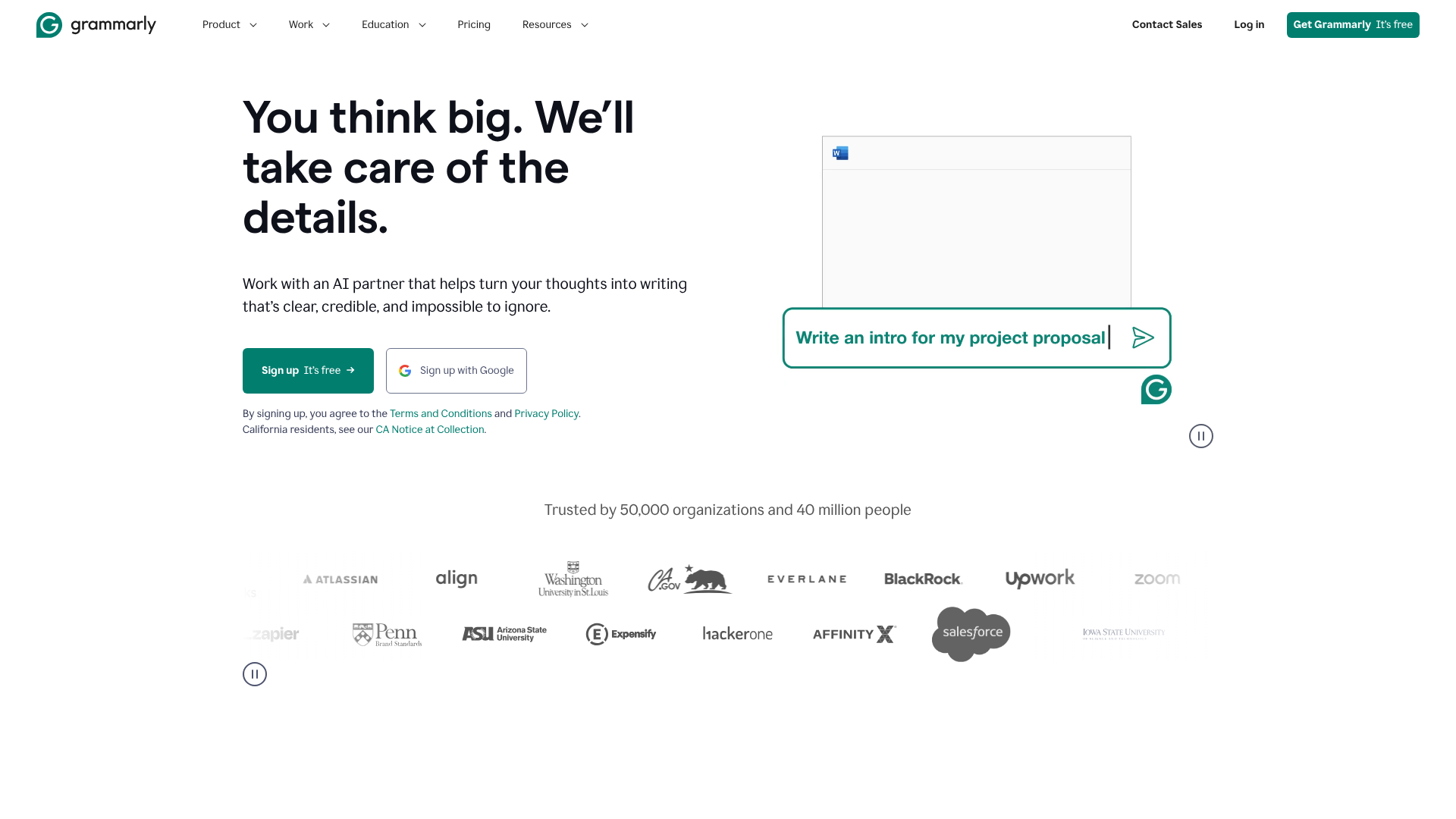
Grammarly is arguably the most well-known writing assistant, and for good reason. Its free version is incredibly powerful and serves as the gold standard for real-time grammar, spelling, and punctuation correction. It integrates seamlessly into almost any workflow through its browser extensions, desktop app, and mobile keyboard.
The free plan does more than just fix mistakes. It provides suggestions to improve clarity and conciseness, helping you eliminate wordiness and make your writing more direct. The tone detector is another excellent free feature, giving you insight into how your writing might be perceived by a reader (e.g., confident, friendly, analytical). For most users who need a reliable digital proofreader, Grammarly's free offering is more than sufficient.
Pros
- Excellent real-time grammar, spelling, and punctuation checking.
- Wide integration with browsers, email clients, and social media.
- Free tone detector helps you match your writing to your audience.
- User-friendly interface with clear explanations for suggestions.
Cons
- Advanced features like plagiarism detection and fluency suggestions are behind a paywall.
- Can sometimes be overly prescriptive with its suggestions.
If you need a dependable tool to catch errors and polish your everyday writing, the free version of Grammarly is an unbeatable choice.
2. QuillBot: Best for Paraphrasing and Academic Writing
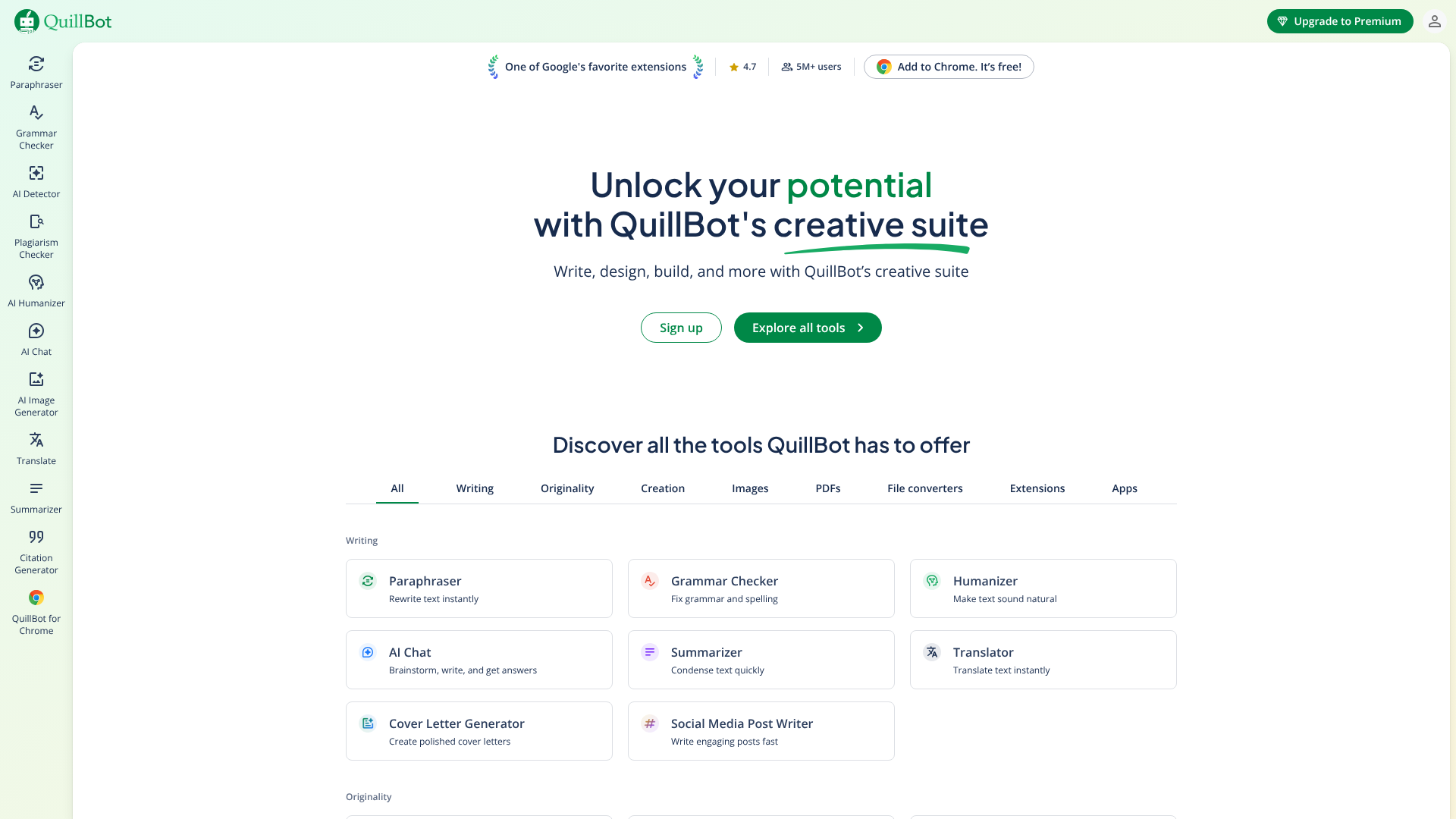
QuillBot's primary strength lies in its sophisticated paraphrasing tool. The free version gives you access to two writing modes (Standard and Fluency) that allow you to rewrite sentences and paragraphs to improve your expression. This is particularly useful for students trying to integrate source material into their essays or for anyone looking to rephrase their ideas for greater impact.
Beyond its paraphraser, the free version of QuillBot also includes a summariser and a citation generator, further cementing its value for academic users. While the free plan has a character limit on the paraphraser (125 words at a time), it's generous enough for sentence-level and short paragraph work. It's an excellent tool for refining your writing rather than just correcting it.
Pros
- Best-in-class paraphrasing tool for improving sentence structure.
- Includes a free summariser and citation generator.
- Integrates with Google Docs and Microsoft Word.
- Helps avoid plagiarism by effectively rephrasing content.
Cons
- The free version has a strict character limit for the paraphraser.
- Advanced writing modes and the plagiarism checker require a premium subscription.
For those who need to rewrite and refine text for academic or professional purposes, QuillBot offers a unique and powerful set of free features.
3. Writesonic: Best for Content Generation on a Free Plan
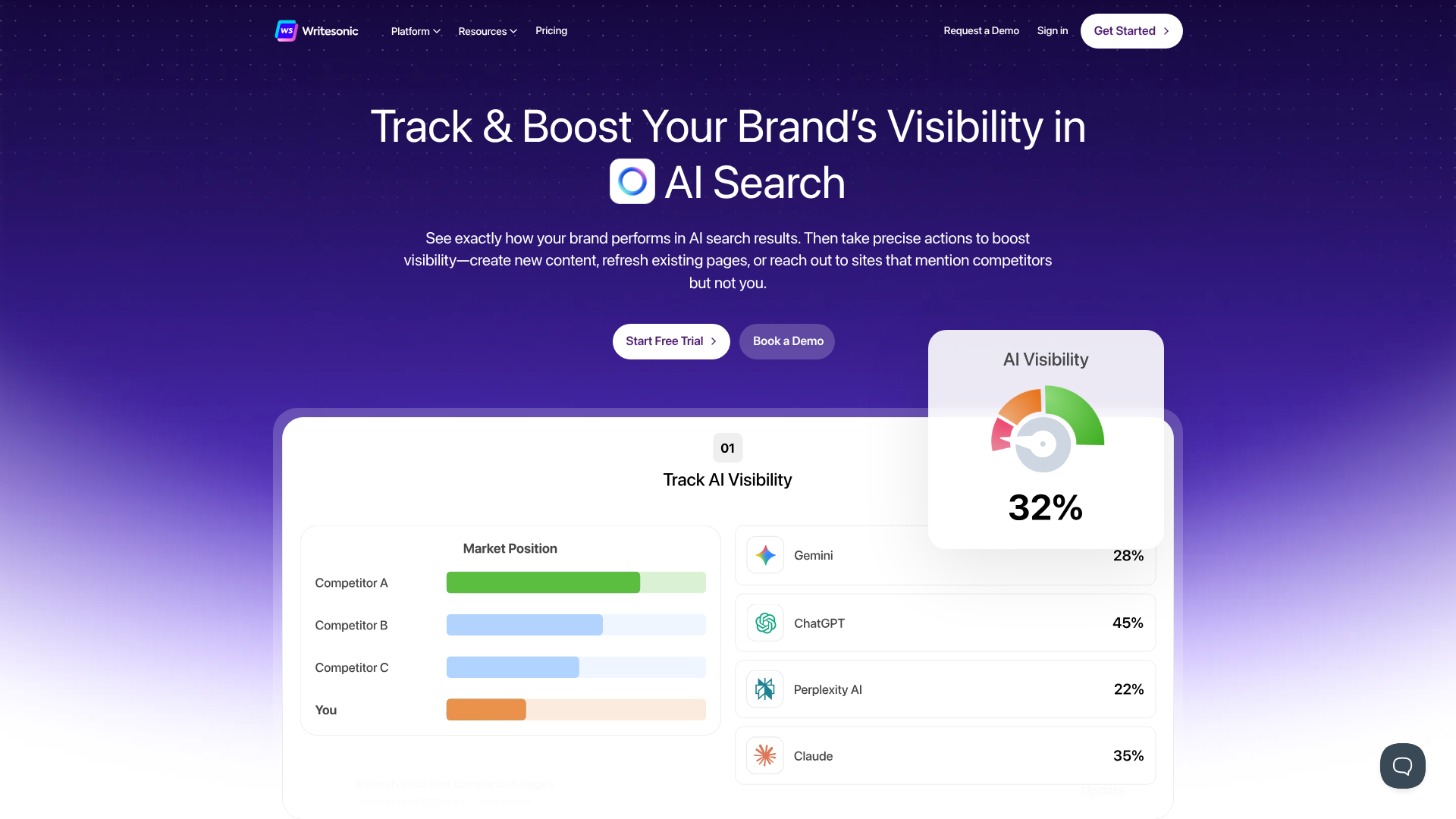
While many AI writers reserve their text generation features for paying customers, Writesonic provides a generous free plan that includes a monthly word credit. This allows you to experiment with its full suite of tools, from its AI Article Writer to its social media copy generators. It's an excellent way to see how AI can assist in the creative process from start to finish.
Writesonic's free plan is ideal for users who need help with brainstorming and first drafts. You can use it to generate blog outlines, product descriptions, or ad copy. It also includes Chatsonic, a conversational AI chat tool similar to ChatGPT but with more up-to-date information from Google Search. The monthly word limit means you have to be strategic, but it's a fantastic way to access premium-level generation features for free.
Pros
- Generous free plan with monthly word credits for content generation.
- Access to a wide variety of writing templates (articles, ads, emails).
- Includes Chatsonic for conversational AI assistance.
- Good for overcoming writer's block and generating initial ideas.
Cons
- The monthly word count can be used up quickly.
- The quality of generated content can sometimes require heavy editing.
If your main goal is to use AI for content creation and ideation, the free plan from Writesonic is one of the most capable options available.
4. Jasper (Free Trial): Best for High-Quality Marketing Copy
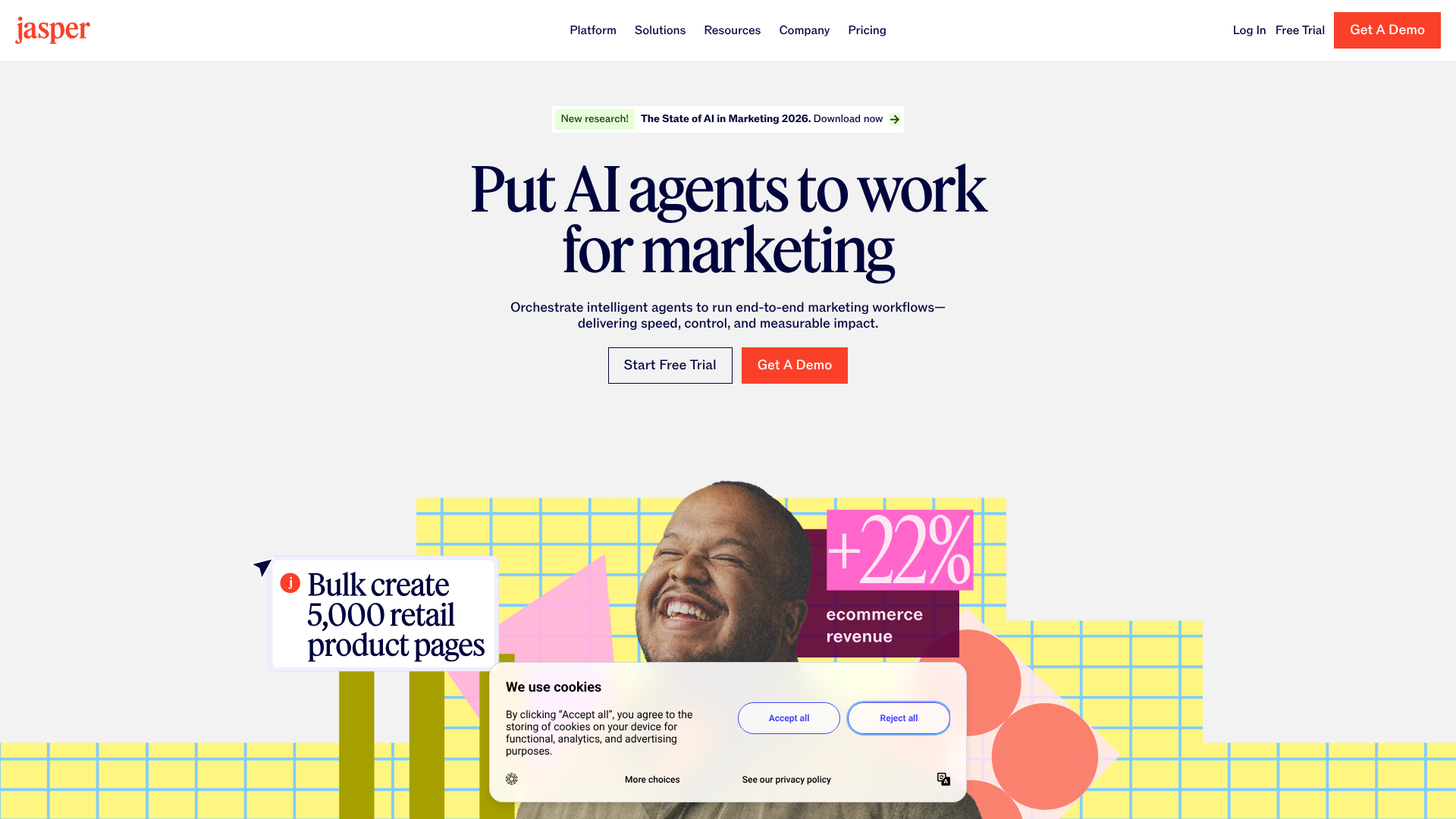
Jasper is a premium AI writing assistant known for producing high-quality, nuanced marketing copy. While it doesn't have a perpetually free plan, it offers a free trial that gives you full access to its powerful features. This is the perfect option for a business or marketer who wants to test a top-tier tool for a specific project or campaign.
During the trial, you can use Jasper's extensive library of templates, define a specific brand voice for consistent tone, and even create entire marketing campaigns. The output quality is often a step above what you'll find in most free tools, requiring less editing to get it ready for publication. It's a glimpse into the world of professional-grade AI writing.
Pros
- Generates exceptionally high-quality and natural-sounding copy.
- Brand Voice and Campaign features are powerful for marketers.
- Extensive template library for virtually any marketing need.
- Free trial provides a risk-free way to test a premium tool.
Cons
- No perpetually free plan; it's a limited-time trial.
- Can be more complex to learn than simpler tools.
For those who need professional-grade copy and are willing to invest after a trial period, exploring Jasper (formerly Jarvis) is highly recommended.
Comparison of Top Free AI Writing Tools
To help you decide at a glance, here’s a side-by-side comparison of the free offerings from our top recommendations.
| Feature | Grammarly (Free) | QuillBot (Free) | Writesonic (Free Plan) |
|---|---|---|---|
| Primary Function | Proofreading & Editing | Paraphrasing & Rewriting | Content Generation |
| Usage Limit | Unlimited for core features | 125 words per paraphrase | Monthly word credits (e.g., 10,000) |
| Browser Extension | Yes (Chrome, Firefox, etc.) | Yes (Chrome) | Yes (Chrome) |
| Plagiarism Check | No | No | Yes (uses word credits) |
| Key Free Feature | Real-time grammar & tone check | 2 paraphrasing modes | 100+ AI templates |
| Best For | Everyday writers, professionals | Students, academics | Marketers, bloggers |
The Pros and Cons of Using a Free Writing Assistant
While a free AI writer is a powerful addition to any writer's toolkit, it's important to have a balanced perspective. These tools offer significant benefits, but they also come with inherent limitations and potential drawbacks that users should be aware of.
Advantages
- Significant Cost Savings: The most obvious benefit is that they are free. This makes advanced writing technology accessible to students, non-profits, and individuals who may not have the budget for a premium subscription.
- Increased Efficiency: AI assistants can dramatically speed up the editing and proofreading process. They catch errors instantly, allowing you to focus more on the creative aspects of writing. This can save hours of manual work.
- Overcoming Writer's Block: Content generation and paraphrasing features can be a great way to get unstuck. When you're struggling for the right words or a new idea, the AI can provide a starting point or a fresh perspective.
- Improved Writing Skills: By explaining the reasoning behind its grammatical suggestions, a good AI tool can help you learn from your mistakes. Over time, this can lead to a better understanding of grammar rules and a stronger writing style.
Disadvantages
- Usage and Feature Limitations: Free versions are always restricted. Whether it's a word count, a daily usage cap, or locked features, you will eventually hit a wall that can only be overcome by upgrading.
- Potential for Generic Content: AI-generated text is based on existing patterns and data. Without careful editing and human input, it can sometimes sound generic, repetitive, or lacking in a unique voice. It's a tool to assist, not replace, your creativity.
- Data Privacy Risks: As mentioned earlier, using a free service often means you are the product. It's crucial to be cautious about inputting sensitive or confidential information into a free AI tool.
- Risk of Over-Reliance: Relying too heavily on an AI assistant can hinder the development of your own writing and editing skills. It's important to use it as a guide, not a crutch, and to actively engage with its suggestions to understand the 'why' behind them.
Watch: How to Choose the Best Free AI Writing Tools
For a visual breakdown of the top tools and what to look for, this video from The Nerdy Novelist provides some excellent insights into the current landscape of free AI writing assistants.
Frequently Asked Questions (FAQ)
Here are answers to some of the most common questions people have about using a free AI writing assistant.
Is there a completely free AI writer?
Yes, but with caveats. Tools like Grammarly and QuillBot offer perpetually free plans that are very functional for core tasks like proofreading and paraphrasing. However, they are "freemium," meaning their most advanced features are reserved for paid subscribers. There are also some tools that are 100% free with no premium version, but these tend to be much more limited in scope, less powerful, and may have more concerning data privacy policies. For most users, a high-quality freemium tool is the best option.
Which is the best free AI assistant?
There is no single "best" free AI assistant—it entirely depends on your needs. For general-purpose proofreading and polishing your writing across the web, Grammarly is the top choice. For academic work, paraphrasing, and summarising sources, QuillBot excels. If you need help generating content ideas, outlines, or first drafts, Writesonic's free plan is the most generous and capable.
Is ChatGPT an AI writing tool?
Yes, ChatGPT is a powerful AI tool that can be used for writing, but it's a general-purpose conversational AI, not a specialised writing assistant. A dedicated writing assistant like Grammarly integrates directly into your workflow (e.g., in Google Docs or your email) to provide real-time feedback. ChatGPT requires you to copy and paste text into its interface. While excellent for brainstorming and drafting, it's less efficient for line-by-line editing and proofreading.
Is there a catch to using free AI?
The "catch" is usually a combination of three things: limitations, upselling, and data. Free versions will always have caps on usage or features to encourage you to upgrade to a paid plan. The company is betting that you'll find the tool so useful that you'll eventually pay for the full experience. Additionally, the text you input may be used to train the AI model, so you should always be mindful of data privacy.
Are free AI assistants safe to use?
Reputable AI assistants from established companies like Grammarly, QuillBot, and Jasper are generally safe for most uses. They have clear privacy policies and security measures in place to protect user data. However, it is a best practice to avoid inputting highly sensitive, confidential, or proprietary information into any online tool, free or paid. Always read the terms of service to understand how your data will be used.
Final Thoughts: Is a Free AI Writer Worth It?
Absolutely. For anyone who writes—whether it's a student, a professional, or a casual blogger—a free AI writing assistant is an incredibly valuable tool. It can help you catch embarrassing typos, refine your phrasing, and communicate your ideas more clearly and effectively. The barrier to entry is non-existent, and the potential upside for the quality of your work is immense.
The key is to approach these tools with the right expectations. Understand that "free" comes with limitations and that the AI is there to assist, not replace, your own critical thinking and creativity. Use them to polish your first drafts, break through writer's block, and learn more about the mechanics of good writing. By doing so, you can significantly elevate your output without spending a single pound.
If you're ready to start improving your writing today, exploring the free versions of Grammarly for proofreading and QuillBot for rewriting is a great first step. For those who need more help with content creation, the free plan from Writesonic offers a powerful glimpse into premium generation features.