

11 Best AI Content Generation Tools for Marketers (2026 Review)
Creating high-quality content consistently is one of the biggest challenges for marketers and business owners. Finding the right ideas, writing engaging copy, and producing multimedia can consume hundreds of hours. This is where AI content generation tools are making a significant impact, allowing teams to scale their output without sacrificing quality. These platforms use artificial intelligence to help you draft articles, create videos, and even optimise your work for search engines in a fraction of the time it would normally take.
- What You'll Learn
- What Exactly Are AI Content Generation Tools?
- Key Features and Benefits of Using AI Content Tools
- How to Choose the Right Automated Content Creation Platform
- The Top 11 AI Content Generation Tools for 2026
- 1. Jasper (formerly Jarvis)
- 2. Writesonic
- 3. Pictory
- 4. Synthesia
- 5. Murf AI
- 6. Semrush
- 7. Grammarly
- 8. HubSpot AI
- 9. QuillBot
- 10. ElevenLabs
- 11. CustomGPT.ai
- Pricing and Cost Comparison
- The Pros and Cons of AI-Generated Content
- Frequently Asked Questions (FAQ)
- What is the best AI tool to generate content?
- How is AI used to generate content?
- What is the best AI platform for content creators?
- Is it illegal to publish a book written by AI?
- How to generate AI content for free?
- Final Thoughts
Whether you're a solo creator battling writer's block or part of a large marketing team aiming to increase efficiency, the right tool can transform your workflow. These systems are not about replacing human creativity but augmenting it, acting as a powerful assistant that handles the heavy lifting of initial drafts and idea generation. By understanding what these tools can do, you can choose the perfect one to meet your specific content goals, from blog posts and social media updates to professional-quality videos and voiceovers.
What You'll Learn
- What AI Content Tools Are: Understand the core technology behind these platforms and the different types of content they can produce, from text and images to video and audio.
- How to Select the Right Tool: Learn the key criteria for choosing an AI generator, including your specific use case, the quality of the output, and your budget.
- Top Recommendations for 2026: Get a detailed breakdown of the best tools available today, including platforms for writing, video creation, voiceovers, and SEO optimisation.
- The Importance of Human Oversight: Realise why even the most advanced AI requires a human touch for fact-checking, editing, and adding genuine brand personality.
- Cost vs. Benefit Analysis: Explore the common pricing models and weigh the potential return on investment from integrating automated content creation into your strategy.
What Exactly Are AI Content Generation Tools?
AI content generation tools are software applications that use artificial intelligence, specifically models like Generative Pre-trained Transformers (GPT), to create new content. Think of them as highly advanced assistants trained on vast amounts of text, images, and data from the internet. This training allows them to understand context, style, grammar, and factual information to generate human-like content based on the prompts you provide.
The technology behind this is primarily natural language processing (NLP) and natural language generation (NLG). NLP helps the machine understand human language, and NLG allows it to write or speak back in a way that makes sense. For images and video, similar models called Generative Adversarial Networks (GANs) or diffusion models learn visual patterns to create entirely new visuals from text descriptions.
These tools are not limited to just writing blog posts. The field of content generation AI has expanded to cover a wide range of formats. You can find platforms dedicated to creating social media captions, email marketing campaigns, scripts for videos, realistic voiceovers, and even custom AI avatars to present your content. The goal is to automate the more repetitive and time-consuming aspects of content creation, freeing up creators to focus on strategy, editing, and adding their unique creative touch.
Key Features and Benefits of Using AI Content Tools

Integrating AI content tools into your workflow offers a host of advantages that go far beyond simply writing faster. These platforms are designed to enhance productivity, maintain consistency, and open up new creative avenues. The primary benefit is a massive increase in speed and efficiency. A task that might take hours, like drafting a 1,500-word article, can be reduced to minutes, allowing you to scale your content production significantly.
Another major benefit is overcoming creative blocks. Staring at a blank page can be daunting, but an AI tool can provide outlines, topic ideas, or initial paragraphs to get you started. This makes it easier to maintain a consistent publishing schedule, which is vital for audience engagement and SEO. Furthermore, many tools come with built-in optimisation features, suggesting keywords and structures that can help your content rank better in search results.
Beyond text, these tools offer incredible versatility. You can maintain a consistent brand voice across all materials, as many platforms allow you to set a specific tone, from professional to witty. For businesses operating globally, multi-language support is a powerful feature, enabling you to localise content with ease. Ultimately, using AI for content creation helps reduce costs associated with hiring freelance writers or large content teams while empowering your existing team to achieve more.

How to Choose the Right Automated Content Creation Platform
With so many options on the market, selecting the right tool for automated content creation can feel overwhelming. The best choice depends entirely on your specific needs, goals, and workflow. The first step is to identify the primary type of content you create. Are you focused on long-form written content like blogs and white papers, or is your strategy centred on short-form video for social media.
Different tools specialise in different formats.
Next, consider your use case. A content marketer focused on SEO will need a tool with strong keyword research and on-page optimisation features, like those found in platforms like Semrush. In contrast, a corporate training department might prioritise a video generation tool like Synthesia to create instructional videos with AI avatars. Always evaluate a tool based on the problem it solves for you.
The quality of the AI's output is another critical factor. Most top-tier tools offer free trials or freemium plans. Use these opportunities to test the platform with your own prompts. Assess the generated content for accuracy, coherence, and originality.
While no AI is perfect, the best ones produce content that requires minimal editing and fact-checking.
Finally, consider ease of use, integrations, and budget. A tool with a clean, intuitive interface will have a much shorter learning curve. If you rely on other software like WordPress or HubSpot, check for direct integrations that can streamline your publishing process. Pricing models vary, so compare subscription tiers and credit-based systems to find a plan that aligns with your expected usage and provides a positive return on investment.
The Top 11 AI Content Generation Tools for 2026
Navigating the world of AI tools can be complex, but we've tested and reviewed the best platforms to help you find the right fit. This list covers everything from advanced text generation and SEO to video and audio creation.
1. Jasper (formerly Jarvis)
-524965e9-813c-40c5-8c54-caac1ab1c986-1771320525061-wj7sp9.png "11 Best AI Content Generation Tools for Marketers (2026 Review) 4")
Jasper is one of the most well-known and powerful AI writing assistants, designed specifically for marketing and business teams. It excels at creating high-quality, branded content that aligns with a company's specific voice and style. Its 'Brand Voice' feature allows you to upload documents, paste text, or scan your website to teach the AI your unique tone, ensuring consistency across all generated copy.
It offers over 50 templates for various content types, including blog posts, social media ads, product descriptions, and video scripts. Jasper's long-form content editor is particularly effective, allowing for a collaborative workflow between the user and the AI. It's an excellent choice for teams that need to produce a high volume of marketing materials while maintaining a strong brand identity.
Pros
- Excellent Brand Voice Feature: Creates content that genuinely sounds like your brand.
- High-Quality Output: Consistently generates well-written, coherent content that requires minimal editing.
- Great for Marketing Teams: Features like campaigns and team collaboration make it ideal for business use.
Cons
- Higher Price Point: It's one of the more expensive options, which may not suit solo creators or small businesses.
- Learning Curve: The sheer number of features can be overwhelming for new users.
Pricing
Jasper offers several tiers aimed at individuals and teams. For the most current information, it's best to visit the Jasper website for pricing details.
2. Writesonic
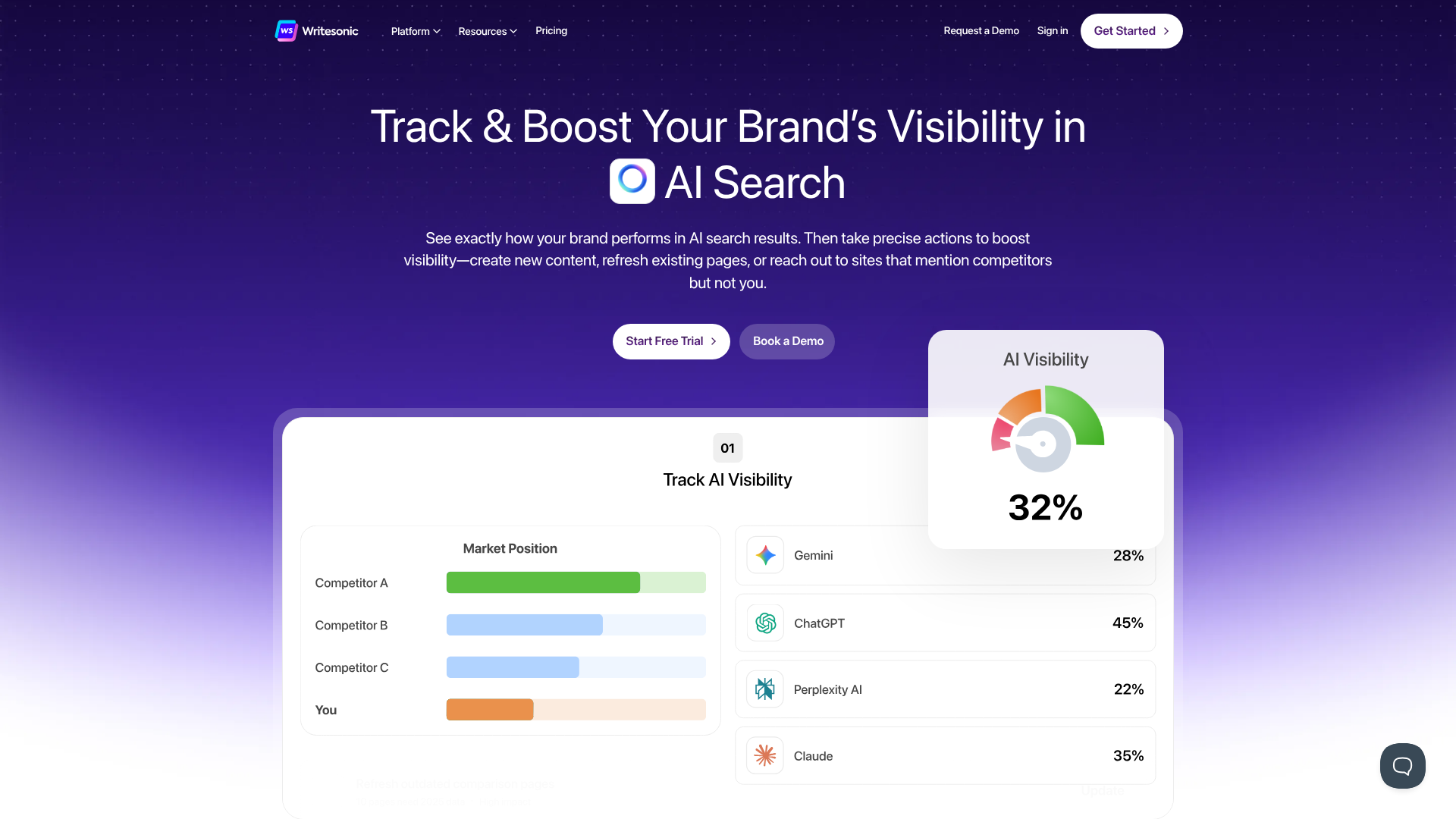
Writesonic is a versatile AI content platform that caters heavily to SEO professionals and content marketers. Its standout feature is the AI Article Writer, which can generate a fully-fledged, 1,500-word blog post that is optimised for search engines. It also includes tools like Photosonic for AI image generation and Chatsonic, an AI chat assistant that can pull real-time data from Google.
This platform is a strong all-in-one solution for those who need to create written content and visuals. It offers templates for everything from landing pages and Google Ads copy to Quora answers. The interface is user-friendly, making it accessible for beginners while still offering the advanced features that experienced marketers need.
Pros
- Strong SEO Focus: Excellent for creating articles and blog posts designed to rank well.
- All-in-One Platform: Includes text generation, an AI chatbot, and an image generator.
- User-Friendly Interface: Easy to navigate and get started with quickly.
Cons
- Credit System Can Be Confusing: Different quality levels use different amounts of credits, which can be hard to track.
- Fact-Checking Still Required: Like all AI, it can occasionally generate inaccurate information.
Pricing
Writesonic has a free trial and various paid plans based on word count. If you need a powerful tool for SEO-driven content, you can explore Writesonic's plans here.
3. Pictory
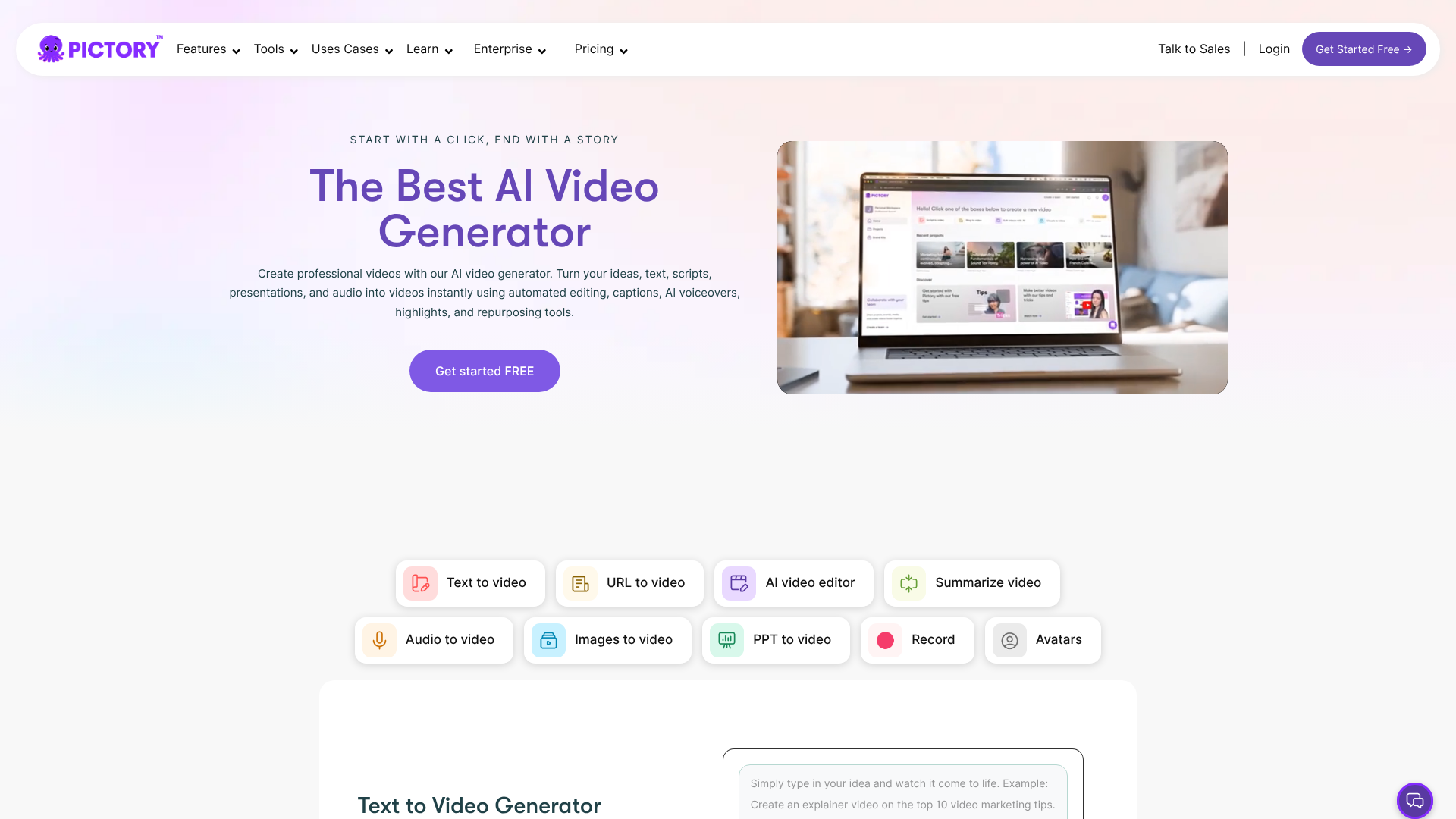
Pictory is an AI video generator that makes it incredibly simple to create short, engaging videos from long-form content. Its core strength lies in its ability to take a blog post, a script, or even a long webinar recording and automatically transform it into a shareable video for social media. The AI selects the most important sentences, finds relevant stock footage from a massive library, and adds captions and music.
This tool is perfect for content marketers who want to repurpose their existing articles into a different format to reach a wider audience. You don't need any video editing experience to use it. The process is fast and intuitive, allowing you to produce a professional-looking video in minutes. It's an ideal solution for boosting your social media presence with video content.
Pros
- Effortless Content Repurposing: Turns text into video with just a few clicks.
- No Video Editing Skills Needed: The AI handles the heavy lifting of finding clips and adding text.
- Huge Stock Media Library: Access to millions of royalty-free videos and images.
Cons
- Limited Customisation: Advanced video editors will find the customisation options basic.
- AI Voiceovers Can Sound Robotic: While convenient, the AI voices may not suit all brand styles.
Pricing
Pictory offers a free trial and several subscription plans. To see how easily you can create videos from your text, check out Pictory's features.
4. Synthesia
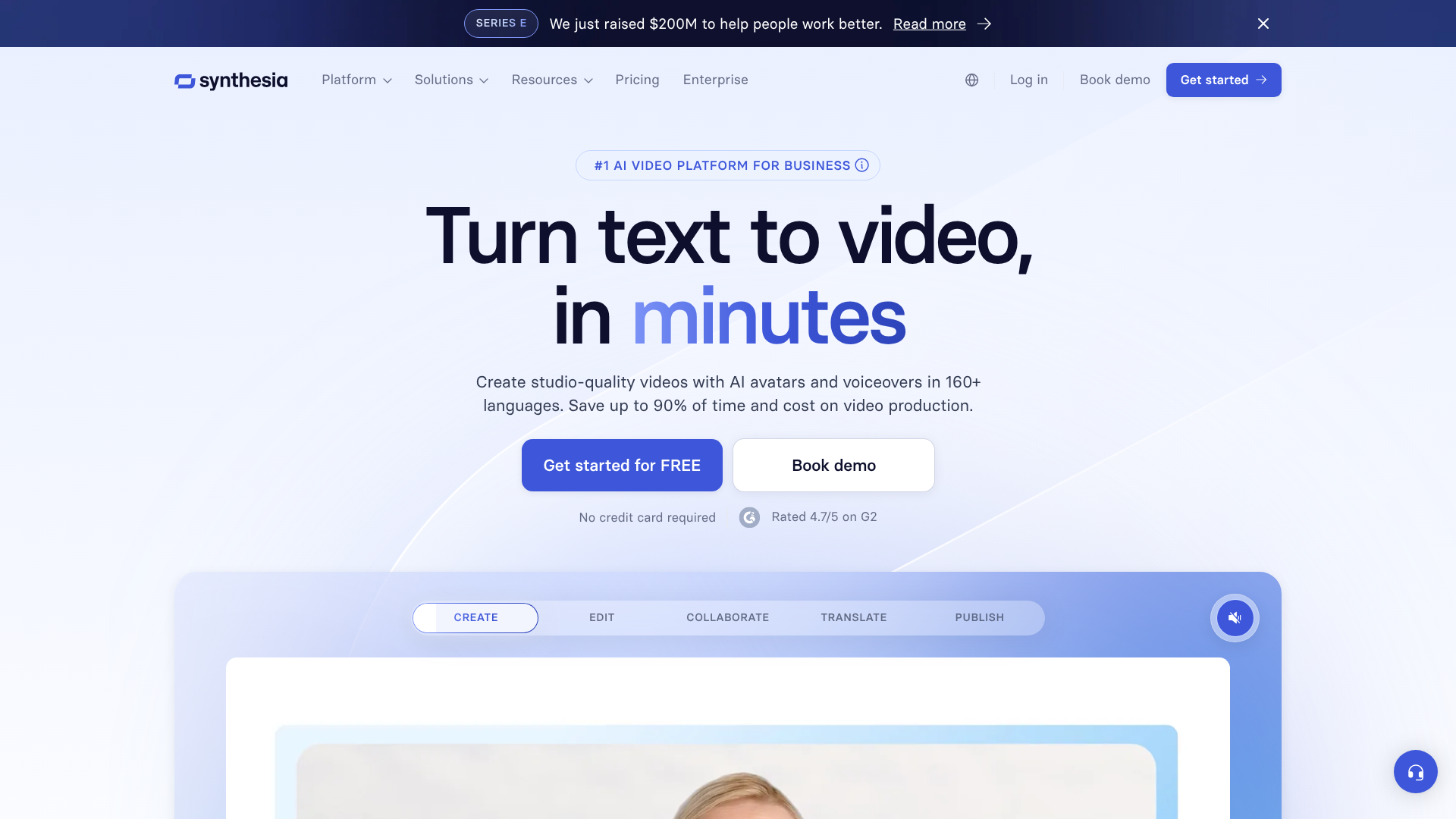
Synthesia is a leader in AI video generation, focusing on creating videos with realistic AI avatars. This is an exceptional tool for corporate training, product demonstrations, and instructional videos. You simply type your script, choose from over 140 diverse AI avatars, select a language and voice, and the platform generates a video of the avatar speaking your text.
It supports over 120 languages, making it a powerful tool for global companies that need to create localised training materials. The platform is straightforward to use and eliminates the need for cameras, microphones, or actors. This saves a significant amount of time and money compared to traditional video production, making it accessible for businesses of all sizes.
Pros
- Realistic AI Avatars: High-quality, diverse avatars for professional presentations.
- Extensive Language Support: Create videos in over 120 languages and accents.
- Cost and Time Efficient: Drastically reduces the resources needed for video production.
Cons
- Avatars Lack Emotional Range: While realistic, the avatars can't convey complex emotions.
- Subscription Cost: The pricing is geared more towards businesses than individual creators.
Pricing
Synthesia's pricing is tailored for personal use and enterprise teams. For creating professional training videos without a studio, learn more about Synthesia.
5. Murf AI
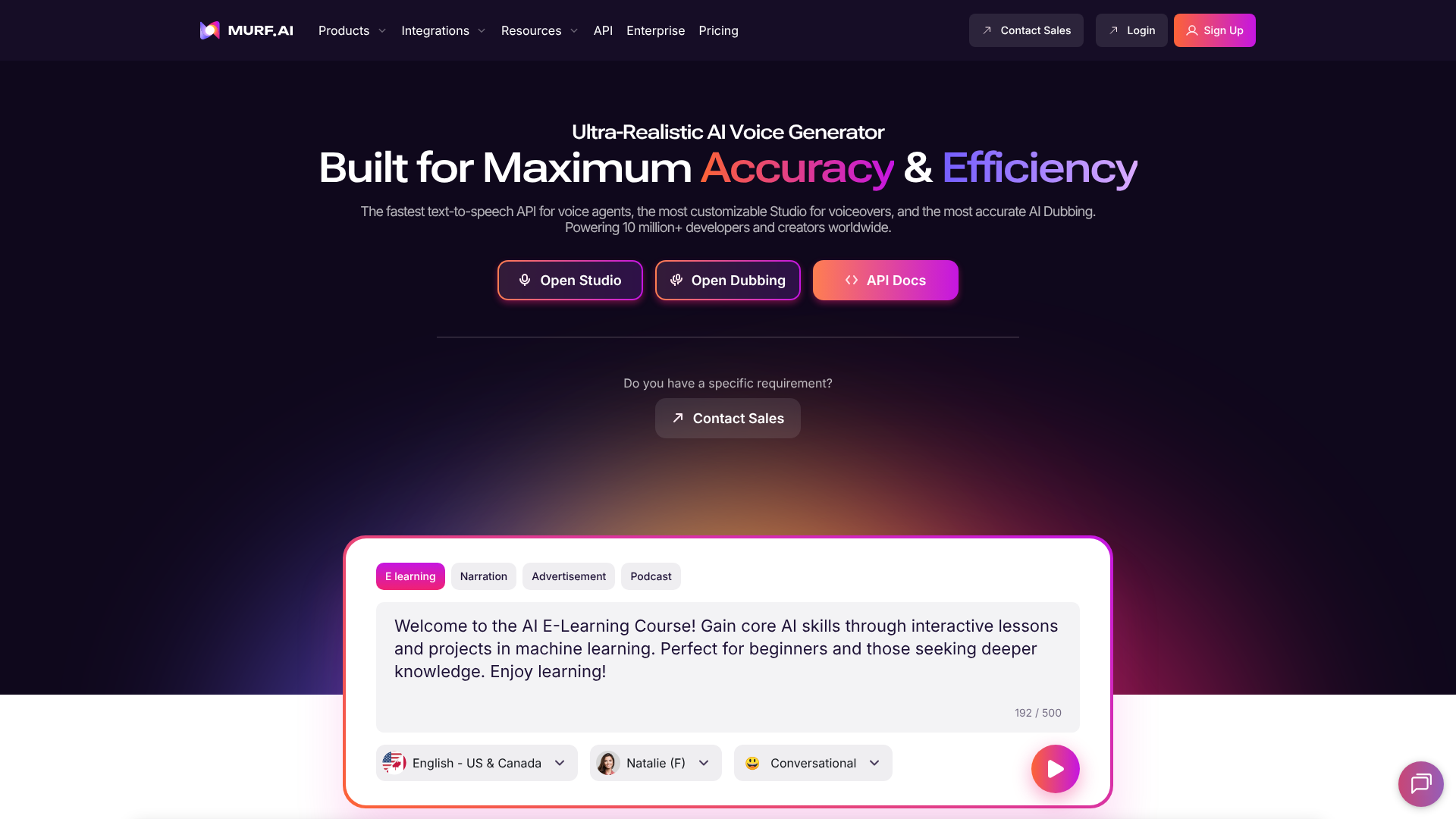
Murf AI is a top-tier text-to-speech generator that produces incredibly realistic and natural-sounding voiceovers. It's an excellent tool for podcasters, video creators, and educators who need high-quality audio without hiring a voice actor. The platform offers a library of over 120 AI voices across different ages, genders, and accents.
What sets Murf AI apart is the level of customisation it offers. You can adjust the pitch, speed, and emphasis of the voice to match the tone of your content perfectly. It also includes a voice cloning feature, allowing you to create a digital replica of your own voice. The integrated editor lets you sync your voiceover with video or images, making it a complete solution for multimedia projects.
Pros
- Hyper-Realistic AI Voices: The voiceovers are among the most natural-sounding available.
- Extensive Customisation: Fine-tune pitch, speed, and emphasis for the perfect delivery.
- All-in-One Studio: Includes a video editor and music library to complete your projects.
Cons
- Voice Cloning is an Expensive Add-On: The custom voice feature requires a higher-tier plan.
- Limited Free Plan: The free version has significant limitations on features and download options.
Pricing
Murf AI has a free plan along with several paid tiers for individuals and teams. You can explore the voice library on Murf AI's website.
6. Semrush
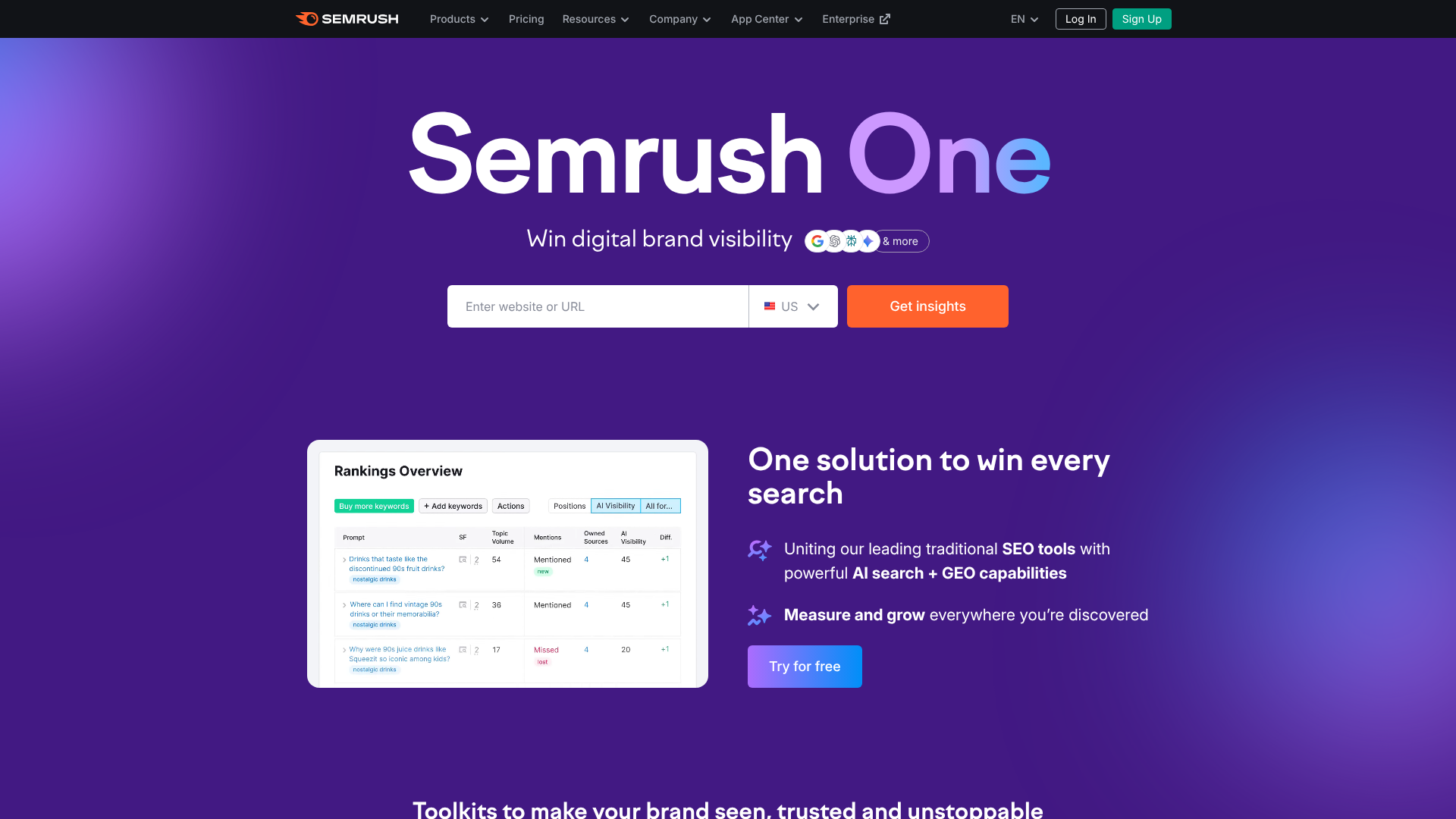
While primarily known as an all-encompassing SEO suite, Semrush has integrated powerful AI features that make it an essential tool for content creators. Its SEO Writing Assistant provides real-time feedback on your text as you write in Google Docs or WordPress. It analyses your content based on the top-ranking pages for your target keyword and gives actionable recommendations on readability, tone of voice, SEO, and originality.
This isn't a tool for generating content from scratch, but rather for optimising it to perfection. It helps you ensure your articles are comprehensive, easy to read, and aligned with what search engines are looking for. For any content team serious about organic traffic, the AI-driven insights from Semrush are invaluable for turning good content into great, high-ranking content.
Pros
- Actionable SEO Recommendations: Provides clear, data-driven advice to improve your content.
- Real-Time Feedback: Optimise your writing as you go, directly in your editor.
- Comprehensive SEO Toolkit: Part of a larger suite of tools for keyword research, competitor analysis, and more.
Cons
- Not a Content Generator: It optimises existing content rather than creating it for you.
- Can Be Expensive: The full suite is a significant investment, best suited for serious marketers.
Pricing
Semrush offers various subscription plans. If your focus is on ranking content, Semrush's SEO Writing Assistant is a must-have.
7. Grammarly
Grammarly is a household name for grammar and spell-checking, but its AI-powered features have evolved it into a comprehensive writing assistant. GrammarlyGO, its generative AI feature, can help you brainstorm ideas, compose drafts, and rewrite sentences for clarity, tone, or length. It acts as a co-writer that helps you refine your message.
It's an essential tool for ensuring every piece of content you publish is polished and professional. The tone detector helps you strike the right note with your audience, whether you're writing a formal email or a casual social media post. While other tools focus on generating the bulk of the content, Grammarly excels at the crucial final step of editing and perfecting it.
Pros
- Excellent Editing Capabilities: Catches grammatical errors, awkward phrasing, and plagiarism.
- Helpful Generative AI Features: Assists with brainstorming, drafting, and rewriting.
- Easy Integration: Works across multiple platforms, including browsers, email clients, and desktop apps.
Cons
- Generative AI is Less Powerful than Dedicated Writers: It's more of an assistant than a full-fledged content creator.
- Some Suggestions Can Be Overly Prescriptive: You still need to use your own judgment on its recommendations.
Pricing
Grammarly offers a robust free version and a Premium plan with advanced features. You can try Grammarly for free to improve your writing today.
8. HubSpot AI

HubSpot has integrated a suite of AI tools directly into its marketing, sales, and service platform. The AI Content Assistant can help you draft blog posts, marketing emails, and landing page copy right within the HubSpot ecosystem. This is a massive advantage for teams already using HubSpot, as it eliminates the need to switch between different applications.
The AI is designed to work seamlessly with the rest of the platform. For example, you can generate a blog post outline, write the content, and then create social media posts to promote it, all from one place. It's a powerful tool for streamlining the entire content marketing lifecycle, from creation to distribution and analysis.
Pros
- Seamless Integration: Perfect for teams already invested in the HubSpot ecosystem.
- Covers the Full Funnel: Tools for creating content for marketing, sales, and customer service.
- Free to Start: Many AI features are included in HubSpot's free tools.
Cons
- Best for HubSpot Users: The value is significantly higher if you use the full platform.
- Less Specialised: The AI writer may not be as powerful as dedicated tools like Jasper.
Pricing
Many of HubSpot's AI features are available for free, with more advanced capabilities in their paid plans. Explore HubSpot's AI tools if you're looking for an integrated solution.
9. QuillBot
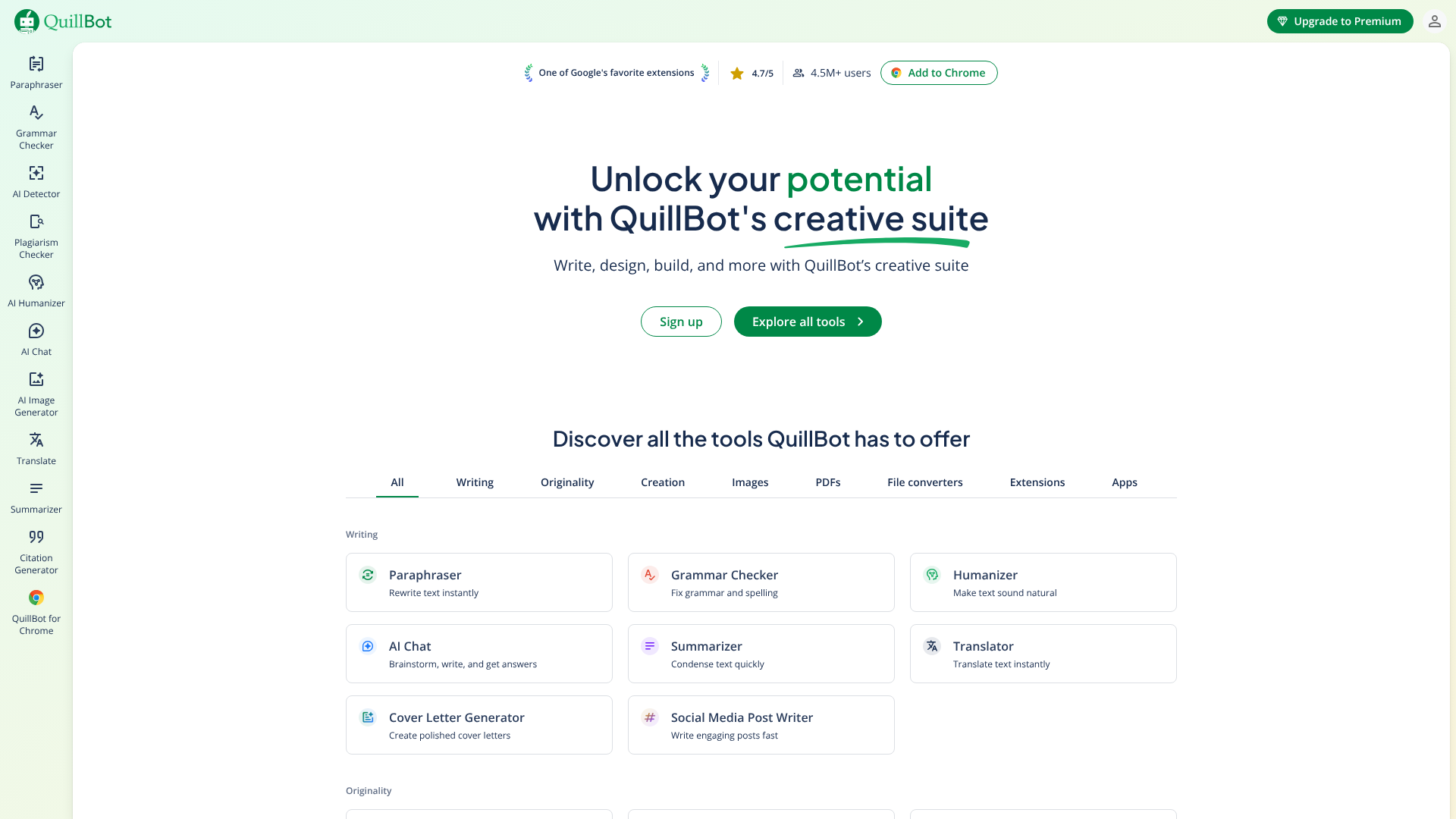
QuillBot is an AI-powered paraphrasing tool that excels at rewriting and refining existing text. While it can't generate new content from a simple prompt, it's incredibly useful for rephrasing sentences, improving clarity, and changing the tone of your writing. It's a favourite among students, academics, and writers who need to avoid plagiarism or simply find a better way to express an idea.
Its features include a paraphraser, grammar checker, summariser, and citation generator. The paraphraser offers several modes, such as 'Standard', 'Fluency', and 'Creative', allowing you to choose the level of change you want. It's an excellent assistant for the editing phase of content creation, helping you polish your final draft.
Pros
- Advanced Paraphrasing: Rewrites text effectively while preserving the original meaning.
- Multiple Writing Modes: Adjust the style and complexity of the rewritten text.
- Affordable Pricing: The premium version is very budget-friendly.
Cons
- Not a Content Generator: It can only work with existing text.
- Can Sometimes Lose Nuance: The paraphrasing can occasionally strip the original text of its subtle meaning.
Pricing
QuillBot has a generous free plan and an affordable premium subscription. You can try QuillBot's paraphraser to see how it can improve your writing.
10. ElevenLabs
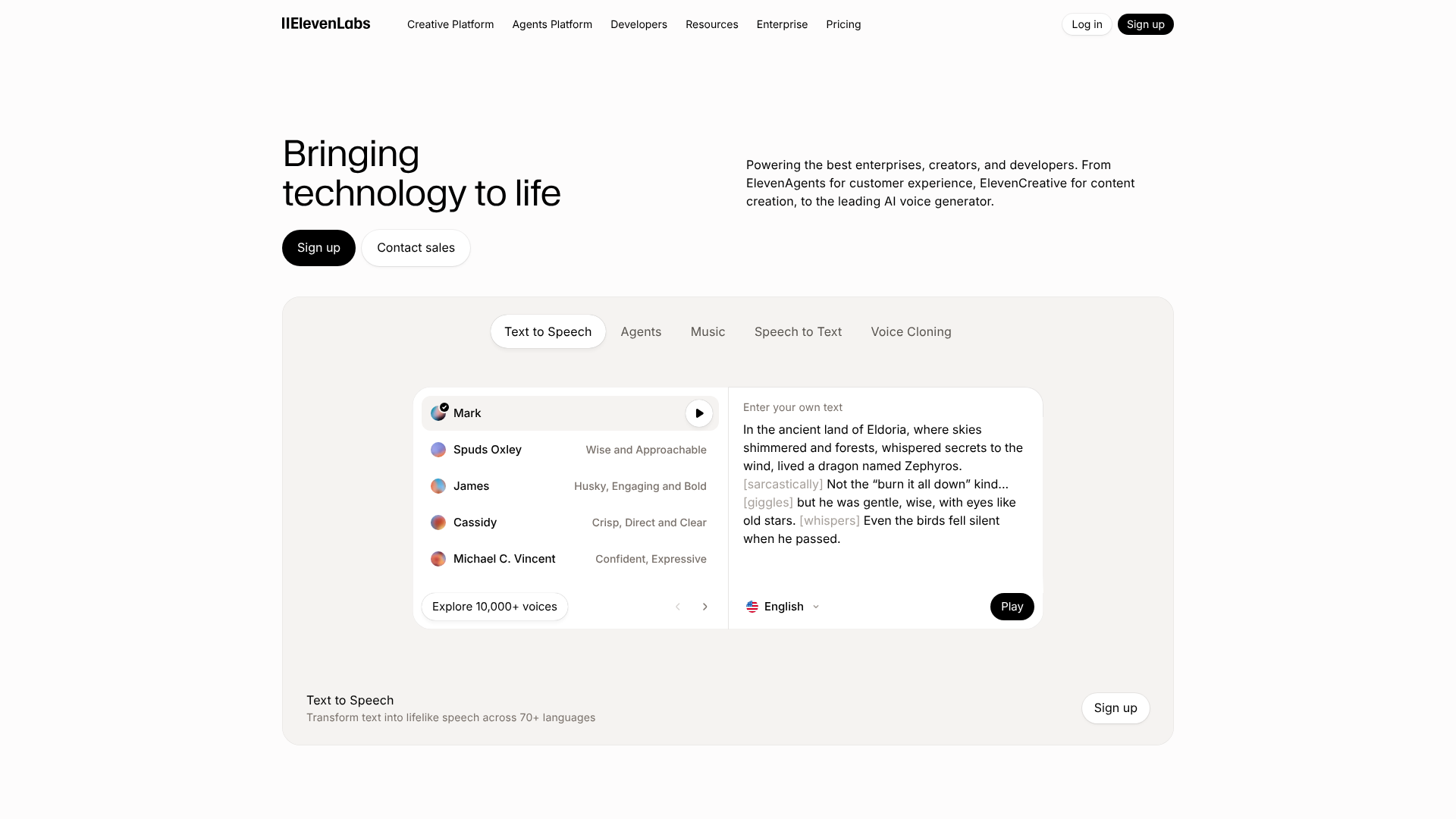
ElevenLabs is at the forefront of AI voice generation, widely regarded for producing the most emotionally resonant and human-like text-to-speech audio. It's the go-to tool for creators who need voiceovers that don't sound robotic. The platform's AI can understand the context of the text and add appropriate intonation and emotion, making it ideal for audiobooks, podcasts, and video narration.
The platform also features powerful voice cloning technology. With just a few minutes of audio, you can create a high-quality digital clone of a voice that can then be used to generate new speech. This is a powerful feature for creators who want to scale their audio content using their own voice without having to record every single word.
Pros
- Extremely Realistic Voices: Industry-leading quality with emotional depth.
- High-Quality Voice Cloning: Create a digital replica of any voice with minimal data.
- Generous Free Tier: The free plan allows you to generate a good amount of audio each month.
Cons
- Potential for Misuse: The voice cloning technology raises ethical considerations.
- Can Be Resource-Intensive: Generating long audio files can take time.
Pricing
ElevenLabs offers a free plan and several subscription tiers based on character usage. To hear the quality for yourself, visit ElevenLabs.
11. CustomGPT.ai
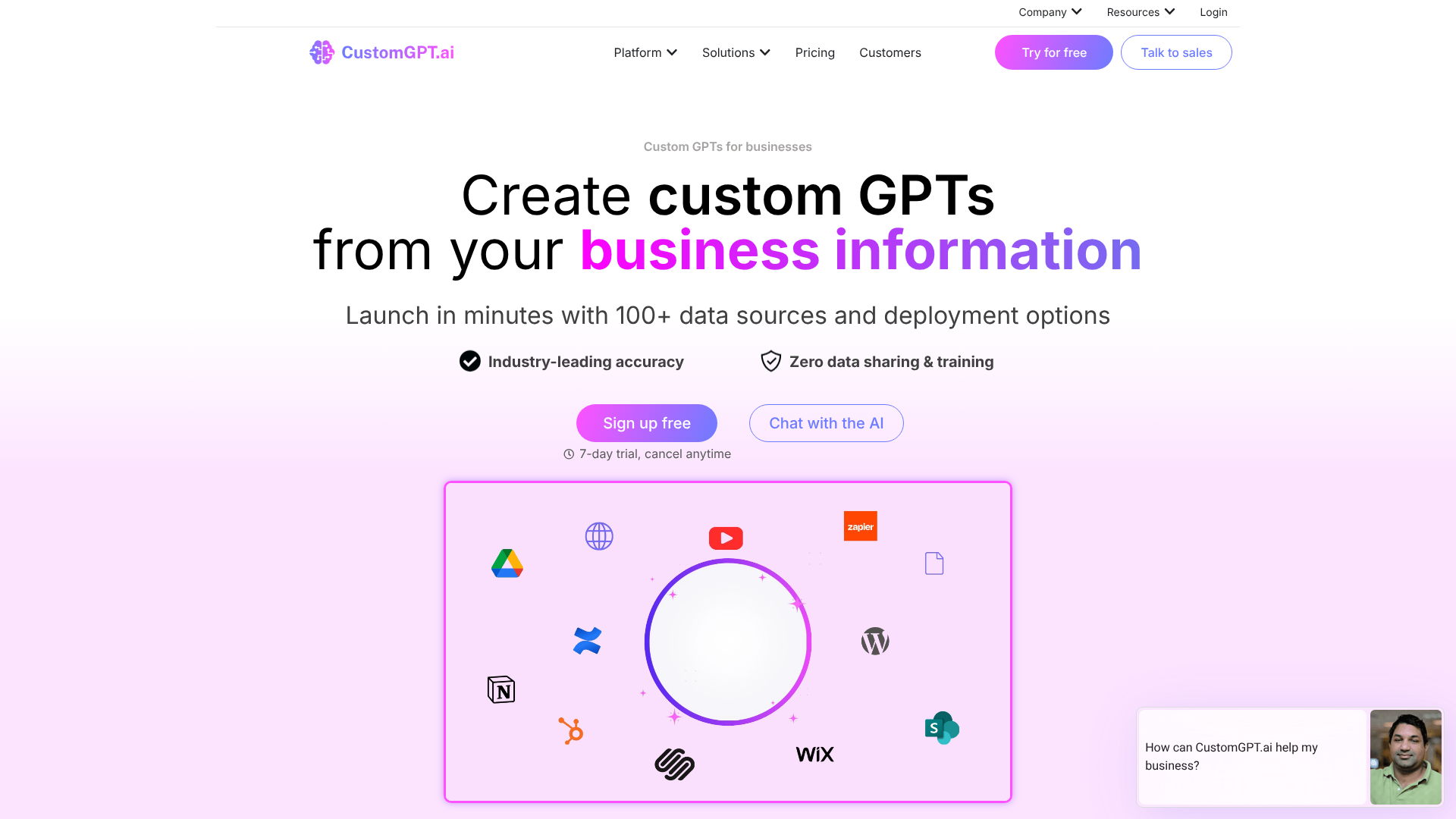
CustomGPT.ai allows you to create your own specialised AI chatbot, like ChatGPT, but trained exclusively on your own data. You can upload your company's documents, website content, help desk articles, or any other business information. The result is a custom-branded chatbot that can provide accurate, instant answers to questions from your customers or employees, citing the sources from your content.
This is not a tool for generating public-facing marketing content, but rather for creating a powerful internal or customer-facing knowledge base. It's an excellent solution for improving customer support, creating internal training bots, or providing an intelligent search function for your website. The key benefit is that the AI's responses are grounded in your trusted content, eliminating the risk of it providing inaccurate or off-brand information.
Pros
- Trained on Your Data: Ensures all responses are accurate and based on your content.
- Reduces Hallucinations: The AI is constrained to your information, preventing it from making things up.
- Easy to Set Up: No coding is required to build and deploy your custom chatbot.
Cons
- Niche Use Case: It's specifically for creating chatbots, not general content.
- Requires a Good Knowledge Base: The quality of the chatbot depends on the quality of the data you provide.
Pricing
CustomGPT.ai has pricing plans based on the amount of content and interactions. If you need a custom chatbot for your business, learn more at CustomGPT.ai.
Pricing and Cost Comparison
Understanding the financial commitment is a key part of choosing an AI content tool. Pricing structures can vary significantly, so it's important to find a model that aligns with your content needs and budget. Most tools fall into one of a few categories.
Subscription-Based Models: This is the most common approach. You pay a monthly or annual fee for access to the platform. Tiers are often based on the number of words or video minutes you can generate, the number of user seats, and access to advanced features. Tools like Jasper and Synthesia primarily use this model.
Credit-Based Systems: Some platforms, like Writesonic, use a credit system. You purchase credits, and different actions consume a certain number of them. For example, generating a high-quality article might cost more credits than a standard-quality one. This can offer flexibility but can also be harder to predict your monthly costs.
Freemium Plans: Many tools, including Grammarly and Murf AI, offer a free plan with basic features and limitations. This is an excellent way to test the platform's capabilities before committing to a paid subscription. The free plan is often sufficient for casual users, while professionals will likely need to upgrade.
Here is a general comparison to help you budget:
| Tool | Typical Pricing Model | Best For | Starting Price Range (Monthly) |
|---|---|---|---|
| Jasper | Subscription | Marketing Teams | £30 – £100+ |
| Writesonic | Credits/Subscription | SEO Content | £10 – £50+ |
| Pictory | Subscription | Video Repurposing | £15 – £35+ |
| Synthesia | Subscription | Corporate Training Video | £20 – £150+ |
| Murf AI | Freemium/Subscription | Realistic Voiceovers | £0 – £25+ |
Pro Tip: Always opt for an annual subscription if you're confident in a tool. Most companies offer a significant discount (often 15-25%) for paying yearly, which can lead to substantial savings over time.
The Pros and Cons of AI-Generated Content
While AI content generation tools offer incredible benefits, it's important to approach them with a balanced perspective. They are powerful assistants, but they are not a perfect, hands-off solution. Understanding both their strengths and weaknesses is key to using them effectively.
The Pros
First and foremost, the efficiency gains are undeniable. You can produce content at a scale and speed that is simply not possible for a human writer alone. This allows you to test more ideas, publish more frequently, and maintain a constant presence across multiple channels.
These tools are also fantastic for brainstorming and overcoming writer's block. By generating outlines, headlines, or initial drafts, they provide a starting point that can spark human creativity. They also help maintain brand consistency, as you can often define a specific tone of voice that the AI will adhere to across all generated content.
The Cons
The biggest drawback is the potential for factual inaccuracies, often called 'hallucinations'. AI models can confidently state incorrect information, which makes human fact-checking absolutely essential, especially for topics that require expertise. They also struggle with nuance, deep creativity, and personal experience—the very things that make content truly compelling and authoritative.
There is also a risk of producing generic content that lacks a unique perspective. If everyone is using the same tools with similar prompts, the internet could become flooded with homogenous articles. Finally, search engines like Google have been clear that while they don't penalise AI-generated content, they do prioritise high-quality, helpful content that demonstrates experience and expertise. AI-generated content must be heavily edited and enriched by a human to meet this standard.
Frequently Asked Questions (FAQ)
What is the best AI tool to generate content?
The "best" tool really depends on your specific needs. For high-quality, brand-focused marketing copy, Jasper is often considered a top contender. For SEO-optimised articles and an all-in-one solution, Writesonic is an excellent choice. If your focus is on video, Pictory for repurposing text and Synthesia for avatar videos are leaders in their respective fields.
How is AI used to generate content?
AI generates content by using large language models (LLMs) that have been trained on billions of data points from the internet. When you provide a prompt, the AI uses its training to predict the most logical sequence of words, sentences, or pixels to create a new piece of content. It's essentially a very sophisticated pattern-recognition and prediction engine that can produce text, images, or audio that is coherent and contextually relevant to your request.
What is the best AI platform for content creators?
For all-around content creators who dabble in multiple formats, a versatile platform like Writesonic is a strong option because it includes text, chat, and image generation. However, many creators prefer to build a 'stack' of specialised tools. For example, they might use Jasper for writing scripts, Murf AI for creating the voiceover, and Pictory to assemble the final video. This approach allows you to use the best-in-class tool for each part of your workflow.
Is it illegal to publish a book written by AI?
It is not illegal to publish a book written by AI. However, copyright law is still evolving in this area. In many jurisdictions, including the United States, works created solely by AI without significant human authorship may not be eligible for copyright protection. This means that while you can publish it, you may not be able to prevent others from using it.
Most platforms like Amazon's KDP now require you to disclose if the content is AI-generated.
How to generate AI content for free?
Many powerful AI tools offer free trials or generous freemium plans. Writesonic, Murf AI, and ElevenLabs all have free tiers that allow you to generate a certain amount of content each month. You can also use free tools like ChatGPT's base version or Google's Gemini for brainstorming and drafting. By combining the free plans of several different tools, you can create a surprisingly capable content generation workflow without any initial investment.
Final Thoughts
AI content generation tools are no longer a novelty; they are essential components of a modern marketing toolkit. From drafting blog posts in minutes with Jasper to creating professional training videos with Synthesia, these platforms offer unprecedented efficiency and scale. They empower creators to overcome writer's block, repurpose content into new formats, and optimise their work for better performance.
However, the key to success lies in viewing them as powerful collaborators, not replacements for human creativity. The best results come from a partnership where AI handles the initial draft and data-driven optimisation, while a human expert provides the final fact-checking, adds unique insights, and infuses the content with genuine personality. By choosing the right tools for your specific needs and integrating them thoughtfully into your workflow, you can dramatically increase your content output and achieve your marketing goals faster than ever before.
If you're ready to start automating your content, exploring a versatile writer like Jasper or an innovative video tool like Pictory is an excellent first step. Experiment with their free trials to see just how much time you can save.