

What Does WP Engine Do? A Guide to Its Functions for Business Owners
If you've spent any time researching high-quality WordPress hosting, you've likely come across the name WP Engine. But for many, a key question remains: what does WP Engine do that sets it apart from the countless other hosting providers available? In simple terms, WP Engine provides a premium, managed hosting environment specifically optimised for WordPress websites. It handles the complex technical backend—speed, security, and updates—so you can focus on growing your business instead of managing your server.
- Quick Summary
- What is WP Engine, Exactly? (And What It Isn't)
- How WP Engine Works: A Look Under the Bonnet
- Core WP Engine Services & Functions: A Detailed Breakdown
- Performance and Speed Optimisation
- Uncompromising Security Features
- Developer-Friendly Workflow Tools
- Scalability for High-Traffic Sites
- Expert WordPress Support
- Choosing the Right WP Engine Plan for Your Needs
- For Startups and Small Blogs
- For Growing Businesses and Agencies
- For Large-Scale Enterprises and High-Traffic Sites
- WP Engine Pricing: Is It Worth the Investment?
- The Pros and Cons of Using WP Engine: An Honest Look
- Frequently Asked Questions about WP Engine
- What's the difference between WordPress and WP Engine?
- Can WP Engine handle high traffic?
- Why is WP Engine so expensive?
- Is WP Engine banned from WordPress?
- Final Thoughts: Who is WP Engine Really For?
Unlike standard shared hosting where you're left to manage most technical aspects yourself, WP Engine offers a concierge-like service for your website's infrastructure. It's designed for users who need reliability, top-tier performance, and expert support without having to become server administrators themselves. This guide will break down the core functions and services of WP Engine, explaining exactly how it works and who it's best for.
Quick Summary
- Managed WordPress Hosting: WP Engine is not a website builder; it's a specialised hosting company that provides a high-performance, secure, and optimised environment exclusively for WordPress sites.
- Performance and Speed: Its core function is to make your WordPress site exceptionally fast using proprietary caching technology (EverCache), a global Content Delivery Network (CDN), and servers optimised for WordPress.
- Advanced Security: WP Engine services include proactive security measures like managed Web Application Firewalls (WAF), daily malware scanning, and automatic updates to protect your site from threats.
- Developer-Friendly Tools: It offers professional tools like one-click staging environments, Git integration, and local development tools to streamline the website building and maintenance process.
- Premium Price for Premium Service: WP Engine is more expensive than standard hosting because it bundles performance, security, and expert 24/7 WordPress support into a single managed service, saving you time and potential technical headaches.
What is WP Engine, Exactly? (And What It Isn't)
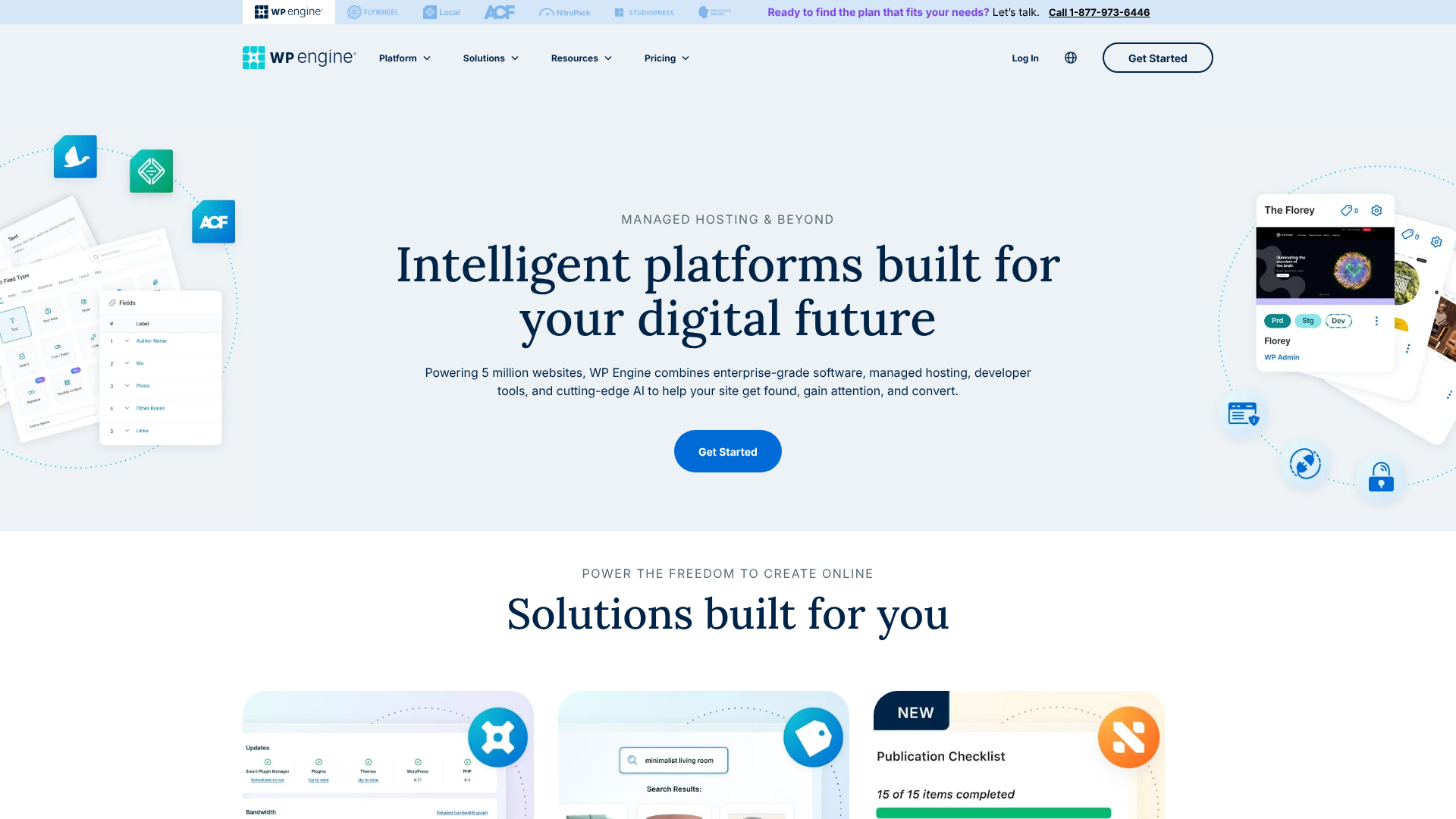
One of the most common points of confusion is the relationship between WordPress and WP Engine. It's crucial to understand they are two separate entities that work together. WordPress is the free, open-source software (a Content Management System or CMS) used to build and manage your website's content. WP Engine is the specialised service that hosts, or stores, your WordPress website's files and makes them accessible to visitors on the internet.
Think of it like this: WordPress is the engine, transmission, and interior of your car—the parts that make it run and provide the user experience. WP Engine is the high-performance garage with a team of expert mechanics. This team doesn't just give you a parking space (like basic hosting); they build a custom-tuned environment for your specific engine, constantly monitor its performance, protect it from theft and damage, and keep it running at peak efficiency. You still drive the car and decide where it goes (manage your content), but the complex maintenance is handled for you.
This is the core of what's known as 'managed WordPress hosting'. Unlike unmanaged or shared hosting from providers like Hostinger or Bluehost, where you share server resources with hundreds of other websites and are responsible for your own security and updates, WP Engine provides a dedicated, optimised environment. The 'managed' part means their team handles server configuration, security protocols, WordPress core updates, performance tuning, and daily backups. This frees you from the technical burden of website management.
How WP Engine Works: A Look Under the Bonnet
Understanding how WP Engine works involves looking at its multi-layered technology stack, which is designed from the ground up to make WordPress sites fast, secure, and scalable. The platform is built on enterprise-grade infrastructure, primarily using Google Cloud Platform, which provides a reliable and powerful foundation.
First, when a visitor tries to access your website, their request doesn't just hit a single server. It goes through a sophisticated system designed to deliver content as quickly as possible. This starts with WP Engine's global Content Delivery Network (CDN). The CDN stores copies of your site's static assets (like images, CSS, and JavaScript files) on servers located around the world.
When a user from London visits your site, the content is delivered from a nearby London server instead of one in New York, dramatically reducing load times.
Next is the caching layer, which is arguably WP Engine's most powerful feature. The platform uses a proprietary caching system called EverCache®. Caching involves storing pre-built versions of your pages so the server doesn't have to build them from scratch for every single visitor. EverCache is highly aggressive and optimised specifically for WordPress, handling page caching, object caching, and CDN caching automatically.
This system is a primary reason why sites on WP Engine often load in under a second.
Behind the scenes, WP Engine's platform is constantly monitoring for security threats. It employs a managed Web Application Firewall (WAF) that blocks malicious traffic before it even reaches your site. It also performs regular malware scans and has a system that automatically identifies and patches vulnerabilities. If your site does somehow get compromised, WP Engine offers to fix it for free, a guarantee that provides significant peace of mind.
Core WP Engine Services & Functions: A Detailed Breakdown

The value of WP Engine lies in its comprehensive set of features that address the biggest challenges of running a WordPress site. These WP Engine services go far beyond simple file storage.
Performance and Speed Optimisation
Speed is no longer a luxury; it's a necessity for SEO and user experience. WP Engine's entire infrastructure is built for speed. Their global CDN, included with all plans, ensures fast delivery of assets worldwide. The integrated EverCache® technology significantly reduces server load and delivers pages almost instantly.
Furthermore, they use the latest technologies like PHP 8 and HTTP/2 to ensure the server environment itself is as fast as possible. This means you don't have to spend hours configuring complex caching plugins or optimising server settings; it's all done for you.
Uncompromising Security Features
WordPress is the world's most popular CMS, which also makes it a popular target for hackers. WP Engine's security functions are a cornerstone of their service. They provide a managed WAF to block malicious requests, real-time threat detection, and enterprise-level DDoS mitigation. Free SSL certificates are included and automatically installed to encrypt data between your site and its visitors.
Daily automated backups are also standard, and you can create a manual backup at any time with a single click. This multi-layered security approach protects your digital assets and reputation.
Developer-Friendly Workflow Tools
WP Engine isn't just for business owners; it's also built for developers and agencies. One of its most celebrated features is the one-click staging environment. A staging site is a private clone of your live website where you can safely test new plugins, themes, or code changes without affecting your visitors. Once you're happy with the changes, you can deploy them to your live site with another click.
This workflow prevents costly mistakes and downtime. They also offer Git integration for version control and a free local development tool called Local, which makes building sites offline simple.
Pro Tip: Always use the staging environment, even for minor plugin updates. A seemingly small update can sometimes cause unexpected conflicts. Testing on staging first is a professional best practice that can save you from breaking your live site.
Scalability for High-Traffic Sites
Can WP Engine handle high traffic. Absolutely. This is one of the main reasons users choose the platform. Its cloud-based infrastructure is designed to scale automatically.
If your site suddenly gets a surge of traffic from a viral blog post or a marketing campaign, the platform can handle it without crashing. For websites with consistently high traffic, like established e-commerce stores or popular publications, WP Engine's dedicated plans provide the resources and stability needed to ensure a smooth user experience for millions of visitors per month.
Expert WordPress Support
When something goes wrong, you need help from someone who understands WordPress inside and out. WP Engine's support team is comprised of WordPress experts available 24/7 via live chat and phone (on higher plans). Unlike generic hosts whose support staff may have limited WordPress knowledge, WP Engine's team can help you troubleshoot complex issues related to plugins, themes, and performance. This level of specialised support is invaluable and a key part of their premium offering.
Choosing the Right WP Engine Plan for Your Needs
WP Engine offers a tiered pricing structure designed to accommodate different needs, from a single blog to a large enterprise. Choosing the right plan depends on three main factors: the number of websites you need to host, your monthly traffic volume, and your storage requirements.
For Startups and Small Blogs
The entry-level plan, typically named Startup, is perfect for a single small business website or personal blog. It generally includes support for one website, around 25,000 monthly visits, and a modest amount of local storage (e.g., 10GB). This plan gives you access to all the core performance and security features, including the global CDN, daily backups, and free SSL. It's an excellent starting point for anyone serious about their website's performance from day one.
For Growing Businesses and Agencies
As your business grows, so will your website's needs. The Professional and Growth plans are designed for this stage. The Professional plan typically allows for more sites (e.g., 3) and higher traffic limits (e.g., 75,000 visits), making it suitable for businesses with a few web properties. The Growth plan is a popular choice for small agencies and businesses experiencing rapid expansion, often supporting 10 sites and 100,000 monthly visits.
These plans provide the same great features but with more resources to handle increasing demand.
For Large-Scale Enterprises and High-Traffic Sites
The Scale plan is built for high-traffic websites and larger agencies, offering support for up to 30 sites and handling hundreds of thousands of monthly visits. For websites that exceed these limits, such as major e-commerce platforms or media outlets, WP Engine offers Custom dedicated plans. These are tailored solutions with dedicated server environments, the highest levels of performance, and premium, white-glove support. These plans ensure maximum uptime and speed for mission-critical websites.
WP Engine Pricing: Is It Worth the Investment?

A common question from those considering the platform is, "Why is WP Engine so expensive?" When compared to shared hosting plans that cost only a few pounds per month, WP Engine's pricing can seem steep. However, this comparison isn't quite fair because they are fundamentally different products. You're not just paying for server space; you're paying for a managed service that saves you time, money, and stress in the long run.
To understand the cost, consider the individual services you're getting in one package:
- Premium Cloud Hosting: Access to enterprise-level infrastructure on Google Cloud. (Cost: £50+/month if purchased separately).
- Global CDN: A high-quality CDN like Cloudflare Pro can cost £20/month.
- Managed Security: A managed WAF and malware cleanup service could cost £25-£200/month.
- Daily Backups & Staging: Premium backup solutions and staging environments often come with extra costs.
- Expert Support: Hiring a freelance WordPress developer to fix an issue can cost £50-£150 per hour.
When you add up the costs of sourcing these services individually, the price of a WP Engine plan often proves to be cost-effective. It's an investment in reliability and peace of mind. For a business where the website is a critical asset for generating leads or revenue, the cost of downtime or a security breach far exceeds the monthly hosting fee.
Here is a general overview of what to expect from their plans. For the most current pricing, you should always visit the official WP Engine website.
| Plan Tier | Best For | Typical Monthly Visits | Number of Sites | Key Feature |
|---|---|---|---|---|
| Startup | Small websites, blogs | ~25,000 | 1 | All core performance & security features |
| Professional | Growing businesses | ~75,000 | 3 | More resources, phone support added |
| Growth | Agencies, multiple sites | ~100,000 | 10 | Increased storage and bandwidth |
| Scale | High-traffic sites | ~400,000 | 30 | High capacity for demanding sites |
| Custom | Enterprise, mission-critical | Millions | 30+ | Dedicated environment, premium support |
The Pros and Cons of Using WP Engine: An Honest Look
No service is perfect for everyone. To make an informed decision, it's important to weigh the advantages and potential drawbacks of using WP Engine.
WP Engine Advantages
- Blazing-Fast Speed: Sites hosted on WP Engine are consistently among the fastest loading on the web, thanks to its optimised server environment and powerful caching.
- Rock-Solid Security: The platform's proactive security measures, free clean-up guarantee, and automatic backups provide exceptional protection and peace of mind.
- Excellent Expert Support: Access to a 24/7 support team of genuine WordPress experts is a major benefit, especially when you encounter technical issues.
- Powerful Workflow Tools: Features like one-click staging and Git integration are invaluable for developers and anyone who regularly updates their site.
- Effortless Scalability: The platform can easily handle sudden traffic spikes, ensuring your site stays online when it matters most.
WP Engine Disadvantages
- Premium Price Point: The primary drawback is the cost. It is significantly more expensive than shared hosting, which can be a barrier for hobbyists or those on a tight budget.
- WordPress-Only: As the name implies, WP Engine only hosts WordPress websites. You cannot host other types of applications or use it for email hosting.
- Disallowed Plugins: To ensure platform stability and performance, WP Engine has a list of disallowed plugins. This includes some caching, backup, and database-intensive plugins that can conflict with their built-in systems. While this is generally a good thing, it can be an issue if your site relies on a specific banned plugin.
Frequently Asked Questions about WP Engine
Here are detailed answers to some of the most common questions people have about WP Engine.
What's the difference between WordPress and WP Engine?
WordPress is the software used to build your website, while WP Engine is the specialised hosting service that stores your website's files and makes it run fast and securely. Think of WordPress as the operating system (like Windows or macOS) and WP Engine as the high-performance computer (like a custom-built PC) designed specifically to run that operating system at its best. You need both to have a functioning website: WordPress to create the content and WP Engine to power it on the internet.
Can WP Engine handle high traffic?
Yes, handling high traffic is one of WP Engine's primary strengths. Its cloud-based, auto-scaling architecture is designed to manage large volumes of visitors and sudden traffic surges without performance degradation. Many high-traffic media sites and large online stores use WP Engine for this exact reason. Their higher-tier and custom plans are specifically engineered for websites that serve millions of page views per month, ensuring 99.99% uptime and consistent speed under pressure.
Why is WP Engine so expensive?
WP Engine's price reflects its positioning as a premium, managed service provider. You are paying for a bundle of services that would be expensive to purchase separately: enterprise-grade cloud hosting, a global CDN, managed security with a WAF, automated backups, developer workflow tools like staging, and 24/7 support from WordPress experts. The cost covers the technology and the human expertise required to manage, secure, and optimise your website, saving you significant time and preventing costly technical problems.
Is WP Engine banned from WordPress?
No, this is a common misunderstanding. WP Engine is not banned from WordPress; in fact, it's one of the most respected hosting providers in the WordPress ecosystem. The confusion comes from WP Engine's list of 'disallowed plugins'. To maintain the high performance and security of its platform, WP Engine prohibits the use of certain plugins that are known to cause issues.
This often includes other caching plugins (since they have their own superior system), some backup plugins (as they provide their own), and plugins that put an excessive load on the database. This policy is in place to protect your site's performance, not to limit you arbitrarily.
Final Thoughts: Who is WP Engine Really For?
So, what does WP Engine do? It provides a complete, managed solution that removes the technical headaches of running a serious WordPress website. It delivers elite performance, robust security, and expert support, allowing you to focus on your content and your customers.
WP Engine is not for everyone. If you're a hobbyist running a personal blog with minimal traffic, the cost may be hard to justify. However, for small businesses, e-commerce stores, agencies, developers, and anyone whose website is a critical business asset, the investment is often well worth it. The platform provides the stability, speed, and security needed to build a professional and reliable online presence.
If you're tired of slow load times, worried about security threats, or spending too much time on technical maintenance, then the services offered by WP Engine are designed specifically for you. It's a premium platform for those who demand premium results from their WordPress site.