

How to Choose a Lead Capture Landing Page Template for Your Business
You've spent time and money driving traffic to your website, but visitors are leaving without a trace. Your ad campaigns are running, but your email list isn't growing. This is a common frustration for many businesses, and the missing piece is often a dedicated, high-converting page designed for one purpose: turning visitors into leads. Using a proven lead capture landing page template is the most effective way to solve this problem, providing a structured framework built to convert.
- What You'll Learn
- What Exactly is a Lead Capture Landing Page Template?
- The Anatomy of a High-Converting Lead Capture Template
- The Irresistible Headline
- Persuasive Copy & Supporting Media
- The Frictionless Form
- The Unmistakable Call-to-Action (CTA)
- Social Proof and Trust Signals
- Why Using a Template Accelerates Your Growth
- How to Choose the Right Lead Capture Template for Your Campaign
- Step 1: Define Your Campaign Goal
- Step 2: Understand Your Audience
- Step 3: Match the Template to Your Offer
- Step 4: Evaluate Customisation Options
- Step 5: Check for Mobile Responsiveness
- Top Platforms for Finding Lead Capture Landing Page Templates
- 1. Leadpages: Best for Small Businesses and Solopreneurs
- 2. Unbounce: Best for Marketers Needing Advanced A/B Testing
- 3. GetResponse: Best All-in-One Marketing Solution
- 4. ClickFunnels: Best for Building Complete Sales Funnels
- Understanding Pricing and Value
- Pros and Cons of Using Pre-built Templates
- Frequently Asked Questions
- What is the difference between a lead capture page and a landing page?
- How many form fields should I use on my opt-in page?
- Can I build a lead capture page for free?
- What makes a good lead magnet?
- Final Thoughts
These templates are more than just pretty designs; they are conversion-focused tools that guide visitors towards a single action. By leveraging a pre-built layout, you can launch campaigns faster, avoid common design mistakes, and start building your audience without needing to write a single line of code. This guide will walk you through everything you need to know to select and implement the perfect template for your business goals.
What You'll Learn
- The Core Purpose: A lead capture template's primary function is to facilitate a value exchange—offering something useful like an ebook or webinar in return for a visitor's contact information.
- Essential Elements: The most effective templates share key features, including a powerful headline, persuasive copy, a clear call-to-action (CTA), a simple form, and social proof.
- Selection Criteria: Choosing the right template isn't random. It depends on your specific campaign goal, your target audience's preferences, and the nature of your offer.
- Top Platform Options: Tools like Leadpages, Unbounce, and GetResponse provide extensive libraries of professionally designed, conversion-optimised templates to get you started quickly.
What Exactly is a Lead Capture Landing Page Template?
A lead capture landing page template is a pre-designed, customisable webpage layout created with the sole purpose of collecting contact information from potential customers. This information, typically a name and email address, transforms an anonymous visitor into a qualified lead. Unlike a website's homepage, which has multiple links and navigation options, a lead capture page is hyper-focused. It removes all distractions to guide the user towards one specific action: filling out a form.
Think of it as a digital handshake. You offer something of value for free—a guide, a checklist, a webinar seat, a free trial—and in exchange, the visitor provides their details to receive it. This transaction is the foundation of lead generation. The page itself is often referred to as a squeeze page or an opt-in page, and the overall opt-in page design is critical to its success.
A well-designed template ensures this value exchange is clear, compelling, and easy to complete.
These templates are the starting point for your marketing funnel. Once a lead is captured, you can nurture the relationship through email marketing, moving them closer to becoming a paying customer. By using a template, you're not starting from scratch; you're using a framework that has been tested and refined to maximise conversions, saving you significant time and resources.
The Anatomy of a High-Converting Lead Capture Template
Effective lead capture pages are not built on guesswork. They follow a proven formula that incorporates specific psychological and design principles to encourage action. A high-quality lead capture template will already have these elements built-in, but understanding them is crucial for customisation and optimisation.
The Irresistible Headline
Your headline is the first, and sometimes only, thing a visitor will read. It must immediately grab their attention and clearly communicate the primary benefit of your offer. A great headline is specific, benefit-driven, and creates a sense of urgency or curiosity. It should also align perfectly with the ad or link the visitor clicked to get there, ensuring a consistent message and reducing bounce rates.
For example, instead of a vague headline like "Marketing Guide," a better one would be "Double Your Website Traffic in 60 Days: Get Our Free SEO Checklist." This headline clearly states the benefit (doubled traffic), the timeframe (60 days), and the offer (free checklist). It answers the visitor's core question: "What's in it for me?"
Persuasive Copy & Supporting Media
The body copy supports the headline by expanding on the benefits and addressing any potential objections. Use bullet points to make the key takeaways easy to scan. Focus on the transformation the user will experience, not just the features of your offer. For instance, instead of saying "10-page PDF," say "Learn the 10 proven strategies to save 5 hours per week."
Visuals are essential for breaking up text and making the page more engaging. A high-quality image of your ebook cover, a short video explaining the benefits of your webinar, or relevant icons can significantly increase conversion rates. The media should always be relevant and support the core message of the page.
The Frictionless Form
The form is where the conversion happens, so it needs to be as simple as possible. Every additional field you ask for creates friction and can lower your conversion rate. For most top-of-funnel offers, a name and email address are all you need. Only ask for more information, like a phone number or company name, if it's absolutely essential for your sales process.
The design of the form matters, too. Ensure the fields are large and easy to click, especially on mobile devices. The form should be prominently placed, often "above the fold" (visible without scrolling), so users don't have to search for it.
The Unmistakable Call-to-Action (CTA)
The CTA is the button the user clicks to submit their information. It needs to stand out from the rest of the page. Use a contrasting colour that draws the eye and action-oriented text that tells the user exactly what will happen next. Instead of a generic word like "Submit," use more specific and compelling copy like "Get My Free Guide Now" or "Reserve My Spot."
Placement is also key. While the primary CTA should be above the fold, it's a good practice to include a second one at the bottom of the page for users who scroll down to read all the copy. This ensures they don't have to scroll back up to take action.
Social Proof and Trust Signals
People are more likely to take action if they see that others have done so and had a positive experience. Social proof can be included in several ways: customer testimonials, logos of well-known companies you've worked with, or statistics like "Join 10,000+ subscribers." These elements build credibility and reduce visitor anxiety.
Trust signals, such as privacy policy links or security badges (e.g., "We respect your privacy and will never share your email"), also help reassure users that their information is safe. This is especially important in an era of heightened awareness around data privacy.
Why Using a Template Accelerates Your Growth
In a fast-paced market, speed and efficiency are competitive advantages. While a custom-coded landing page might seem appealing, using a pre-built landing page template offers a range of benefits that can significantly accelerate your lead generation efforts and overall business growth.
First and foremost, templates save an incredible amount of time. Developing a landing page from scratch requires design mock-ups, coding, and extensive testing, a process that can take weeks or even months. With a template, you can choose a professionally designed layout, customise it with your branding and copy, and launch your campaign in a matter of hours. This agility allows you to respond quickly to market opportunities and test new ideas without a major investment of resources.
Second, these templates are typically designed with conversions in mind. The companies that create them, like Leadpages or Unbounce, have access to vast amounts of data on what works. They analyse thousands of pages to identify the layouts, colours, and structures that generate the most leads. By using their templates, you're leveraging this collective wisdom and starting with a design that is already optimised for success, avoiding common conversion-killing mistakes.
Third, templates ensure brand consistency across all your marketing campaigns. When you're running multiple offers or targeting different audience segments, it's crucial to maintain a consistent look and feel. Using a set of customisable templates makes it easy to apply your brand's colours, fonts, and logos, creating a cohesive experience for your audience no matter how they interact with you. This consistency builds brand recognition and trust over time.
Finally, using a template is far more cost-effective than hiring a designer and developer for a custom build. A custom landing page can cost thousands of pounds, whereas access to a library of hundreds of templates through a platform subscription is a fraction of that price. This makes high-quality lead generation accessible to businesses of all sizes, from solopreneurs to large enterprises, levelling the playing field and allowing you to allocate your budget to other critical areas like ad spend.
How to Choose the Right Lead Capture Template for Your Campaign
With thousands of templates available across various platforms, selecting the perfect one can feel overwhelming. However, by following a structured approach, you can easily narrow down the options and find a template that aligns perfectly with your campaign objectives. The key is to start with your strategy, not the design.
Step 1: Define Your Campaign Goal
Before you even look at a single template, you must be crystal clear about what you want to achieve. What specific action do you want the visitor to take? The goal will heavily influence the type of template you need.
For example, are you trying to get sign-ups for a webinar. You'll need a template with space for speaker bios, a countdown timer, and key learning objectives. Are you offering an ebook download. A simpler template with a strong visual of the book cover and benefit-driven bullet points will work best.
Other goals could include scheduling a demo, signing up for a newsletter, or downloading a case study, each requiring a slightly different layout and set of elements.
Step 2: Understand Your Audience
Who are you trying to reach? Your target audience's preferences and expectations should guide your design choices. A template designed for a B2B software company targeting corporate executives will look very different from one for a B2C brand selling yoga courses.
Consider the level of design sophistication your audience expects. Is it clean, professional, and minimalist, or is it bright, bold, and energetic? The language you use in your copy and the imagery you select should resonate with their specific pain points and aspirations. Choosing a template that feels familiar and trustworthy to your audience can significantly improve conversion rates.
Step 3: Match the Template to Your Offer
The perceived value of your offer, or "lead magnet," should be reflected in the template's design. A comprehensive, high-value offer like a multi-day video course might warrant a longer-form landing page with more detailed copy, testimonials, and a video trailer. This gives you enough space to fully explain the value and justify the user's commitment.
Conversely, a simple offer like a one-page checklist or a newsletter subscription requires a much simpler, more direct approach. A short-form template with a clear headline, a few bullet points, and a prominent form is often all that's needed. Over-designing the page for a low-commitment offer can feel overwhelming and might even create suspicion.
Step 4: Evaluate Customisation Options
A great template is a starting point, not a final product. You must be able to easily customise it to match your brand identity. Before committing to a platform or template, check how easily you can change key elements.
Can you upload your logo. Can you change the colour palette to match your brand's colours. Can you easily swap out the fonts for your brand's typography. The best platforms offer intuitive drag-and-drop editors that allow you to make these changes without any technical skills.
A template that locks you into a rigid design will prevent you from creating a cohesive brand experience.
Step 5: Check for Mobile Responsiveness
In 2026, it's estimated that over 70% of web traffic comes from mobile devices. If your landing page is not optimised for mobile, you are losing a massive number of potential leads. A mobile-responsive template automatically adjusts its layout to look great and function perfectly on any screen size, from a large desktop monitor to a small smartphone.
When previewing a template, always check its mobile version. Are the fonts readable. Is the form easy to fill out with a thumb. Is the CTA button large enough to tap.
Any reputable landing page builder will offer fully responsive templates, but it's always wise to double-check. This is not a feature you can afford to compromise on.
Pro Tip: Many platforms, like Leadpages, allow you to sort their template libraries by average conversion rate. While this shouldn't be your only criterion, it's a great way to identify designs that are already proven to be effective for users in various industries.
Top Platforms for Finding Lead Capture Landing Page Templates
Choosing the right platform is just as important as choosing the right template. The best landing page builders offer a combination of high-quality templates, an intuitive editor, and powerful marketing features. Here are some of the top contenders in the market.
1. Leadpages: Best for Small Businesses and Solopreneurs
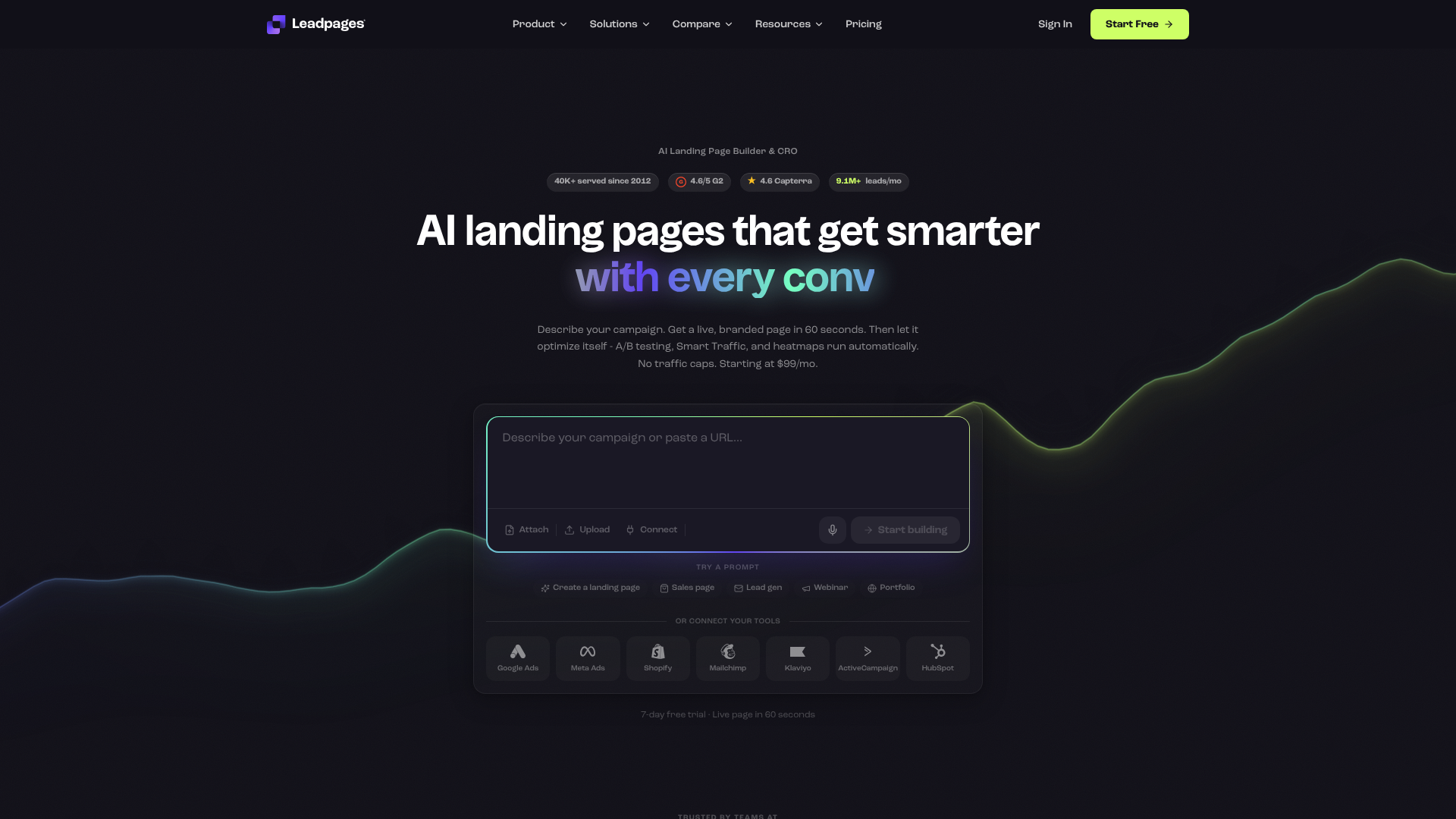
Leadpages has built its reputation on being one of the most user-friendly and conversion-focused landing page builders available. It's an excellent choice for small businesses, consultants, and entrepreneurs who need to create professional-looking pages quickly without a steep learning curve.
Its standout feature is its extensive library of mobile-responsive templates that can be sorted by historical conversion rate, giving you a data-backed starting point. The drag-and-drop editor is intuitive, and the platform includes helpful features like pop-up forms and alert bars to capture leads across your entire website. Leadpages also offers built-in analytics to track your page's performance.
Pros
- Extremely easy-to-use drag-and-drop builder.
- Templates can be sorted by proven conversion rates.
- Affordable pricing plans for small businesses.
- Includes unlimited traffic and leads on all plans.
Cons
- A/B testing is only available on higher-tier plans.
- The builder can feel slightly less flexible than more advanced tools like Unbounce.
2. Unbounce: Best for Marketers Needing Advanced A/B Testing
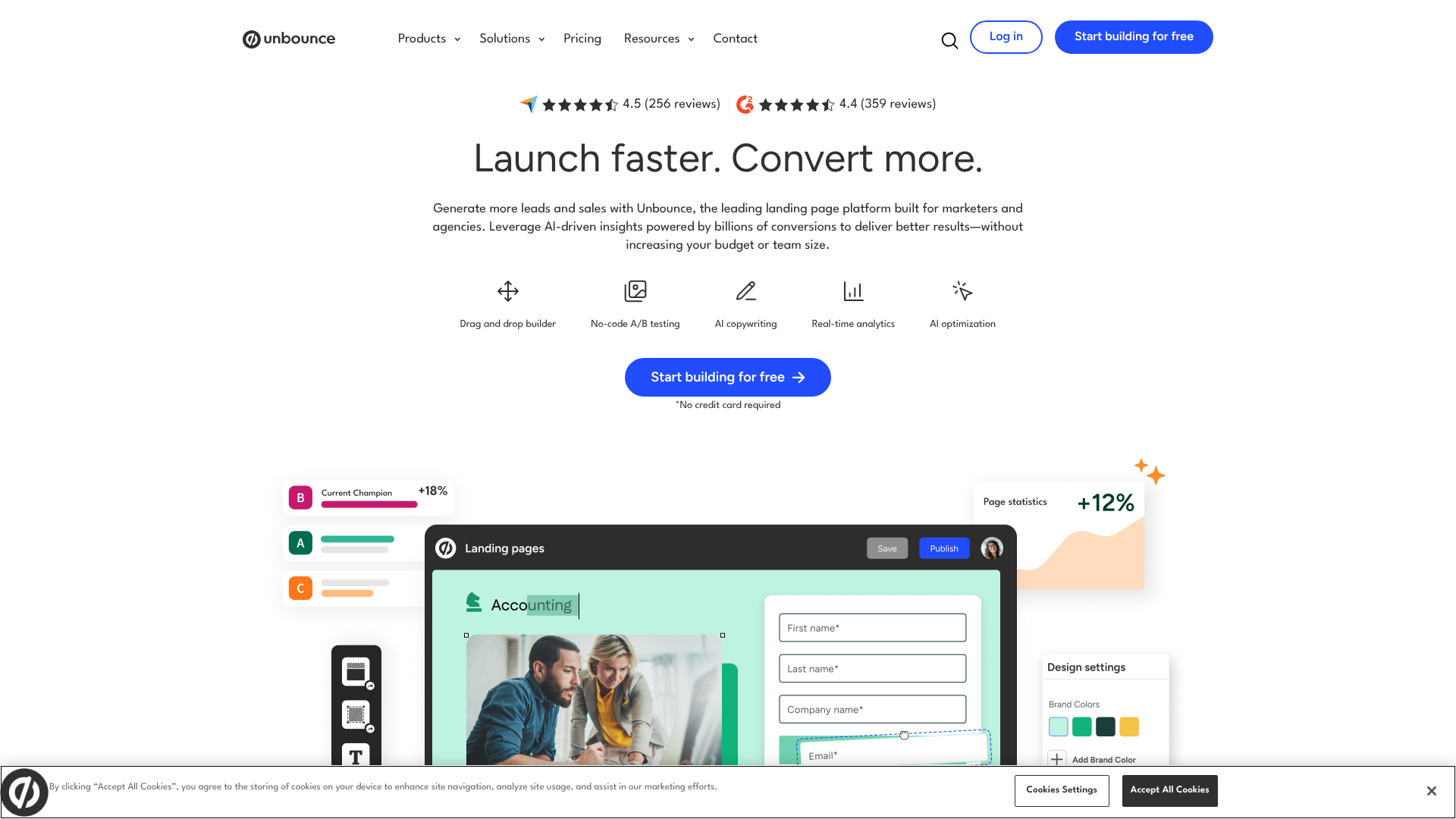
Unbounce is a more powerful and flexible platform geared towards marketing teams and agencies that require robust testing and optimisation capabilities. While it has a slightly steeper learning curve than Leadpages, it offers unparalleled control over your page design and functionality.
Its key differentiator is Smart Traffic, an AI-powered tool that automatically directs visitors to the landing page variant where they are most likely to convert. This goes beyond traditional A/B testing and can significantly lift conversion rates. Unbounce also offers advanced features like Dynamic Text Replacement, which matches your landing page copy to the user's search query, creating a highly personalised experience.
Pros
- Highly flexible and powerful page editor.
- AI-powered Smart Traffic for automated optimisation.
- Advanced features like Dynamic Text Replacement.
- Integrates with a wide range of marketing tools.
Cons
- More expensive than many competitors.
- Can be overly complex for beginners or simple projects.
3. GetResponse: Best All-in-One Marketing Solution
GetResponse is not just a landing page builder; it's a comprehensive marketing automation platform that includes email marketing, webinar hosting, and conversion funnels. This makes it an ideal choice for businesses looking for an integrated solution to manage their entire marketing workflow from a single dashboard.
The landing page builder is solid, with a good selection of templates and an easy-to-use editor. The real power comes from its native integration with the rest of the GetResponse suite. You can create a landing page, capture a lead, and automatically add them to a specific email nurture sequence or webinar without needing to use third-party tools like Zapier.
Pros
- Excellent value as an all-in-one marketing platform.
- Seamless integration between landing pages, email marketing, and webinars.
- AI-driven website builder and landing page creator.
- Generally more affordable than buying separate tools.
Cons
- The landing page builder isn't as feature-rich as dedicated tools like Unbounce.
- The number of templates is smaller than that of Leadpages.
4. ClickFunnels: Best for Building Complete Sales Funnels
ClickFunnels takes a different approach. It's less about creating individual landing pages and more about building entire multi-step sales funnels. It's designed for entrepreneurs and businesses that are selling products, courses, or services directly and need a sequence of pages to guide a customer through the entire buying process.
The platform provides templates for every step of the funnel, from the initial lead capture template to the sales page, order form, and thank you page. It's an incredibly powerful tool for those with a clear sales process, but it can be overkill if you just need a simple page to collect email addresses. Its focus is on generating sales, not just leads.
Pros
- Excellent for building complete, multi-step sales funnels.
- Includes features for one-click upsells and downsells.
- Strong community and extensive training resources.
- Manages the entire customer journey from lead to sale.
Cons
- One of the more expensive options on the market.
- The page editor can feel dated and less intuitive than modern builders.
If you're focused on building comprehensive sales processes, ClickFunnels provides a powerful, all-encompassing toolkit to guide customers from initial interest to final purchase.
Understanding Pricing and Value
When evaluating landing page builders, it's easy to get caught up in the monthly subscription cost. However, it's more productive to think about the value and potential return on investment (ROI) each platform provides. The cheapest option is not always the best, and a more expensive tool could pay for itself many times over if it leads to a higher conversion rate.
Most platforms operate on a tiered subscription model. The entry-level plans are typically priced based on limitations, such as the number of published pages, the amount of monthly traffic, or access to certain features. As you move up to higher-priced tiers, these limitations are removed, and you gain access to advanced functionality like A/B testing, AI optimisation, and more integrations. It's crucial to assess your current needs and anticipated growth to choose a plan that fits.
Here is a general comparison of the starting price points and target users for the platforms we've discussed. Please note that prices are subject to change, and you should always check the official websites for the most current information.
| Platform | Starting Price (Approx.) | Best For | Key Feature |
|---|---|---|---|
| Leadpages | ~£30/month | Small Businesses | High-converting templates |
| Unbounce | ~£80/month | A/B Testing | AI-powered Smart Traffic |
| GetResponse | ~£15/month | All-in-One | Integrated email & webinars |
| ClickFunnels | ~£105/month | Sales Funnels | Full funnel-building suite |
When comparing costs, consider the features that will have the biggest impact on your bottom line. For a data-driven marketing team, the A/B testing and AI features of Unbounce might justify the higher price tag by delivering a significant lift in conversions. For a solopreneur, the all-in-one convenience of GetResponse could save money and time by consolidating tools. The goal is to find the platform that provides the most effective toolkit for your specific business strategy.
Pros and Cons of Using Pre-built Templates
While using a pre-built lead capture template is the recommended approach for most businesses, it's important to have a balanced view. Understanding both the advantages and potential limitations will help you make the most of these powerful tools and know when you might need a different solution.
The Advantages (Pros)
The benefits of using templates are significant, which is why they are so popular. The primary advantage is speed. You can go from an idea to a live, lead-generating page in a single afternoon. This allows for rapid testing and iteration of offers and campaigns.
Cost-effectiveness is another major pro. Subscribing to a landing page platform is dramatically cheaper than hiring a web development agency for a custom build. Furthermore, these templates are often built on a foundation of conversion rate optimisation (CRO) best practices, giving you a head start on creating a page that performs well.
Finally, their ease of use empowers marketers and business owners to take control of their campaigns without relying on technical teams. This democratisation of web design means you can make changes, run tests, and launch pages on your own schedule.
The Potential Downsides (Cons)
One of the most cited concerns is that your page might look generic or similar to others. While this is a risk, it can be easily mitigated by taking the time to customise the template with your own branding, imagery, and copy. A template should be a starting point, not the final design.
Another limitation is that you are constrained by the features and functionality of the platform you choose. If you need a highly specific or complex feature that the builder doesn't support, a template won't work for you. In these rare cases, a custom-coded solution might be necessary.
Lastly, you are dependent on a third-party service. If the platform experiences downtime, so will your landing pages. However, reputable providers have excellent uptime records, so this is generally a low risk. You are also locked into their ecosystem, and migrating dozens of landing pages to a new platform can be a time-consuming task if you decide to switch providers in the future.
Pro Tip: To make a template uniquely yours, invest in high-quality, original photography or videography. Stock photos can work in a pinch, but custom visuals that feature your product or team will make your page stand out and build a stronger connection with your audience.
Frequently Asked Questions
What is the difference between a lead capture page and a landing page?
A lead capture page is a specific type of landing page. The term "landing page" refers to any standalone webpage that a visitor "lands" on after clicking a link from an ad, email, or other source. While a landing page can have various goals (like making a sale or providing information), a lead capture page has one specific goal: to collect a visitor's contact details, usually in exchange for a free resource.
How many form fields should I use on my opt-in page?
The golden rule is to use as few fields as absolutely necessary. Each additional field creates more work for the visitor and can decrease your conversion rate. For most top-of-funnel lead magnets like checklists or ebooks, asking for just an email address is often best. If you need a name for personalisation, a first name and email address is the standard. Only ask for more data, like a phone number or company size, if your sales team truly needs it to qualify the lead.
Can I build a lead capture page for free?
Yes, it is possible to build a lead capture page for free. Some email marketing services, like Mailchimp or Moosend, offer free plans that include basic landing page builders. However, these free versions usually come with significant limitations, such as mandatory platform branding, low traffic limits, and a restricted selection of templates. While they can be a good starting point for absolute beginners, most growing businesses will quickly need the features available in a paid plan.
What makes a good lead magnet?
A great lead magnet is highly specific and solves a genuine problem for your target audience. It should offer a quick win and be easily consumable. Complicated, 50-page ebooks are often less effective than a simple, one-page checklist that a user can implement immediately. The best lead magnets provide immense value and give the user a tangible result, building trust and positioning you as an expert in your field.
Final Thoughts
In digital marketing, your ability to consistently generate new leads is the lifeblood of your business. A lead capture landing page template is one of the most powerful and efficient tools at your disposal to achieve this. By leveraging a professionally designed, conversion-optimised framework, you can eliminate guesswork, launch campaigns faster, and focus your energy on what matters most: creating a valuable offer and driving targeted traffic.
The key to success is a strategic approach. Start by clearly defining your campaign goal and understanding your audience. From there, choose a template that matches your offer and customise it to reflect your unique brand identity. Platforms like Leadpages offer an accessible entry point for small businesses, while tools like Unbounce provide advanced optimisation for data-driven marketers.
Ultimately, the perfect template is the one that enables you to connect with your audience and turn anonymous visitors into engaged prospects. If you're looking to build out entire customer journeys from lead to sale, a comprehensive tool like ClickFunnels might be the right fit. For most businesses focused on straightforward lead generation, exploring the template libraries of Leadpages or GetResponse is an excellent next step.