
11 Best AI Content Generation Tools for Marketers (2026 Rankings)
Creating high-quality content consistently is one of the biggest challenges for any marketing team. The demand for blog posts, social media updates, videos, and emails is relentless, often leading to burnout and bottlenecks. Using AI content generation tools can help you break through these barriers, scaling your output without sacrificing quality, as long as you use them as a strategic partner in your workflow.
- What to Know
- Understanding AI Content Generation Tools: More Than Just Text
- Why Use AI Writing Tools? Key Features & Tangible Benefits
- How to Choose the Right AI Content Tool for Your Needs
- 1. Define Your Primary Use Case
- 2. Evaluate Output Quality and Customisation
- 3. Check for Integration Capabilities
- 4. Analyse the Pricing Model
- The 11 Best AI Content Generation Tools (Ranked for 2026)
- AI Writing & Text Generation Tools
- 1. Jasper (formerly Jarvis): Best All-Round AI Writer
- 2. Writesonic: Best for SEO-Focused Content
- 3. Copy.ai: Best for Social Media and Short-Form Copy
- 4. QuillBot: Best for Paraphrasing and Editing
- 5. Grammarly: Best for Polishing and Proofreading
- AI Video Generation Tools
- 6. Synthesia: Best for AI Avatar Videos
- 7. Pictory: Best for Turning Text into Video
- 8. HeyGen: Best for Custom Avatars and Video Translation
- AI Audio & Voice Generation Tools
- AI SEO & Research Tools
- Comparing Costs: How Much Do AI Content Tools Cost?
- The Bigger Picture: Pros and Cons of Automated Content Tools
- Frequently Asked Questions About AI Content Generation
- What is the best AI tool to generate content?
- What AI tools do content creators use?
- What is the 30% rule in AI?
- What AI is better than ChatGPT?
- Final Thoughts: Integrating AI into Your Content Workflow
These platforms are not about replacing human creativity but augmenting it. They act as powerful assistants that can draft articles, generate video scripts, create voiceovers, and brainstorm ideas in minutes, not hours. By handling the initial heavy lifting, these tools free up marketers to focus on strategy, editing, and adding the unique human touch that truly resonates with an audience. This guide breaks down the best options available today, helping you choose the right tool for your specific needs.
What to Know
- Diverse Capabilities: AI content tools go far beyond just writing. Modern platforms can generate realistic video from text, create human-like voiceovers, design images, and optimise text for search engines.
- Use-Case is Key: The best tool for you depends entirely on your primary goal. A blogger needs a different tool than a video producer or a social media manager. Define your needs before you start your search.
- Human Oversight is Essential: AI-generated content is a first draft, not a final product. It requires human editing, fact-checking, and refinement to ensure accuracy, brand alignment, and originality.
- Top-Tier Options: For writing, tools like Jasper and Writesonic lead the pack. In the video space, Synthesia and Pictory offer powerful text-to-video features, while ElevenLabs is a top choice for voice generation.
Understanding AI Content Generation Tools: More Than Just Text
At its core, an AI content generation tool uses artificial intelligence, specifically large language models (LLMs) and other machine learning algorithms, to create new, original content. When you provide a prompt—a question, a command, or a set of keywords—the AI processes this input and generates a response in the form of text, images, audio, or video. It's trained on vast datasets from the internet, allowing it to understand context, style, and structure.
Many people first think of text generators like ChatGPT when they hear about content creation AI. While these are incredibly powerful for writing articles, emails, and ad copy, the technology has expanded far beyond the written word. Today’s platforms can transform a simple text script into a fully-realised video with an AI avatar, convert a blog post into a podcast with a realistic voice, or generate a unique image from a descriptive sentence.
These automated content tools are designed to integrate into a creator's workflow. They aren't meant to be a one-click solution that replaces a content team. Instead, they serve as powerful assistants that can handle time-consuming tasks like drafting, research, and repurposing, allowing human creators to focus on higher-level strategy, creativity, and polishing the final output to perfection.
Why Use AI Writing Tools? Key Features & Tangible Benefits
Integrating AI writing tools and other generative platforms into your workflow offers significant advantages that go beyond simply producing content faster. These tools are equipped with features designed to solve common content creation problems, leading to measurable benefits for businesses and individual creators.
Key Features to Look For
- Templated Workflows: Most top-tier tools offer pre-built templates for specific content types. You can find templates for blog post intros, YouTube video descriptions, Google Ads copy, or LinkedIn posts, which guide the AI to produce output in the correct format and tone.
- Brand Voice & Tone Customisation: Advanced platforms allow you to train the AI on your existing content. This helps it learn your brand's specific voice, style, and terminology, ensuring consistency across all generated content.
- SEO Integration: Some AI writers connect directly with SEO platforms or have built-in optimisation features. Tools like Semrush or Writesonic can analyse top-ranking content and guide the AI to include relevant keywords and topics, improving your chances of ranking on Google.
- Multi-Language Support: For global brands, the ability to generate and translate content into multiple languages is a huge asset. Many AI tools can produce high-quality content in dozens of languages, helping you scale your international marketing efforts.
Tangible Benefits
- Massive Efficiency Gains: This is the most immediate benefit. A task that might take a human writer four hours, like drafting a 1,500-word article, can be completed by an AI in under 15 minutes. This frees up your team for editing, promotion, and strategy.
- Scale Your Content Output: AI allows you to produce content at a scale that would be impossible for a human team alone. You can generate dozens of social media variations, create multiple blog posts per week, and repurpose content into different formats without burning out your team.
- Overcome Writer's Block: Every creator faces the dreaded blank page. AI tools are excellent for brainstorming and generating initial ideas. You can ask for blog post titles, outlines, or different angles on a topic to get the creative process started.
- Improved ROI: By reducing the time and resources needed to create content, AI tools can significantly lower your cost per piece of content. This allows you to reallocate your budget to other critical marketing activities like distribution and advertising.

How to Choose the Right AI Content Tool for Your Needs
With hundreds of AI content generation tools on the market, selecting the right one can feel overwhelming. The key is to ignore the hype and focus on your specific requirements. A systematic approach will help you filter out the noise and find a platform that genuinely enhances your workflow.
1. Define Your Primary Use Case
What type of content will you create most often. The answer to this question is the single most important factor. Be specific. Are you writing long-form, SEO-optimised blog posts.
Or do you need short, punchy copy for social media ads. Perhaps your main goal is to turn articles into engaging videos. Different tools excel at different tasks. For example, Jasper is excellent for a wide range of marketing copy, while Pictory is specifically designed for video creation from text.
2. Evaluate Output Quality and Customisation
The quality of the AI's output is paramount. Most tools offer a free trial or a free plan, so take advantage of it. Test the tool with real-world prompts related to your industry. Does the generated content sound natural.
Is it factually accurate. How much editing does it require. Also, look at customisation options. Can you set a specific tone of voice, or even better, train the AI on your brand's style guide.
3. Check for Integration Capabilities
A tool is most powerful when it fits smoothly into your existing workflow. Check if the AI tool integrates with the software you already use. For example, some AI writers have plugins for WordPress, Google Docs, or SEO tools like Semrush. This avoids the clunky process of constantly copying and pasting between different applications, saving you valuable time.
4. Analyse the Pricing Model
AI tools come with various pricing structures. Some have a flat monthly subscription with unlimited words, while others operate on a credit-based system where you pay for the amount of content you generate. Consider your expected volume. A credit-based system might be cheaper for occasional use, but a subscription model offers better value for high-volume teams.
Always check for hidden limits and be clear on what each pricing tier includes.
Pro Tip: Don't just look at the price; evaluate the cost-effectiveness. A slightly more expensive tool that produces higher-quality content and requires less editing time will often provide a better return on investment than a cheaper tool that creates generic, error-prone drafts.
The 11 Best AI Content Generation Tools (Ranked for 2026)
Here are our top picks for AI content generation tools, categorised by their primary function. We've tested these platforms for their quality, features, and overall value for marketers and content creators.
AI Writing & Text Generation Tools
1. Jasper (formerly Jarvis): Best All-Round AI Writer
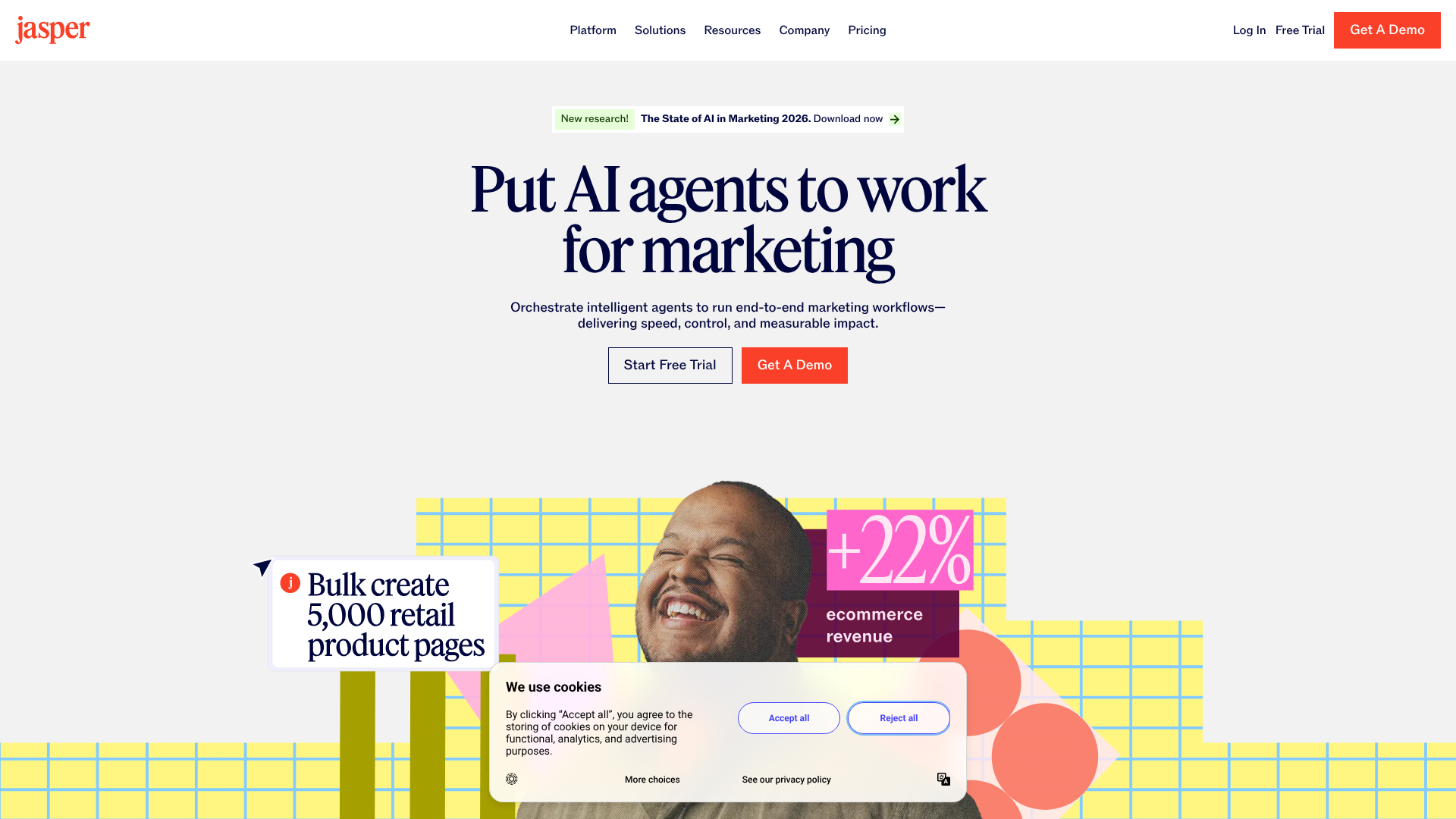
Jasper is one of the most well-known and respected AI writing tools on the market. It's designed specifically for marketing and business use cases, offering over 50 templates for everything from blog posts and social media captions to ad copy and video scripts. Its standout feature is the 'Brand Voice' capability, which allows you to upload documents or scan your website to teach Jasper your unique style.
The user interface is clean and intuitive, making it easy for beginners to get started. The long-form document editor is powerful, allowing you to compose entire articles with AI assistance. Jasper also includes features for art generation, campaign creation, and team collaboration, making it a comprehensive solution for marketing teams.
- Best for: Marketing teams, bloggers, and copywriters who need a versatile tool for various content types.
- Pros: High-quality output, excellent brand voice features, wide range of templates, strong community and support.
- Cons: Can be more expensive than some competitors, the credit system on lower plans can be limiting.
2. Writesonic: Best for SEO-Focused Content
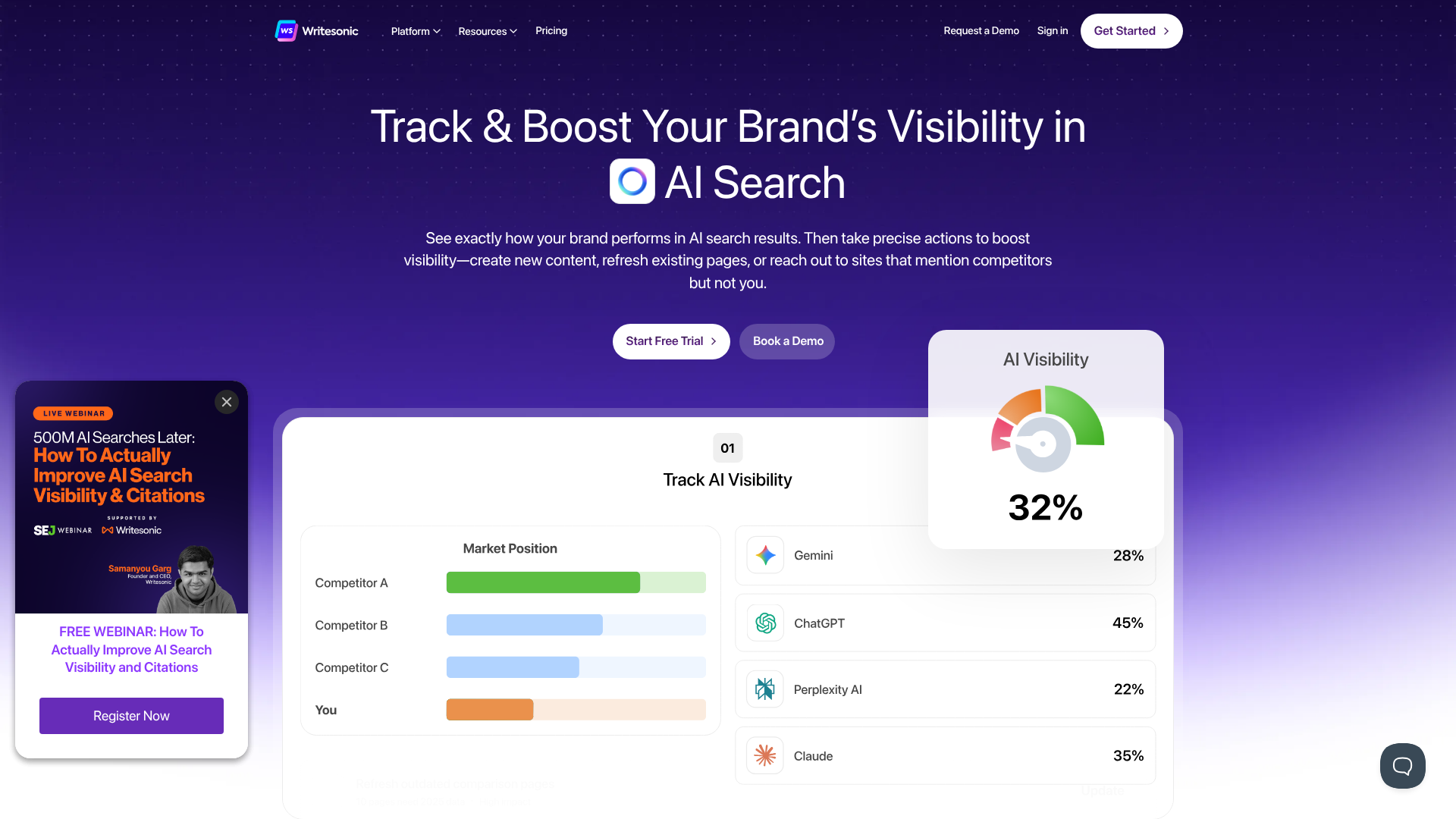
Writesonic is a powerful competitor to Jasper, with a particular strength in creating SEO-optimised long-form content. Its 'AI Article Writer' feature can generate a 1,500-word, fact-checked article that is structured for search engines. It integrates with Surfer SEO and Semrush to ensure your content is aligned with top-ranking pages for your target keyword.
Beyond articles, Writesonic offers tools for ad creation (Photosonic for AI images), a chatbot builder (Botsonic), and an AI-powered editor. It provides a generous free trial, allowing users to test its capabilities thoroughly before committing. Its pricing is often seen as more competitive than Jasper's, offering good value for the features provided.
- Best for: SEO specialists, content marketers, and bloggers focused on organic search traffic.
- Pros: Excellent SEO features, factual accuracy with citations, competitive pricing, all-in-one platform with chatbot and image tools.
- Cons: The user interface can feel slightly less polished than Jasper's at times.
3. Copy.ai: Best for Social Media and Short-Form Copy
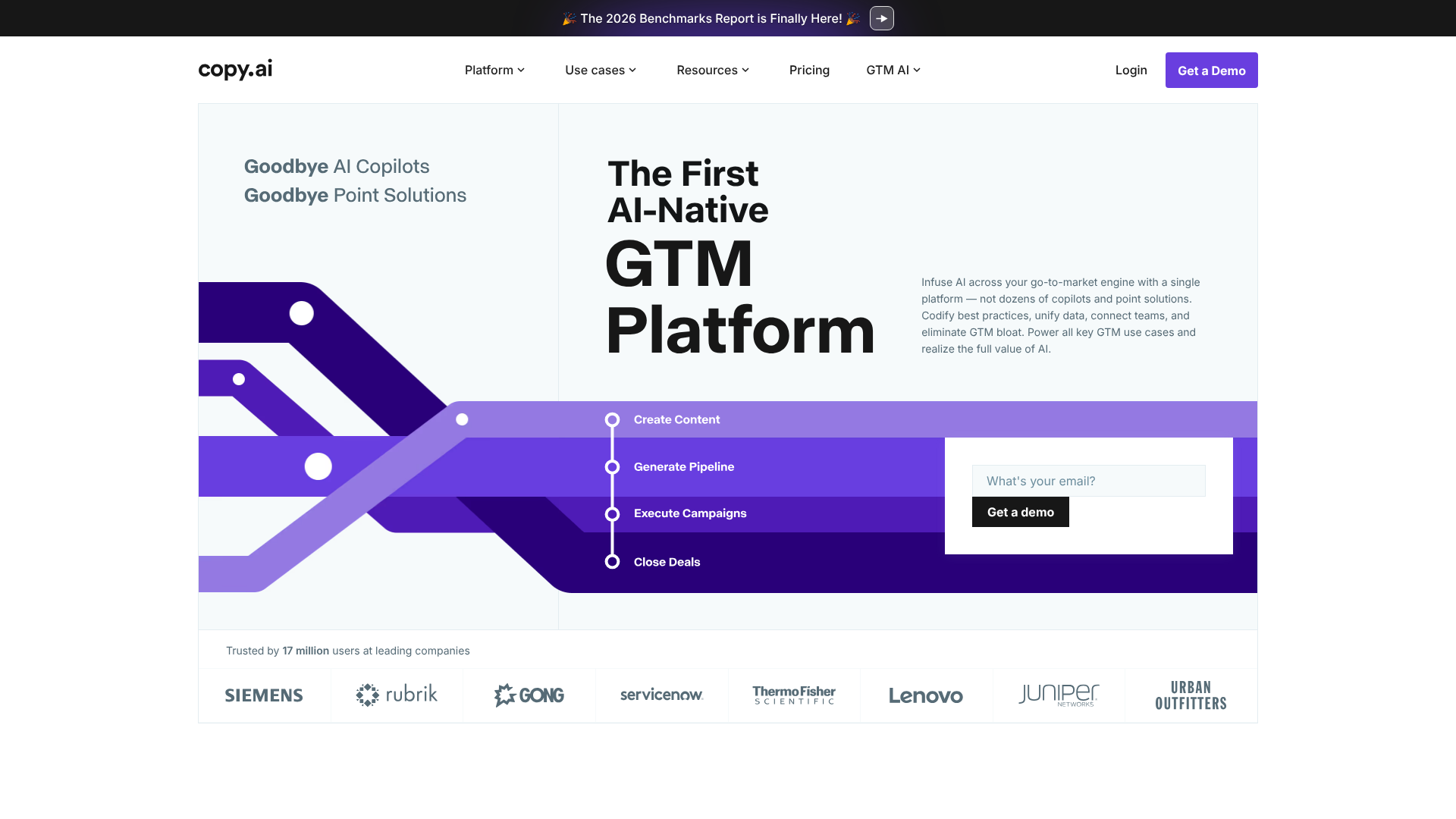
Copy.ai excels at generating creative and engaging short-form content. While it can handle long-form articles, its true strength lies in its templates for social media posts, email subject lines, product descriptions, and ad copy. It's known for producing multiple creative variations from a single prompt, making it perfect for A/B testing and brainstorming.
The platform has a user-friendly interface and a generous free plan that makes it accessible for freelancers and small businesses. Its 'Infobase' feature allows you to save key information about your products and company, which the AI can then reference to create more accurate and relevant copy.
- Best for: Social media managers, e-commerce businesses, and email marketers.
- Pros: Great for creative brainstorming, strong free plan, easy-to-use interface, good for short-form copy.
- Cons: Long-form content generation is not as strong as dedicated tools like Jasper or Writesonic.
4. QuillBot: Best for Paraphrasing and Editing
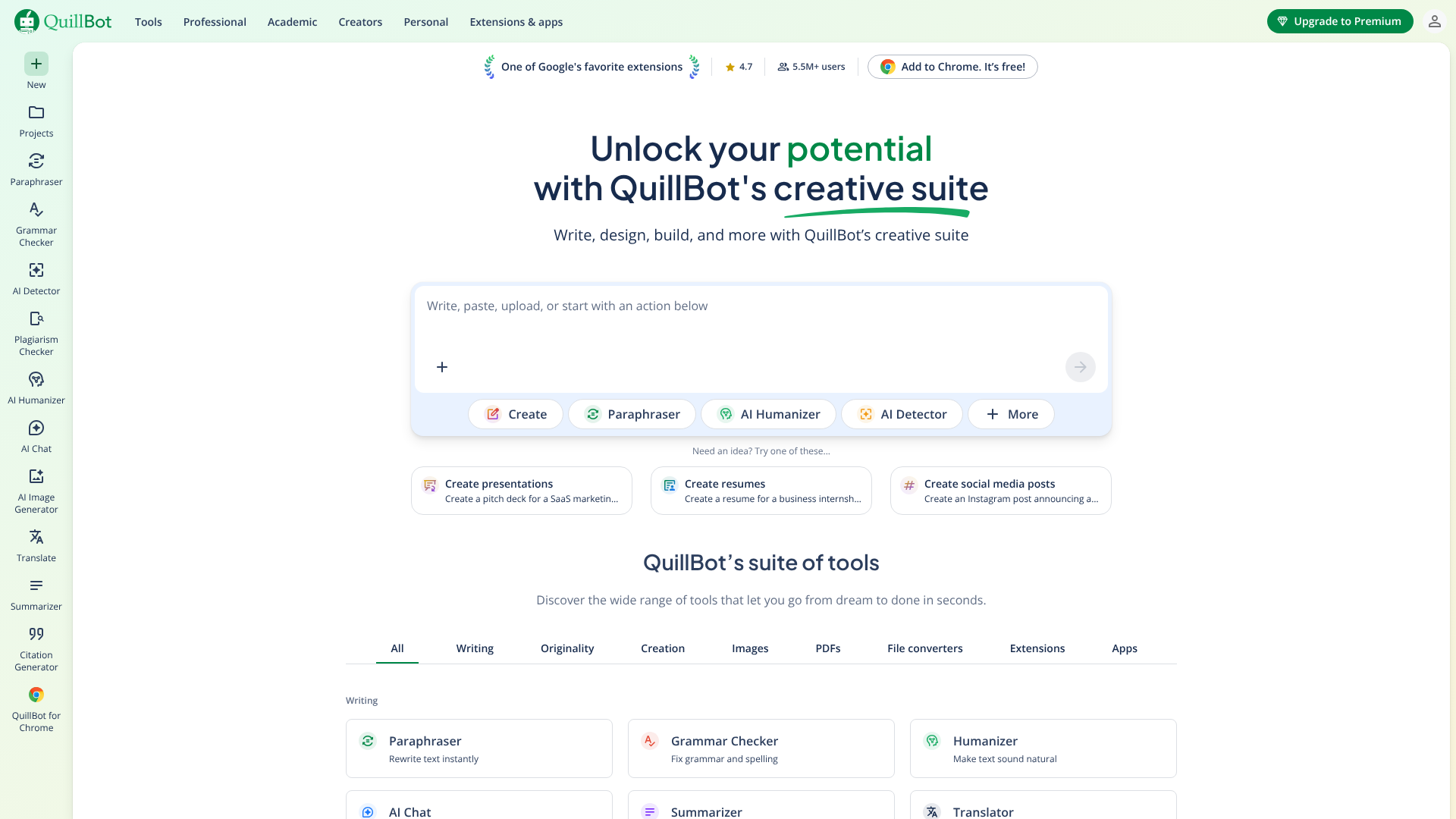
QuillBot is not a content generator in the same way as the others, but it's an indispensable tool in the content creation process. Its primary function is as a paraphrasing tool, helping you rephrase sentences, paragraphs, or entire articles to improve clarity, change the tone, or avoid plagiarism. It offers several modes, such as 'Formal', 'Creative', and 'Simple', to tailor the output.
In addition to its paraphraser, QuillBot includes a grammar checker, summariser, and citation generator. The 'Co-Writer' feature combines all these tools into a single editor, allowing you to research, write, and refine your text in one place. It's an excellent tool for students, academics, and writers who need to polish existing text.
- Best for: Students, editors, and anyone needing to rewrite or improve existing content.
- Pros: Best-in-class paraphrasing, multiple writing modes, includes grammar and plagiarism checkers, affordable premium plan.
- Cons: Not designed for generating new content from scratch.
5. Grammarly: Best for Polishing and Proofreading
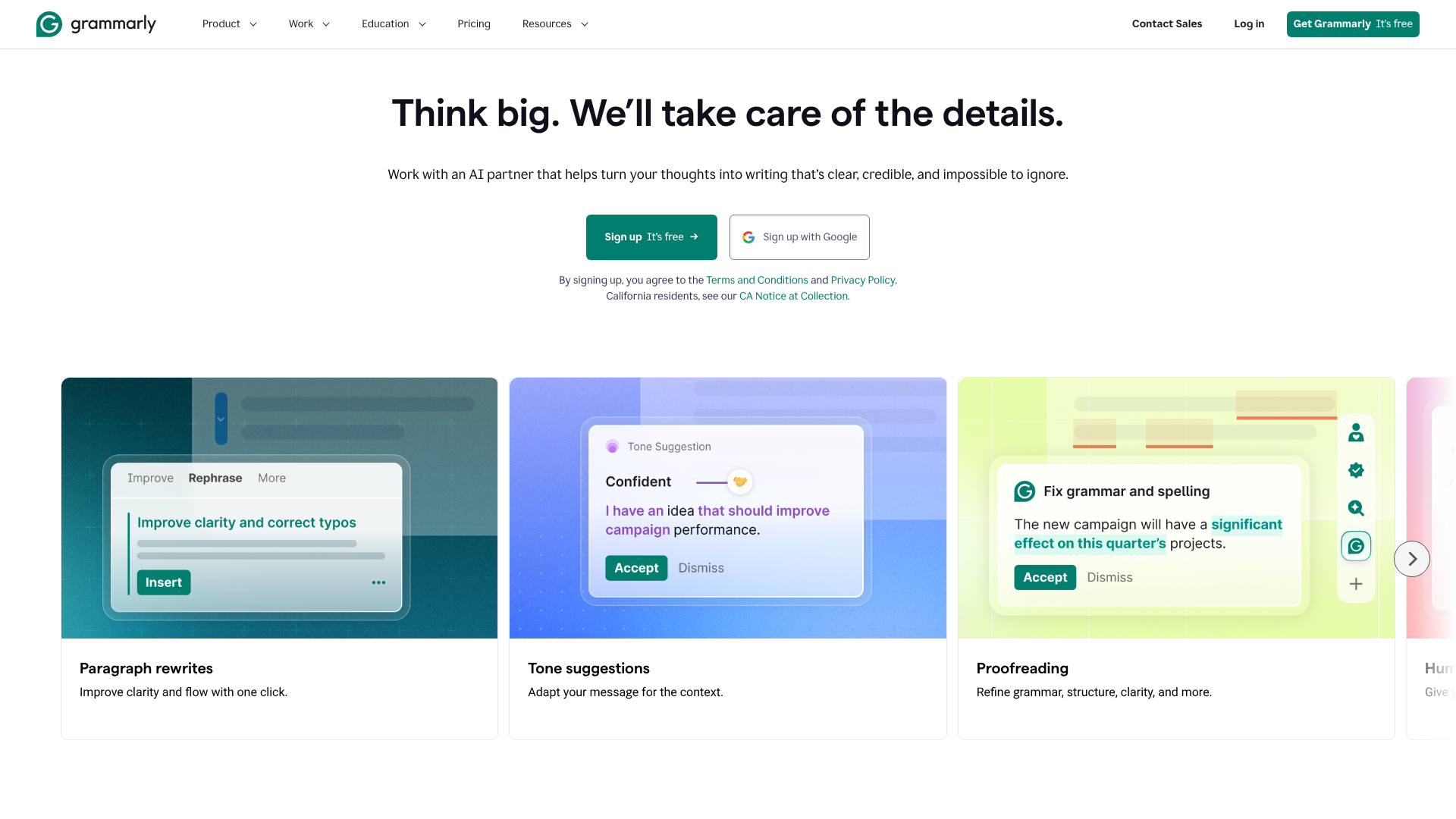
Grammarly is a must-have for any content creator. While its core function is as an advanced grammar, spelling, and punctuation checker, its AI-powered features have expanded its capabilities significantly. GrammarlyGO, its generative AI feature, can help you compose, ideate, and reply to text directly within the apps you use every day.
It provides suggestions on tone, clarity, and conciseness, helping you make your writing more impactful. The premium version includes a plagiarism checker and advanced style suggestions. It's the final step in any writing workflow, ensuring every piece of content is error-free and professional before it gets published.
- Best for: Everyone who writes. It's an essential tool for ensuring quality and professionalism.
- Pros: Highly accurate proofreading, helpful tone and style suggestions, integrates everywhere (browser, desktop, mobile), generative AI features for quick composition.
- Cons: The free version is limited; generative AI is not as powerful as dedicated writing tools.
AI Video Generation Tools
6. Synthesia: Best for AI Avatar Videos
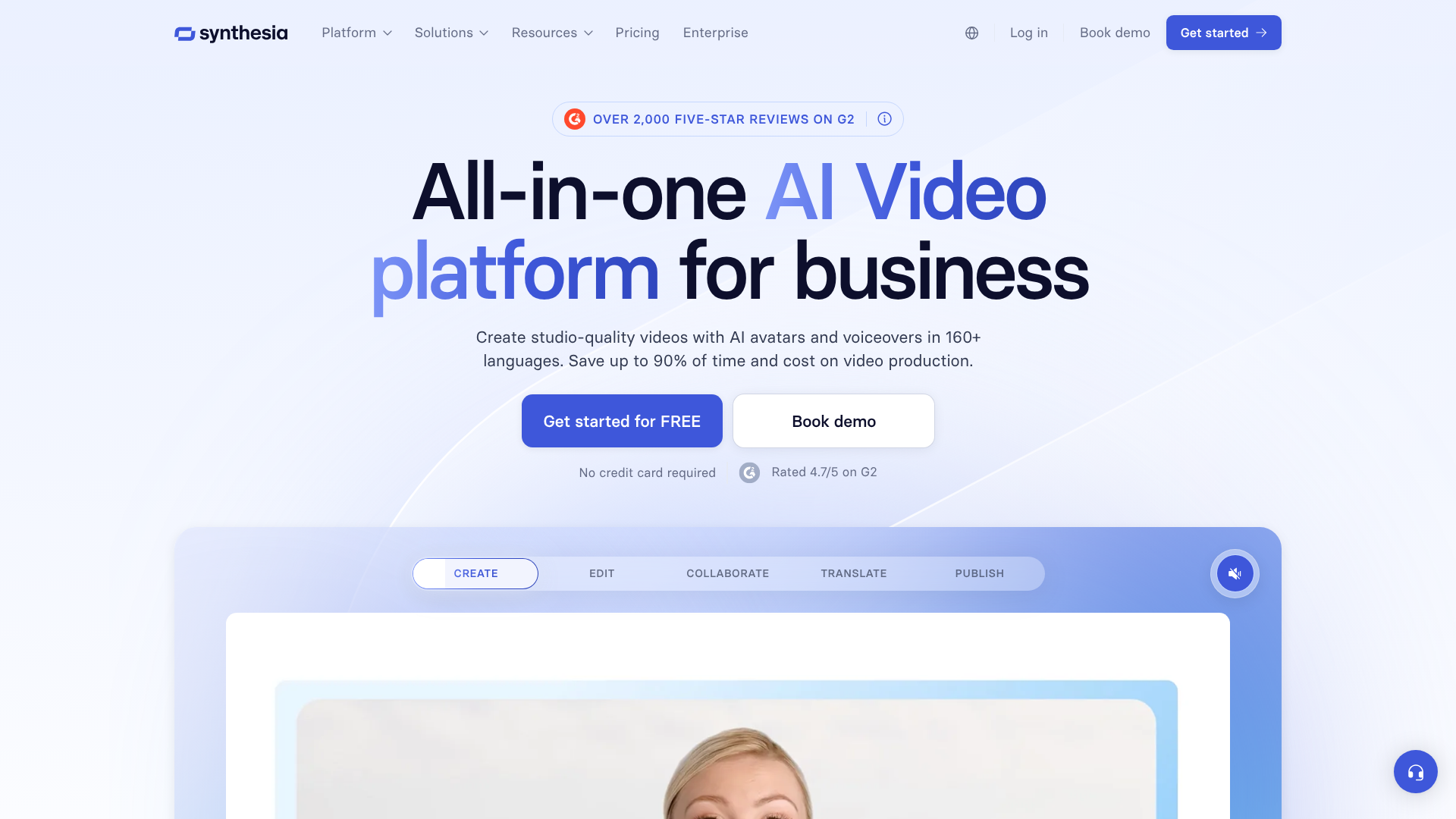
Synthesia is a leader in AI video generation, allowing you to create professional-looking videos with realistic AI avatars from just a text script. You can choose from over 140 diverse avatars or even create a custom digital twin of yourself. The platform supports over 120 languages and accents, making it ideal for creating training materials, product demos, and marketing videos for a global audience.
The process is straightforward: you type or paste your script, select an avatar and background, and the platform generates the video in minutes. You can add screen recordings, images, and branding to customise your video further. It saves enormous amounts of time and money compared to traditional video production involving cameras, actors, and studios.
- Best for: Corporate training, L&D departments, and marketing teams creating explainer or how-to videos.
- Pros: Hyper-realistic AI avatars, extensive language support, easy to use, eliminates the need for filming.
- Cons: Pricing is geared towards business users and can be expensive for individuals.
7. Pictory: Best for Turning Text into Video
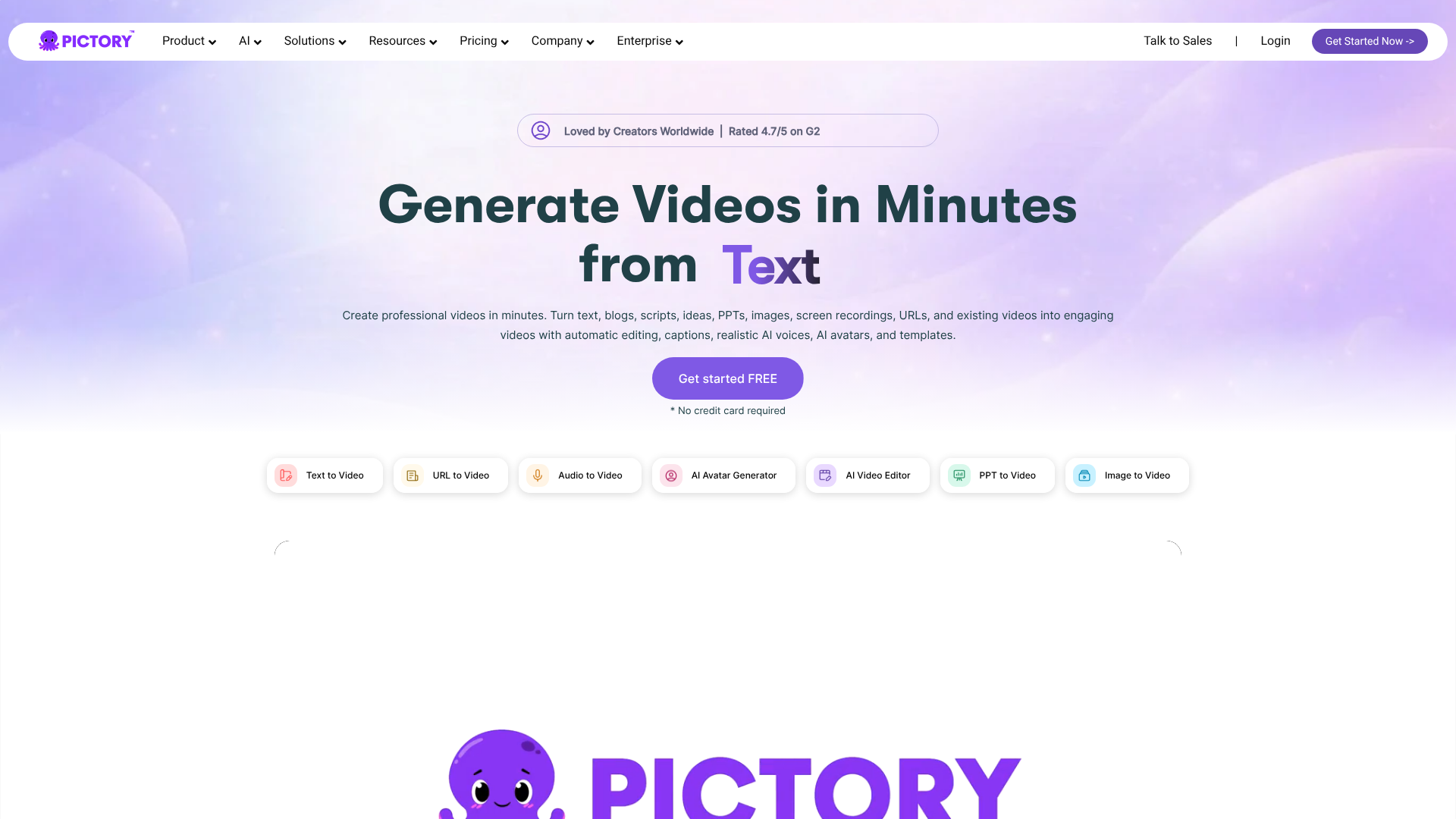
Pictory specialises in transforming long-form text content, like blog posts or scripts, into engaging social videos. You simply paste your text, and Pictory's AI automatically selects relevant stock video clips, images, and music to match your content. It then adds captions, which is crucial for social media where many users watch with the sound off.
It's an incredibly fast way to repurpose your existing content into a new format, extending its reach and impact. The platform also allows you to edit videos using text, transcribe videos automatically, and create short highlight reels from long webinars or podcasts. It's designed for speed and simplicity, making video creation accessible to non-video editors.
- Best for: Content marketers and social media managers looking to quickly repurpose articles and scripts into videos.
- Pros: Extremely fast text-to-video creation, huge library of stock media, automatically adds captions, very easy to use.
- Cons: Less customisation than traditional video editors; the AI's media selection sometimes needs manual adjustment.
8. HeyGen: Best for Custom Avatars and Video Translation
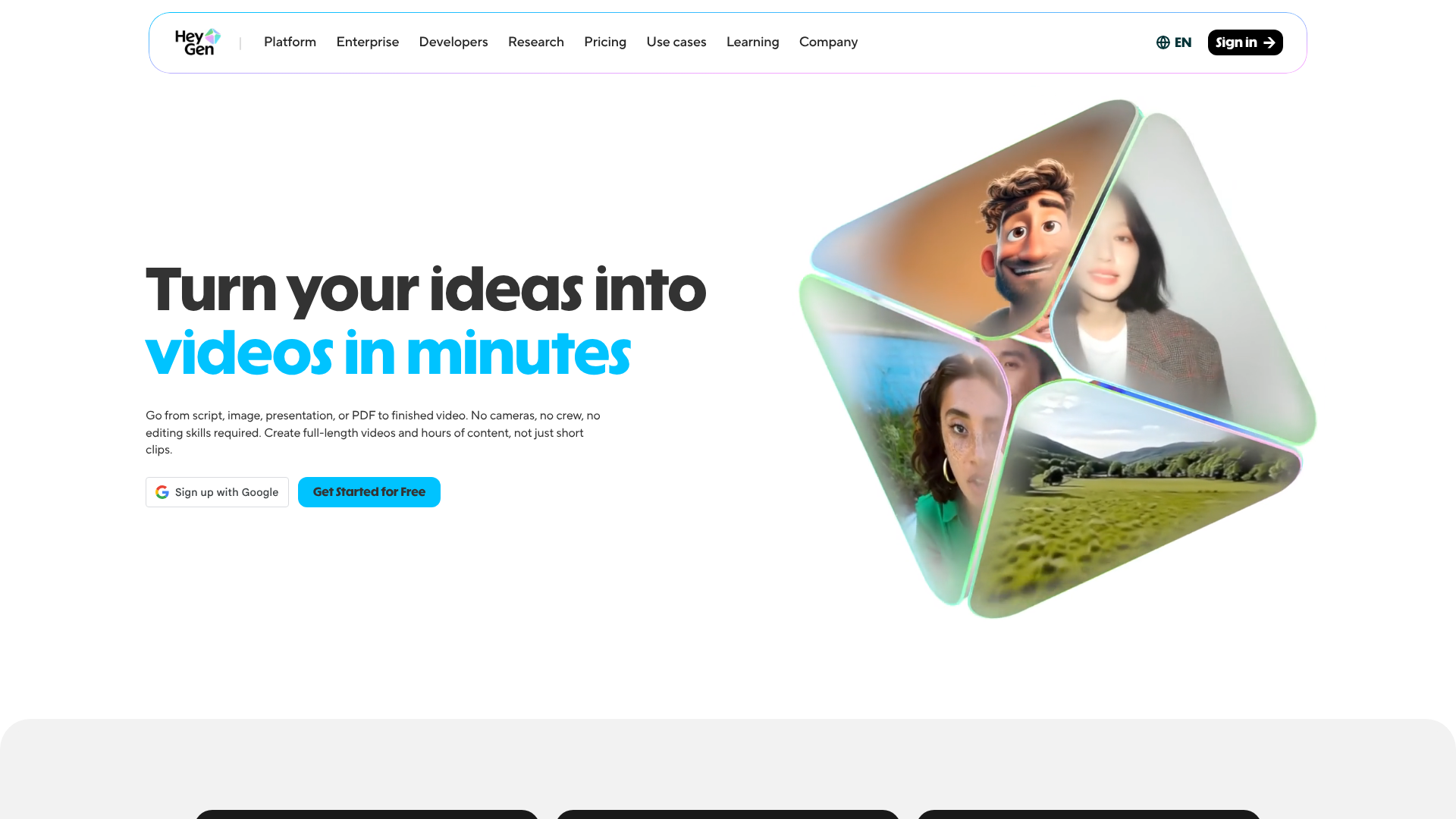
HeyGen is another top-tier AI video platform that competes directly with Synthesia. It offers a wide range of high-quality AI avatars and voice styles for creating professional videos. One of its standout features is the ability to create a custom avatar with just two minutes of footage, offering a higher level of personalisation.
HeyGen has also made waves with its AI video translation feature, which can take a video of you speaking in one language and change your lip movements to match an AI-dubbed voice in another language. This is a powerful tool for creators and businesses looking to reach a global audience without re-filming content.
- Best for: Businesses wanting custom avatars and creators looking to translate their video content for international audiences.
- Pros: High-quality custom avatars, innovative video translation feature, user-friendly interface.
- Cons: Can be resource-intensive to generate videos, and pricing is subscription-based.
AI Audio & Voice Generation Tools
9. ElevenLabs: Best for Realistic Voiceovers
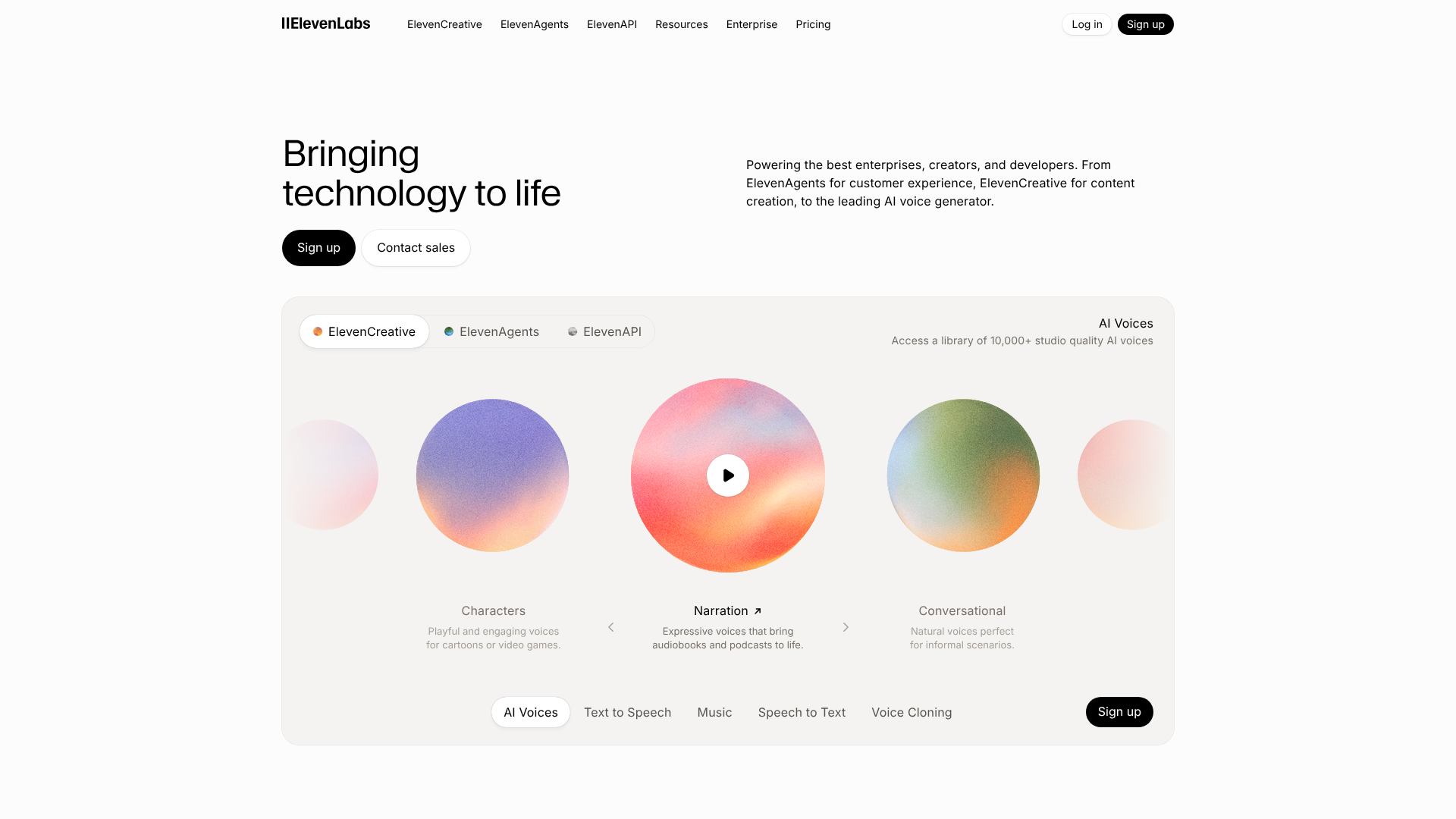
ElevenLabs is widely regarded as the gold standard for AI voice generation. It produces incredibly realistic and emotionally nuanced text-to-speech audio. The platform can generate speech that includes inflections, pauses, and tones that make it nearly indistinguishable from a human voice actor. This is perfect for video narration, podcast intros, and audiobooks.
Its most powerful feature is 'Voice Cloning'. You can upload a short sample of your own voice, and the AI will create a digital replica that you can use to generate audio in your voice without having to record it. The platform supports multiple languages and provides fine-grained control over voice stability and clarity.
- Best for: Video creators, podcasters, and audiobook producers who need the highest quality voiceovers.
- Pros: Unmatched vocal realism and emotional range, powerful voice cloning feature, generous free tier to start.
- Cons: Voice cloning raises ethical considerations that users must be mindful of.
10. Murf AI: Best for Versatile Voice Production
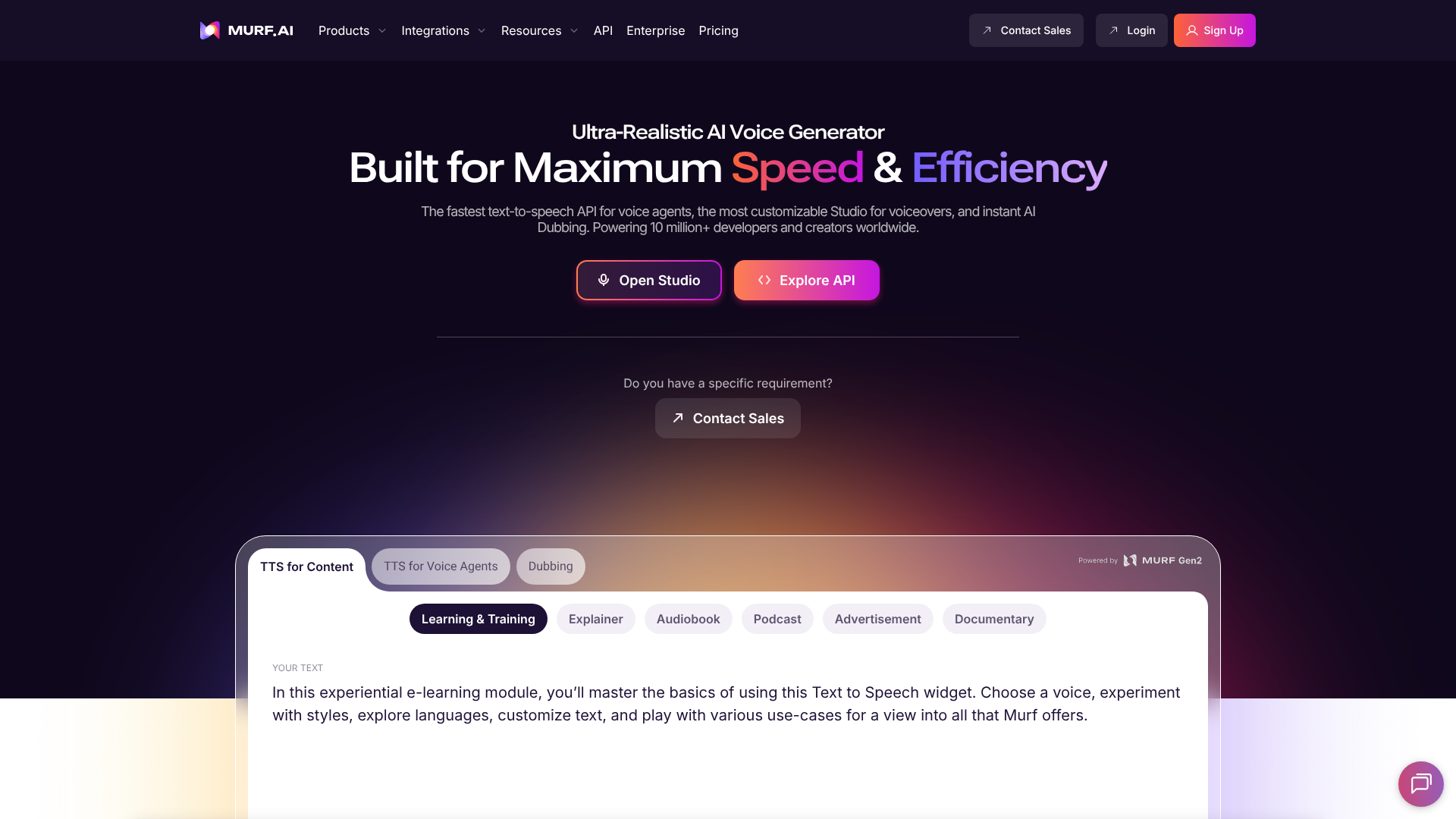
Murf AI offers a comprehensive suite of tools for creating studio-quality voiceovers. It features a library of over 120 AI voices in more than 20 languages. What sets Murf apart is its online editor, which functions like a combination of a word processor and a video editor. You can type your script, choose a voice, and then adjust the pitch, speed, and emphasis of the narration.
You can also add video or images and synchronise the timing of the voiceover directly within the platform. Murf AI includes a voice cloning service and a 'Voice Changer' feature that can convert your home recordings into a professional-sounding voiceover. It's an all-in-one solution for projects that require both audio and visual elements.
- Best for: E-learning content creators, presentation makers, and marketers who need a complete audio/video production tool.
- Pros: All-in-one editor for voice, video, and music, large library of voices, granular control over voice characteristics.
- Cons: The subscription can be costly for casual users.
AI SEO & Research Tools
11. Semrush: Best for AI-Powered Content Strategy
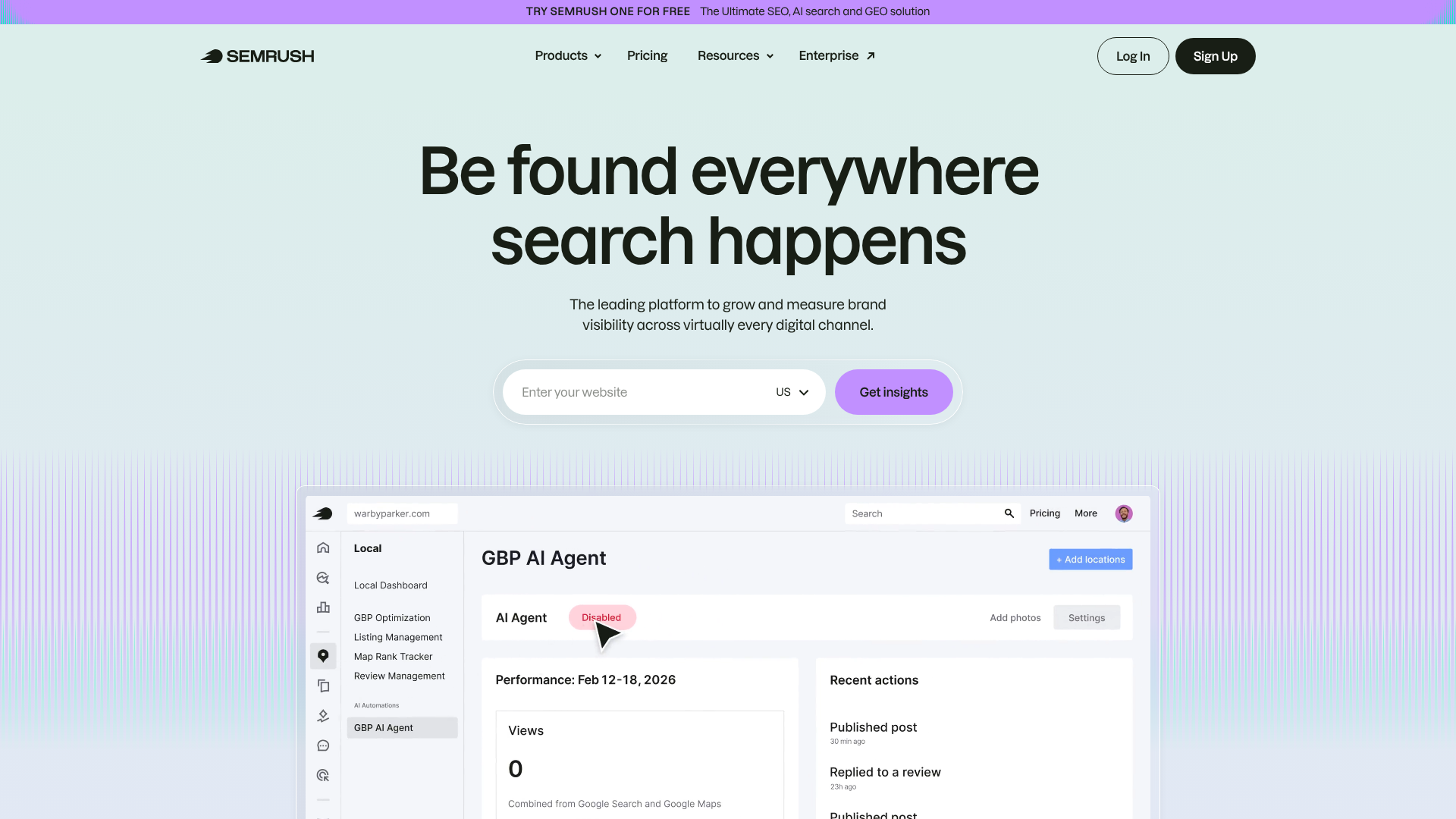
While Semrush is a full SEO suite, its content marketing toolkit is heavily infused with AI, making it an essential tool for strategic content generation. The 'Topic Research' tool helps you brainstorm ideas that will resonate with your audience. The 'SEO Content Template' and 'SEO Writing Assistant' provide actionable recommendations based on an analysis of the top 10 ranking pages for your target keyword.
These tools guide you on which keywords to include, what your word count should be, and how to structure your article for SEO success. It's not about writing the content for you, but about giving you an AI-powered, data-driven blueprint to follow. Using this alongside a tool like Jasper or Writesonic creates a powerful workflow for producing content that ranks.
- Best for: SEO managers, content strategists, and businesses serious about driving organic traffic.
- Pros: Data-driven content recommendations, comprehensive SEO analysis, helps create a content strategy that works, integrates with Google Docs and WordPress.
- Cons: It's a professional-grade tool with a corresponding price tag; has a steep learning curve.
Comparing Costs: How Much Do AI Content Tools Cost?
Pricing for AI content generation tools varies widely based on their capabilities, target audience, and pricing model. Understanding these structures is key to finding a solution that fits your budget and usage needs. Most tools fall into one of three categories: monthly subscriptions, credit-based systems, or a hybrid of the two.
Here is a general comparison of the pricing structures for some of the top tools. Note that these prices are illustrative and you should always visit the official websites for the most current information.
| Tool | Primary Function | Typical Starting Price (Monthly) | Free Plan/Trial Available? |
|---|---|---|---|
| Jasper | AI Writing | ~$39/month (Creator) | Yes, 7-day free trial |
| Writesonic | AI Writing (SEO) | ~$13/month (Small Team) | Yes, free plan with word limit |
| Synthesia | AI Video | ~$22/month (Personal) | No, but can create a free demo video |
| Pictory | Text-to-Video | ~$19/month (Standard) | Yes, free trial with watermarked videos |
| ElevenLabs | AI Voice | ~$5/month (Starter) | Yes, free plan with character limit |
| Semrush | SEO & Content | ~$129/month (Pro) | Yes, limited free trial available |
Pricing Models Explained:
- Subscription-Based: You pay a flat fee per month or year for access to the tool's features. This is common for tools like Semrush and Synthesia. Tiers are often based on the number of users, features, or output limits (e.g., minutes of video per month).
- Credit-Based: You purchase credits, and each piece of content you generate consumes a certain number of credits. This model, often used by AI writers like Jasper on lower tiers, can be cost-effective for users with inconsistent needs but can become expensive for high-volume producers.
- Freemium: Many tools, like Writesonic and ElevenLabs, offer a free plan with limited usage (e.g., 10,000 words or characters per month). This is an excellent way to test a tool's capabilities before committing to a paid plan.
The Bigger Picture: Pros and Cons of Automated Content Tools
While the benefits of AI in content creation are clear, it's important to approach this technology with a balanced perspective. Relying too heavily on automated content tools without proper oversight can lead to significant drawbacks. Understanding both sides helps you build a sustainable and effective content strategy.
The Pros
- Unprecedented Speed and Scale: The ability to generate drafts in seconds allows content teams to scale their output exponentially, meeting the demands of a multi-channel digital marketing strategy without a proportional increase in headcount.
- Significant Cost-Effectiveness: When compared to the cost of hiring freelance writers, voice actors, or video production crews for every project, the monthly subscription for an AI tool offers substantial savings, especially at scale.
- A Cure for Creative Blocks: AI tools are fantastic brainstorming partners. They can generate dozens of headlines, topic ideas, or creative angles in an instant, providing the spark needed to get a project moving.
- Enforces Brand Consistency: With features that learn your brand voice, AI can help ensure that all content, regardless of who on the team creates it, adheres to the same style, tone, and terminology.
The Cons
- Factual Inaccuracy (Hallucinations): AI models can sometimes generate incorrect information or "hallucinate" facts, sources, and statistics. Without rigorous human fact-checking, publishing this content can severely damage your brand's credibility.
- Lack of Genuine Emotion and Nuance: AI can mimic human emotion, but it cannot feel it. Content that requires deep empathy, subtle humour, or personal storytelling often falls flat when generated by AI. It lacks the authentic human experience that builds true connection.
- Potential for Generic, Repetitive Content: Because AI tools are trained on the same internet data, they can sometimes produce content that is generic and similar to what other companies are publishing. It takes a skilled human editor to add unique insights and a distinct perspective.
- SEO Risks if Used Improperly: Google's guidelines state that high-quality content is what matters, regardless of how it's produced. However, publishing low-quality, unedited AI content at scale can be seen as spammy and may lead to penalties. The focus must always be on creating helpful, reliable, people-first content.
Frequently Asked Questions About AI Content Generation
Here are answers to some of the most common questions people have about using AI for content creation.
What is the best AI tool to generate content?
There is no single "best" tool; the best one is the tool that aligns with your specific needs. For versatile marketing copy and blog writing, Jasper is a top contender. For SEO-focused articles, Writesonic is excellent. If your primary need is video, Synthesia for avatar presentations or Pictory for repurposing text are leading choices.
For voiceovers, ElevenLabs offers unparalleled realism.
What AI tools do content creators use?
Content creators typically use a "stack" of AI tools to cover their entire workflow. This often includes a primary AI writer (like Jasper), a video generator (like Pictory or HeyGen), an audio tool for voiceovers (like Murf AI), and an SEO tool for strategy (like Semrush). They also use AI-powered editing tools like Grammarly and paraphrasing tools like QuillBot to refine and polish the final output.
What is the 30% rule in AI?
The "30% rule" is a popular guideline suggesting that AI should handle about 30% of the content creation process, with a human responsible for the remaining 70%. The AI's role is to generate the initial draft, outline, or ideas quickly. The human creator's role is to handle the crucial 70% of the work: fact-checking, editing for tone and style, adding personal insights and stories, and ensuring the content is accurate, original, and genuinely helpful to the reader.
What AI is better than ChatGPT?
Saying an AI is "better" than ChatGPT depends on the task. While ChatGPT is an incredibly versatile general-purpose model, specialised tools often outperform it for specific use cases. For example, Jasper is often considered better for marketing copy because its templates and workflows are built for that purpose. Anthropic's Claude is often praised for its more natural, narrative writing style in long-form content.
The best choice depends on whether you need a generalist or a specialist.
Final Thoughts: Integrating AI into Your Content Workflow
AI content generation tools are no longer a novelty; they are a fundamental part of the modern marketer's toolkit. They offer a powerful way to increase efficiency, scale production, and overcome creative hurdles. However, they are most effective when viewed as collaborators, not replacements. The best content will always be a blend of machine-generated speed and human-driven strategy, creativity, and empathy.
By understanding the different types of tools available and choosing platforms that align with your specific goals, you can build a content workflow that is both faster and smarter. Start by identifying your biggest bottleneck—whether it's writing drafts, producing videos, or recording audio—and explore a tool designed to solve that problem.
If you're ready to start, consider exploring a versatile writer like Jasper to handle a wide range of text-based tasks or a platform like Synthesia if creating professional training and marketing videos is your top priority. The right tool can make a significant impact on your productivity and content quality from day one.