

Bluehost vs Hostinger (2026): Which is Best for Your First Website?
Choosing your first web host can feel overwhelming. Two of the biggest names you'll encounter are Bluehost and Hostinger, both offering attractive low prices and beginner-friendly features. The decision in the Bluehost vs Hostinger debate often comes down to balancing performance, price, and specific needs, especially for those new to building websites. While both are strong contenders in the shared hosting market, they cater to slightly different priorities.
- Quick Summary
- Bluehost vs Hostinger: A Quick Comparison Table
- What Are Bluehost and Hostinger?
- Performance and Speed: The Deciding Factor
- Ease of Use: Control Panels and Onboarding
- Pricing and Value for Money: A Detailed Breakdown
- Key Features and Benefits Compared
- Pros and Cons: The Honest Verdict
- Who Should Choose Bluehost or Hostinger?
- Frequently Asked Questions
- Which is better Hostinger or Bluehost?
- What is the disadvantage of Hostinger?
- Is there an issue with Bluehost?
- Is Hostinger a Russian company?
- What's better than Bluehost?
- Final Thoughts: Making Your Decision
Bluehost has built its reputation on being one of the hosts officially recommended by WordPress.org, making it a go-to choice for new WordPress users. Hostinger, on the other hand, has gained massive popularity by offering some of the most competitive prices in the industry, backed by impressive performance thanks to modern server technology. This comparison will break down every critical aspect to help you decide which platform is the right foundation for your online project.
Quick Summary
- Overall Winner: For most new users, Hostinger offers better value with faster performance, more affordable long-term pricing, and a more intuitive control panel (hPanel).
- Performance: Hostinger consistently leads in speed tests due to its use of LiteSpeed web servers and built-in caching, which generally outperform Bluehost's more traditional Apache server setup.
- Pricing: Hostinger's introductory prices are lower, and its renewal rates, while higher than the initial price, are typically more transparent and affordable than Bluehost's steep renewal jumps.
- Ease of Use: Both are beginner-friendly, but Hostinger's custom hPanel is often considered more modern and streamlined than Bluehost's combination of a custom dashboard and traditional cPanel.
- Choose Bluehost if: You are a complete WordPress beginner who values the official WordPress.org recommendation and wants the safety net of 24/7 phone support.
Bluehost vs Hostinger: A Quick Comparison Table
To get a clear overview, let's start with a side-by-side look at what each host offers. This table highlights the key differences at a glance, helping you quickly see how they stack up in the areas that matter most.
| Feature | Bluehost | Hostinger |
|---|---|---|
| Best For | WordPress Beginners, Phone Support | Speed, Budget-Conscious Users |
| Performance | Standard (Apache Servers) | Excellent (LiteSpeed Servers) |
| Control Panel | Custom Dashboard + cPanel | Custom hPanel |
| Starting Price | Typically around £2.34/month | Typically around £1.99/month |
| Renewal Price | Significantly higher | Higher, but often more affordable |
| Free Domain | Yes (for the first year) | Yes (on premium plans) |
| Free SSL | Yes (Let's Encrypt) | Yes (Let's Encrypt) |
| Customer Support | 24/7 Phone, Live Chat, Knowledge Base | 24/7 Live Chat, Email, Knowledge Base |
| Money-Back Guarantee | 30 Days | 30 Days |
What Are Bluehost and Hostinger?
Before we dive deeper into the technical details, it's helpful to understand the background and philosophy of each company. Their history and market position influence the products they offer and the type of customer they aim to serve.
Understanding Bluehost
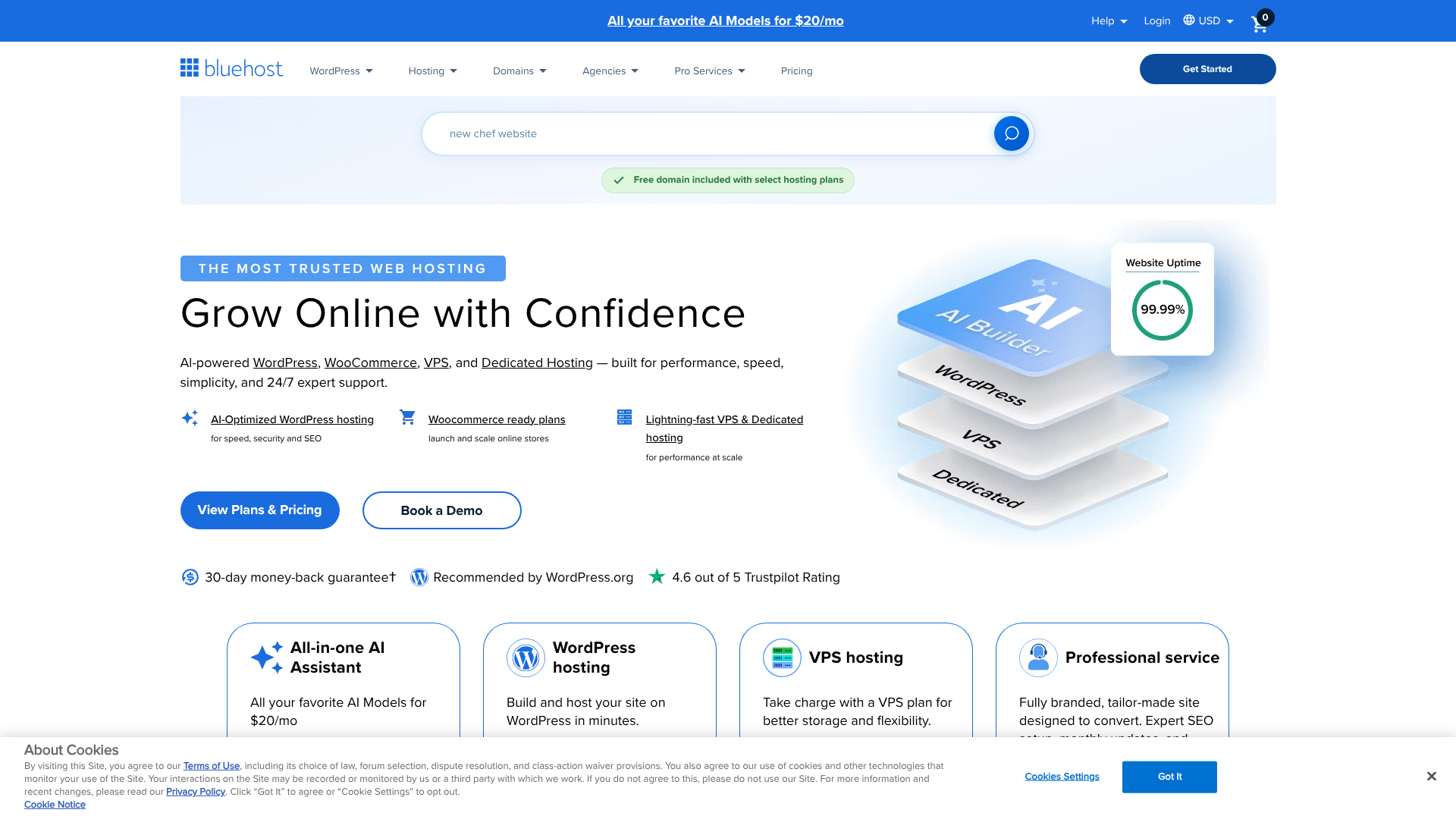
Founded in 2003, Bluehost has become one of the most recognised names in web hosting, powering over two million websites worldwide. Its biggest claim to fame is its long-standing relationship with WordPress. Since 2005, Bluehost has been an official hosting partner recommended by WordPress.org, a powerful endorsement that attracts millions of beginners looking to build their first WordPress site.
Bluehost is part of Newfold Digital (formerly Endurance International Group or EIG), a large corporation that owns dozens of other hosting brands like HostGator and iPage. This corporate backing gives it significant resources but has also led to criticism regarding shared resources and support quality across its brands. Bluehost's core focus is on simplifying the website creation process, offering a guided onboarding experience, a custom dashboard, and tools specifically designed to make launching a WordPress site as easy as possible.
Understanding Hostinger
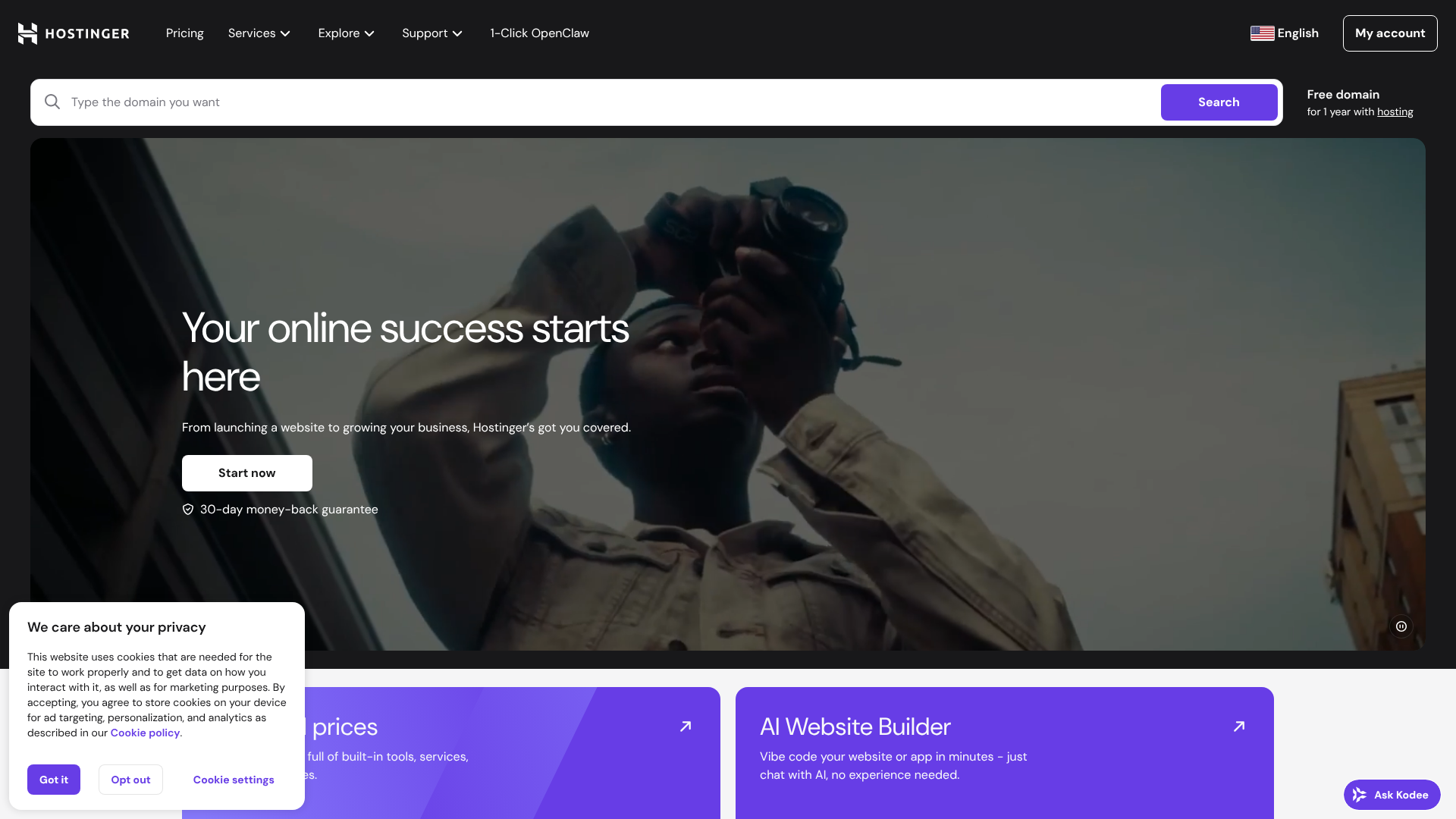
Hostinger began its journey in 2004 in Kaunas, Lithuania, and has grown exponentially by focusing on a simple mission: to provide high-quality, high-performance hosting at an extremely low price. Unlike Bluehost, Hostinger is not part of a large hosting conglomerate and has maintained its independence, allowing it to innovate quickly.
Hostinger's primary strategy revolves around performance and affordability. They were one of the first major shared hosts to adopt LiteSpeed web servers across the board, a technology that offers a significant speed advantage over the older Apache servers used by many competitors, including Bluehost. They also developed their own control panel, hPanel, as a modern, user-friendly alternative to the industry-standard cPanel. This focus on technology and price has made Hostinger a favourite among users who want the fastest possible speeds without breaking the bank.
Performance and Speed: The Deciding Factor
For any website, speed is crucial. It affects user experience, search engine rankings, and conversion rates. A slow website can deter visitors and harm your brand's reputation. In the Hostinger vs Bluehost review, performance is one of the most significant areas of difference.
Server Technology and Data Centres
Hostinger's key advantage lies in its server technology. It uses LiteSpeed Web Servers, which are widely regarded as faster and more efficient than the Apache servers that Bluehost uses. LiteSpeed comes with built-in server-level caching (LSCache), which dramatically speeds up website loading times, especially for content-heavy platforms like WordPress. This technology is a premium feature at many other hosts, but Hostinger includes it in all plans.
Furthermore, Hostinger has a more extensive global network of data centres, with locations in Europe, Asia, North America, and South America. This allows you to host your website closer to your target audience, reducing latency and improving load times for your visitors. Bluehost's data centres are primarily located in the United States, which is excellent for a US-based audience but can result in slightly slower speeds for international visitors.
Uptime and Reliability
Uptime refers to the amount of time your website is online and accessible. Both Bluehost and Hostinger promise 99.9% uptime, which is the industry standard. This translates to potentially around 43 minutes of downtime per month.
Independent tests and user reports generally show that both providers meet this guarantee. However, due to its more modern infrastructure, Hostinger sometimes edges out Bluehost with slightly better and more consistent uptime records. While the difference is often marginal, consistent reliability is a point in Hostinger's favour.
Page Load Speed Tests
When comparing page load times, independent tests almost universally find Hostinger to be faster than Bluehost. In many head-to-head comparisons, a basic WordPress site hosted on Hostinger will load significantly faster—sometimes under 1 second, compared to 2-3 seconds on Bluehost.
This difference is not just a number; it's something your visitors will feel. A website that loads in under two seconds is considered good, while anything over three seconds sees a high bounce rate. Hostinger's combination of LiteSpeed servers, server-side caching, and global data centres gives it a clear and undeniable performance advantage over Bluehost.

Ease of Use: Control Panels and Onboarding
For beginners, a hosting provider's usability can be just as important as its performance. A confusing interface can make simple tasks like setting up an email address or installing WordPress a frustrating experience. Both Bluehost and Hostinger have invested heavily in creating a user-friendly environment.
Bluehost's Custom Dashboard + cPanel
Bluehost offers a hybrid approach to website management. When you first log in, you're greeted by a clean, modern custom dashboard. This dashboard is designed for beginners, with a checklist that guides you through the essential steps of setting up your site, such as installing WordPress, creating menus, and launching your site.
From this dashboard, you can manage your sites, domains, and email accounts. For more advanced tasks, Bluehost provides access to the traditional cPanel. While cPanel is powerful and feature-rich, its interface can feel dated and overwhelming for new users. This two-panel system can sometimes feel disjointed, as you may need to switch between the simplified Bluehost dashboard and the complex cPanel to find the setting you need.
Hostinger's hPanel
Hostinger took a different route by building its own control panel from the ground up, called hPanel. It was designed to be more intuitive, organised, and visually appealing than cPanel. All the tools and settings are logically grouped with large, clear icons, making it easy to find what you're looking for.
Tasks like managing files, databases, and email accounts are straightforward in hPanel. It also includes a powerful 1-click installer for WordPress and over 100 other applications. For most users, especially beginners, hPanel provides a more seamless and less intimidating experience than the Bluehost/cPanel combination. It keeps all your management tools in one cohesive, modern interface.
Pro Tip: When choosing a host based on ease of use, consider your technical comfort level. If you've used cPanel before and prefer it, Bluehost offers that familiarity. If you want the most streamlined, modern experience possible, Hostinger's hPanel is likely the better choice.
Website Builders and 1-Click Installers
Both providers make it incredibly easy to get a website online. They feature 1-click installers for WordPress, Joomla, Drupal, and other popular content management systems (CMS). Bluehost has recently introduced its own WordPress-based website builder, which uses AI to help you create a site with custom templates and drag-and-drop functionality.
Hostinger also offers its own website builder, which is not tied to WordPress. It's a simple, grid-based drag-and-drop tool perfect for creating basic websites, portfolios, or landing pages quickly. For WordPress users, Hostinger's auto-installer is fast and efficient, getting your site ready in minutes.
Pricing and Value for Money: A Detailed Breakdown

Price is often the first thing people look at when choosing a host. Both Bluehost and Hostinger are known for their cheap introductory offers, but it's essential to look beyond the initial price tag and understand the total cost of ownership, including renewal rates and potential upsells.
Introductory vs. Renewal Pricing
This is the most critical aspect of the bluehost vs hostinger comparison on price. Both companies use a low introductory price strategy to attract new customers. You get a heavily discounted rate for your first term, which can be anywhere from 12 to 48 months. However, when that term is over, the plan renews at the much higher 'regular' rate.
Hostinger is generally more transparent about its renewal costs, and they are often significantly lower than Bluehost's. Bluehost is notorious for having one of the largest jumps between introductory and renewal prices in the industry. A plan that starts at £2.34/month could renew at £8.75/month or more. Always check the renewal rate before committing to a long-term plan with either provider.
Shared Hosting Plan Comparison
Let's compare their typical shared hosting tiers. (Note: Prices change frequently, so visit their websites for the most current information.)
- Entry-Level Plan: Hostinger's cheapest plan usually allows for one website and provides less storage than Bluehost's basic plan. Bluehost's basic plan also allows for one website but often comes with more generous storage. However, Hostinger's entry plan is almost always cheaper.
- Mid-Tier Plan: This is the sweet spot for most users. Both Bluehost's 'Choice Plus' and Hostinger's 'Premium' plans typically offer hosting for multiple websites, a free domain name, and unmetered bandwidth. Hostinger often includes more SSD storage and weekly backups as standard.
- Top-Tier Plan: The highest shared hosting plans (Bluehost's 'Pro' and Hostinger's 'Business') add more performance-enhancing features. Hostinger's Business plan includes daily backups and more processing power, often making it better value for growing sites.
Hidden Costs and Upsells
During the checkout process, both hosts will try to sell you add-ons. Bluehost is known for being more aggressive with this, pre-selecting several add-ons like CodeGuard Basic (backups), SiteLock Security, and SEO tools. You must be careful to uncheck these if you don't need them, as they can significantly increase your initial cost.
Hostinger's checkout process is generally cleaner, with fewer pre-selected upsells. While they do offer add-ons, the process feels less pushy. This contributes to a more straightforward and transparent purchasing experience.
Key Features and Benefits Compared
Beyond the core elements of performance and price, the specific features included with a hosting plan can make a big difference. This includes everything from security tools to how well the host supports the most popular website platform, WordPress.
WordPress Integration
This is Bluehost's strongest selling point. As an officially recommended provider, their entire platform is optimised for WordPress. The onboarding process specifically guides you through setting up a WordPress site, suggesting plugins and themes. The Bluehost dashboard includes a dedicated 'My Sites' area for managing all your WordPress installations, including updates and security, from one place.
While Hostinger doesn't have the official WordPress.org endorsement, its WordPress support is excellent. Its 1-click installer is seamless, and the LiteSpeed Cache for WordPress (LSCWP) plugin, which integrates directly with their servers, provides performance optimisation that often surpasses what Bluehost offers out of the box. For users who want raw WordPress speed, Hostinger is arguably the better choice.
Security Features
Both providers cover the basics. You get a free Let's Encrypt SSL certificate to secure your site and enable HTTPS. Both also provide some level of server-level protection against DDoS attacks and other common threats.
However, Hostinger tends to be more generous with its standard security suite. Their plans include an in-house developed web application firewall (WAF) and a malware scanner. With Bluehost, more advanced security features like malware scanning and removal often come through the paid SiteLock add-on, which can be an unexpected extra cost.
Backups and Restoration
Website backups are non-negotiable; they are your safety net if something goes wrong. Here, the policies differ significantly. Hostinger includes automated weekly backups on its two higher-tier shared plans and daily backups on its top-tier plan. Restoring from these backups is free and easy to do from hPanel.
Bluehost's backup policy is less generous. While they do create complimentary backups, they are not guaranteed and are intended more for their own disaster recovery. They strongly encourage users to purchase the CodeGuard add-on for reliable, automated daily backups. Restoring a site without this add-on can sometimes incur a fee, a policy that has drawn criticism from many users.
Pro Tip: Never rely solely on your host's backups. Always implement your own backup solution, such as a WordPress plugin like UpdraftPlus, to ensure you have full control over your site's data.
Pros and Cons: The Honest Verdict
No web host is perfect. To make an informed decision, it's important to weigh the good against the bad for each provider. Here’s a straightforward breakdown of the pros and cons of choosing Bluehost or Hostinger.
Bluehost: The Good and The Bad
Pros
- Officially Recommended by WordPress: This provides peace of mind for beginners and ensures deep integration with the platform.
- Beginner-Friendly Onboarding: The guided setup and custom dashboard make it very easy for first-time users to get started.
- 24/7 Phone Support: For users who prefer speaking to a person, the availability of phone support is a major advantage over Hostinger.
- Free Domain Name: You get a free domain for the first year with all annual plans, which simplifies the initial setup process.
Cons
- Slower Performance: The use of Apache servers without built-in advanced caching puts it at a speed disadvantage compared to Hostinger.
- High Renewal Rates: The price jump after the initial term is one of the steepest in the industry.
- Aggressive Upselling: The checkout process can be confusing, with numerous pre-checked add-ons that increase the cost.
- Limited Backups on Basic Plans: Reliable backups are treated as a paid add-on, which should be a standard feature.
Hostinger: The Good and The Bad
Pros
- Superior Performance and Speed: LiteSpeed servers and built-in caching deliver some of the fastest loading times in shared hosting.
- Affordable Pricing: Both introductory and renewal prices are extremely competitive, offering excellent value for money.
- Modern and Intuitive hPanel: The custom control panel is clean, fast, and easier to navigate than traditional cPanel.
- Global Data Centres: The ability to choose a server location closer to your audience is a great feature for international websites.
Cons
- No Phone Support: Customer service is limited to live chat and email, which can be a deal-breaker for some users.
- Renewal Price Jump: While better than Bluehost, the price still increases significantly after the first term.
- Fewer WordPress-Specific Tools: Lacks the deep, guided WordPress onboarding that Bluehost provides.
Who Should Choose Bluehost or Hostinger?
So, after this detailed bluehost vs hostinger comparison, which one is right for you? The best choice depends entirely on your priorities, budget, and technical confidence.
Choose Bluehost if…
You are a complete beginner launching your very first WordPress website. The official WordPress recommendation, combined with a guided setup process, holds significant value for you. You want the reassurance of being able to pick up the phone and speak to a support agent 24/7 if you run into trouble. You are planning to serve a primarily North American audience and are less concerned about achieving the absolute fastest page load speeds.
If this sounds like you, Bluehost is a solid and reliable choice to get started.
Choose Hostinger if…
Your top priorities are website speed and getting the most performance for your money. You are comfortable navigating a modern control panel and don't need the hand-holding of phone support. You want a host with a global reach to serve visitors from different parts of the world effectively. You are budget-conscious and want to avoid the very high renewal fees associated with other hosts.
If performance and long-term value are your main concerns, Hostinger is the clear winner.
Frequently Asked Questions
Here are answers to some of the most common questions people ask when comparing these two hosting giants.
Which is better Hostinger or Bluehost?
For most users in 2026, Hostinger is the better choice. It offers faster performance, more affordable and transparent pricing, and a more modern user interface with its hPanel. Bluehost remains a strong option for absolute beginners who are focused exclusively on WordPress and place a high value on having 24/7 phone support.
What is the disadvantage of Hostinger?
The primary disadvantage of Hostinger is its lack of phone support. All customer service is handled through 24/7 live chat and an email/ticket system. While their chat support is generally responsive and helpful, some users strongly prefer the ability to speak directly with a support agent, which is not an option with Hostinger.
Is there an issue with Bluehost?
The main issues often cited with Bluehost are its performance, which can be slower compared to competitors like Hostinger, and its high renewal prices. Additionally, its ownership by Newfold Digital (EIG) concerns some users who feel the company prioritises profits over innovation and customer support quality across its many brands.
Is Hostinger a Russian company?
No, Hostinger is not a Russian company. It was founded and is headquartered in Kaunas, Lithuania. It is a European company with a global presence, including data centres and employees located all around the world.
What's better than Bluehost?
For users looking for alternatives to Bluehost, Hostinger is a top contender due to its superior speed and lower cost. Other popular alternatives include SiteGround, which is known for its excellent customer support and premium features (at a higher price), and WP Engine for those who need high-performance managed WordPress hosting for business-critical websites.
Final Thoughts: Making Your Decision
Choosing between Bluehost and Hostinger is a classic dilemma for anyone starting a new website. Both are capable hosts that can successfully get your site online, but they excel in different areas. The right choice is the one that aligns with your specific needs and priorities.
Bluehost stands as a reliable, user-friendly gateway into the world of WordPress. Its official endorsement and hand-holding approach provide a comforting safety net for beginners. However, this comfort comes at the cost of slower performance and higher long-term prices.
Hostinger, in contrast, is the lean, fast, and modern alternative. It prioritises performance and value, delivering incredible speed for its price point. If you are comfortable forgoing phone support and want the best possible performance on a budget, Hostinger is difficult to beat. For most new projects in today's speed-focused digital world, Hostinger's advantages give it the edge.
If you've decided that the beginner-friendly approach and dedicated WordPress tools are right for you, you can get started with Bluehost today.