How to Create a Lead Capture Form Template That Converts: A Guide for Small Businesses
Generating a steady stream of qualified leads is the lifeblood of any successful business. Yet, many companies struggle with the very first step: effectively capturing visitor information. A clunky, confusing, or poorly designed form can stop potential customers in their tracks. This is where using a high-quality lead capture form template becomes essential, providing a proven framework to turn website traffic into valuable business contacts without needing to write a single line of code.
- What You'll Learn
- What Exactly is a Lead Capture Form Template?
- The Core Components of an Effective Lead Capture Form
- Essential Form Fields
- A Compelling Headline
- Persuasive Copy
- The Call-to-Action (CTA) Button
- Privacy Policy & Trust Signals
- Key Benefits: Why You Should Use a Lead Capture Template
- How to Create Your Own Lead Capture Form: A Step-by-Step Guide
- Step 1: Define Your Goal and Offer
- Step 2: Choose the Right Tool
- Step 3: Select a Suitable Template
- Step 4: Customise Your Form Fields
- Step 5: Design and Branding
- Step 6: Set Up Integrations
- Step 7: Publish and Test
- Top Recommendations: The Best Platforms for Lead Form Templates
- 1. Leadpages: Best for Landing Pages & Pop-ups
- 2. Jotform: Best for Versatility and Complex Forms
- 3. GetResponse: Best All-in-One Marketing Platform
- Pricing and Cost Considerations
- Pros and Cons of Using Pre-built Templates
- Frequently Asked Questions (FAQ)
- How do I create a lead capture form?
- What is a lead capture form?
- Can ChatGPT create a form?
- Where can I create a form for free?
- What are the four main types of web forms?
- Final Thoughts
These templates are more than just a collection of fields; they are strategically designed tools built to maximise conversions. By starting with a pre-built structure, you can save countless hours, ensure a professional design, and implement a lead generation system that works from day one. This guide will walk you through everything you need to know, from the basic components to step-by-step instructions for creating and optimising your own forms.
What You'll Learn
- What a Lead Capture Form Is: A lead capture form template is a pre-built, customisable framework designed to collect contact information from potential customers efficiently.
- Essential Components: Effective forms require a compelling headline, minimal fields, persuasive copy, and a clear call-to-action (CTA) button to encourage submissions.
- How to Choose the Right Tool: Your choice of platform depends on your goals, budget, and technical needs. Tools like landing page builders and dedicated form software offer extensive template libraries.
- Top Platform Recommendations: Platforms like Leadpages, Jotform, and GetResponse provide a wide range of templates designed for different industries and conversion goals.
- Optimisation is Key: To maximise results, it's crucial to keep your forms simple, ensure they are mobile-responsive, and continuously test different elements to improve performance.
What Exactly is a Lead Capture Form Template?
A lead capture form template is a pre-designed, reusable layout for a web form created specifically to gather information from potential leads. Think of it as a blueprint. Instead of building a house from scratch—deciding where every wall, window, and door goes—you start with a professionally designed floor plan and simply customise the colours and furnishings. This approach saves an immense amount of time and removes the guesswork from design and layout.
These templates are typically offered by software providers, such as landing page builders or form creation tools. They come with pre-populated fields, a structured layout, and design elements that are based on conversion best practices. For example, a template for a webinar registration might include fields for a name and email address, a headline that highlights the webinar's topic, and a brightly coloured submission button that says "Save My Spot!".
The primary purpose of using a lead capture template is to streamline the process of creating effective forms. It allows marketers and business owners, regardless of their technical skill, to quickly deploy professional-looking forms on their websites, landing pages, or social media channels. This efficiency means you can focus more on your marketing message and offer, rather than getting bogged down in the technical details of form construction.
The Core Components of an Effective Lead Capture Form
While templates provide a fantastic starting point, understanding the key elements that make them work is crucial for customisation and optimisation. Every successful lead form, whether built from a template or from scratch, shares a few core components that work together to persuade a visitor to share their information.
Essential Form Fields
Less is almost always more. Every additional field you ask a visitor to fill in creates friction and can decrease your conversion rate. Start with the absolute minimum information you need. For most top-of-funnel offers, like a newsletter subscription or an ebook download, a name and email address are sufficient. You can always gather more information later as you nurture the lead.
A Compelling Headline
The headline is the first thing a visitor reads, and it needs to immediately communicate value. It should be clear, concise, and benefit-oriented. Instead of a generic headline like "Contact Us," try something specific to the offer, such as "Get Your Free SEO Checklist Instantly" or "Book a 15-Minute Demo Today."
Persuasive Copy
Beneath the headline, a short sentence or a few bullet points can reinforce the value proposition. This copy should answer the visitor's primary question: "What's in it for me?" Briefly explain what they will receive or what problem will be solved by filling out the form. For example, "Join 10,000+ marketers who get our weekly tips on growing their business."
The Call-to-Action (CTA) Button
The CTA button is the final gateway to conversion. The text on the button should be action-oriented and specific. Avoid vague words like "Submit" or "Enter." Instead, use phrases that align with the value offered, such as "Download Now," "Get Started," or "Claim My Free Trial." The button's colour should also contrast with the rest of the form to make it stand out.
Privacy Policy & Trust Signals
In today's data-conscious world, visitors need reassurance that their information is safe. Including a link to your privacy policy and a short statement like "We respect your privacy and will never share your information" can significantly increase trust. Other trust signals, such as customer logos, testimonials, or security badges, can also boost confidence and encourage submissions.
Key Benefits: Why You Should Use a Lead Capture Template

Opting for a pre-built template over creating a form from scratch offers a host of strategic advantages that go far beyond simple convenience. These benefits can directly impact your marketing efficiency, brand consistency, and, most importantly, your bottom line. By leveraging a professionally designed foundation, you set your lead generation efforts up for success from the very beginning.
First and foremost, templates are a massive time-saver. Designing, building, and testing a form from scratch can take hours, if not days, especially without a dedicated developer. A lead form template reduces this process to minutes. You simply choose a design that fits your goal, apply your branding, and embed it on your site.
This speed allows you to be more agile with your marketing campaigns, launching new offers and initiatives quickly.
Second, templates ensure design and brand consistency. When multiple team members are creating forms, it's easy for styles to diverge, leading to a disjointed user experience. Using a set of customised templates ensures that every form on your website maintains the same look and feel, reinforcing your brand identity. This consistency builds trust and creates a more professional impression on your audience.
Finally, and perhaps most importantly, these templates are often built with conversion rate optimisation (CRO) in mind. The companies that create them have access to vast amounts of data on what works. They know the optimal layout, the most effective button colours, and the right number of fields for specific offers. By using a capture form example from a reputable provider, you are leveraging insights from thousands of tests, giving you a significant head start on achieving higher conversion rates.
How to Create Your Own Lead Capture Form: A Step-by-Step Guide
Creating a high-performing lead capture form is a straightforward process when you use the right tools and follow a clear plan. This step-by-step guide will walk you through the entire journey, from defining your objective to publishing your form and getting it in front of your audience.
Step 1: Define Your Goal and Offer
Before you even look at a template, you need to know what you want to achieve. What is the primary purpose of this form? Are you trying to grow your email list, generate sales inquiries, register attendees for an event, or provide a quote? Your goal will determine the nature of your offer—the incentive you give visitors in exchange for their information.
An offer could be a downloadable ebook, a free consultation, a discount code, or access to an exclusive webinar. The stronger and more relevant your offer is to your target audience, the more likely they are to complete your form.
Step 2: Choose the Right Tool
There are many excellent platforms available for creating lead capture forms. They generally fall into two categories: dedicated form builders and landing page builders with form features.
- Form Builders like Jotform are highly versatile and excellent for creating complex forms with conditional logic, calculations, and payment integrations.
- Landing Page Builders like Leadpages or ClickFunnels are ideal for creating conversion-focused pages where the form is the central element.
- All-in-One Marketing Platforms like GetResponse or ActiveCampaign include form builders that integrate directly with their email marketing and automation tools.
Step 3: Select a Suitable Template
Once you've chosen your tool, it's time to browse its template library. Most platforms categorise their templates by industry (e.g., real estate, B2B software) or by use case (e.g., contact form, event registration). Look for a design that visually aligns with your brand and logically fits your offer. Pay attention to the layout—is it clean, simple, and easy to understand?
Step 4: Customise Your Form Fields
This is where you tailor the template to your specific needs. Review the default fields and decide what is essential. As a rule of thumb, only ask for information you will actually use at this stage of the customer journey. Remove any unnecessary fields to reduce friction. If you need more information, consider using a multi-step form, which breaks the process into smaller, more manageable chunks.
Step 5: Design and Branding
Now, make the template your own. Adjust the colours to match your brand palette, change the fonts to align with your website's typography, and add your company logo. You can also replace any stock imagery with visuals that are more relevant to your offer or audience. The goal is to make the form look like a natural extension of your website.
Step 6: Set Up Integrations
A form is useless if the data it collects goes nowhere. Connect your form to the other tools in your marketing stack. This typically means integrating it with your email marketing service (like Selzy or Moosend) or your Customer Relationship Management (CRM) software. A proper integration ensures that new leads are automatically added to your contact list, triggering any follow-up automation you have in place.
Step 7: Publish and Test
Finally, it's time to go live. Most tools will provide you with a simple embed code that you can copy and paste into your website's HTML, or they may offer a WordPress plugin for even easier integration. Before you start driving traffic to the page, conduct a thorough test. Fill out the form yourself to ensure it works correctly, the thank-you page appears, and your information is passed to your integrated services as expected.

Top Recommendations: The Best Platforms for Lead Form Templates
Choosing the right platform is a critical step in implementing a successful lead generation strategy. The market is filled with excellent options, each with its own strengths. Here are a few of the top recommendations that offer robust features and extensive libraries of lead capture form templates.
1. Leadpages: Best for Landing Pages & Pop-ups
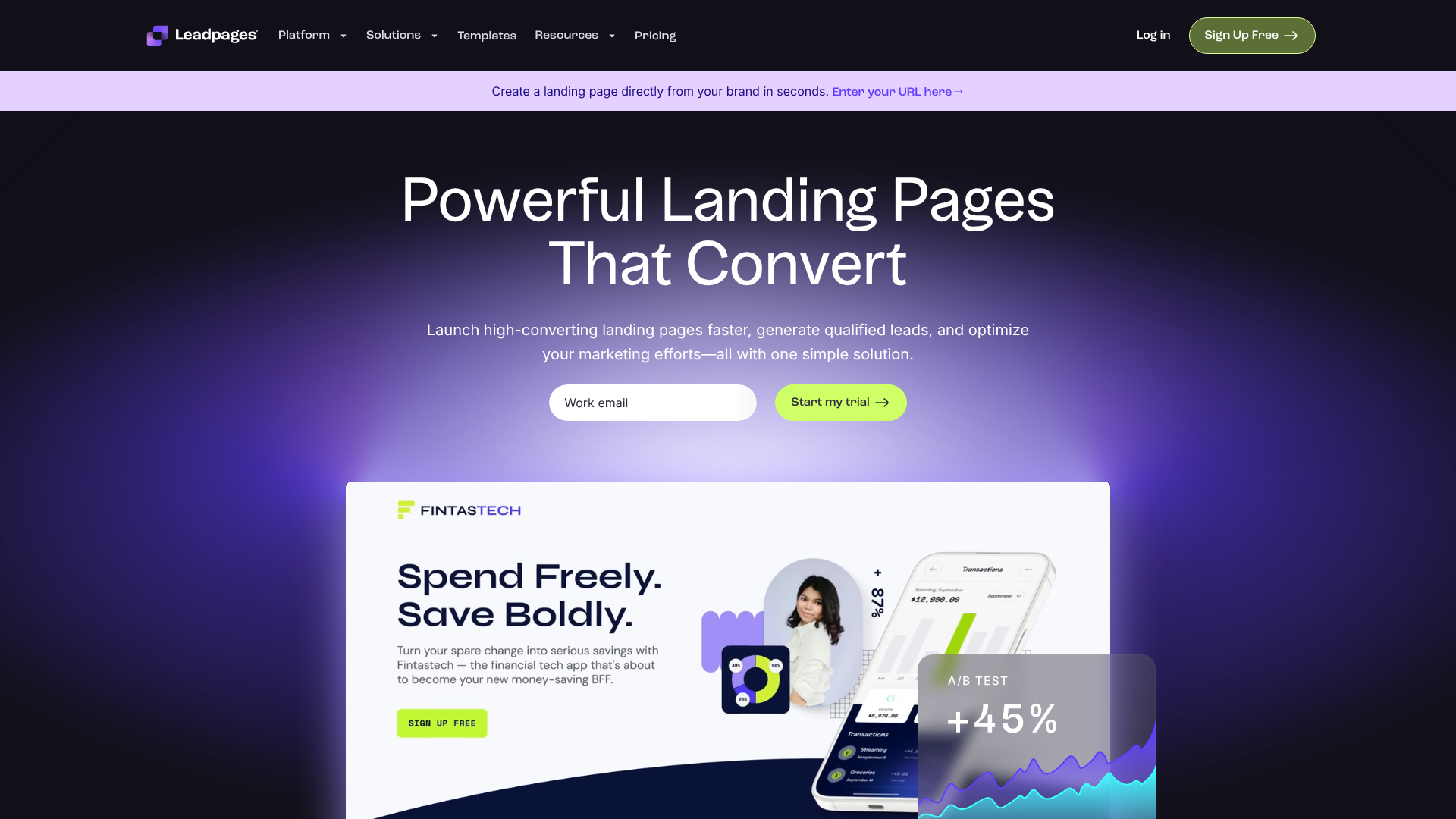
Leadpages is a market leader in the landing page space, and for good reason. It is designed from the ground up for one purpose: conversions. Its platform is incredibly user-friendly, featuring a drag-and-drop builder that makes it easy for anyone to create beautiful, high-performing landing pages, pop-up forms, and alert bars.
Its template library is vast and sorted by conversion rate, allowing you to choose designs that are already proven to work. Leadpages also includes powerful features like built-in A/B testing, which lets you easily test variations of your forms and pages to see what resonates best with your audience.
Pros
- Extremely easy-to-use drag-and-drop editor.
- Templates are optimised for conversion and can be sorted by performance.
- Includes hosting for all landing pages on a fast and reliable infrastructure.
- Seamless integration with a wide range of email marketing and webinar platforms.
Cons
- Less flexible for creating highly complex, multi-page forms compared to dedicated form builders.
- The entry-level plan has some limitations on features.
For current pricing information, it's best to visit the official Leadpages website.
2. Jotform: Best for Versatility and Complex Forms
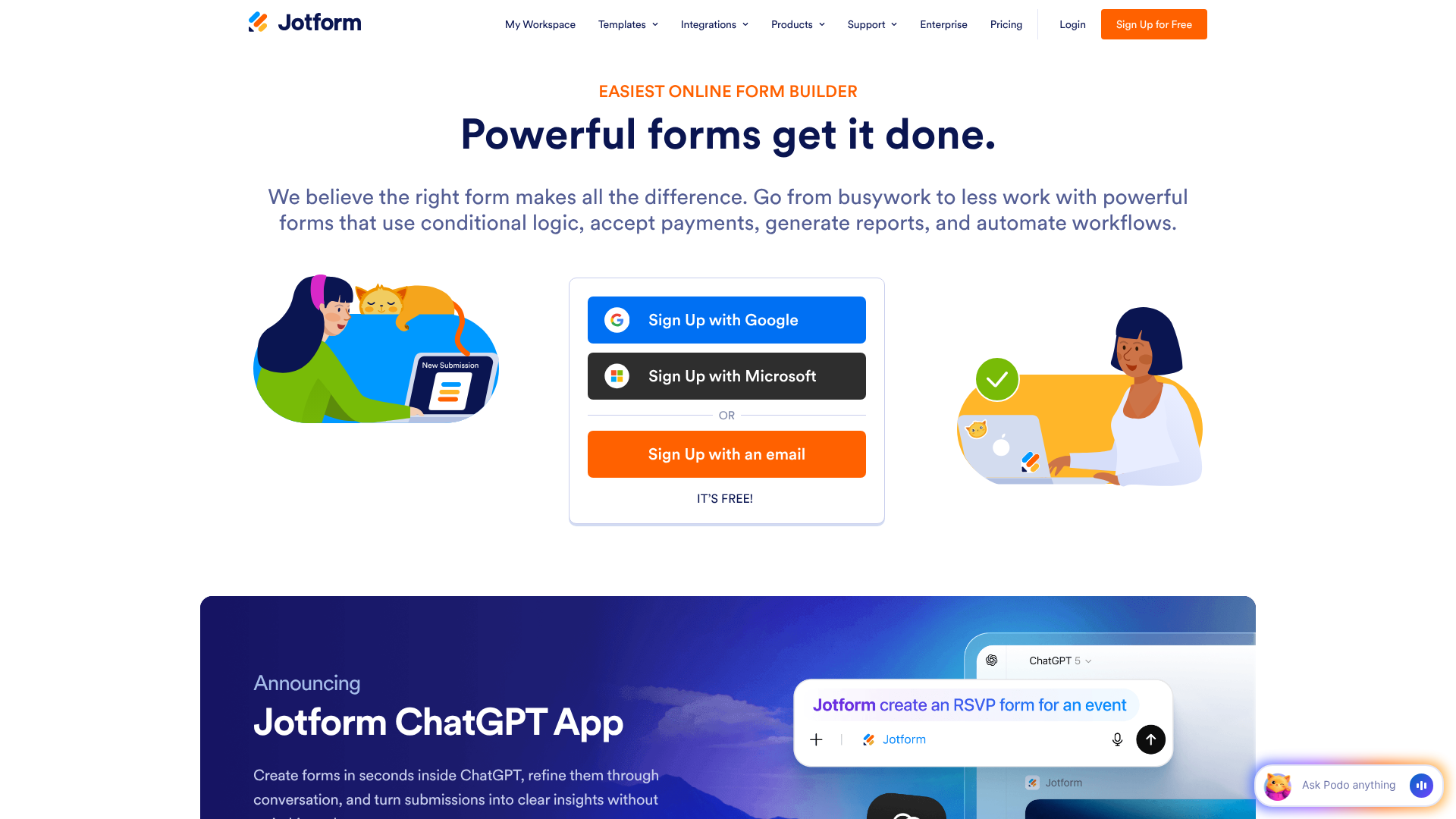
Jotform is one of the most powerful and versatile online form builders available. While Leadpages excels at landing pages, Jotform excels at the form itself. It offers over 10,000 templates for virtually any use case imaginable, from simple contact forms to complex application forms with payment processing and conditional logic.
Conditional logic is one of Jotform's standout features, allowing you to create dynamic forms that show or hide fields based on a user's previous answers. This makes it possible to build highly personalised and interactive experiences. Jotform also offers a generous free plan, making it an accessible option for businesses just getting started.
Pros
- Massive library of over 10,000 templates.
- Powerful features like conditional logic, e-signatures, and payment integrations.
- A robust free forever plan is available.
- HIPAA-compliant features for healthcare professionals.
Cons
- The sheer number of features can be overwhelming for new users.
- While it can be embedded on landing pages, it doesn't build the pages themselves.
To see the latest plans, check the pricing on the Jotform website.
3. GetResponse: Best All-in-One Marketing Platform
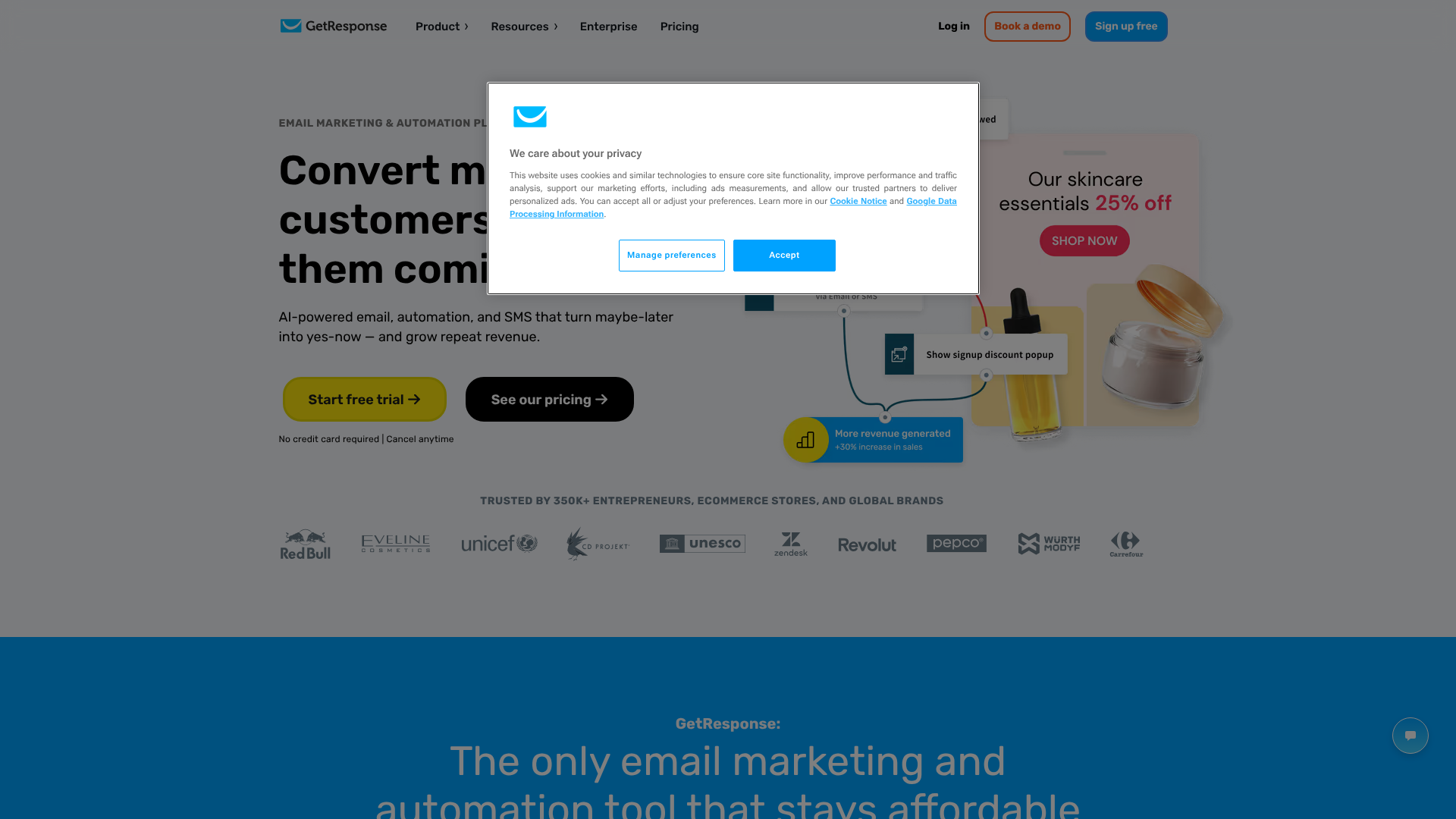
For businesses looking for an integrated solution, GetResponse is an excellent choice. It's an all-in-one marketing platform that combines email marketing, marketing automation, a landing page builder, and a form creator into a single package. The primary advantage here is the seamless integration between all these components.
When you create a form in GetResponse, it's automatically linked to your email lists and automation workflows. This unified ecosystem simplifies your marketing stack and ensures data flows smoothly between different functions. Their templates are modern and mobile-responsive, designed to work perfectly within their landing page and email editors.
Pros
- All-in-one platform simplifies your marketing toolkit.
- Deep integration between forms, email marketing, and automation.
- Includes features like webinar hosting and conversion funnels.
- Competitive pricing for the number of features included.
Cons
- The form builder is not as advanced as a dedicated tool like Jotform.
- May be more than what's needed for users who only require a simple form solution.
Visit the GetResponse site for details on their current pricing tiers.
Pricing and Cost Considerations
When selecting a tool for your lead capture forms, understanding the pricing structures is essential to find a solution that fits your budget and provides a positive return on investment (ROI). The cost can vary significantly from free plans to enterprise-level subscriptions, so it's important to evaluate what you get at each level.
Free vs. Paid Plans
Many platforms, like Jotform, offer a "freemium" model. A free plan is an excellent way to get started and is often sufficient for small businesses or new projects. These plans typically come with limitations, such as a cap on the number of forms you can create, the number of submissions you can receive per month, or the inclusion of the provider's branding on your forms.
Paid plans unlock advanced features, remove limitations, and provide better support. You'll often need to upgrade to access key functionalities like payment integrations, advanced analytics, A/B testing, and the removal of branding. The decision to upgrade usually comes when your lead volume grows or when you need more sophisticated features to optimise your campaigns.
Common Pricing Models
The most common pricing model is a tiered monthly or annual subscription. Tiers are typically based on:
- Features: Higher-priced plans include more advanced features.
- Usage Limits: Tiers may be defined by the number of monthly submissions, form views, or users on the account.
- Number of Websites: Some plans limit the number of domains on which you can use the tool.
Here is a general comparison of the platforms discussed:
| Feature | Leadpages | Jotform | GetResponse |
|---|---|---|---|
| Primary Focus | Landing Pages & Pop-ups | Versatile Form Building | All-in-One Marketing |
| Free Plan | No (Free Trial) | Yes (Generous) | Yes (Limited) |
| Starting Price | Tends to be mid-range | Low-cost entry plans | Competitive all-in-one pricing |
| Best For | Marketers focused on CRO | Businesses needing complex forms | Users wanting an integrated solution |
Calculating the ROI
While it's tempting to opt for the cheapest option, it's more effective to think about the ROI. A well-designed form from a premium tool that increases your conversion rate by even a few percentage points can generate far more revenue than the cost of the subscription. For example, if a £50/month subscription helps you capture an extra 10 qualified leads per month, and each lead is worth £200, the ROI is substantial.
Pro Tip: When evaluating pricing, don't just look at the monthly cost. Consider the value of the time you'll save, the potential increase in conversion rates from using optimised templates, and the benefits of seamless integrations with your other marketing tools.
Pros and Cons of Using Pre-built Templates
While using a pre-built lead capture template offers numerous advantages, it's also important to have a balanced view. Understanding both the benefits and potential drawbacks will help you make an informed decision and get the most out of these powerful tools.
The Advantages (Pros)
- Speed of Implementation: This is the most significant benefit. You can have a professional, functional form live on your website in a matter of minutes, not hours or days. This allows for rapid campaign launches and testing of new ideas.
- Professionally Designed: Templates are created by designers who understand user experience (UX) and conversion principles. This means you're starting with a layout that is visually appealing, easy to navigate, and optimised for encouraging submissions.
- No Coding Required: For small business owners and marketers without technical skills, this is a huge plus. Modern form builders and landing page editors are entirely visual, using drag-and-drop interfaces that are intuitive and easy to master.
- Cost-Effective: Compared to hiring a web developer to custom-code a form, using a template-based tool is significantly more affordable. The subscription fees are a fraction of the cost of custom development.
The Disadvantages (Cons)
- Potential for a Generic Look: If you don't take the time to customise the template, your form might look similar to others on the web. It's crucial to apply your own branding—colours, fonts, and logo—to make it unique.
- Limited Flexibility: While templates offer a lot of customisation options, they are still bound by the framework of the platform. For highly specific or unconventional form requirements, a template might not offer the complete flexibility of custom code.
- Reliance on a Third-Party Platform: Your forms are hosted and managed by the service provider. If their platform experiences downtime, your forms will be affected. However, reputable providers have excellent uptime records, making this a minimal risk.
Frequently Asked Questions (FAQ)
How do I create a lead capture form?
Creating a lead capture form is a simple process with modern tools. First, define your goal and what you want to offer in exchange for user information. Next, choose a form builder or landing page platform like Jotform or Leadpages. Select a pre-built template that matches your goal, customise the fields, and apply your brand's colours and logo. Finally, integrate it with your email marketing service and publish it on your website.
What is a lead capture form?
A lead capture form is a web form specifically designed to collect contact information from potential customers, turning anonymous website visitors into identifiable leads. It typically asks for details like a name and email address in exchange for something of value, such as a newsletter, a free guide, a webinar spot, or a product demo. It is a fundamental tool in digital marketing for building a customer database.
Can ChatGPT create a form?
Yes, ChatGPT can generate the HTML and CSS code for a basic form structure. You can describe the fields you want, and it will produce the necessary code. However, this is only the front-end code. It cannot create a fully functional, hosted form that processes and stores data. For that, you still need a back-end system or a dedicated form service to handle submissions, integrations, and data management.
Where can I create a form for free?
There are several excellent platforms where you can create forms for free. Google Forms is a popular choice for simple surveys and data collection. Jotform offers a very generous free plan with access to most of its features, limited only by the number of monthly submissions. Many other platforms, including GetResponse and Mailchimp, also offer free tiers that include basic form-building capabilities.
What are the four main types of web forms?
While there are countless specific uses for forms, they can generally be categorised into four main types based on their primary function. These are Contact Forms for general inquiries, Registration Forms for signing up for events or accounts, Order Forms for e-commerce and collecting payment, and Survey Forms for gathering feedback and conducting research. Lead capture forms are a specialised type of registration or contact form.
Final Thoughts
A well-crafted lead capture form template is one of the most powerful assets in a digital marketer's toolkit. It bridges the gap between anonymous website traffic and a thriving list of potential customers, providing a scalable and efficient way to grow your business. By starting with a proven template, you eliminate the guesswork and technical hurdles, allowing you to focus on what truly matters: creating a valuable offer that resonates with your audience.
Remember that creating the form is just the beginning. The most successful marketers continuously test and refine their forms, experimenting with different headlines, calls-to-action, and field combinations to steadily improve their conversion rates. The right platform will not only provide you with beautiful templates but also give you the analytics and testing tools you need to optimise your results over time.
If you're ready to stop losing potential customers and start building a robust sales pipeline, exploring the template libraries of tools like Leadpages for conversion-focused landing pages or Jotform for versatile and powerful forms is an excellent next step. Choose a tool that aligns with your goals, and start turning more of your visitors into loyal customers today.