

WP Engine vs Bluehost (2026): Which is Best for Your Business?
Deciding on a web host is one of the most critical choices you'll make for your website. The right host impacts your site's speed, security, and overall user experience. When comparing WP Engine vs Bluehost, you're looking at two very different approaches to WordPress hosting: a premium, managed specialist versus a budget-friendly, all-purpose provider. This choice isn't about which is universally 'better', but which is specifically better for your needs, budget, and technical skill level.
- Quick Summary
- Understanding the Core Difference: Managed vs. Shared Hosting
- Performance and Speed: A Head-to-Head Test
- Key Features and Benefits Compared
- Pricing and Cost Comparison
- WP Engine's Pricing Structure
- Bluehost's Pricing Structure
- The True Value: An Investment vs. An Expense
- Pros and Cons: A Quick Breakdown
- How to Choose: Which Host is Right for You?
- Frequently Asked Questions (FAQ)
- What is the main difference between Bluehost and WP Engine?
- Is WP Engine banned from WordPress?
- Should I use WordPress or Bluehost?
- What is better than Bluehost?
- Is Bluehost owned by WordPress?
- Final Thoughts: The Verdict
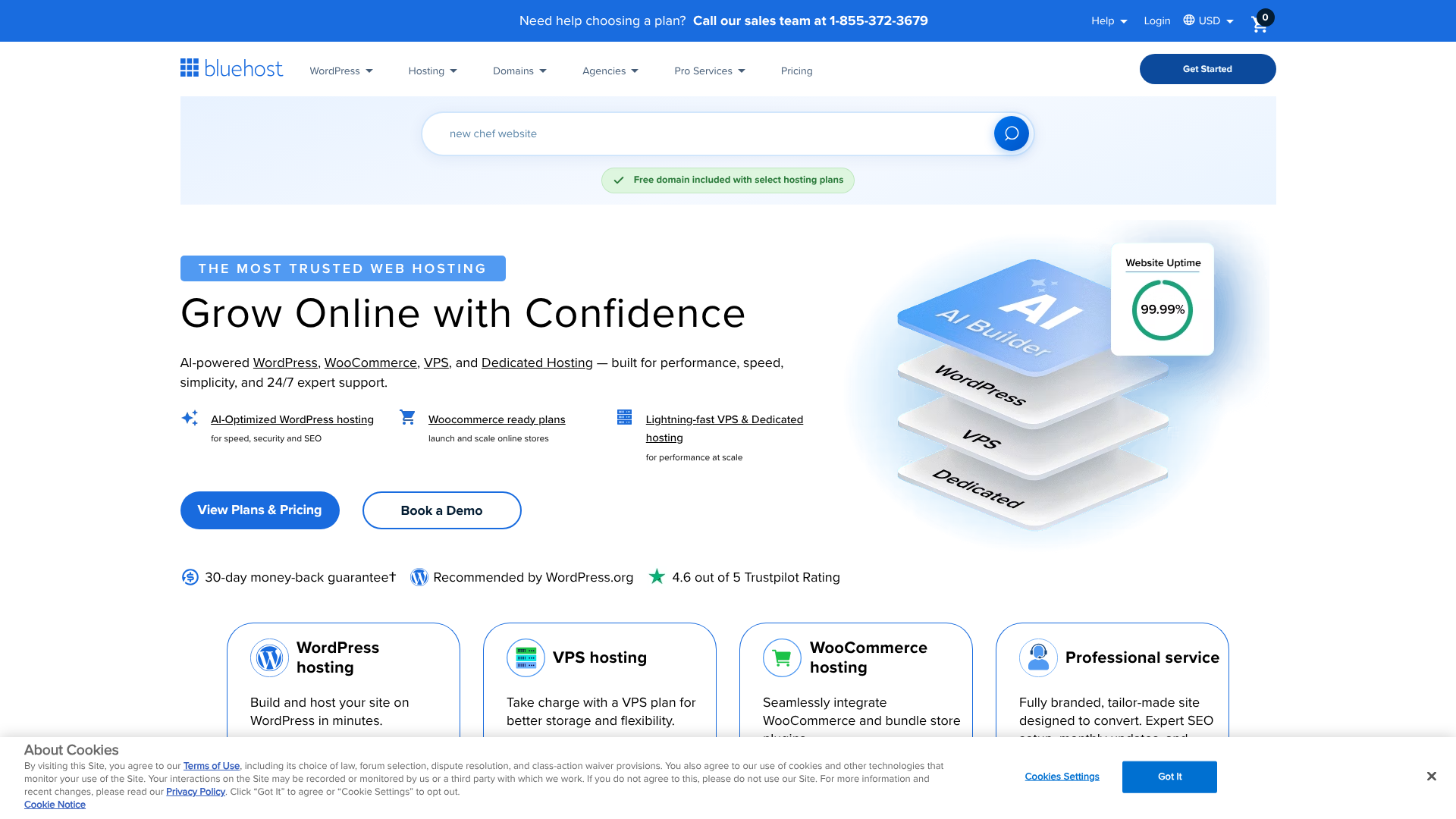
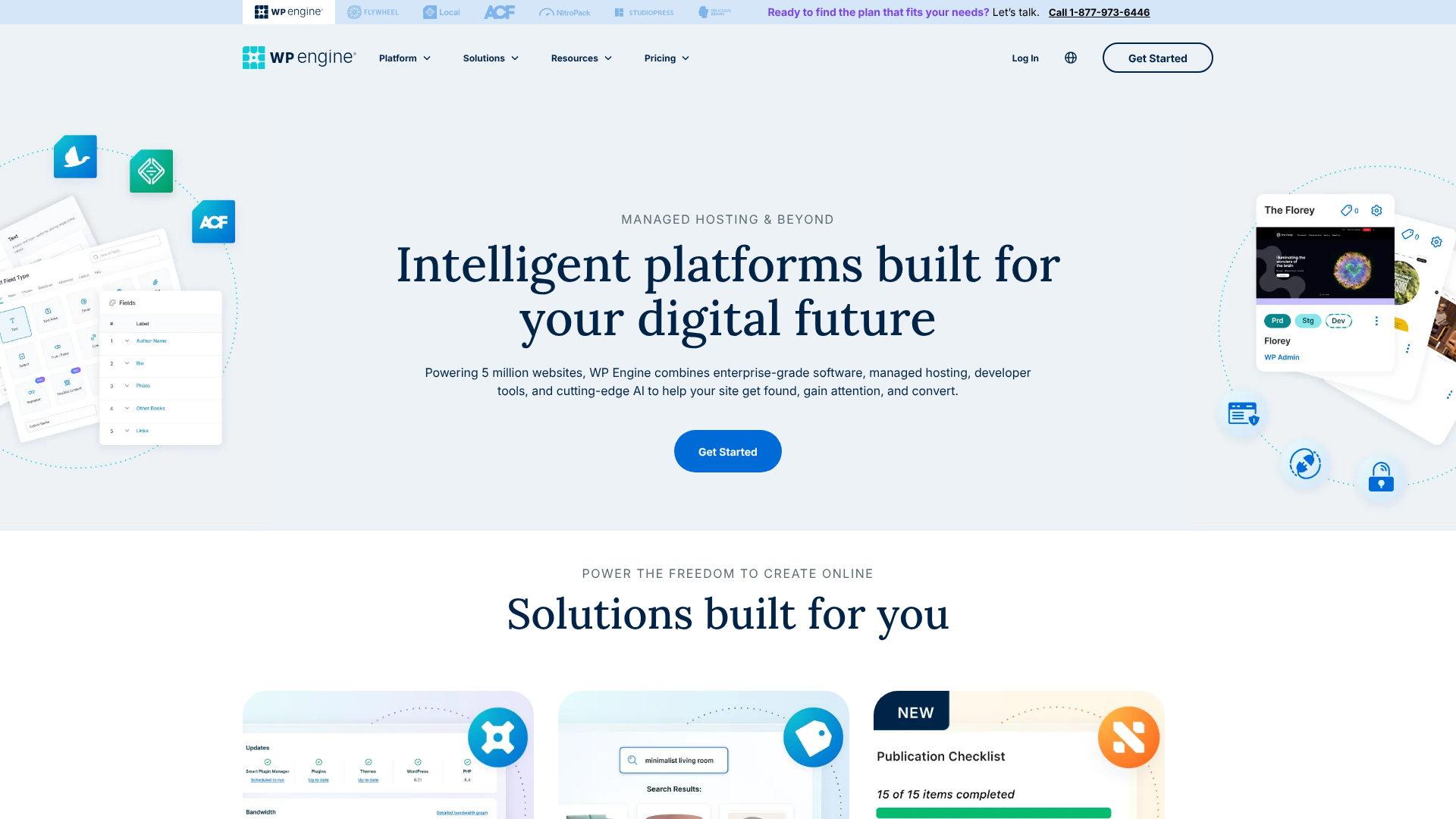
WP Engine is a managed WordPress hosting platform designed for performance, security, and scale. It's built for businesses, developers, and agencies who need a reliable, hands-off hosting environment. Bluehost, on the other hand, is one of the most well-known names in web hosting, offering affordable shared hosting plans that are officially recommended by WordPress.org, making it a popular starting point for beginners and small projects.
This guide breaks down the key differences in performance, features, pricing, and support to give you a clear picture. We'll help you understand the trade-offs between a high-investment, high-return platform like WP Engine and an accessible, entry-level service like Bluehost.
Quick Summary
- Target Audience: WP Engine is built for serious businesses, developers, and high-traffic sites that prioritise speed and security. Bluehost is designed for beginners, bloggers, and small businesses looking for an affordable and easy starting point.
- Performance: WP Engine offers superior speed and reliability due to its Google Cloud infrastructure, proprietary caching, and global CDN. Bluehost provides adequate performance for smaller sites but can't match the raw power of a managed host.
- Pricing & Value: Bluehost has a much lower entry price, but renewal rates are higher and essential features can be paid add-ons. WP Engine costs more upfront but includes premium features like staging, daily backups, and advanced security, offering better long-term value for growing sites.
- Support: WP Engine provides 24/7 support from WordPress experts who can help with complex issues. Bluehost offers general 24/7 support, which is helpful for basic hosting questions but may lack deep WordPress-specific expertise.
Understanding the Core Difference: Managed vs. Shared Hosting
Before we compare specific features, it's crucial to understand the fundamental difference between the two services. The WP Engine vs Bluehost comparison is primarily a story of managed hosting versus shared hosting. Understanding this distinction is the key to making the right choice.
What is Managed WordPress Hosting? (WP Engine)
Managed WordPress hosting is a concierge service for your website. The hosting company handles all the technical aspects of running WordPress, allowing you to focus on creating content and growing your business. This includes optimising for speed, managing security, performing daily backups, and handling WordPress core updates.
WP Engine is a leader in this space. Their entire platform is fine-tuned exclusively for WordPress. They control the server environment completely, which means they can optimise every component—from the hardware to the software—for maximum performance and security. This specialisation is why their plans come at a premium price; you're paying for expertise, performance, and peace of mind.
What is Shared Hosting? (Bluehost)
Shared hosting is the most common and affordable type of web hosting. As the name suggests, your website 'shares' server resources—like CPU, RAM, and disk space—with hundreds or even thousands of other websites on the same physical server. This model keeps costs incredibly low, making it an excellent entry point for new websites.
Bluehost is one of the world's largest shared hosting providers. While they offer other types of hosting, their shared plans are what they're best known for. The trade-off for the low cost is that performance can be inconsistent. If another site on your shared server experiences a sudden traffic spike, it can slow down your site.
You are also responsible for more of the management tasks, like updates and security configurations, although Bluehost does provide tools to help.
Performance and Speed: A Head-to-Head Test
For any website, speed is not a luxury; it's a necessity. Site speed affects everything from user experience and conversion rates to your Google search rankings. In this area, the architectural differences between WP Engine and Bluehost become very clear.
Server Infrastructure and Technology
WP Engine builds its platform on top-tier infrastructure, primarily using the Google Cloud Platform (GCP). This gives them access to some of the fastest and most reliable networks in the world. They combine this with their proprietary caching system, EverCache®, which is designed to serve WordPress pages incredibly fast without requiring complex caching plugins.
Furthermore, all WP Engine plans include a global Content Delivery Network (CDN) through Cloudflare. A CDN stores copies of your site's static assets (like images and CSS files) on servers around the world. When a visitor comes to your site, these assets are served from the location closest to them, dramatically reducing load times for a global audience.
Bluehost uses a more traditional server setup for its shared hosting. While they have made significant improvements over the years, the fundamental nature of a shared environment means resources are divided. They do not offer the same level of advanced, built-in caching or a premium CDN on their basic plans, though you can integrate one yourself.
Uptime Guarantees and Reliability
Uptime is the measure of how consistently your website is online and accessible. WP Engine is so confident in its infrastructure that it offers a 99.95% uptime Service Level Agreement (SLA). If your uptime drops below this, you are entitled to a credit on your bill. This guarantee provides a strong assurance of reliability for businesses where every minute of downtime means lost revenue.
Bluehost does not offer a formal uptime SLA on its shared hosting plans. While their uptime is generally reliable for most small sites, according to independent tests, it doesn't come with the same financial guarantee. For mission-critical websites, this lack of an SLA can be a significant drawback.

Key Features and Benefits Compared
A hosting plan is more than just server space. The included tools, security measures, and workflow features can save you significant time and money. Here’s a Bluehost vs WP Engine review of their core features.
| Feature | WP Engine | Bluehost |
|---|---|---|
| Hosting Type | Managed WordPress | Shared, VPS, Dedicated |
| Target Audience | Businesses, Developers | Beginners, Bloggers |
| Performance | Excellent (Google Cloud) | Standard (Shared Servers) |
| Uptime SLA | 99.95% Guaranteed | None Offered |
| Daily Backups | Automatic, Free | Included (CodeGuard Add-on) |
| Security | Managed WAF, Free Hack Fix | Basic, SiteLock Add-on |
| Staging Site | 1-Click Staging Included | Yes (on higher plans) |
| CDN | Global CDN Included | Basic Free CDN |
| Support | 24/7 WordPress Experts | 24/7 General Support |
Security: Proactive vs. Reactive
WP Engine takes a proactive approach to security. They manage a firewall that blocks millions of attacks every day, perform regular malware scans, and automatically update WordPress core and plugins to patch vulnerabilities. Most importantly, if your site does get hacked while on their platform, their team will fix it for free. This security guarantee is a massive value-add.
Bluehost provides essential security features like SSL certificates for free. However, more advanced services like daily malware scanning (SiteLock) and automated backups (CodeGuard) are often sold as paid add-ons during checkout. While you can secure a Bluehost site, it requires more hands-on management and potentially extra cost.
Developer-Friendly Tools
For developers and agencies, WP Engine is the clear winner. Every plan includes one-click staging environments. A staging site is a private clone of your live website where you can safely test changes, updates, or new plugins without affecting your visitors. Once you're happy with the changes, you can deploy them to the live site with a single click.
WP Engine also offers features like Git integration and SSH access, which are essential for modern development workflows. Bluehost does offer cPanel and FTP access, and staging is available on some of their higher-tier plans, but the tools are not as seamlessly integrated or as powerful as those offered by WP Engine.
Pro Tip: Use WP Engine's staging environment for everything. Before you update a plugin, change a theme, or add custom code, always test it on staging first. This simple habit can prevent 99% of common website errors and downtime.
Pricing and Cost Comparison
Price is often a deciding factor, but it's important to look beyond the headline number and consider the total value. The pricing models for WP Engine and Bluehost are worlds apart, reflecting their different service offerings.
WP Engine's Pricing Structure
WP Engine's plans are based on the resources your site needs, such as the number of monthly visits, storage, and bandwidth. Their entry-level plan typically starts at a higher price point than most shared hosts. For the latest details, you should visit the WP Engine pricing page.
While the initial cost is higher, it's an all-inclusive price. You get premium features like the global CDN, automated daily backups, staging environments, and enterprise-grade security without any extra fees. For a business, this predictable monthly cost can be easier to budget for than a low base price with multiple required add-ons.
Bluehost's Pricing Structure
Bluehost is famous for its extremely low introductory prices, often just a few pounds per month for the first term. This makes it incredibly accessible for anyone starting a new website. However, there are two key things to be aware of.
First, these low prices are promotional and only apply to your initial contract (usually 12, 24, or 36 months). Upon renewal, the price increases significantly to the regular rate. Second, to get the best price, you often have to pay for several years upfront. Finally, as mentioned, many features that are standard with WP Engine, like advanced security and backups, are paid extras with Bluehost.
The True Value: An Investment vs. An Expense
Choosing between WP Engine or Bluehost comes down to how you view your hosting cost. For a hobby blog or a small personal site, Bluehost's low entry cost is hard to beat. The hosting is an expense you want to keep as low as possible.
For a business, an e-commerce store, or a professional blogger, hosting should be viewed as an investment. The extra cost of WP Engine pays for faster performance (which can increase conversions), tighter security (which protects your revenue), and time-saving tools (which free you up to work on your business). In this context, the higher price often delivers a positive return on investment.
Pros and Cons: A Quick Breakdown
To help you make a final decision, here is a straightforward summary of the advantages and disadvantages of each platform.
WP Engine: Pros and Cons
Pros:
Exceptional Performance: Blazing-fast speeds thanks to Google Cloud infrastructure and advanced caching. – Rock-Solid Security: Proactive threat detection, managed WAF, and a free hack-fix guarantee. – Expert WordPress Support: Access to true WordPress specialists 24/7 who can solve complex problems. – Excellent Developer Tools: One-click staging, Git integration, and SSH access are standard.
All-Inclusive Pricing: No hidden fees for essential features like backups, CDN, and SSL.
Cons:
- Higher Cost: Significantly more expensive than shared hosting, which can be prohibitive for new sites.
- WordPress Only: You cannot host any other type of application or website.
- Plugin Restrictions: They disallow certain plugins that can negatively impact performance or duplicate their platform features.
Bluehost: Pros and Cons
Pros:
- Very Affordable: Extremely low introductory pricing makes it easy to get started on a budget.
- Beginner-Friendly: An easy-to-use interface and guided setup process are great for new users.
- Officially Recommended by WordPress.org: This provides a level of trust and assurance.
- Versatile: You can host more than just WordPress and get features like free email accounts.
Cons:
- Inconsistent Performance: Being on a shared server means your site's speed can be affected by others.
- Aggressive Upselling: The checkout process includes many pre-selected add-ons that can increase the cost.
- High Renewal Rates: The price increases substantially after the initial promotional period.
- Less Specialised Support: Support is available 24/7 but may not have the deep WordPress expertise of WP Engine's team.

How to Choose: Which Host is Right for You?
By now, you should have a clear idea of which host aligns with your goals. This isn't a simple case of one being better than the other; it's about matching the tool to the job.
You Should Choose WP Engine If…
- You run a business website or e-commerce store. The performance, security, and reliability are essential for protecting your revenue and reputation.
- Your website is your primary source of income. If downtime or slow speeds directly impact your earnings, the investment in WP Engine is easily justified.
- You are a developer or agency building sites for clients. The workflow tools like staging and collaboration features will save you countless hours.
- You value your time and want a hands-off solution. You prefer to focus on your content and business, letting experts handle the technical server management.
You Should Choose Bluehost If…
- You are starting your first blog or personal website. The low cost and easy setup process make it an ideal starting point.
- Your budget is your primary concern. Bluehost is one of the most affordable ways to get a WordPress site online.
- You are running a small project or a site with low traffic. The resources of a shared plan are often sufficient for sites that don't have high performance demands.
- You want an all-in-one solution. Bluehost offers a free domain name for the first year and email hosting, which simplifies getting started.
Frequently Asked Questions (FAQ)
Here are answers to some of the most common questions people ask when comparing these two hosting providers.
What is the main difference between Bluehost and WP Engine?
The primary difference is the type of hosting and the target audience. WP Engine provides premium, managed WordPress hosting focused on high performance, security, and expert support for businesses and developers. Bluehost offers affordable, entry-level shared hosting designed for beginners, bloggers, and small websites that need a low-cost way to get online.
Is WP Engine banned from WordPress?
No, WP Engine is not banned from WordPress. This is a common misunderstanding. Because WP Engine's platform already handles many performance and security functions, they disallow a small list of plugins that are known to cause performance issues or duplicate features already built into their system (like certain caching or backup plugins). This is a standard practice among high-performance managed hosts to ensure a stable and fast environment.
Should I use WordPress or Bluehost?
This question confuses the software with the service. WordPress is the Content Management System (CMS)—the software you use to build and manage your website. Bluehost is a web hosting company—the service that stores your website's files and makes them accessible on the internet. You use Bluehost to host a WordPress website.
You need both a host (like Bluehost or WP Engine) and a CMS (like WordPress).
What is better than Bluehost?
'Better' depends on your needs. If you're looking for better performance, security, and support, a managed WordPress host like WP Engine is a significant step up. Other popular alternatives in the managed space include Kinsta and SiteGround, which also offer more performance-focused plans than standard shared hosting.
Is Bluehost owned by WordPress?
No, Bluehost is not owned by WordPress. WordPress is an open-source project run by the WordPress Foundation. Bluehost is owned by Newfold Digital (formerly Endurance International Group), a large corporation that owns many other hosting brands. However, Bluehost has been an official hosting partner recommended by WordPress.org since 2005 due to its long-standing support for the WordPress community.
Final Thoughts: The Verdict
Choosing between WP Engine and Bluehost is a classic case of value versus cost. There is no single right answer, only the right answer for your specific situation.
Bluehost serves an essential role in the web ecosystem. It provides an incredibly accessible and affordable on-ramp for millions of users to start their online journey. If you're launching a personal blog, a portfolio, or a small community site on a tight budget, Bluehost is an excellent and logical choice. It gives you all the essential tools you need to get started without a large financial commitment.
However, as your website grows in traffic, complexity, or importance, its needs will evolve. For established businesses, e-commerce stores, and professional publishers, the superior performance, robust security, and expert support offered by WP Engine are not just nice-to-haves; they are critical infrastructure. The higher price reflects a premium, managed service that delivers tangible returns in speed, reliability, and peace of mind. It's an investment in your digital foundation, designed to support growth and protect your online assets.