
How to Create a Cover Page Design for Assignment: A Student's Guide
First impressions matter, especially in academia. Before your tutor even reads the first line of your carefully researched argument, they see the cover page. A clean, professional, and well-organised cover page design for an assignment sets a positive tone, demonstrating your attention to detail and respect for the work you've submitted. It’s the academic equivalent of a firm handshake; it signals confidence and competence from the outset.
- What You'll Learn
- What Exactly Is a Cover Page for an Assignment?
- The Core Components of an Effective Assignment Cover Design
- Essential Information to Include
- The Role of Layout and Hierarchy
- Choosing the Right Typography
- Using Colour and Imagery Effectively
- Choosing Your Design Method: Templates vs. DIY
- Top Tools and Resources for Designing Assignment Covers
- Free Online Design Platforms
- Built-in Word Processor Templates
- A Powerful Alternative for Structured Layouts: Jotform
- Understanding the Costs: Free vs. Paid Design Options
- Weighing the Pros and Cons of a Custom Cover Page Design
- Step-by-Step: How to Design a Cover Page for an Assignment
- Step 1: Check Your University/Course Guidelines
- Step 2: Gather All Necessary Information
- Step 3: Choose Your Tool (Template or Blank Canvas)
- Step 4: Establish a Visual Hierarchy
- Step 5: Select Your Fonts and Colours
- Step 6: Add Visual Elements (Sparingly)
- Step 7: Review, Proofread, and Save
- Frequently Asked Questions About Assignment Cover Pages
- What makes a cover page professional?
- What should not be included on the cover page?
- Are cover pages still necessary?
- What are common mistakes in cover design?
- Can I use a template for my cover page?
- Final Thoughts: Making Your First Impression Count
Many students overlook this crucial element, either rushing it at the last minute or using a generic, uninspired template. However, learning the principles of good assignment cover design is a simple way to make your work stand out for all the right reasons. It’s not about being a graphic designer; it’s about presenting information clearly and professionally.
This guide will walk you through everything you need to know, from the essential information you must include to the best free tools you can use. We'll cover step-by-step instructions, common mistakes to avoid, and tips for creating a cover page that looks polished and academic, ensuring your hard work gets the presentation it deserves.
What You'll Learn
- Essential Components: A cover page must include specific information like your name, course code, assignment title, and submission date. Missing any of these can cause administrative headaches.
- The Power of Professionalism: A well-designed cover page isn't just for looks; it shows your marker that you are serious, organised, and have put effort into your entire submission.
- Free Tools Are Your Best Friend: You don't need expensive software. Tools like Canva, Adobe Express, and even your word processor have everything you need to create a great cover page for free.
- Clarity Over Creativity: The primary goal of designing assignment covers is clarity. Avoid overly complex fonts, distracting backgrounds, and unnecessary graphics that make the page hard to read.
- Always Check the Guidelines: Your university or department will almost always have specific formatting rules. Ignoring them is the fastest way to lose easy marks.
What Exactly Is a Cover Page for an Assignment?
A cover page, often called a title page, is the very first page of an academic paper, report, or assignment. Its primary function is to provide essential identifying information about the work and its author. Think of it as the business card for your assignment. It immediately tells the reader—your lecturer or marker—what the document is, who wrote it, for what purpose, and when it was submitted.
At its core, a cover page for an assignment must be functional. It needs to convey key details efficiently so that the administrative and marking processes run smoothly. This includes your full name, student identification number, the course or module title and code, the assignment title, your tutor's name, and the submission date. Without this information, your work could easily be misplaced or misidentified, especially in large courses with hundreds of students.
However, its role extends beyond simple identification. A well-executed cover page design for an assignment also serves as a crucial element of academic presentation. It establishes the tone for the entire document. A clean, well-structured, and professional-looking cover page suggests that the content within is equally organised and thoughtfully prepared.
Conversely, a sloppy, disorganised, or error-filled cover page can create an immediate negative impression, subconsciously biasing the marker before they’ve even read your introduction.
The Core Components of an Effective Assignment Cover Design

Creating a professional cover page is about balancing information with aesthetics. Every element has a purpose, from the text itself to the empty space around it. Mastering these components ensures your cover page is both functional and visually appealing.
Essential Information to Include
Before you think about fonts or colours, you must gather the required information. Omitting any of these details can lead to confusion or even penalties. While specific requirements can vary, a standard academic cover page should always include:
- Assignment Title and Subtitle: Make this the most prominent text on the page.
- Your Full Name: As it appears on university records.
- Student ID Number: Crucial for official identification.
- Course/Module Name and Code: For example, "Introduction to Marketing (MKT101)".
- Lecturer/Tutor's Name: Ensure you spell their name correctly.
- Submission Date: The date you are handing in the assignment.
- University and Department Name: Often included in the header or footer.

The Role of Layout and Hierarchy
Visual hierarchy is the principle of arranging elements to show their order of importance. On a cover page, the assignment title should be the most important element. You can achieve this by making it larger, bolder, or positioning it at the top-centre of the page.
Your name and course details are secondary, so they should be smaller and placed below the title. The submission date and tutor's name are typically the least prominent elements, often placed at the bottom. Use alignment and white space (the empty areas on the page) to create a balanced, uncluttered look. A centre-aligned layout is the most common and safest choice for academic work.
Choosing the Right Typography
Typography plays a massive role in readability and professionalism. The golden rule for an assignment cover design is to keep it simple and legible. Stick to classic, professional fonts.
- Serif Fonts (e.g., Times New Roman, Georgia, Garamond): These have small lines attached to the letters and are excellent for conveying a traditional, academic feel. They are highly readable in print.
- Sans-Serif Fonts (e.g., Arial, Helvetica, Calibri): These fonts lack the small lines and offer a modern, clean look. They are often preferred for digital documents as they are very clear on screens.
Avoid decorative, script, or novelty fonts at all costs. They look unprofessional and can be difficult to read. Use a maximum of two different fonts—one for the title and another for the rest of the information—to maintain consistency.
Using Colour and Imagery Effectively
For most academic assignments, less is more. A black-and-white or monochrome colour scheme is the standard. It's professional, easy to read, and prints clearly. If you do decide to use colour, use it sparingly.
A single accent colour, perhaps taken from your university's logo, can add a touch of sophistication without being distracting.
Images, logos, or backgrounds are generally not recommended unless you are in a creative field like graphic design or architecture, and it's explicitly permitted. An unnecessary background image can make the text difficult to read and appear unprofessional. The focus should always be on the information.
Choosing Your Design Method: Templates vs. DIY
When it comes to designing assignment covers, you have two main paths: using a pre-made template or creating your own design from scratch. Neither is inherently better; the right choice depends on your needs, your course requirements, and how much time you have.
The Speed and Simplicity of Templates
Templates are the go-to option for most students, and for good reason. They offer a pre-structured layout where all you need to do is input your information. This method is incredibly fast and ensures you don't miss any key components. It removes the guesswork from design, providing a professional-looking result with minimal effort.
Most word processing software like Microsoft Word and Google Docs comes with built-in templates for reports and essays. Online design platforms like Canva and Adobe Express also offer thousands of customisable cover page templates specifically for students. The main advantage is efficiency. When you're facing a tight deadline, a template can be a lifesaver.
The Creative Freedom of Designing from Scratch
Creating a cover page from scratch (DIY) offers complete control over the final product. This is an excellent option for students in design-related fields who want to showcase their skills, or for anyone who has a very specific vision in mind. Starting with a blank canvas allows you to control every aspect of the layout, typography, and spacing to perfectly match the tone of your assignment.
Designing from scratch requires a better understanding of basic design principles like hierarchy, balance, and alignment. It can be more time-consuming, but the result is a unique cover page that is tailored specifically to your work. This approach allows you to ensure the design is clean and minimalist, avoiding the sometimes-cluttered look of generic templates.
Pro Tip: If you choose the DIY route, create your own personal template. Once you've designed a cover page you're happy with, save it as a template file. For future assignments, you can simply open it and update the details, giving you a consistent and professional look across all your work without starting from scratch each time.
Top Tools and Resources for Designing Assignment Covers
You don't need to be a professional designer with access to expensive software to create a great cover page. Many free and accessible tools provide all the functionality you need to produce a polished and professional result.
Free Online Design Platforms
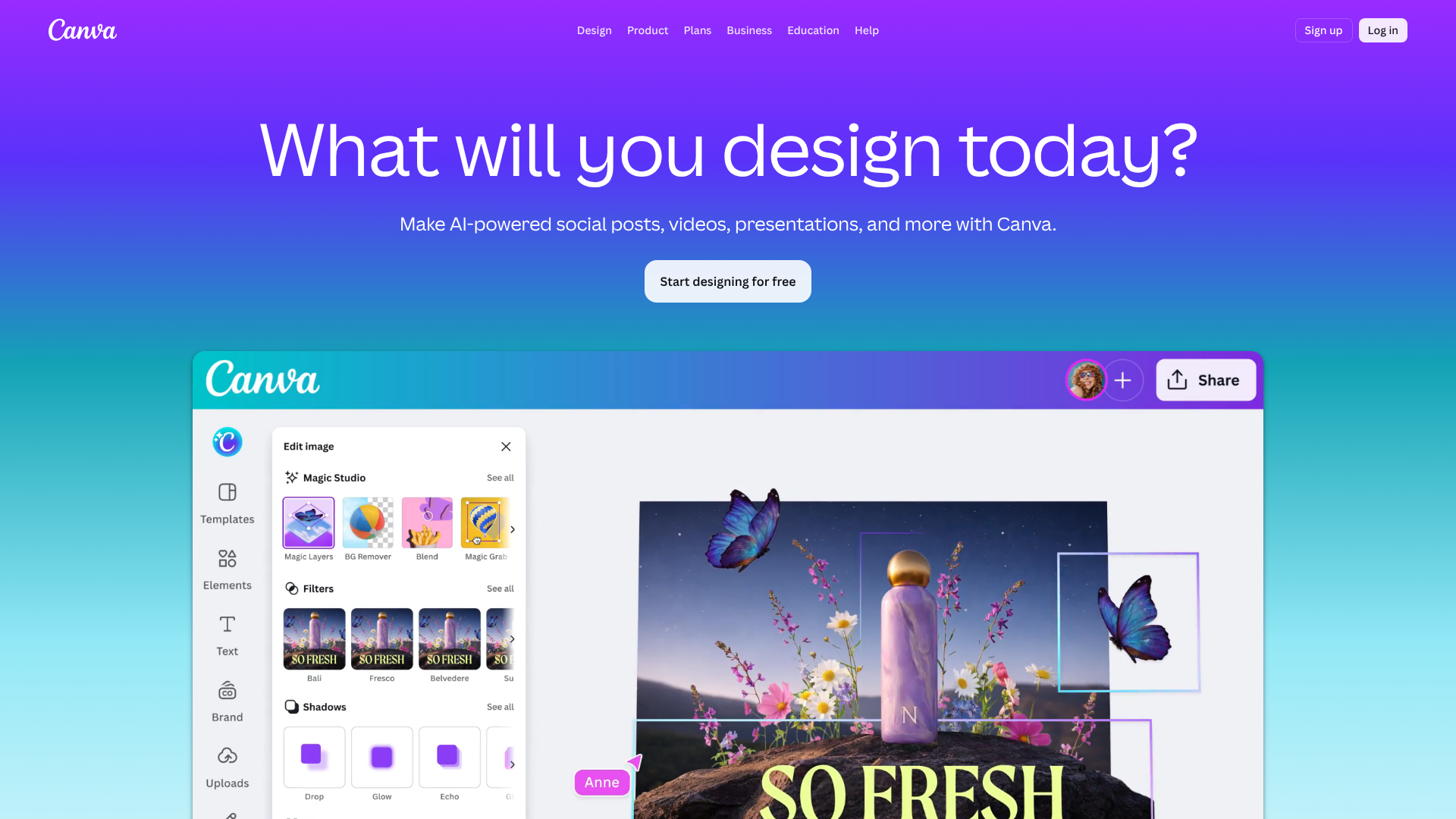
Platforms like Canva and Adobe Express are leaders in this space. They are browser-based, intuitive, and built for people with little to no design experience. They offer vast libraries of free, professionally designed templates for cover pages. You can search for "report cover page" or "assignment title page" and find hundreds of options.
You can easily change the text, adjust colours, and move elements around with a simple drag-and-drop interface. Their main benefit is the sheer variety and quality of the templates available.
Built-in Word Processor Templates
Don't underestimate the power of the software you already use. Both Microsoft Word and Google Docs have built-in template galleries. While perhaps less visually flashy than Canva's offerings, these templates are often designed with academic standards in mind. They are simple, professional, and perfectly formatted for standard A4 documents.
To find them, simply go to File > New from Template and search for "report" or "cover page". This is often the quickest and most straightforward option.
A Powerful Alternative for Structured Layouts: Jotform
For students who value structure, consistency, and a high degree of professionalism, a tool like Jotform presents a unique and powerful option. While primarily known as a form builder, its capabilities extend to creating polished, well-organised documents. You can use its drag-and-drop interface to design a perfectly structured cover page template.
With Jotform, you can create fields for each piece of required information (Name, ID, Course Title, etc.) and lock them in place. This ensures perfect alignment and spacing every time. You can then save your design as a personal template. For each new assignment, you just fill in the fields, and it generates a clean, consistent PDF cover page.
This is ideal for students who want to maintain a consistent personal brand across all their submissions or for group projects where everyone needs to use the same format.
Understanding the Costs: Free vs. Paid Design Options
For students, budget is always a key consideration. The good news is that creating a high-quality cover page design for an assignment should cost you nothing at all. The vast majority of tools and resources needed are available for free, and paying for premium features is almost never necessary for this task.
Most online design platforms like Canva and Adobe Express operate on a "freemium" model. This means their core features and a massive selection of templates, fonts, and design elements are completely free to use. The free versions are more than sufficient for any student's needs. Paid plans typically unlock advanced features like brand kits, premium stock photos, and team collaboration tools, none of which are required for an academic cover page.
Similarly, tools like Microsoft Word and Google Docs are often available to students for free through their educational institution. Their built-in templates are robust and fully functional. Even a more specialised tool like Jotform offers a generous free plan that allows you to create multiple forms and documents, making it a cost-effective solution for managing your assignment templates. In short, there is no practical reason to spend money on designing a cover page.
The free options are powerful, plentiful, and produce professional results.
Weighing the Pros and Cons of a Custom Cover Page Design
While a well-designed cover page is generally beneficial, it's worth considering both the advantages and potential drawbacks before investing too much time into it.
Pros of a Great Cover Page
- Enhanced Professionalism: It immediately signals that you are a serious and diligent student who takes pride in your work.
- Strong First Impression: A clean and organised cover page can positively influence your marker's perception before they even start reading.
- Improved Clarity and Organisation: It makes it easy for your tutor and the administration to identify your work, reducing the risk of it getting lost.
- Demonstrates Attention to Detail: Taking the time to create a good cover page shows that you care about the small details, which implies you've been equally careful with the content.
Cons and Potential Pitfalls
- Time-Consuming: If you're not using a template, designing from scratch can take up valuable time that might be better spent proofreading your actual assignment.
- Risk of Over-Designing: The biggest mistake is making the cover page too busy. Using too many colours, crazy fonts, or distracting images can make it look unprofessional and amateurish.
- It Can't Save a Poor Assignment: A beautiful cover page is no substitute for well-researched, well-written content. Your focus should always be on the quality of the work itself.
- May Not Be Required: Always check your module handbook first. Some departments have very strict submission guidelines that may require a specific, uniform cover sheet provided by them.
Step-by-Step: How to Design a Cover Page for an Assignment
Ready to create your own? Follow these simple steps to produce a clean, professional cover page every time.
Step 1: Check Your University/Course Guidelines
This is the most important step. Before you do anything else, find the assignment submission guidelines in your course handbook or on the university portal. Many departments have strict rules about what must be included, the required format, and whether you need to use a specific departmental cover sheet. Ignoring these rules can lead to lost marks.
Step 2: Gather All Necessary Information
Make a list of all the details you need to include, as discussed earlier. Double-check the spelling of your tutor's name and the exact course code. Having all this information ready will make the design process much smoother.
Step 3: Choose Your Tool (Template or Blank Canvas)
Decide whether you want the speed of a template or the control of a blank canvas. Open your chosen tool, whether it's Microsoft Word, Google Docs, or Canva. If using a template, find one that is clean, simple, and professional. If starting from scratch, create a new blank A4 document.
Step 4: Establish a Visual Hierarchy
Start by typing out your assignment title. Place it in the upper half of the page and make it the largest and boldest text. Next, add your name and course details below the title, using a smaller font size. Finally, add the date and tutor's name near the bottom of the page in the smallest font size.
Use the centre-align function to keep everything neat.
Step 5: Select Your Fonts and Colours
Choose one or, at most, two professional fonts (like Times New Roman, Arial, or Calibri). Use one for the title and another for the body text to create a subtle contrast. Stick to black text on a white background. This is the academic standard and ensures maximum readability.
Step 6: Add Visual Elements (Sparingly)
For most assignments, you won't need any visual elements. However, a simple, clean line or border can help frame the content. Avoid clipart, photos, or complex graphics. The goal is academic professionalism, not a creative poster.
For a simple but elegant touch, you can learn to create borders like the ones shown in the video below.
Step 7: Review, Proofread, and Save
Read over every single word on your cover page. Check for spelling mistakes, especially in your title and your tutor's name. Ensure all the information is correct and the formatting is consistent. Once you're satisfied, save the document as a PDF to preserve the formatting when you submit it.
Pro Tip: Ask a friend to glance over your cover page before you submit. A fresh pair of eyes is excellent at catching small typos or formatting errors that you might have missed after staring at it for too long.
Frequently Asked Questions About Assignment Cover Pages
Here are answers to some of the most common questions students have about designing assignment covers.
What makes a cover page professional?
A professional cover page is defined by its clarity, simplicity, and adherence to academic standards. Key elements include a clean, uncluttered layout with plenty of white space, the use of a standard, readable font (like Arial or Times New Roman), and a consistent, logical hierarchy where the title is the most prominent element. Professionalism means avoiding distracting elements like loud colours, background images, or decorative fonts.
What should not be included on the cover page?
You should avoid including anything that is not explicitly required by your university's guidelines. This includes personal opinions, unnecessary graphics or clipart, quotes, and any information that is overly personal or irrelevant to the assignment. Also, avoid using informal language or humour. The tone should always be formal and academic.
Are cover pages still necessary?
In most formal academic settings, yes. While some online submission systems automatically generate a summary of your details, a dedicated cover page is still standard practice for formal reports, dissertations, and major essays. It serves an important organisational function for markers and administrators. The best practice is to assume one is necessary unless your guidelines explicitly state otherwise.
What are common mistakes in cover design?
The most common mistakes include: a cluttered or busy layout with too much information crammed together; using unprofessional, hard-to-read fonts; including spelling or grammatical errors; getting key information wrong (like the course code or tutor's name); and adding distracting backgrounds or images. Another frequent error is simply forgetting to check the specific formatting guidelines provided by the university.
Can I use a template for my cover page?
Absolutely. Using a template is often the smartest and most efficient way to create a cover page. Templates ensure you include all the necessary information in a well-structured format. Most word processors and online design tools offer excellent, free templates that are perfect for academic use.
Just make sure the template you choose is clean, professional, and aligns with any specific formatting rules from your institution.
Final Thoughts: Making Your First Impression Count
A great cover page design for an assignment is an easy win. It requires minimal effort for a significant return in professionalism and presentation. It acts as the formal introduction to your hard work, setting a positive and competent tone before a single word of your argument is read. By following the principles of clarity, simplicity, and hierarchy, you can ensure your submission looks as smart as the ideas it contains.
Remember to always start by checking your institutional guidelines, as they are the ultimate authority. Use the free, powerful tools available to you, and focus on creating a clean, error-free document. Your cover page is the finishing touch on your assignment—make it a good one.
If you're looking for a tool to create consistent, professional, and easily replicable cover pages for all your assignments, consider exploring what you can build with Jotform. Its structured approach might be the perfect solution for maintaining a polished academic presentation.