

Kinsta vs WP Engine (2026): Which is Better for High-Traffic Sites?
Choosing a managed WordPress host is one of the most critical decisions for any serious website owner, developer, or agency. The right platform can deliver exceptional speed, ironclad security, and effortless scalability, while the wrong one can lead to slow load times and constant headaches. In the world of premium hosting, two names consistently rise to the top: Kinsta and WP Engine. This detailed kinsta vs wpengine comparison will break down every aspect of their services to help you make an informed choice for your high-traffic WordPress site.
- Quick Summary
- Kinsta vs WP Engine: What Are They?
- Core Feature Comparison: WP Engine vs Kinsta
- Performance and Infrastructure
- Security Features
- Developer Tools and Workflow
- Dashboards and User Experience
- Support and Customer Service
- Pricing and Plans: A Detailed Cost Comparison
- Pros and Cons: An Honest Look at Each Host
- How to Choose: Kinsta or WP Engine for Your Project?
- Frequently Asked Questions (FAQ)
- What is the main difference between Kinsta and WP Engine?
- Is WP Engine banned from WordPress?
- Is Kinsta reliable?
- Who are WP Engine's main competitors?
- Final Verdict: Our Top Recommendation
Both platforms offer a premium, managed experience built on the Google Cloud Platform, but they cater to slightly different needs and priorities. WP Engine has established itself as a comprehensive digital experience platform with a strong focus on developer workflows and agency tools. Kinsta, on the other hand, is renowned for its raw performance, extensive global reach, and a beautifully designed, user-friendly dashboard. Deciding between them requires a close look at their features, performance benchmarks, pricing structures, and support quality.
This guide will dissect the wpengine vs kinsta debate, moving beyond marketing claims to provide a data-driven analysis. We'll explore their core infrastructure, security protocols, developer tools, and overall value proposition to determine which host truly comes out on top for different types of users in 2026.
Quick Summary
- For Agencies & Developers: WP Engine stands out with its superior developer-focused tools, including Local integration, transferable installs, and distinct Dev/Stage/Prod environments, making it the top choice for professional workflows.
- For Global Reach & Simplicity: Kinsta offers a significant advantage with over 35 global data centre locations and a sleek, unified MyKinsta dashboard that simplifies managing sites, applications, and databases.
- Performance & Caching: Both hosts are incredibly fast, leveraging the Google Cloud Platform. WP Engine uses its proprietary EverCache technology, while Kinsta combines server-level caching with an integrated Cloudflare Edge Caching solution.
- Overall Value: While both are premium-priced, WP Engine often provides a more integrated package with its suite of performance and workflow tools included in all plans. Kinsta’s value lies in its straightforward resource allocation and broad infrastructure network.
Kinsta vs WP Engine: What Are They?
Before diving into a feature-by-feature breakdown, it's important to understand the philosophy and target audience of each company. While they compete directly, their origins and focus areas have shaped their platforms in distinct ways.
What is WP Engine?
Founded in 2010, WP Engine is one of the original pioneers of the managed WordPress hosting industry. They essentially created the market for high-performance, secure, and fully-managed hosting environments specifically optimised for WordPress. Their platform is designed to be more than just a place to host a website; it's a complete digital experience platform.
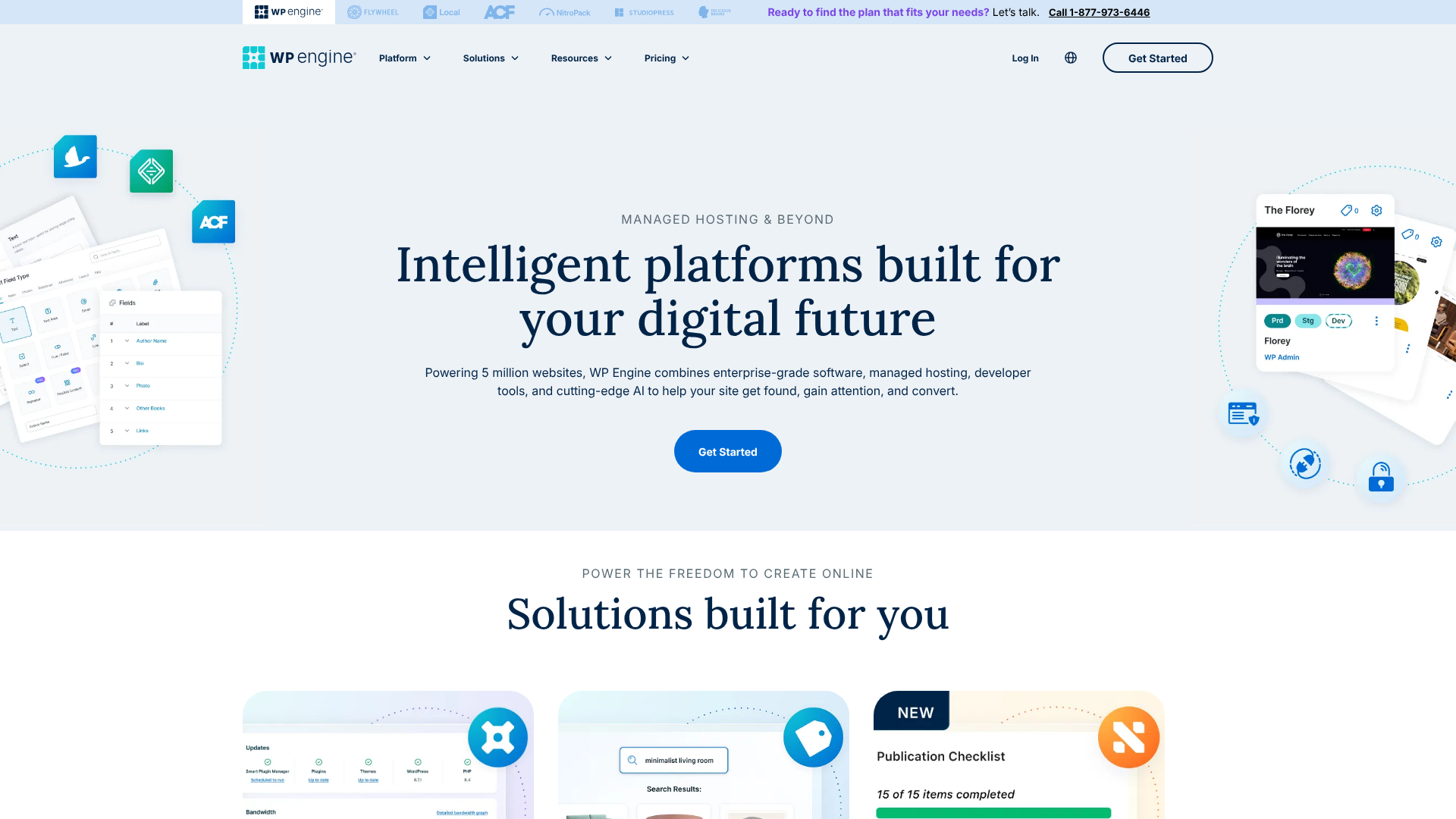
WP Engine targets a professional audience, including marketing agencies, freelance developers, and enterprise-level businesses that demand reliability and powerful workflow tools. Through strategic acquisitions like StudioPress (the creators of the Genesis Framework) and the development of tools like Local, they have built an ecosystem that supports the entire lifecycle of a web project, from local development to deployment and management. Their focus is on providing a stable, secure, and scalable foundation complemented by tools that save developers time and effort.
What is Kinsta?
Kinsta entered the scene later, in 2013, with a laser focus on performance. Founded by a team of WordPress developers, Kinsta was built from the ground up to leverage the best available technology, which at the time meant being one of the first to exclusively use the Google Cloud Platform (GCP). This commitment to using the latest and fastest infrastructure remains a core part of their identity.
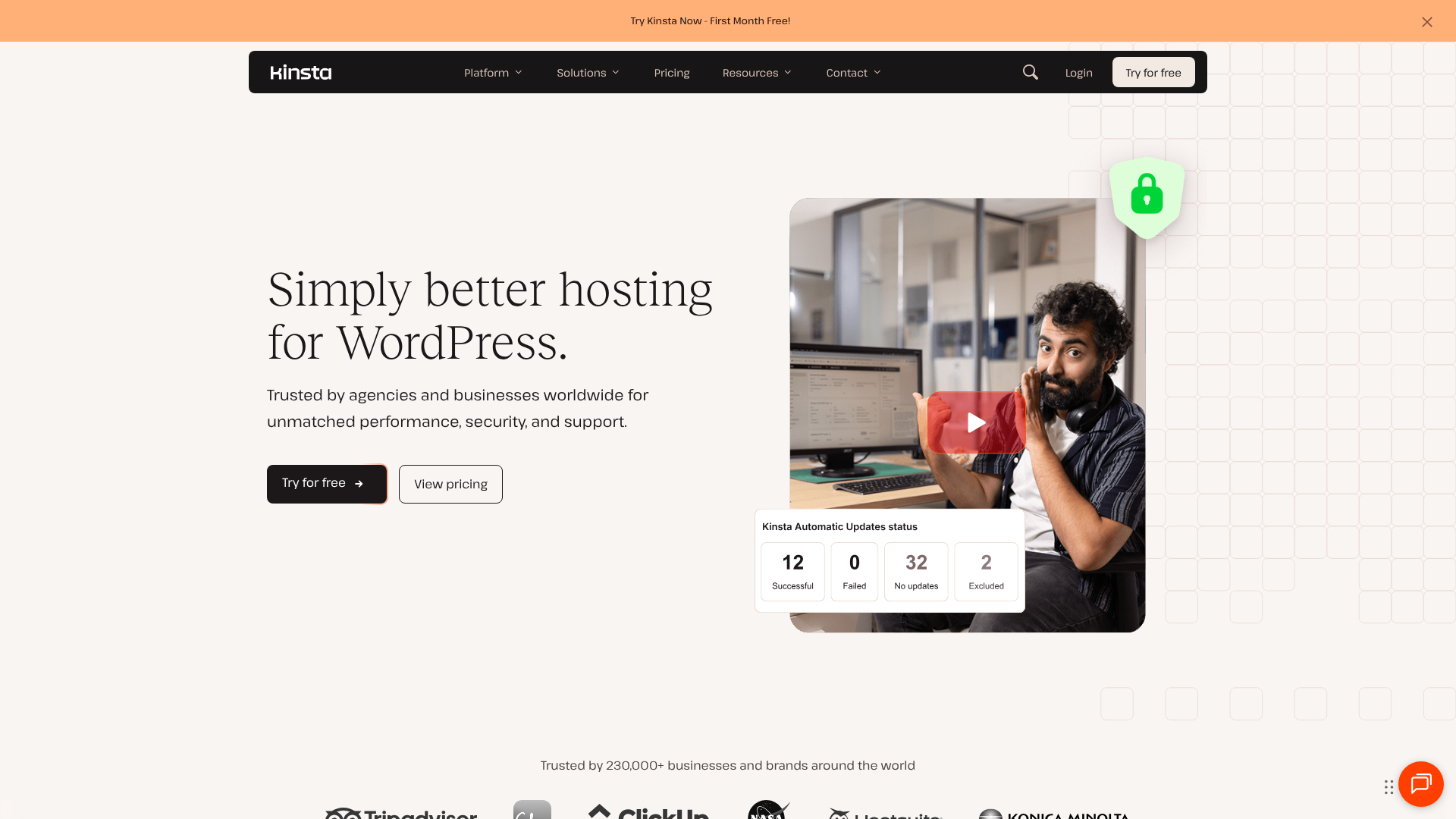
Kinsta's platform appeals to users who prioritise raw speed and a modern, intuitive user experience. Their MyKinsta dashboard is widely praised for its clean design and ease of use. While they also serve agencies and enterprises, their platform is equally accessible to high-traffic bloggers, e-commerce store owners, and businesses of all sizes. Recently, Kinsta has expanded beyond WordPress to offer Application Hosting, Database Hosting, and Static Site Hosting, positioning itself as a comprehensive cloud platform for modern web development.
Core Feature Comparison: WP Engine vs Kinsta
This is where the kinsta vs wpengine comparison gets interesting. Both platforms are packed with features, but their implementations and focus areas differ. Here’s a side-by-side look at what matters most.
| Feature | WP Engine | Kinsta |
|---|---|---|
| Infrastructure | Google Cloud Platform (Premium Tier) | Google Cloud Platform (C2 & C3D VMs) |
| Data Centres | ~20 locations | 35+ locations |
| Caching | Proprietary EverCache® technology | Server-level caching + Cloudflare Edge Caching |
| CDN | Integrated Cloudflare CDN | Integrated Cloudflare CDN (300+ PoPs) |
| Staging Environments | Dev, Stage, Prod on most plans | 1 Standard Staging Environment |
| Security | Managed WAF, DDoS Mitigation, Free Hack Fix | Cloudflare Firewall, DDoS Protection, Free Hack Fix |
| Backups | Daily automated + on-demand | Daily automated + on-demand |
| Developer Tools | Local integration, Git, SFTP, SSH | Kinsta API, SFTP, SSH, WP-CLI |
| Support | 24/7 Expert WordPress Support (Chat) | 24/7 Expert WordPress Support (Chat) |

Performance and Infrastructure
Performance is the number one reason users choose a premium managed host. Both Kinsta and WP Engine build their platforms on the Google Cloud Platform's Premium Tier network, ensuring low latency and high throughput globally. However, they use this powerful infrastructure differently.
Kinsta has a reputation for aggressively adopting Google's latest and fastest virtual machines. They currently use Compute-Optimised C2 and C3D VMs for all clients, which are some of the highest-performing servers available. This focus on raw computing power gives them a slight edge in CPU-intensive tasks.
WP Engine, while also using high-performance GCP servers, puts a heavy emphasis on its proprietary caching platform, EverCache®. This multi-layered caching system is designed to serve as much of a site as possible from memory, dramatically reducing server load and delivering pages almost instantly. It intelligently caches static assets, page caches, and even database query results.
For global reach, Kinsta has a clear advantage with over 35 data centres, compared to WP Engine's ~20. If your audience is in a region not covered by WP Engine, such as South America or parts of Asia, Kinsta is the obvious choice. Both hosts include a premium CDN powered by Cloudflare, ensuring your site's assets are delivered quickly to users anywhere in the world.
Security Features
Security is non-negotiable for any serious website. Both hosts take a proactive, multi-layered approach to protecting your site.
Both platforms include a free SSL certificate, a sophisticated firewall, and automatic DDoS mitigation. They also both offer a free hack-fix guarantee. If your site is compromised while hosted on their platform, their teams will repair it for free, offering immense peace of mind.
WP Engine's security offering, particularly on higher-tier plans, includes their Global Edge Security platform. This is a more advanced solution that combines Cloudflare's enterprise-level features, such as a managed Web Application Firewall (WAF) and advanced DDoS mitigation, directly integrated into their platform.
Kinsta leverages a deep integration with Cloudflare for all sites on its platform. This means every site is protected by Cloudflare's intelligent firewall and enterprise-level DDoS protection. This standardised approach ensures a high level of security for every customer, regardless of their plan.
Developer Tools and Workflow
This is a key area where the wpengine vs kinsta differences become very apparent, and it's where WP Engine truly shines for agencies and development teams.
WP Engine offers a suite of tools designed to streamline the development lifecycle. Their most notable tool is Local, a free local development application that integrates directly with the WP Engine platform. This allows developers to build and test sites on their own computers and then push them live with a single click. Furthermore, most WP Engine plans come with three environments per site: Development, Staging, and Production.
This is a best-practice workflow that allows for rigorous testing before deploying changes.
Another agency-favourite feature is transferable installs. Developers can build a new client site on their own WP Engine account for free and then seamlessly transfer it, along with billing, to the client when the project is complete.
Kinsta provides a more streamlined, but still powerful, set of tools. Every site gets a one-click staging environment, which is sufficient for most use cases. They also offer SSH access, Git integration, and WP-CLI on all plans. A significant recent addition is the Kinsta API, which allows for programmatic control over sites, enabling automation for tasks like creating new sites or clearing the cache, which is a powerful feature for agencies managing sites at scale.
Dashboards and User Experience
A great hosting platform needs an intuitive control panel. Both companies have invested heavily in creating custom dashboards that are a world away from the clunky cPanel interfaces of traditional hosts.
Kinsta's MyKinsta dashboard is widely regarded as one of the best in the industry. It's clean, fast, and logically organised. Key information like resource usage, visitor analytics, and performance monitoring tools are front and centre. Managing backups, staging sites, and CDN settings is incredibly straightforward.
WP Engine's User Portal is also a powerful custom-built dashboard. It provides access to all their unique tools, like managing staging environments, setting up Git push, and accessing performance monitoring data. While it's highly functional, some users find it slightly less intuitive and a bit more cluttered than MyKinsta, simply because it contains more complex, developer-centric features.
Pro Tip: When evaluating dashboards, consider your daily tasks. If you primarily need to check analytics and manage backups, Kinsta's simplicity is a win. If you're constantly managing complex deployment workflows across multiple environments, WP Engine's feature-rich portal is built for you.
Support and Customer Service
When something goes wrong, expert support is priceless. This is an area where both Kinsta and WP Engine excel. They both staff their support teams with actual WordPress experts, not entry-level agents reading from a script. Support is available 24/7 via live chat for all customers.
Response times on both platforms are typically under a minute. The quality of support is consistently rated as excellent by users. The support engineers are knowledgeable and can help with complex issues ranging from plugin conflicts to performance optimisation. As one user on a Reddit discussion noted, the expertise of the support team can be a deciding factor.
Pricing and Plans: A Detailed Cost Comparison
Both Kinsta and WP Engine are premium services, and their pricing reflects the quality of their platforms. They use a similar value-based pricing model, where plans are tiered based on the number of sites, monthly visits, storage, and bandwidth.
WP Engine Pricing Structure
WP Engine's plans are generally structured for different business sizes, from a single small site to a large agency portfolio. Their entry-level plans typically start around £20-£25 per month.
- Startup/Lite: Designed for one site with around 25,000 monthly visits.
- Professional/Growth: Supports multiple sites (3-10) and a higher volume of traffic (75,000-100,000 visits).
- Scale: Built for agencies managing up to 30 sites with traffic up to 400,000 visits.
- Custom: Enterprise-level plans with dedicated infrastructure and support.
WP Engine's pricing includes access to all their core features, including the Genesis Framework, StudioPress themes, and local development tools. Overage charges for exceeding visit limits can be a concern for some users, so it's important to choose a plan that provides a comfortable buffer. For the most current pricing, it's always best to visit the WP Engine website.
Kinsta Pricing Structure
Kinsta's pricing is also tiered, starting around £25-£30 per month for their entry-level plan. Their plans are very transparent about the resources included.
- Starter/Pro: For 1-2 WordPress installs, with traffic limits from 25,000 to 50,000 visits.
- Business: Designed for 3-5 sites and higher traffic, with more PHP workers per site for better performance under load.
- Enterprise: For agencies and large businesses managing dozens of sites with millions of monthly visits.
Kinsta is known for its clear and fair overage policy. If you exceed your plan's visit limit, they charge a simple rate per thousand extra visits, and they also offer a scalable CDN add-on. This predictability can be a major advantage for sites with fluctuating traffic. You should always check Kinsta's official site for the latest pricing details.
Which Offers Better Value?
Value is subjective and depends entirely on your needs. For a single site owner focused on global speed, Kinsta's access to 35+ data centres and clear pricing might offer better value. For an agency, the tools included with a WP Engine plan—like free transferable installs, multiple staging environments, and Local integration—can save hundreds of pounds in development time, making it the higher-value option.
Pros and Cons: An Honest Look at Each Host

No host is perfect. Understanding the strengths and weaknesses of each platform is key to making the right choice.
WP Engine: The Good and The Bad
Pros
- Unmatched Developer Tools: The integration with Local, multiple staging environments, and transferable installs create a best-in-class workflow for professionals.
- Powerful Caching: EverCache® is a highly optimised, proprietary system that delivers incredible speed and scalability.
- Integrated Value: The inclusion of the Genesis Framework and premium StudioPress themes is a huge bonus for many users.
- Robust Security: The Global Edge Security feature on higher plans provides enterprise-grade protection.
Cons
- Fewer Data Centres: With around 20 locations, their global coverage is good but not as extensive as Kinsta's.
- Strict Visitor Limits: Overage charges can be costly if your traffic is unpredictable and regularly exceeds your plan's allocation.
- Slightly Steeper Learning Curve: The User Portal is packed with features, which can be overwhelming for beginners.
Kinsta: The Good and The Bad
Pros
- Exceptional Performance: Use of Google Cloud's fastest C2/C3D VMs ensures top-tier processing power.
- Massive Global Reach: With 35+ data centres, you can host your site closer to your audience, reducing latency.
- Intuitive Dashboard: The MyKinsta dashboard is a joy to use, making site management simple and efficient.
- Transparent Pricing: Clear, predictable overage fees and resource allocation.
Cons
- Fewer Integrated Workflow Tools: Lacks the deep integration with a local development app like WP Engine's Local.
- Single Staging Environment: While sufficient for most, it's less flexible than WP Engine's Dev/Stage/Prod setup.
- Can Be Pricier at Scale: For a large number of sites, the cost can sometimes be higher than a comparable WP Engine agency plan.
How to Choose: Kinsta or WP Engine for Your Project?
Your choice in the kinsta vs wp engine debate should come down to your specific use case. Here are our top recommendations for different types of users.
Choose WP Engine If…
- You are an agency or freelancer. The workflow tools (Local, staging, transferable installs) are specifically designed to make your life easier and more profitable.
- You need a multi-environment testing process. The Dev/Stage/Prod setup is the industry standard for professional development and is a major advantage of the WP Engine platform.
- You build sites using the Genesis Framework. Having the framework and all StudioPress themes included for free is an incredible value proposition.
- You manage client sites. The ability to easily manage multiple client sites from one dashboard and transfer billing is a huge operational benefit.
Choose Kinsta If…
- Your number one priority is raw server speed and the latest hardware. Kinsta's commitment to using GCP's fastest VMs is a clear advantage.
- You have a highly distributed global audience. Their network of 35+ data centres is unmatched and ensures low latency worldwide.
- You value simplicity and a modern user experience. The MyKinsta dashboard is arguably the most user-friendly control panel in the industry.
- You plan to host more than just WordPress. If you might need to host a Node.js application or a PostgreSQL database in the future, Kinsta's unified platform is a major plus.
Frequently Asked Questions (FAQ)
What is the main difference between Kinsta and WP Engine?
The main difference lies in their core focus. WP Engine positions itself as a complete digital experience platform with a heavy emphasis on developer and agency workflows, offering tools like Local integration and multiple staging environments. Kinsta focuses on providing the highest possible performance with the latest infrastructure, a wider global reach through more data centres, and a simpler, more unified user experience.
Is WP Engine banned from WordPress?
No, this is a common myth. WP Engine is not banned from WordPress in any way. This misunderstanding likely comes from their list of "disallowed plugins". Like all high-performance managed hosts, WP Engine maintains a list of plugins that are known to cause performance or security issues on their platform.
This is a standard and necessary practice to maintain a stable and optimised environment for all customers.
Is Kinsta reliable?
Yes, Kinsta is extremely reliable. They offer a 99.9% uptime guarantee backed by a Service Level Agreement (SLA). Their entire infrastructure is built on the Google Cloud Platform, which is known for its stability and resilience. They also employ proactive site monitoring, checking the status of every website they host every two minutes, allowing them to respond instantly to any issues that arise.
Who are WP Engine's main competitors?
WP Engine's primary competitor in the premium managed WordPress hosting space is Kinsta. Other notable competitors include Pressable (owned by Automattic, the company behind WordPress.com), SiteGround (on their higher-tier GoGeek and Cloud plans), and other managed cloud providers like Cloudways. However, the most direct and feature-comparable competitor is Kinsta.
Final Verdict: Our Top Recommendation
After a thorough kinsta vs wpengine comparison, it's clear that both are exceptional hosting providers that deliver on their promises of speed, security, and support. You cannot make a bad choice between them. However, one platform often provides a more complete and valuable solution for professional users.
For most agencies, developers, and businesses looking for more than just hosting, WP Engine is our top recommendation. Their investment in a comprehensive suite of workflow tools, including the indispensable Local application and multi-environment staging, provides tangible value that saves time and improves project quality. The inclusion of the Genesis Framework and enterprise-grade security features creates a powerful, integrated platform that supports business growth.
While Kinsta may have a slight edge in raw server specs and global data centre options, WP Engine's focus on the entire development lifecycle makes it the more strategic choice for professionals building and managing WordPress sites at scale. It's a platform built to grow with you, offering the tools you need to succeed in a competitive digital world.
Ready to experience a superior WordPress platform? Check out WP Engine's plans today and see how their tools can transform your workflow.