

How to Use a Lead Capture Form Template to Boost Conversions
Turning website visitors into loyal customers is the core challenge of digital marketing. You can have the best product and the most compelling content, but without a reliable way to connect with your audience, growth stalls. A well-designed lead capture form template is one of the most effective tools to bridge this gap, providing a structured, efficient way to gather visitor information and start building valuable relationships.
- What You'll Learn
- What Exactly is a Lead Capture Form Template?
- The Unmissable Benefits of Using a Lead Capture Template
- 1. Drastically Increased Speed and Efficiency
- 2. Inherently Conversion-Optimised Design
- 3. Guaranteed Brand Consistency
- 4. Lowered Technical Barriers
- Key Features to Look for in a High-Converting Template
- How to Choose the Right Lead Capture Form Template: A 5-Step Guide
- Step 1: Clearly Define Your Goal
- Step 2: Understand Your Audience's Motivation
- Step 3: Consider the Form's Placement
- Step 4: Evaluate the Number and Type of Fields
- Step 5: Plan for Testing and Iteration
- Top Tools and Platforms for Finding the Best Templates
- 1. Jotform: The Versatile Powerhouse
- 2. Leadpages: Best for Landing Page Integration
- 3. GetResponse: The All-in-One Marketing Solution
- 4. ClickFunnels: Ideal for Sales Funnel Optimisation
- Understanding Pricing and Costs
- Pros and Cons: A Balanced View of Using Templates
- Frequently Asked Questions (FAQ)
- How to create a lead capture form?
- How can I create a form for free?
- What is an example of lead capture?
- What is the 5-minute rule for leads?
- Final Thoughts
Many businesses struggle with creating forms from scratch, often resulting in clunky designs that deter users and hurt conversion rates. By using a pre-built template, you leverage proven layouts and user experience principles, saving time while significantly improving your chances of success. This guide will walk you through everything you need to know, from choosing the right template to implementing it for maximum impact.
What You'll Learn
- The Core Concept: A lead capture form is a digital form on your website designed to collect information from potential customers. A template is a pre-designed, customisable version that accelerates this process.
- Essential Features: The most effective templates are mobile-responsive, highly customisable, and integrate easily with other marketing tools like your CRM or email platform.
- A Step-by-Step Process: Choosing the right template involves defining your goal, understanding your audience, and considering where the form will be placed on your site.
- Top Tool Recommendations: Platforms like Jotform, Leadpages, and GetResponse offer extensive libraries of high-converting templates designed for various business needs.
What Exactly is a Lead Capture Form Template?
A lead capture form is any form on your website or landing page that asks visitors for their information in exchange for something of value. This could be a newsletter subscription, a free ebook, a webinar registration, or a quote for a service. The primary goal is to convert an anonymous visitor into a known lead that you can nurture through your sales or marketing funnel.
A lead capture form template takes this concept and makes it accessible to everyone, regardless of technical skill. It's a pre-built, professionally designed form structure that you can quickly customise to match your brand and specific campaign goals. Instead of building a form from the ground up—which involves coding, design, and extensive testing—you start with a proven foundation.
Think of it as the difference between baking a cake from a box mix versus from scratch. The box mix (the template) provides the essential structure and ingredients, ensuring a consistent result. You still get to add your own creative touches (the frosting, the colours), but the heavy lifting is already done. This approach not only saves immense amounts of time but also incorporates design best practices that are proven to encourage submissions.
The Unmissable Benefits of Using a Lead Capture Template

Opting for a template over a custom-built form might seem like a small decision, but its impact on your marketing efficiency and results can be substantial. The benefits extend far beyond just saving time; they touch on conversion rates, brand consistency, and accessibility.
1. Drastically Increased Speed and Efficiency
Building a form from scratch requires significant resources. You need a designer to create the layout, a developer to code the functionality, and a marketer to ensure the copy and fields are optimised. A lead capture template condenses this entire process into minutes. You simply choose a design, drag and drop the fields you need, adjust the branding, and deploy it. This allows your team to focus on strategy and campaign execution rather than getting bogged down in technical details.
2. Inherently Conversion-Optimised Design
Most templates offered by reputable platforms aren't designed randomly. They are the result of extensive A/B testing and data analysis on what makes users convert. They incorporate key psychological principles, such as clear visual hierarchy, logical flow, and compelling calls-to-action (CTAs). By using a lead form template, you are essentially borrowing the expertise of conversion rate optimisation (CRO) specialists without the high cost.
3. Guaranteed Brand Consistency
Maintaining a consistent brand image across all touchpoints is crucial for building trust and recognition. Templates make this easy. Once you customise a template with your brand's colours, fonts, and logo, you can save it and reuse it for future campaigns. This ensures that whether a visitor encounters your form on a landing page, a blog post, or a pop-up, the experience is seamless and recognisably yours.
4. Lowered Technical Barriers
Perhaps the most significant benefit is accessibility. You don't need to know HTML, CSS, or JavaScript to create a beautiful and functional lead capture form. Modern form builders offer intuitive, visual editors that empower anyone on your team to create and manage forms. This democratisation of technology means you can be more agile, launching campaigns and lead magnets without waiting on a development queue.
Key Features to Look for in a High-Converting Template
Not all templates are created equal. To ensure you're choosing a tool that will actively help, not hinder, your lead generation efforts, look for a few key features. These elements are the difference between a form that gets ignored and one that becomes a lead-generating machine.
Mobile Responsiveness: In 2026, over half of all web traffic comes from mobile devices. If your form is difficult to use on a smartphone—requiring pinching, zooming, or awkward scrolling—you will lose a significant portion of potential leads. A high-quality template will automatically adapt its layout to any screen size, providing a smooth experience for every user.
Deep Customisation Options: A template should be a starting point, not a rigid box. You need the ability to change everything from colours and fonts to field labels and button text. The best platforms allow you to add, remove, and rearrange fields, insert your logo, and even apply custom CSS for complete brand alignment.
Robust Integration Capabilities: A lead capture form doesn't exist in a vacuum. The data it collects needs to go somewhere. Look for templates and platforms that integrate directly with the tools you already use, such as your Customer Relationship Management (CRM) software, email marketing services like ActiveCampaign or Selzy, and analytics platforms. This automates your workflow and ensures leads are followed up on promptly.
Multi-Step Functionality: If you need to collect a lot of information, presenting it all at once can overwhelm visitors and lead to high abandonment rates. Multi-step forms break the process into smaller, manageable chunks. For example, the first step might ask for a name and email, and the second might ask for company information. This technique, known as the Zeigarnik effect, makes users more likely to complete the entire form once they've started.
Conditional Logic: This advanced feature makes your forms feel smart and interactive. Conditional logic (or smart logic) allows you to show or hide specific fields based on a user's previous answers. For instance, if a user selects "Other" in a dropdown menu, a new text field can appear asking them to specify. This keeps your forms clean and relevant to each individual user, improving the overall experience and data quality.
How to Choose the Right Lead Capture Form Template: A 5-Step Guide

With thousands of templates available across dozens of platforms, selecting the perfect one can feel daunting. Following a structured process ensures you choose a template that aligns with your specific goals and resonates with your target audience.
Step 1: Clearly Define Your Goal
Before you even look at a single design, ask yourself: what is the primary objective of this form? The goal will dictate the form's complexity, length, and the type of information you need to collect. A form for a simple newsletter sign-up should be short and require only an email address. In contrast, a form for a B2B sales quote will need more fields, such as company name, job title, and phone number. A webinar registration form, often created with tools like EasyWebinar, might ask for information to personalise the event experience.
Step 2: Understand Your Audience's Motivation
Put yourself in your visitor's shoes. What are they getting in return for their personal information? The value of your offer must be greater than their reluctance to share data. For a low-value offer like a newsletter, asking for more than an email address creates unnecessary friction. For a high-value offer, like a free software trial or a detailed industry report, users are generally willing to provide more information.
Step 3: Consider the Form's Placement
Where will this form live? The context and location heavily influence the ideal design. A form embedded at the end of a long blog post can be slightly longer, as the reader is already highly engaged. A pop-up form that appears after a few seconds needs to be extremely concise to avoid annoying the visitor. A dedicated landing page form can be the most detailed, as the visitor arrived with the specific intent to engage with your offer.
Step 4: Evaluate the Number and Type of Fields
As a general rule, only ask for information you absolutely need. Every additional field you add increases friction and slightly decreases the conversion rate. Review each field and ask, "Is this essential for the initial follow-up?" You can always gather more information later as you nurture the lead. Use smart field types like dropdowns, checkboxes, and radio buttons instead of open text fields whenever possible to make filling out the form faster and easier.
Pro Tip: For phone number fields, consider making them optional unless a direct call is a critical part of your sales process. Many users are hesitant to share their phone number due to concerns about unsolicited sales calls, and making it a required field can be a major point of friction.
Step 5: Plan for Testing and Iteration
Your first choice of template is rarely the final version. The best marketers continuously test different elements of their forms to improve performance. Plan to A/B test variations of your form, changing one element at a time. You could test the button colour, the headline copy, the number of fields, or the image used. Use analytics to track which version performs better and iterate your way to a higher conversion rate.
Top Tools and Platforms for Finding the Best Templates
Several excellent platforms specialise in providing high-quality, conversion-focused lead capture form templates. Here are some of the top contenders, each with its own unique strengths.
1. Jotform: The Versatile Powerhouse
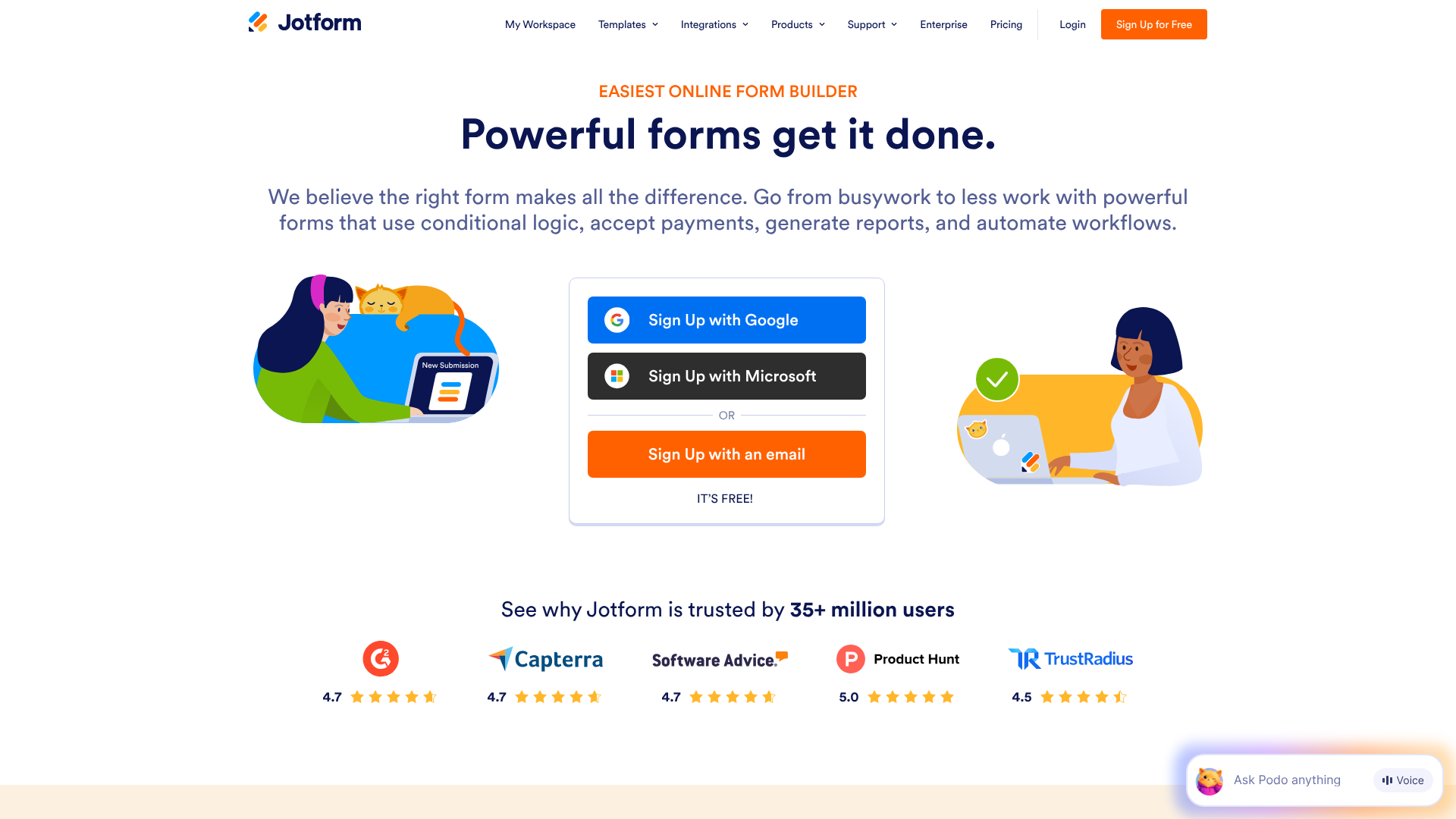
Jotform is a leader in the online form space, boasting a library of over 10,000 templates for nearly any use case imaginable. Whether you need a simple contact form, a detailed event registration, or a complex payment form, Jotform has a template for it. Its drag-and-drop builder is incredibly intuitive, and its advanced features like conditional logic, payment integrations, and workflow automation are top-notch.
Pros
- Massive Template Library: The sheer volume of options means you'll almost certainly find a perfect starting point.
- Powerful Features: Offers advanced functionality that goes beyond simple lead capture, including e-signatures and PDF generation.
- Generous Free Plan: The free tier is quite robust, making it accessible for small businesses and startups to get started.
Cons
- Can Be Overwhelming: The vast number of features and options can be a bit much for users who only need a very basic form.
- Branding on Free Plan: The free plan includes Jotform branding on your forms.
2. Leadpages: Best for Landing Page Integration
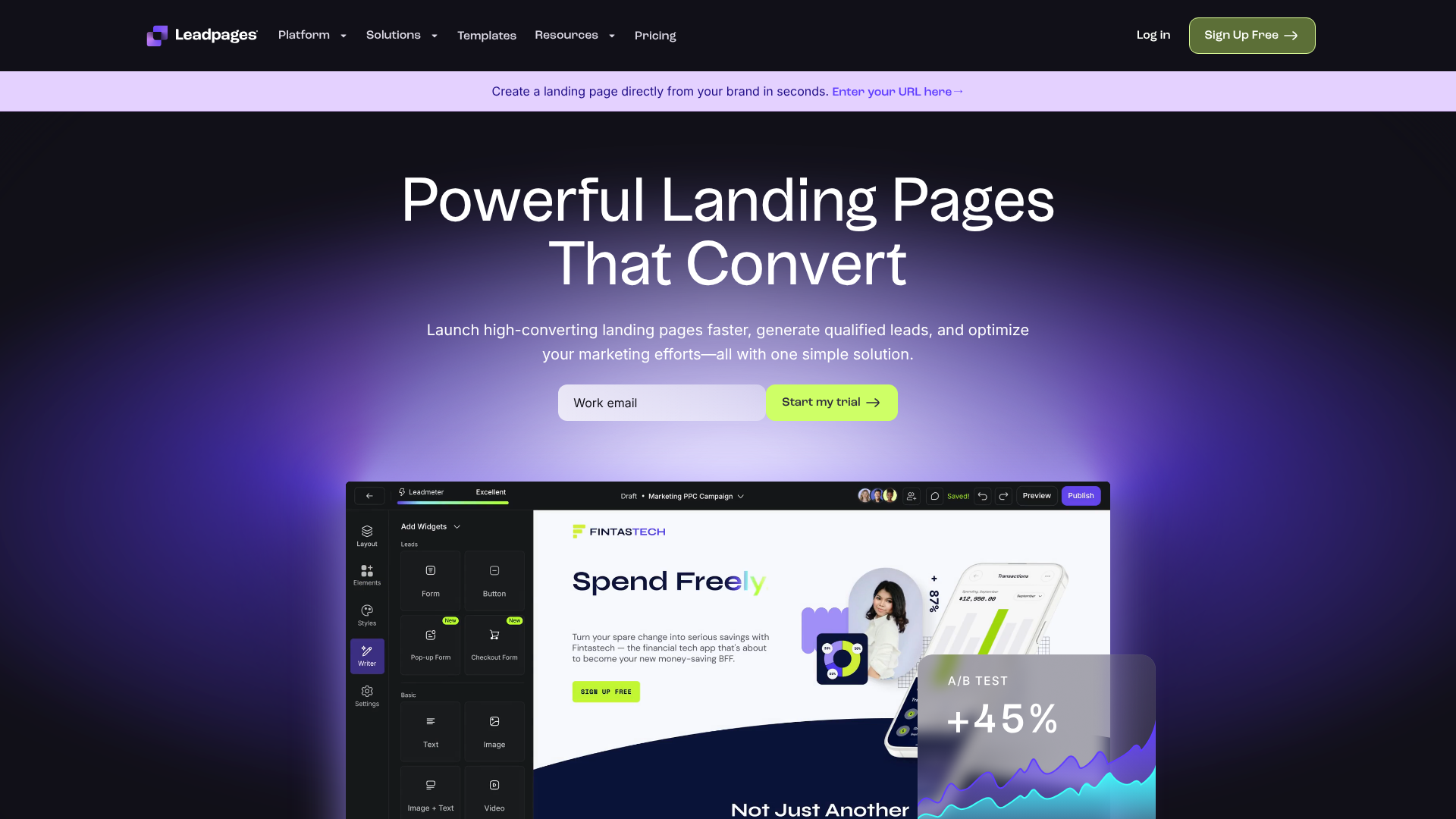
Leadpages is more than just a form builder; it's a dedicated landing page and website builder focused squarely on conversions. Its forms (called Leadboxes) are designed to work seamlessly within its landing pages and pop-up windows. Leadpages provides templates that are not just for the form itself, but for the entire page surrounding it, ensuring a cohesive and high-converting user experience. It also includes a built-in A/B testing feature to easily optimise your pages.
Pros
- Conversion-Focused: Every template and feature is designed with the single goal of maximising conversions.
- Ease of Use: The platform is incredibly user-friendly, even for complete beginners.
- All-in-One Solution: Combines landing pages, pop-ups, and alert bars into a single, integrated platform.
Cons
- More Specialised: It's less of a general-purpose form builder and more focused on lead generation marketing campaigns.
- No Free Plan: Leadpages is a premium-only service, though it does offer a free trial.
3. GetResponse: The All-in-One Marketing Solution

For businesses looking for a single platform to manage their entire marketing funnel, GetResponse is an excellent choice. It combines email marketing, marketing automation, landing pages, and a form builder into one ecosystem. The primary advantage here is the tight integration. When someone fills out a GetResponse form, they can be instantly added to an email list, tagged, and entered into a sophisticated automation workflow without any third-party tools.
Pros
- Seamless Integration: Forms are natively connected to a powerful email marketing and automation engine.
- Comprehensive Feature Set: Offers a wide range of marketing tools beyond just forms.
- Good Value: The pricing is competitive, especially considering the breadth of features included.
Cons
- Form Builder is Simpler: While effective, the form builder itself may not have as many advanced customisation options as a dedicated tool like Jotform.
- Learning Curve: With so many features, there can be a steeper learning curve to master the entire platform.
4. ClickFunnels: Ideal for Sales Funnel Optimisation
ClickFunnels is a specialised tool designed for one purpose: building high-converting sales funnels. A lead capture form is the first and most critical step in almost any funnel, and ClickFunnels provides templates specifically engineered for this context. It's an excellent choice for businesses selling products, courses, or high-ticket services online, as the entire platform is geared towards guiding a user from lead to customer in a structured sequence.
Pros
- Funnel-Specific Templates: Templates are designed as part of a larger sales process, not as standalone forms.
- High Conversion Focus: The entire platform is built around CRO principles.
- Integrated Upsells and Payments: Makes it easy to build funnels that include sales and one-click upsells.
Cons
- Very Niche Focus: It's not a general-purpose tool and can be overkill for simple lead capture.
- Higher Price Point: It is one of the more expensive options, reflecting its specialised nature.
Understanding Pricing and Costs
The cost of using a lead capture form template is tied to the platform that provides it. Pricing structures generally fall into a few common models, and understanding them can help you find the best value for your needs.
Freemium Model: This is common with tools like Jotform. They offer a free plan that is functional but has limitations, such as a cap on the number of monthly submissions, available storage, or the number of forms you can create. This is an excellent way to start without any financial commitment.
Tiered Subscriptions: Most platforms, including Leadpages and GetResponse, use a tiered subscription model. You pay a monthly or annual fee, with different price points unlocking more features, higher submission limits, and more users. Basic tiers are often very affordable, while enterprise-level plans offer advanced features for larger teams.
Usage-Based Pricing: While less common for form builders, some platforms may charge based on usage, such as the number of leads generated or page views. This model can be cost-effective for businesses with fluctuating traffic.
Here is a general comparison of the pricing models for our recommended tools:
| Tool | Typical Pricing Model | Best For | Free Plan? |
|---|---|---|---|
| Jotform | Freemium / Tiered Subscription | Businesses needing versatile forms for many purposes | Yes, very generous |
| Leadpages | Tiered Subscription | Marketers focused on landing page conversions | No, free trial only |
| GetResponse | Tiered Subscription | Businesses wanting an all-in-one marketing platform | Yes, limited free plan |
| ClickFunnels | Tiered Subscription | Businesses building structured sales funnels | No, free trial only |
Pro Tip: Always check the official websites for the most current pricing information. Many platforms offer significant discounts for annual billing, which can be a great way to save money if you're committed to the tool for the long term.
Pros and Cons: A Balanced View of Using Templates
While the benefits of using templates are clear, it's important to have a balanced perspective. Understanding the potential drawbacks allows you to make an informed decision and mitigate any potential issues.
The Pros (Why You Should Use Them)
- Cost-Effectiveness: Subscribing to a form builder platform is almost always cheaper than hiring a developer and designer for a custom build.
- Proven Designs: You benefit from the collective data and testing of thousands of other users, leading to higher initial conversion rates.
- Accessibility: They empower non-technical team members to contribute directly to marketing efforts, increasing agility.
- Speed to Market: You can conceive of a campaign and have a lead capture mechanism live in under an hour.
The Cons (What to Watch Out For)
- Potential for a Generic Look: If you don't take the time to customise the template with your brand's colours, fonts, and voice, your form might look similar to others using the same platform. The key is thorough customisation.
- Template Limitations: While rare, you might have a very specific, unique requirement that a pre-built template cannot accommodate. In these edge cases, a custom solution might be necessary.
- Platform Dependency: You are reliant on the third-party platform for hosting, security, and functionality. If the platform experiences downtime, your forms will be affected. Choosing a reputable and reliable provider is essential.
Frequently Asked Questions (FAQ)
How to create a lead capture form?
Creating a lead capture form is a straightforward process with modern tools. First, choose a form builder or landing page platform like Jotform or Leadpages. Second, browse their library and select a lead capture form template that matches your goal. Third, use the visual editor to customise the form with your branding, text, and desired fields. Finally, integrate it with your other marketing tools, and then publish it on your website or landing page.
How can I create a form for free?
Many platforms allow you to create forms for free. Google Forms is a completely free tool for basic data collection, though it lacks advanced marketing features. A better option for businesses is often the freemium plan from a provider like Jotform, which gives you access to professional templates and features with certain usage limits. These free plans are perfect for getting started and testing the platform's capabilities.
What is an example of lead capture?
A great capture form example is a pop-up on a blog offering a free downloadable checklist in exchange for an email address. Another common example is a "Request a Demo" form on a software company's website, which collects more detailed information to qualify the lead for a sales call. Other examples include webinar registration forms, contest entry forms, and newsletter sign-up boxes in a website's footer.
What is the 5-minute rule for leads?
The 5-minute rule is a well-known sales principle suggesting that your chances of converting a new lead decrease dramatically if you don't make contact within the first five minutes of them submitting a form. Responding quickly, even with an automated email, shows that you are attentive and capitalises on the moment when your brand is top-of-mind for the prospect. This is why integrating your forms with an email automation tool is so critical.
Final Thoughts
A lead capture form template is more than just a convenient shortcut; it's a strategic asset that can significantly accelerate your business growth. By leveraging professionally designed, conversion-optimised foundations, you can build effective lead generation channels quickly and efficiently, without needing a team of developers or designers.
The key to success lies in a thoughtful approach. Start by defining your goals and understanding your audience. Choose a template and a platform that provides the flexibility and features you need, whether it's the sheer versatility of Jotform, the conversion focus of Leadpages, or the all-in-one power of GetResponse.
Don't be afraid to experiment. The digital landscape is always changing, and what works today might be improved tomorrow. Continuously test and refine your forms to ensure you're not just capturing leads, but building a strong foundation for lasting customer relationships. If you're ready to start, exploring the template libraries of these top tools is an excellent first step.