
WP Engine vs WordPress: What's the Real Difference in 2026?
The search for "WP Engine vs WordPress" often starts from a point of confusion. Are they competitors. Are they the same thing. The short answer is no.
- In a Nutshell
- Demystifying the Confusion: What is WordPress vs WP Engine?
- What is WordPress? The Foundation of Your Website
- What is WP Engine? The High-Performance Engine for Your Website
- The 2024-2025 Dispute Explained: What's the Drama?
- Feature Comparison: WP Engine vs Self-Hosted WordPress
- Pricing and Cost Breakdown: Is WP Engine Worth the Price?
- Pros and Cons: An Honest Look
- How to Choose: WP Engine or WordPress on Another Host?
- Frequently Asked Questions (FAQ)
- Are WordPress and WP Engine the same?
- Is WP Engine banned from WordPress?
- Why is the WP Engine so expensive?
- What are the limitations of WP Engine?
- Is WP Engine a hosting site?
- Final Thoughts: A Partnership for Success
Understanding the distinction is fundamental to building a successful website, especially with recent industry discussions making the relationship seem more complicated than it is. In simple terms, WordPress is the free, open-source software used to build your website, while WP Engine is a premium, managed hosting service that provides a high-performance home for that website.
Think of it like this: WordPress is the blueprint and raw materials for building a house (the content management system or CMS). WP Engine is the premium, fully-serviced plot of land with 24/7 security, utilities, and a team of expert builders on call to make sure your house runs perfectly. You need both a house and land, but they serve entirely different functions. This guide will break down everything you need to know about the WordPress vs WP Engine comparison, clarifying their roles, features, costs, and helping you decide which setup is right for your project.
In a Nutshell
- Software vs. Service: WordPress.org is free software (a CMS) you use to create and manage your site's content. WP Engine is a paid service (a managed hosting provider) that runs, secures, and optimises your WordPress website.
- You Need Both (in a way): To have a website, you always need WordPress (the software) and a hosting provider. The choice is between using a specialised provider like WP Engine or a standard host where you manage more yourself.
- Performance & Security are Key Differences: WP Engine's main selling point is its managed environment, which includes automatic updates, proactive security, daily backups, and server-level caching for superior speed. With standard hosting, you are typically responsible for these tasks.
- Cost Reflects Value: While WordPress software is free, hosting is not. WP Engine's higher price covers the cost of its management, support, and premium infrastructure, potentially saving you money on separate security and performance plugins or developer time.
- The Recent "Drama" Explained: The recent public dispute between WordPress's co-founder and WP Engine centres on trademark use and community contributions, not the technical ability of WP Engine to host WordPress sites. For users, the service remains a top-tier hosting solution.
Demystifying the Confusion: What is WordPress vs WP Engine?
To make an informed decision, it's crucial to first grasp the fundamental roles each plays in the website ecosystem. They are not competitors; they are two parts of a potential partnership. One is the tool you build with, and the other is the environment where your creation lives.
What is WordPress? The Foundation of Your Website
When people talk about WordPress in this context, they are almost always referring to WordPress.org. This is the self-hosted, open-source Content Management System (CMS) that powers over 43% of all websites on the internet. It's incredibly powerful and flexible.
Key characteristics of WordPress.org include:
- It's Free Software: You can download and use the WordPress software for free. There are no licensing fees.
- You Own Everything: You have complete control over your website, your data, and your design. You can customise it in any way you see fit.
- Requires Hosting: Because it's "self-hosted," the software needs to be installed on a web server. You must purchase a hosting plan from a company to make your site accessible online. This can be any hosting provider, from budget shared hosting to premium managed hosting.
- Infinite Extensibility: Its power comes from a massive ecosystem of themes (for design) and plugins (for functionality). You can add almost any feature imaginable, from e-commerce shops to social networks.
In essence, WordPress.org gives you the ultimate freedom and control, but it also places the responsibility for maintenance, security, and performance squarely on your shoulders.
What is WP Engine? The High-Performance Engine for Your Website
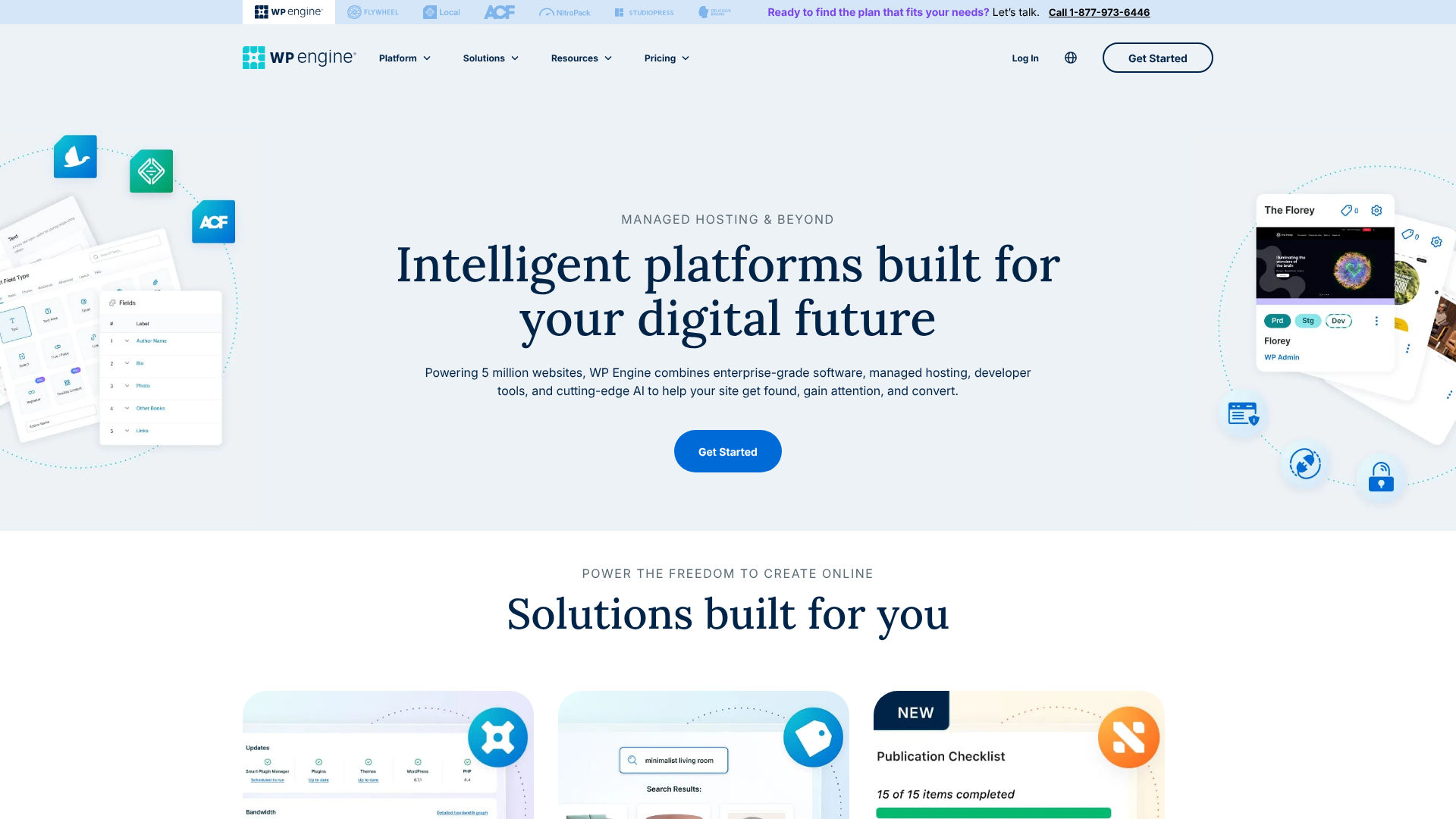
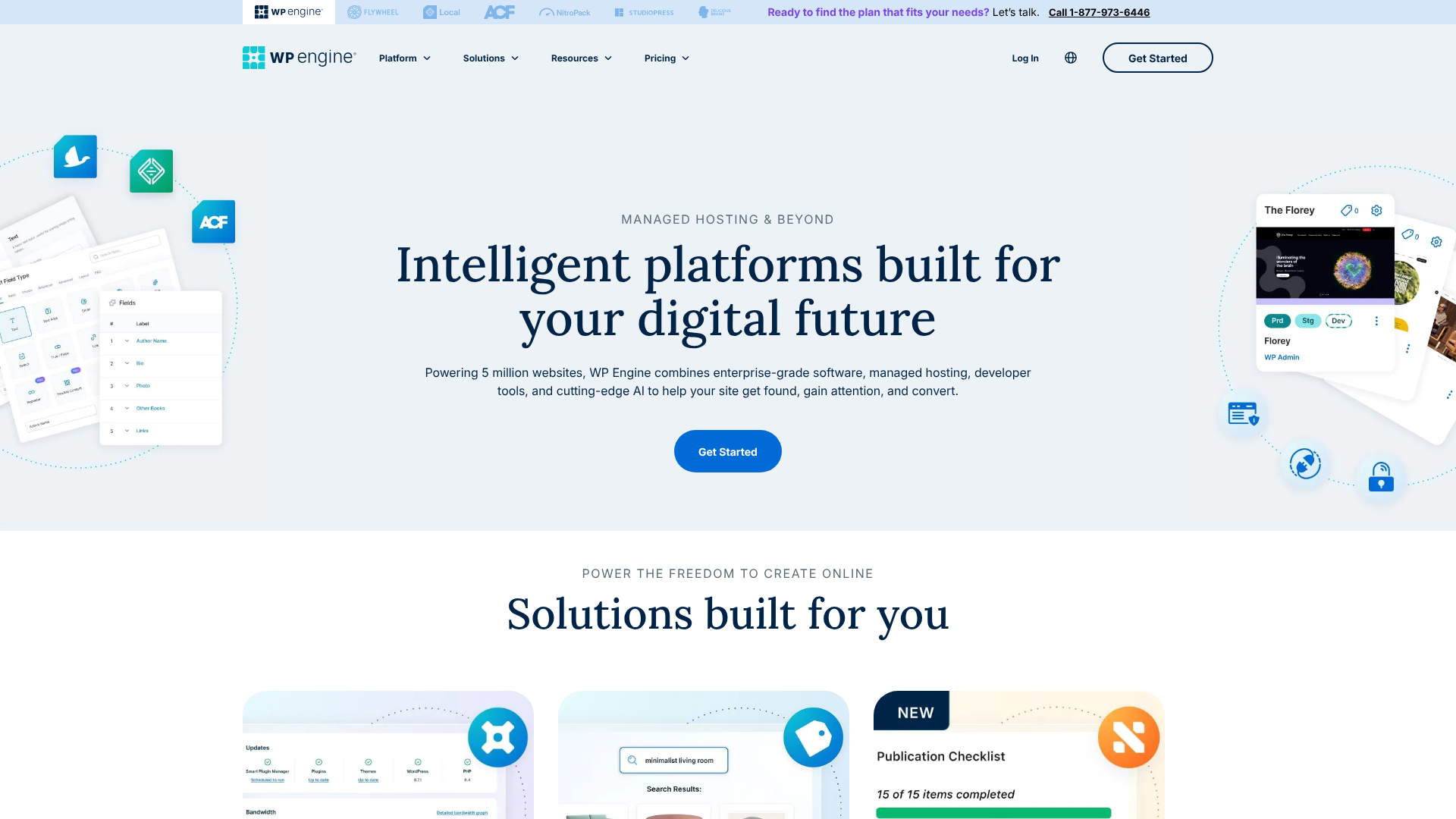
WP Engine is not a CMS. It is a managed WordPress hosting provider. This means it offers a hosting service that is exclusively designed, built, and optimised for websites running on the WordPress software. They handle the technical complexities of running a website so you don't have to.
Key characteristics of WP Engine include:
- It's a Paid Service: You pay a monthly or annual fee for their hosting and management services.
- Managed Environment: They manage server configurations, security protocols, software updates, and performance optimisations for you.
- Expert Support: Their support team consists of WordPress experts who can help with complex issues beyond general hosting questions.
- Built for Speed and Security: Their entire platform, from their proprietary caching system (EverCache) to their proactive threat detection, is engineered to make WordPress sites fast and secure.
Choosing WP Engine means you're trading some of the absolute control of a self-managed server for peace of mind, expert support, and superior performance without needing to be a technical expert yourself.
The 2024-2025 Dispute Explained: What's the Drama?
In late 2024, a public dispute arose between Matt Mullenweg, the co-founder of WordPress, and WP Engine. This has been a significant source of confusion for many users. The core of the disagreement revolves around WP Engine's use of the WordPress trademark in its branding and a perception that the company was not contributing enough back to the open-source WordPress project relative to its size and revenue.
This led to WP Engine being temporarily barred from sponsoring official WordPress events called WordCamps. It's important to understand what this means for you as a user:
- It's a Community/Business Issue, Not a Technical One: The dispute does not affect WP Engine's ability to host WordPress websites. Their platform remains one of the best-optimised environments for the CMS.
- Functionality is Unchanged: Your website on WP Engine will continue to run just as it did before. The service, support, and performance are not impacted by this disagreement.
Essentially, while the headlines might sound alarming, the practical relationship between the WordPress software on your site and the WP Engine server hosting it remains technically sound. The video below provides a good summary of the situation.
Feature Comparison: WP Engine vs Self-Hosted WordPress
Now let's compare the practical differences you'll experience when running a WordPress site on WP Engine versus a standard, unmanaged hosting provider (like basic shared hosting from companies like Bluehost or Hostinger). This is the core of the wordpress vs wp engine decision.
| Feature | WP Engine (Managed Hosting) | Standard Hosting (Self-Managed) |
|---|---|---|
| Core Software | WordPress | WordPress |
| Performance | Highly optimised servers, server-level caching, integrated CDN, global data centres. | Basic server setup. Performance depends on your plan and manual configuration (caching plugins, etc.). |
| Security | Managed WAF, proactive threat detection, daily malware scans, free hack fixes. | Basic server security. You are responsible for installing and managing security plugins, scanning, and cleanup. |
| Updates | Automatic, tested WordPress core and PHP updates. | Manual updates. You are responsible for testing and applying all core, plugin, and theme updates. |
| Backups | Automated daily backups with one-click restore. | Varies by host. Often a paid add-on or requires a manual plugin setup. |
| Support | 24/7 access to WordPress experts via chat and phone. | General technical support, not necessarily WordPress specialists. |
| Developer Tools | One-click staging sites, Git integration, SSH access, local development tool. | Varies greatly. Staging sites are rare on basic plans. |
| Cost | Premium pricing, starting around £20/month. | Lower entry cost, starting from a few pounds per month. |
Deep Dive into Key Differences
Let's expand on the most critical areas from the table.
Performance Optimisation
With a standard host, your website's speed is largely up to you. You'll need to research, install, and configure caching plugins (like W3 Total Cache or WP Rocket), set up a Content Delivery Network (CDN), and optimise your images. This takes time and technical knowledge.
WP Engine handles all of this for you at the server level, which is far more efficient. Their proprietary EverCache® system serves content incredibly fast without needing a plugin. They also include a global CDN with all plans, ensuring your site loads quickly for visitors anywhere in the world. For businesses where speed directly impacts revenue, this built-in performance is a massive advantage.
Security Management
On a typical hosting plan, you are the first and last line of defence. You must install a security plugin (like Wordfence or Sucuri), configure its firewall, run malware scans, and harden your WordPress installation. If your site gets hacked, you are responsible for cleaning it up, which can be stressful and costly.
WP Engine takes a proactive approach. They block millions of attacks every day with their enterprise-grade firewall. They perform regular scans and, crucially, if your site is ever compromised while on their platform, their team will fix it for free. This security guarantee is one of the most significant value propositions in any wp engine comparison.
Pro Tip: WP Engine maintains a list of disallowed plugins. This isn't to limit you, but to protect performance and security. Many caching, backup, and security plugins are on this list because WP Engine already provides a superior, server-level solution for those functions, making the plugins redundant and potentially conflicting.
Expert Support
Have you ever had a critical website error and spent hours on a support chat with a hosting company only to be told, "It's a plugin issue, we can't help"? That's a common experience with standard hosts because their expertise ends at the server.
WP Engine's support team is comprised of WordPress experts. They understand the CMS, themes, and plugins. They can help diagnose complex problems that other hosts would turn away. This level of specialised support is invaluable when you're in a tight spot and your website is down.
Pricing and Cost Breakdown: Is WP Engine Worth the Price?
One of the most common questions is, "Why is WP Engine so expensive?" To answer this, we need to look beyond the sticker price and consider the Total Cost of Ownership (TCO). The debate of wp engine or wordpress on a cheap host often comes down to this calculation.
The Cost of "Free" WordPress
While the WordPress software itself is free, running a professional website is not. With a standard, budget-friendly host, your typical costs might look like this:
- Hosting: £3 – £15 per month.
- Domain Name: ~£12 per year.
- Premium Caching Plugin: ~£45 per year (e.g., WP Rocket).
- Premium Backup Plugin: ~£60 per year (e.g., UpdraftPlus Premium).
- Premium Security Service: ~£160 per year (e.g., Sucuri Firewall).
- CDN Service: £8 – £16 per month.
Your seemingly cheap hosting can quickly add up to over £300 per year in essential add-ons, and this doesn't even factor in the value of your time spent managing it all or the potential cost of hiring a developer to fix a problem.
WP Engine Pricing Tiers
WP Engine bundles all of these premium features into their plans. Their pricing is transparent and reflects the managed services you receive. As of early 2026, their typical plan structure includes:
- Startup: Designed for one small website or blog.
- Professional: A new offering for up to 3 sites with more resources.
- Growth: Ideal for growing businesses, supporting up to 10 sites.
- Scale: For high-traffic sites and businesses needing more capacity, supporting up to 30 sites.
Custom plans are also available for enterprise-level needs. While the monthly cost is higher than basic shared hosting, you are getting performance, security, backup, and CDN services that would cost a significant amount if purchased separately. For the most current pricing, it's always best to visit the WP Engine website directly.
Total Cost of Ownership Comparison
When you compare the TCO, the value of WP Engine becomes clearer. The monthly fee covers not just hosting, but also the premium tools and, most importantly, the expert human oversight. For a business, the cost of one hour of downtime or one security breach can easily exceed the annual cost of a WP Engine plan. The price reflects an investment in stability, performance, and peace of mind.
Pros and Cons: An Honest Look

No solution is perfect for everyone. Here’s a balanced view to help you make a decision.
WP Engine: Pros and Cons
Pros
- Exceptional Speed: Industry-leading performance thanks to optimised servers and proprietary caching.
- Rock-Solid Security: Proactive threat detection, managed firewall, and a free hack-fix guarantee provide incredible peace of mind.
- World-Class Support: Access to genuine WordPress experts 24/7 who can solve complex problems.
- Effortless Maintenance: Automated backups and managed core updates save you time and prevent technical headaches.
- Powerful Developer Tools: Features like one-click staging environments are invaluable for testing changes safely.
Cons
- Premium Price: It is one of the more expensive options in the WordPress hosting market.
- WordPress Only: As the name implies, you can only host WordPress sites on their platform.
- Plugin Restrictions: The disallowed plugins list can be a limitation for users who rely on a specific tool that is not permitted.
Self-Hosted WordPress (on Standard Hosting): Pros and Cons
Pros
- Lower Initial Cost: Shared hosting plans are significantly cheaper, making them accessible for any budget.
- Complete Control: You have full root access (on VPS/dedicated servers) and can configure your server environment exactly as you wish.
- No Restrictions: You can install any theme or plugin you want without limitations.
- Host Anything: You are not limited to WordPress; you can run other applications or static sites on the same server.
Cons
- DIY Management: You are solely responsible for all updates, security, backups, and performance optimisation.
- Generic Support: The support team may not have specialised WordPress knowledge.
- Performance Can Suffer: Shared hosting environments can be slower due to crowded servers and a lack of optimisation.
- Hidden Costs: The initial low price can be misleading once you add the costs of premium plugins for essential functions.
How to Choose: WP Engine or WordPress on Another Host?
Your decision should be based on your specific needs, budget, technical comfort level, and the goals of your website. There is no single "best" answer, only what is best for you.
Who Should Choose WP Engine?
You should seriously consider WP Engine if you fall into one of these categories:
- Businesses & E-commerce Stores: If your website is a critical business asset and downtime means lost revenue, the investment in WP Engine's reliability and security is a smart business decision.
- Agencies & Developers: The workflow tools, staging environments, and ability to easily transfer sites to clients make WP Engine a highly efficient platform for professionals building sites for others.
- High-Traffic Bloggers & Publishers: If you have a popular blog that needs to handle traffic spikes without slowing down, WP Engine's scalable architecture is ideal.
- Non-Technical Users Who Value Quality: If you want a fast, secure website without having to learn the technical details of server management, WP Engine provides a true "set it and forget it" experience.
Who Should Choose a Standard Host for WordPress?
Opting for a standard host like SiteGround, Bluehost, or Hostinger is a perfectly valid choice for:
- Hobbyists & Personal Bloggers: If your website is a personal project and not mission-critical, the low cost of shared hosting is very appealing.
- Beginners on a Tight Budget: When you're just starting and need to keep costs as low as possible, shared hosting is the most accessible entry point.
- Developers Who Want Full Control: If you are a technical user who wants to tinker with server settings and have no restrictions, a self-managed VPS or dedicated server is the way to go.
- Small, Simple Brochure Websites: For a basic online presence with low traffic and simple functionality, managed hosting might be overkill.
Pro Tip: When starting on a budget, consider a reputable shared host known for good performance, like SiteGround. They offer many optimisation tools that bridge the gap between basic shared hosting and premium managed hosting, providing a great middle-ground option.
Frequently Asked Questions (FAQ)
Here are answers to some of the most common questions that arise when comparing WP Engine and WordPress.
Are WordPress and WP Engine the same?
No, they are fundamentally different. WordPress is the free, open-source software (CMS) used to build and manage the content of your website. WP Engine is a premium, paid hosting company that provides a specialised, high-performance server environment specifically to run websites built with the WordPress software.
Is WP Engine banned from WordPress?
WP Engine is not "banned from WordPress." The company was temporarily suspended from sponsoring official WordCamp events due to a business and community dispute with Automattic, the company led by WordPress's co-founder. This does not impact their technical ability to host WordPress sites, and they remain one of the leading managed WordPress hosts.
Why is the WP Engine so expensive?
WP Engine's price reflects the comprehensive managed services it provides. The cost includes not just the server space, but also enterprise-level security, a global CDN, proprietary caching for speed, automated daily backups, one-click staging sites, and 24/7 support from WordPress experts. When you factor in the cost of buying these services separately, WP Engine often provides significant value and saves you time.
What are the limitations of WP Engine?
The primary limitations of WP Engine are its price, which is higher than standard hosting, and its list of disallowed plugins. This list restricts plugins that duplicate their built-in features (like caching or backups) or are known to cause security or performance issues. Additionally, you can only host WordPress websites on their platform.
Is WP Engine a hosting site?
Yes, WP Engine is a hosting company. More specifically, it is a managed WordPress hosting provider. This means they specialise exclusively in providing hosting and management services for websites built on the WordPress platform, offering a level of optimisation and expert support that general-purpose hosts typically do not.
Final Thoughts: A Partnership for Success
The wp engine vs wordpress debate is ultimately a false choice. You will always use the WordPress software. The real question is where you choose to host it. Your decision hinges on a trade-off between cost, control, convenience, and performance.
If you are a business owner, a serious publisher, or anyone for whom website performance and security are paramount, the managed solution offered by WP Engine is a powerful investment. It frees you from technical burdens, allowing you to focus on what you do best: creating content and growing your business. The higher cost is justified by the immense value of speed, security, and expert support.
If you are a hobbyist, a beginner on a strict budget, or a developer who craves total control, setting up WordPress on a standard hosting provider is a fantastic and cost-effective path. It provides a great learning experience and the ultimate freedom to build without restriction. Just be prepared to take on the responsibility of managing your site's health and performance. Ultimately, the right choice is the one that best aligns with your goals, resources, and technical comfort level.