
Choosing a Free AI Writing Generator: A Marketer's Buying Guide
Finding a high-quality free AI writing generator can feel like a difficult task. With dozens of options available, each promising to eliminate writer's block and automate content creation, it's hard to know which tools deliver on their promises without hidden costs. These platforms can help you draft blog posts, social media updates, and emails in minutes, but the quality and features of their free plans vary significantly.
- Quick Summary
- What Exactly is a Free AI Writing Generator?
- The Reality of "Free": Understanding Common Limitations
- Key Features to Look for in a Free AI Writer
- 1. High-Quality and Coherent Output
- 2. Variety of Content Templates
- 3. User-Friendly Interface
- 4. Tone and Style Customisation
- How to Choose the Right Free AI Writing Tool: A Decision Framework
- Step 1: Clearly Define Your Primary Use Case
- Step 2: Evaluate the Generosity of the Free Plan
- Step 3: Test the Output Quality with Real-World Prompts
- Step 4: Consider the Long-Term Upgrade Path
- Top Free AI Writing Generators Compared
- The Pros and Cons of Using a Free Text Generator AI
- Frequently Asked Questions (FAQ)
- Is there a completely free AI writer?
- Which is the best free AI text generator?
- Can I use ChatGPT as a writer?
- Can I legally publish a book written by AI?
- Is ChatGPT writer free?
- Final Thoughts
This guide breaks down everything you need to know to make an informed decision. We'll explore what to look for in a free AI writer, uncover the common limitations of 'free' plans, and compare some of the top options available today. By the end, you'll have a clear framework for selecting the right tool to speed up your workflow and enhance your content quality.
Quick Summary
- Understand the 'Free' Model: Most free AI writing tools operate on a freemium basis. This means they offer a basic service for free, with limitations on word count, features, or daily usage, hoping you'll upgrade to a paid plan.
- Focus on Output Quality: The single most important factor is the quality of the text generated. Test multiple tools to see which one produces the most coherent, relevant, and natural-sounding content for your specific needs.
- Define Your Use Case: The best tool for you depends on your goal. A student needing an essay drafter has different needs than a marketer writing ad copy. Choose a tool with templates and features tailored to your tasks.
- Key Features to Check: Look for a user-friendly interface, a variety of content templates, options to adjust tone and style, and a generous monthly word count on the free plan.
What Exactly is a Free AI Writing Generator?
A free AI writing generator is a software tool that uses artificial intelligence, specifically large language models (LLMs), to create human-like text based on a user's prompts. Think of it as an advanced assistant that can draft, rewrite, summarise, or brainstorm content on command. Unlike a simple grammar checker that corrects your writing, an AI writer creates new content from scratch.
The technology behind these tools is complex, built on neural networks trained on vast amounts of text and data from the internet. This training allows the AI to understand context, grammar, style, and nuance. When you provide a prompt, such as "write a blog post intro about the benefits of remote work," the AI predicts the most logical sequence of words to form coherent sentences and paragraphs that match your request.
Many platforms offer this service as a free text generator AI, providing a no-cost entry point to experience the power of generative AI. These free versions are designed to showcase the tool's capabilities, helping users with tasks like drafting emails, generating social media captions, or creating outlines for larger content pieces. They serve as a powerful starting point for anyone looking to integrate AI into their writing process without an initial financial commitment.
The Reality of "Free": Understanding Common Limitations

While the promise of a completely free AI writer is appealing, it's important to understand the business model behind these tools. Most operate on a 'freemium' basis, meaning the free version has intentional limitations designed to encourage users to upgrade to a paid subscription. Being aware of these restrictions helps you set realistic expectations and avoid frustration.
One of the most common limitations is a strict word count cap. A free plan might offer 2,000 or 5,000 words per month. This is often enough for short-form content like social media posts or emails but is quickly exhausted when working on longer articles or reports. Once you hit your limit, you'll either have to wait for the next month or upgrade.
Another restriction involves access to advanced features. Free users typically get basic text generation, but premium features like plagiarism checkers, advanced tone adjustments, team collaboration tools, or access to the platform's most powerful AI model are often locked behind a paywall. The free version gives you a taste of the tool's potential, but the full suite of capabilities is reserved for paying customers.
Finally, you might encounter usage limits, such as a cap on the number of documents you can create per day or the number of times you can run a specific template. Some tools may also require you to create an account and provide personal information, which is part of their lead generation strategy. Understanding these trade-offs is key to using a free AI writing tool free of charge effectively.
Key Features to Look for in a Free AI Writer
When evaluating different free AI writing generators, it's easy to get overwhelmed by features. To simplify your decision, focus on a few core elements that directly impact the tool's usability and value. A great free tool isn't just about the word count; it's about the quality and flexibility it offers within its limits.
1. High-Quality and Coherent Output
This is the most critical factor. The generated text should be logical, grammatically correct, and relevant to your prompt. A good AI writer produces content that requires minimal editing. When testing a tool, give it a few different prompts to see if it can maintain context and produce natural-sounding language. If the output is consistently nonsensical or generic, the tool won't save you time.
2. Variety of Content Templates
Different writing tasks require different formats. A strong free AI writer will offer a range of pre-built templates for common use cases like blog post intros, email subject lines, social media captions, product descriptions, and ad copy. These templates guide the AI to produce content in the correct structure and tone, making the process much faster than writing from a blank slate.
3. User-Friendly Interface
The tool should be intuitive and easy to navigate. You shouldn't have to spend hours learning how to use it. A clean, organised dashboard where you can easily select templates, input your prompts, and manage your documents is essential. A complicated interface can negate the time-saving benefits of using AI in the first place.
4. Tone and Style Customisation
The ability to control the tone of voice is crucial for creating content that aligns with your brand or personal style. Look for options to specify tones like 'professional', 'casual', 'witty', or 'empathetic'. The more control you have over the output's style, the less time you'll spend editing it to match your desired voice.
Pro Tip: When testing a free tool, use the same prompt across different platforms. This allows you to directly compare the output quality, style, and coherence of each AI model, giving you a clear idea of which one performs best for your specific needs.
How to Choose the Right Free AI Writing Tool: A Decision Framework

Selecting the best free AI writing generator depends entirely on your individual needs. A tool that's perfect for a blogger might not be suitable for a student or a social media manager. Follow this step-by-step framework to identify the right option for you.
Step 1: Clearly Define Your Primary Use Case
First, identify what you'll be using the tool for most often. Are you trying to speed up blog post drafting? Do you need help generating creative social media captions? Or are you looking for a tool to help with academic writing and summarisation? Your primary goal will determine which features are most important.
- For Bloggers: Look for tools with strong long-form content generation, outline builders, and paragraph generators.
- For Marketers: Prioritise tools with templates for ad copy (Google/Facebook), landing page headlines, and email marketing campaigns.
- For Students: A tool with summarising, paraphrasing, and citation assistance features would be most beneficial.
- For Social Media Managers: Focus on generators with templates for different platforms (Instagram, Twitter, LinkedIn) and the ability to create multiple content variations quickly.
Step 2: Evaluate the Generosity of the Free Plan
Once you know what you need, compare the limitations of different free plans. Don't just look at the monthly word count. Consider how many documents you can create, which templates are included, and whether you get access to a high-quality AI model. A plan with 10,000 words but only two basic templates might be less valuable than one with 5,000 words and twenty specialised templates.
Step 3: Test the Output Quality with Real-World Prompts
Sign up for the free plans of your top two or three contenders and put them to the test. Use prompts that are representative of your actual work. For example, if you're a marketer, ask each tool to write a Facebook ad for your product. Compare the results side-by-side. Pay attention to creativity, relevance, and how much editing is required.
Step 4: Consider the Long-Term Upgrade Path
While you're looking for a free tool now, your needs may grow over time. Look at the pricing and features of the paid plans. Is the upgrade path affordable? Do the premium features solve problems you anticipate having in the future? Choosing a tool with a scalable plan ensures you won't have to switch platforms and learn a new system down the line.
Top Free AI Writing Generators Compared
With dozens of tools on the market, finding the right starting point can be challenging. Here’s a look at some of the best options that offer a valuable free plan or trial, allowing you to experience their capabilities without a financial commitment.
1. Writesonic
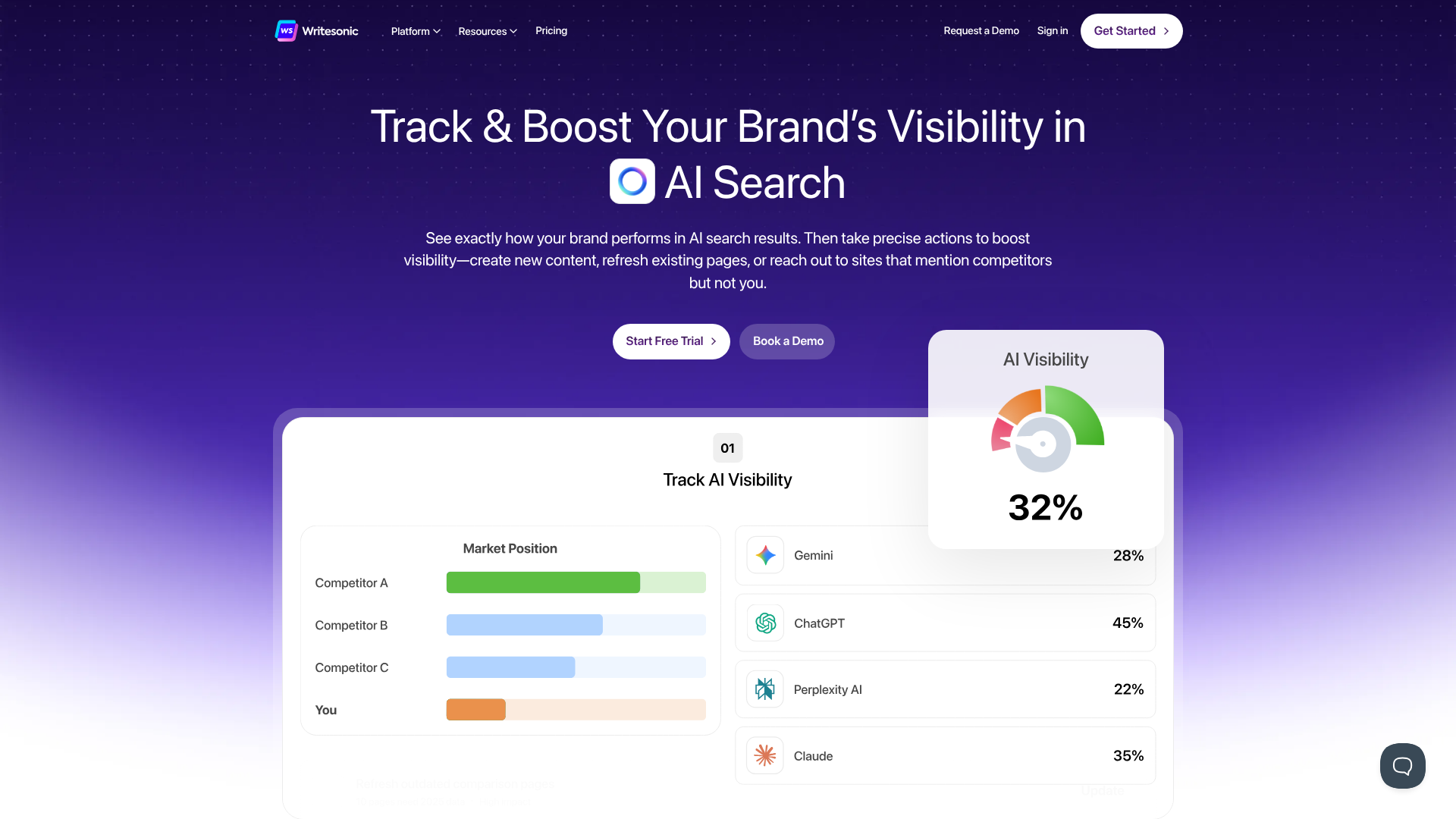
Writesonic is a powerful AI writer designed primarily for marketers and content creators. Its free plan is quite generous, offering a monthly word credit that allows you to test its wide range of features. It includes templates for articles, blog posts, ads, emails, and website copy.
Pros
- Over 100 templates for various marketing and writing tasks.
- The free plan provides access to its premium quality model, not just a basic one.
- Includes a user-friendly interface that is easy for beginners to navigate.
Cons
- The monthly word count on the free plan can be used up quickly on long-form content.
2. QuillBot
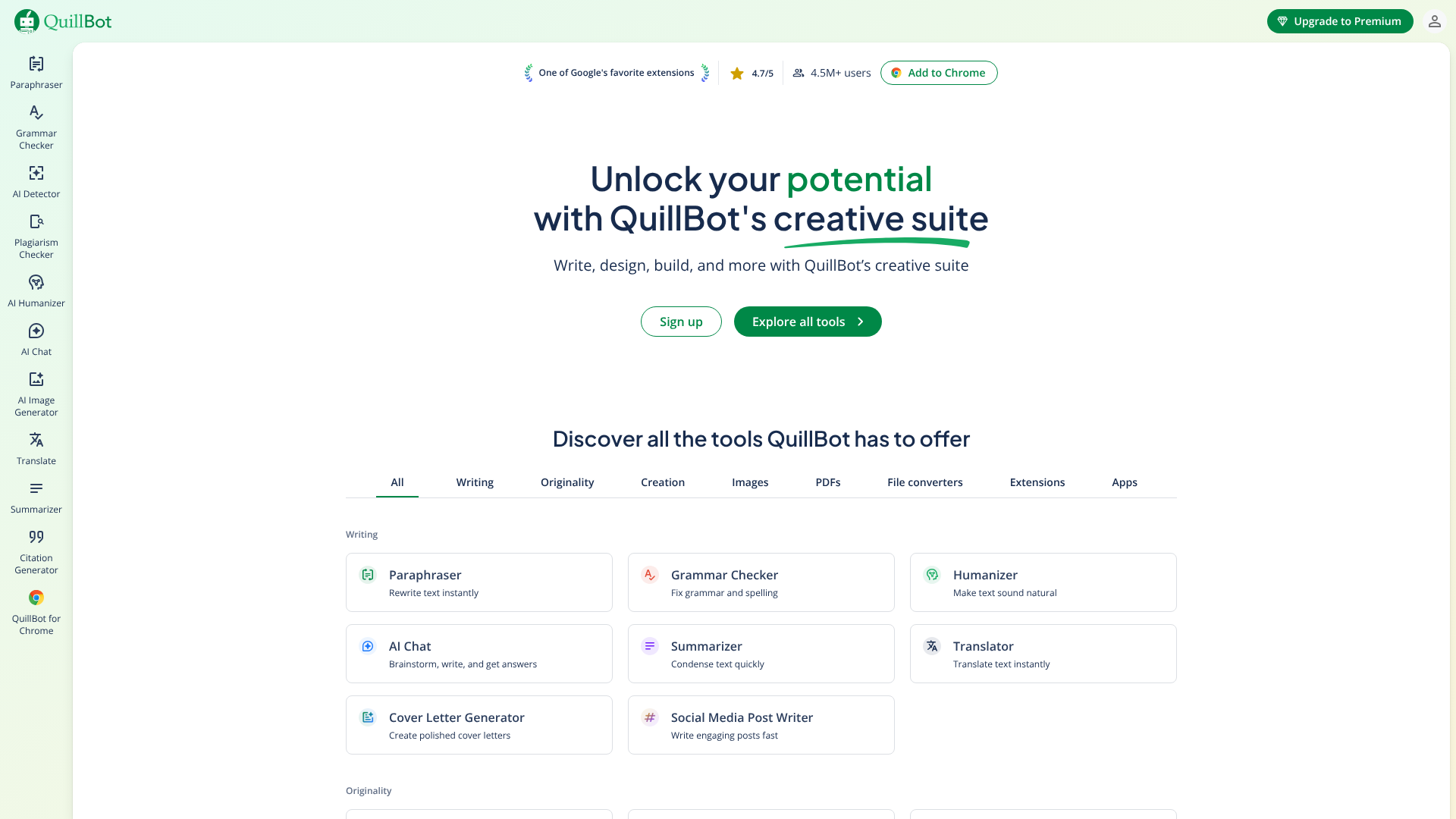
While best known for its paraphrasing tool, QuillBot also offers a 'Co-Writer' feature that functions as an AI writing assistant. Its free plan is excellent for students and academics, as it integrates paraphrasing, grammar checking, and summarising into one workflow. It helps you research and write without leaving the document.
Pros
- All-in-one tool combining writing, paraphrasing, and grammar checking.
- The free version is quite capable for rewriting and improving existing text.
- Simple and clean interface focused on the writing process.
Cons
- The free text generation capabilities are more limited compared to dedicated AI writers.
3. Jasper (Free Trial)
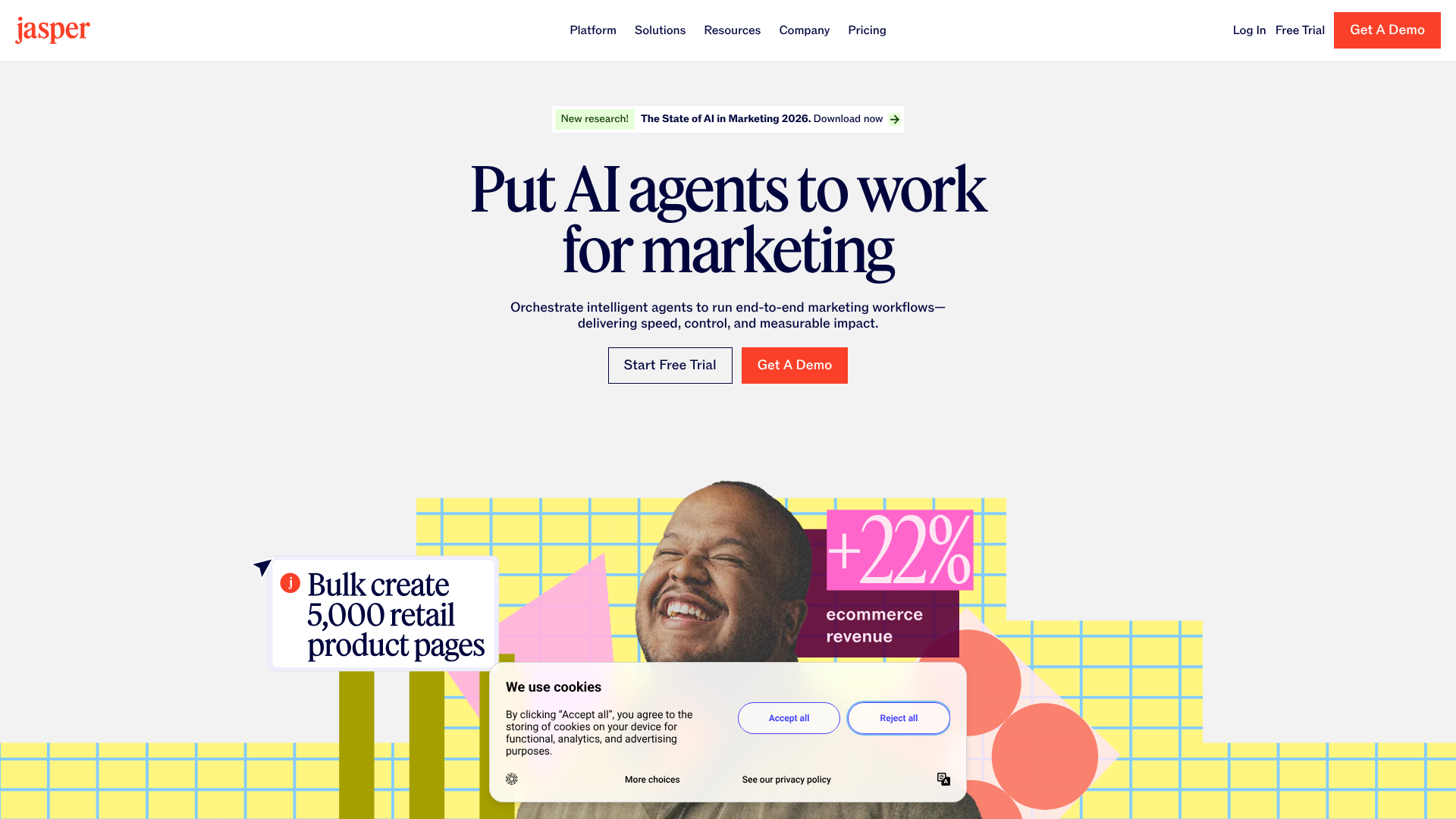
Jasper is a premium AI writing assistant known for its high-quality output and advanced features like Brand Voice. While it doesn't have a permanent free plan, it offers a free trial that gives you full access to its platform for a limited time. This is the best way to experience what a top-tier, professional-grade AI writer can do.
Pros
- Produces some of the highest-quality, most natural-sounding content.
- 'Brand Voice' feature allows the AI to learn and mimic your specific writing style.
- Excellent for long-form content like blog posts and marketing reports.
Cons
- It is a premium tool, so after the trial, you must subscribe to a paid plan to continue.
4. Grammarly
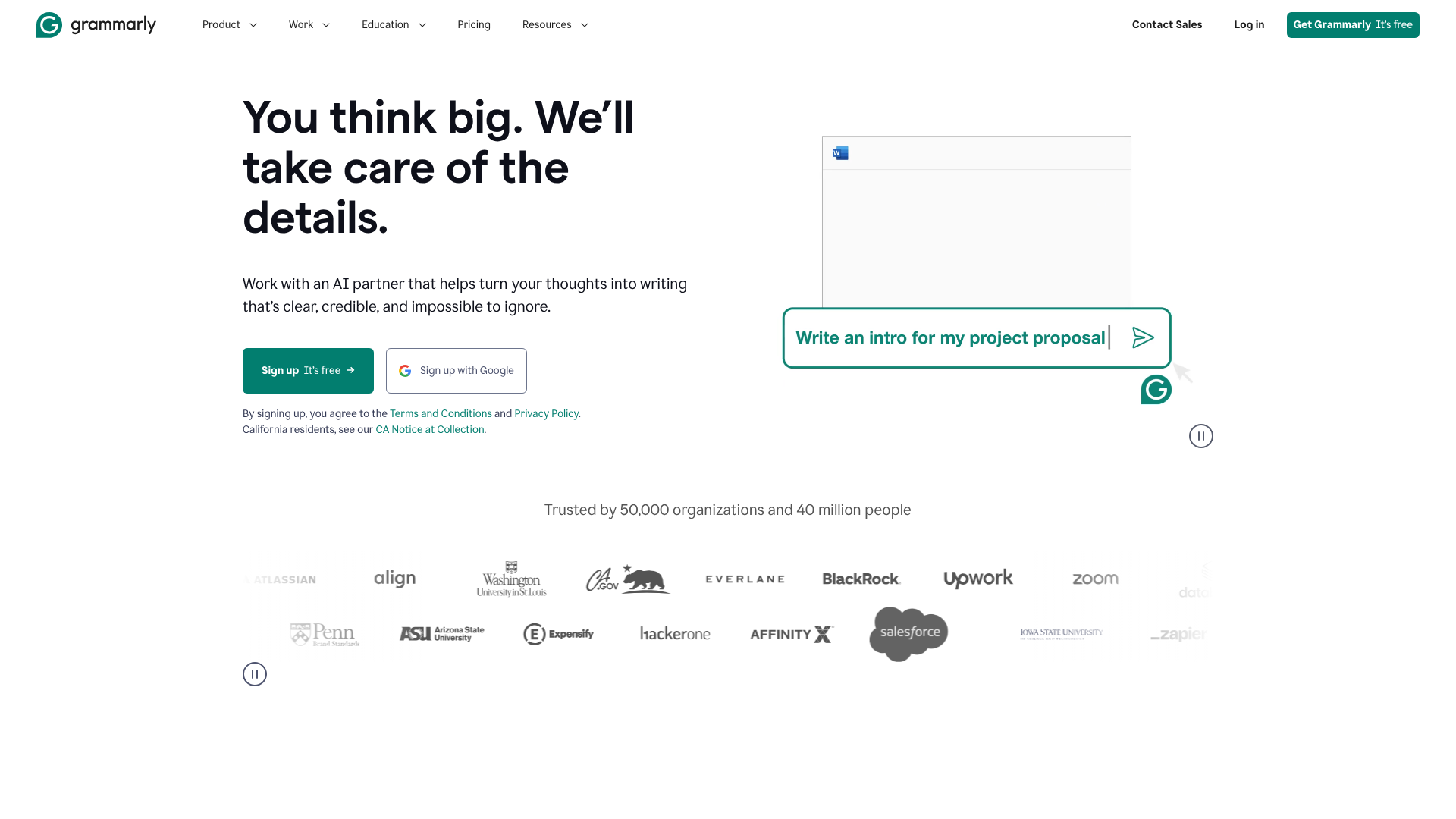
Grammarly has evolved beyond a simple proofreader. It now includes generative AI features that can help you write, ideate, and reply to emails. The free version of Grammarly offers a set number of AI prompts per month, allowing you to generate text directly within the apps you already use, like Gmail and Google Docs.
Pros
- Integrates AI writing assistance with world-class grammar and spelling correction.
- Works seamlessly across multiple platforms and websites via its browser extension.
- The free plan offers a useful number of prompts for everyday tasks.
Cons
- The generative AI features are less extensive than those in dedicated writing platforms.
Comparison Table
| Feature | Writesonic | QuillBot | Jasper (Trial) | Grammarly |
|---|---|---|---|---|
| Best For | Marketers & Bloggers | Students & Academics | Professionals & Teams | Everyday Writing & Editing |
| Free Plan Model | Monthly Word Credits | Limited Features | Time-Limited Trial | Monthly AI Prompts |
| Key Free Feature | Access to 100+ templates | Paraphraser & Co-Writer | Full platform access | Integrated AI & Grammar |
| Output Quality | Very Good | Good | Excellent | Good |
The Pros and Cons of Using a Free Text Generator AI
Like any tool, free AI writers come with a set of advantages and disadvantages. Understanding both sides helps you use them effectively and know when it might be time to invest in a paid solution.
Pros
- No Cost to Start: The most obvious benefit is that you can start creating content without any financial investment. This is perfect for individuals, students, or small businesses on a tight budget.
- Overcoming Writer's Block: AI can be a brilliant brainstorming partner. If you're stuck, you can ask it to generate ideas, outlines, or first drafts to get your creative process moving.
- Increased Speed and Efficiency: For repetitive or formulaic writing tasks, such as writing product descriptions or social media updates, an AI writer can produce drafts in seconds, saving you a significant amount of time.
- Testing a Tool Before Committing: Free plans allow you to thoroughly test a platform's interface, features, and output quality before deciding if it's worth paying for.
Cons
- Potential for Inaccuracy: AI models can sometimes generate incorrect or outdated information, a phenomenon known as 'hallucination'. All AI-generated content must be fact-checked by a human expert.
- Generic or Repetitive Content: Without careful prompting and editing, AI-generated text can sometimes sound generic or lack a unique voice. It's a tool to assist, not replace, human creativity.
- Strict Limitations: As discussed, free plans come with caps on words, features, and usage, which can be restrictive for larger projects.
- Privacy Concerns: Be cautious about inputting sensitive or confidential information into a free online tool, as you may not have full control over how that data is used.
Frequently Asked Questions (FAQ)
Here are answers to some common questions people have about using free AI writing generators.
Is there a completely free AI writer?
Yes, there are tools that offer a permanently free plan, but they are almost never 'completely' free in the sense of being unlimited. These free plans always come with limitations, such as a monthly word count, restricted access to advanced features, or a cap on the number of documents you can create. They are designed to let you use the basic functions of the tool at no cost, but heavy users will eventually need to upgrade.
Which is the best free AI text generator?
The 'best' one truly depends on your specific needs. For marketers who need a wide variety of templates for ads and social media, Writesonic's free plan is a strong contender. For students or academics focused on rewriting and summarising text, QuillBot is an excellent choice. The best approach is to identify your main task and test a couple of options to see which one produces the best results for you.
Can I use ChatGPT as a writer?
Absolutely. The free version of ChatGPT (based on GPT-3.5) is a very powerful and versatile free text generator AI. It can write essays, code, marketing copy, and much more. However, its main limitation is that it's a general-purpose chatbot, not a specialised writing tool.
Platforms like Jasper or Writesonic offer structured workflows, templates, and features specifically designed for content creators, which can make the writing process more efficient.
Can I legally publish a book written by AI?
The legal landscape around AI-generated content is still evolving. In many jurisdictions, including the US, copyright protection is only granted to works created by humans. This means a book written entirely by AI without significant human authorship may not be eligible for copyright. Platforms like Amazon's KDP require you to disclose the use of AI in your work.
It's crucial to add substantial human creativity, editing, and direction to any AI-generated text you plan to publish commercially.
Is ChatGPT writer free?
The standard version of ChatGPT, which runs on the GPT-3.5 model, is free to use. This version is highly capable for a wide range of writing tasks. OpenAI also offers ChatGPT Plus, a paid subscription that provides access to more advanced models like GPT-4, faster response times, and access to additional features like DALL-E 3 and Advanced Data Analysis. So, while there is a powerful free version, the most advanced capabilities require a subscription.
Final Thoughts
A free AI writing generator is an incredibly valuable asset for anyone involved in creating content. These tools can act as a powerful assistant, helping you brainstorm ideas, draft content faster, and overcome the dreaded writer's block. While free plans come with limitations, they offer more than enough functionality to significantly improve your productivity.
The key to success is choosing a tool that aligns with your specific needs and understanding its limitations. By defining your use case, testing the output quality, and evaluating the generosity of the free plan, you can find a reliable AI partner to support your writing process without any initial cost.
If you're ready to see how AI can transform your workflow, consider starting with the free plans from tools like Writesonic for its marketing-focused templates or QuillBot for its excellent paraphrasing and academic writing support. Testing them out is the best way to discover the power of AI writing for yourself.