
7 Best Cheap Web Hosting Sites That Don't Sacrifice Performance (2026)
Getting your website online shouldn't cost a fortune. Finding genuinely good, cheap web hosting sites can feel like a challenge, especially when you're worried about slow speeds and poor support. Many budget options promise the world but fail to deliver, leaving you with a frustratingly slow website and no one to help when things go wrong. The good news is that high-quality, affordable web hosting is not a myth; you just need to know what to look for.
- Quick Summary
- What Exactly Are Cheap Web Hosting Sites?
- The Must-Have Features of Affordable Web Hosting
- Free SSL Certificate
- High Uptime Guarantee
- Sufficient Storage and Bandwidth
- User-Friendly Control Panel
- Quality Customer Support
- How to Choose the Right Low-Cost Hosting Site for You
- The Top 7 Cheap Web Hosting Sites of 2026 (Ranked)
- 1. Hostinger: Best Overall Value
- 2. Namecheap: Best for Beginners and Domain Management
- 3. Bluehost: Best for WordPress Integration
- 4. HostGator: Best for Flexibility and Unmetered Resources
- 5. SiteGround: Best Premium Features on a Budget
- 6. Squarespace: Best All-in-One Site Builder with Hosting
- 7. DreamHost: Best for Uptime Guarantee and Monthly Plans
- Budget Web Hosting: A Pricing and Cost Comparison
- The Pros and Cons of Using Low-Cost Hosting Sites
- Frequently Asked Questions (FAQ)
- Can I host my own website for free?
- What is the cheapest hosting company?
- Which hosting is best for beginners?
- What are the risks of free hosting?
- Is Hostinger cheap?
- What is the minimum cost to host a website?
- Final Thoughts
This guide cuts through the noise. We've tested and analysed dozens of providers to find the best low-cost hosting sites that offer a fantastic balance of price, performance, and essential features. Whether you're launching a personal blog, a portfolio, or a small business website, you'll find a reliable and budget-friendly option here that will help you get started without breaking the bank.
Quick Summary
- Best Overall Value: For most users, Hostinger offers an unbeatable combination of low prices, fast server performance, and a user-friendly control panel, making it the top choice for budget-conscious creators.
- Check Renewal Rates: The biggest catch with budget web hosting is the price jump after the initial promotional period. Always check the renewal cost to avoid surprises in your budget down the line.
- Non-Negotiable Features: Even the cheapest plans should include a free SSL certificate for security (HTTPS), a 99.9% uptime guarantee, and adequate customer support. Don't settle for less on these essentials.
- Beginner-Friendliness is Key: If you're new to building websites, prioritise providers with an intuitive control panel (like cPanel or a well-designed custom alternative) and one-click installers for applications like WordPress.
- Performance Matters Most: A cheap host is no good if your site is slow. Look for providers that use modern technology like SSD storage and LiteSpeed servers to ensure your website loads quickly for visitors.
What Exactly Are Cheap Web Hosting Sites?
When we talk about "cheap web hosting sites," we're generally referring to shared hosting plans. This is the most common and affordable type of web hosting available. In a shared hosting environment, your website is stored on a server alongside hundreds, or sometimes thousands, of other websites. By sharing server resources—like CPU, RAM, and disk space—the hosting company can offer its services at an incredibly low price, often just a few pounds per month.
This model is perfect for new websites that don't yet have a large volume of traffic. For a personal blog, a portfolio site, an online CV, or a new small business website, the resources provided in a shared plan are more than sufficient. You get all the necessary tools to get online without the high cost associated with more powerful options like a Virtual Private Server (VPS) or a dedicated server.
It's important to set realistic expectations. While these low-cost hosting sites are fantastic for getting started, they aren't designed for massive, high-traffic e-commerce stores or enterprise-level applications. The key is that you're sharing resources. If another website on your shared server experiences a sudden surge in traffic, it could theoretically impact your site's performance.
However, modern hosting providers have become very good at isolating accounts and managing resources to minimise this risk.
The Must-Have Features of Affordable Web Hosting

Price isn't the only factor to consider when choosing a budget web hosting plan. To ensure your website is secure, reliable, and easy to manage, there are several essential features that should be included, even in the most basic packages. Don't compromise on these core components, as they form the foundation of a good online presence.
Free SSL Certificate
An SSL certificate encrypts the data transferred between your website and its visitors, which is crucial for security and trust. It enables the HTTPS protocol and displays a padlock icon in the browser's address bar. Google also uses HTTPS as a ranking signal, so it's essential for SEO. Any reputable host, no matter how cheap, should offer a free Let's Encrypt SSL certificate. If a host tries to charge you extra for this basic security feature, it's a major red flag.
High Uptime Guarantee
Uptime refers to the amount of time your website is online and accessible to visitors. You should look for a provider that offers at least a 99.9% uptime guarantee. While 100% uptime is impossible to guarantee, 99.9% means your site would be down for no more than about 43 minutes per month. This reliability is critical; if your site is frequently down, you'll lose visitors, credibility, and potential customers.
Sufficient Storage and Bandwidth
For a new website, you don't need massive amounts of storage. Most basic plans offer between 10 GB and 100 GB of SSD storage, which is plenty for thousands of pages and images. Bandwidth is the amount of data that can be transferred. Many hosts offer "unmetered" bandwidth, which means they don't actively track your usage unless it becomes excessive and starts affecting other users on the server. For most small sites, this is perfectly adequate.
User-Friendly Control Panel
Your control panel is where you'll manage your hosting account, including your files, databases, email accounts, and domains. The industry standard is cPanel, which is known for its intuitive graphical interface. Some hosts, like Hostinger, have developed their own custom control panels (hPanel) that are often even more streamlined and beginner-friendly. A good control panel makes technical tasks much less intimidating.
Quality Customer Support
When something goes wrong, you need to know that help is available. The best affordable web hosting providers offer 24/7 customer support through live chat or a ticketing system. Live chat is often the fastest way to get help for minor issues. Check reviews to see what other customers say about the host's support team—are they responsive, knowledgeable, and helpful?
How to Choose the Right Low-Cost Hosting Site for You
With so many options available, selecting the perfect low-cost hosting site can feel overwhelming. The best choice ultimately depends on your specific needs, technical skill level, and long-term goals. By evaluating a few key factors, you can confidently choose a provider that will support your website's growth without straining your budget.
First, take a moment to assess your project's requirements. Are you building a simple one-page portfolio or a multi-page blog that you plan to update weekly? A simple site needs minimal resources, whereas a blog that will host many high-resolution images and attract more traffic will need more storage and bandwidth. Understanding your needs helps you avoid paying for features you'll never use.
Next, look beyond the headline price. The most critical detail in budget hosting is the renewal rate. A host might offer an incredible deal of £1.99 per month, but this price is often contingent on you paying for three or four years upfront. After that initial term, the price could jump to £7.99 per month or more.
Always calculate the total long-term cost, not just the introductory offer. Also, check the money-back guarantee; a 30-day period is standard and gives you a risk-free way to test the service.
Finally, consider your future growth. While you're starting small now, your website might grow significantly over the next few years. Does the hosting provider offer an easy upgrade path. You should be able to seamlessly move from a basic shared plan to a more powerful one, or even to a VPS, as your traffic increases.
A provider that supports your growth will save you the major headache of having to migrate your entire website to a new host later on.
Pro Tip: Before committing, test the provider's customer support. Open a pre-sales live chat session and ask a few simple questions about their services. This gives you a firsthand impression of their response times and the quality of their support team.
The Top 7 Cheap Web Hosting Sites of 2026 (Ranked)
After extensive research and testing, we've compiled our list of the best cheap web hosting sites available today. Each provider on this list offers an excellent combination of affordability, reliable performance, and the essential features needed to launch and grow a successful website.
1. Hostinger: Best Overall Value
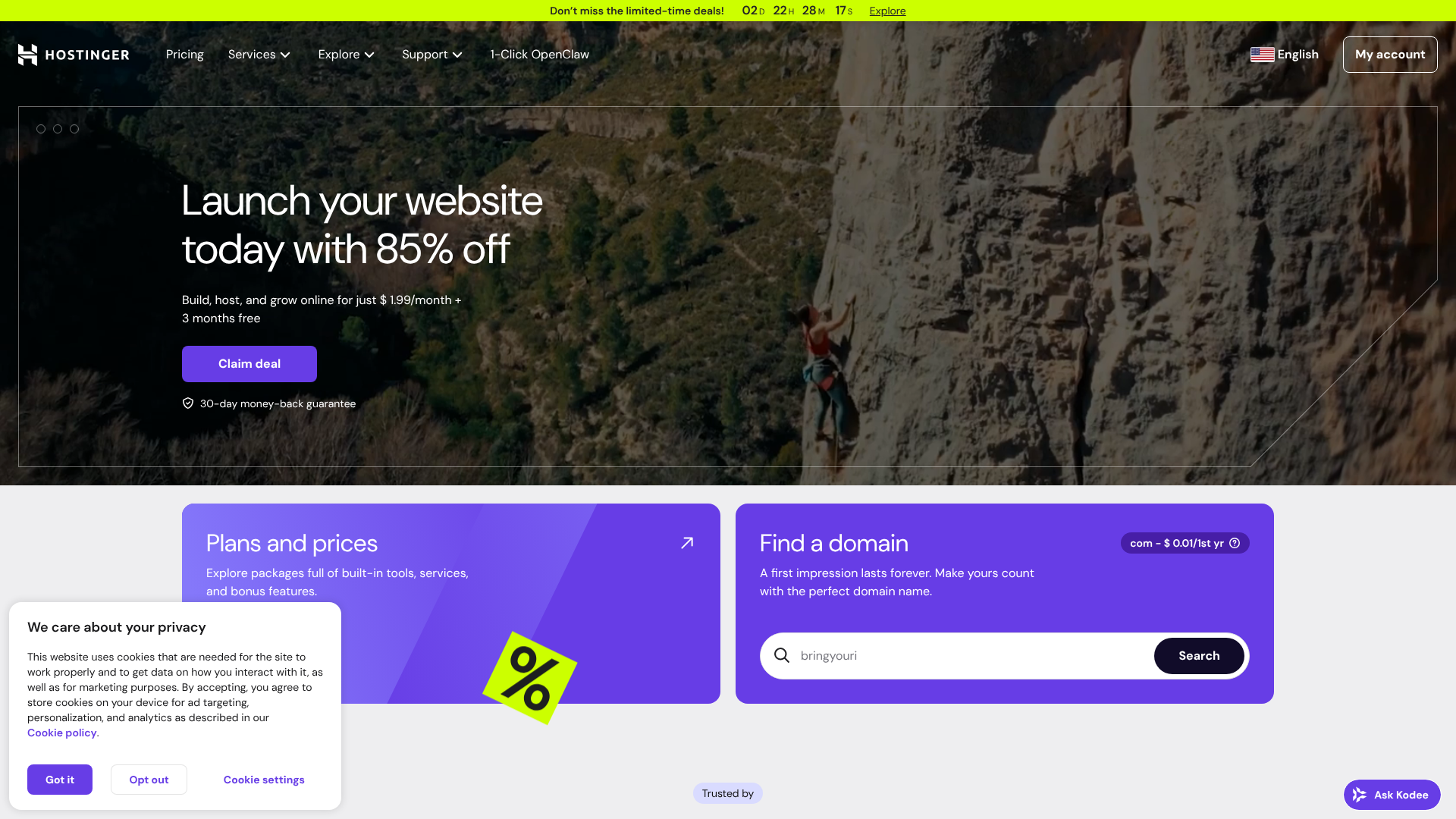
Hostinger consistently tops lists for affordable web hosting, and for good reason. It delivers some of the lowest prices in the industry without making significant compromises on performance or features. Their plans are packed with value, making them an ideal choice for beginners and anyone on a tight budget.
Performance is where Hostinger truly shines in the budget category. They use LiteSpeed web servers, which are significantly faster than the traditional Apache servers used by many competitors. This, combined with built-in caching and SSD storage, results in excellent loading times for your website. Their custom-built control panel, hPanel, is clean, intuitive, and arguably easier to navigate than the traditional cPanel, which is a huge plus for newcomers.
Hostinger's entry-level plans include a free SSL certificate, managed WordPress features, and enough resources for a new website. To get the best price, you'll need to commit to a longer-term plan (typically 48 months), but the total cost is still incredibly low for the quality of service you receive.
Pros
- Excellent Performance: LiteSpeed servers and built-in caching provide very fast loading speeds for the price.
- User-Friendly hPanel: Their custom control panel is modern, intuitive, and easy for beginners to master.
- Aggressive Pricing: Some of the lowest introductory prices in the market, offering incredible long-term value.
Cons
- No Phone Support: Support is limited to 24/7 live chat and email; there's no option for phone support.
- Price Jumps on Renewal: Like most budget hosts, the renewal rates are significantly higher than the promotional price.
2. Namecheap: Best for Beginners and Domain Management
Originally known as a top domain registrar, Namecheap has evolved into a competitive web hosting provider, especially for those just starting out. Their focus is on providing straightforward, no-fuss hosting that is easy to set up and manage. Their shared hosting plans are among the most affordable available, especially for the first year.
Namecheap uses the industry-standard cPanel, which many users are already familiar with. Their plans include unmetered bandwidth, a free SSL certificate, and a free domain name for the first year. A unique benefit is that they also include free domain privacy protection, a service that many other registrars and hosts charge extra for. This keeps your personal contact information hidden from public WHOIS databases.
While their performance is solid for small websites, it may not be as fast as performance-focused hosts like Hostinger or SiteGround. However, for a simple blog or portfolio, Namecheap provides a reliable and incredibly cost-effective solution, with the added convenience of managing your domains and hosting all in one place.
Pros
- Very Low Initial Cost: Their introductory prices are extremely competitive, making it cheap to get started.
- Free Domain and Privacy: Includes a free domain name for the first year and free lifetime WHOIS privacy protection.
- User-Friendly cPanel: Uses the standard cPanel interface, which is easy to navigate.
Cons
- Average Performance: Speeds are adequate but may not be as fast as some other budget hosts.
- Basic Features: The cheapest plan is quite limited in terms of storage and features.
3. Bluehost: Best for WordPress Integration
Bluehost is one of the most well-known names in web hosting and is one of only three providers officially recommended by WordPress.org. This deep integration with WordPress makes it an exceptionally good choice for anyone planning to build their site with the world's most popular content management system. Their onboarding process is specifically designed to help WordPress beginners get up and running quickly.
When you sign up, Bluehost automatically installs WordPress for you and guides you through a setup process to choose a theme and install essential plugins. Their custom dashboard simplifies WordPress management, putting all the key tools right at your fingertips. All plans come with a free domain for the first year, a free SSL certificate, and access to a free CDN (Content Delivery Network) to help speed up your site for global visitors.
While Bluehost is incredibly user-friendly, its renewal prices can be a bit higher than some competitors. However, for those who value ease of use and a seamless WordPress experience above all else, the slight premium is often worth it.
Pros
- Excellent for WordPress: Official WordPress.org recommendation with a streamlined setup and management dashboard.
- Beginner-Friendly: The guided onboarding process makes it very easy for newcomers to launch their first site.
- Good Feature Set: Includes a free domain, SSL, and CDN even on the basic plans.
Cons
- Higher Renewal Rates: The cost increases significantly after the initial promotional term.
- Server Performance Can Be Inconsistent: While generally reliable, some users report occasional slowdowns on shared plans.
4. HostGator: Best for Flexibility and Unmetered Resources

HostGator is another long-standing player in the hosting industry, known for its flexible plans and generous resource allocations. Their shared hosting plans offer unmetered storage and bandwidth, which provides peace of mind for users who are worried about hitting limits as their site grows. This makes it a great option for sites that might have a lot of content or fluctuating traffic.
HostGator provides a free domain for the first year, a free SSL certificate, and one-click WordPress installation. They also include a free website builder tool, Gator Builder, which can be a nice alternative for those who don't want to use WordPress. Their customer support is available 24/7/365 via live chat and phone, which is a significant advantage for users who prefer speaking to a support agent directly.
The interface is powered by cPanel, making it easy to manage your site. While their promotional pricing is attractive, be sure to check the renewal rates. HostGator is a solid, reliable choice that offers a lot of flexibility for a low initial investment.
Pros
- Generous Resources: Unmetered disk space and bandwidth on all shared hosting plans.
- Strong Support Options: Offers 24/7 support via both live chat and telephone.
- 45-Day Money-Back Guarantee: A longer-than-average refund period to test their services.
Cons
- Lots of Upselling: The checkout process can be cluttered with add-ons that you may not need.
- Renewal Prices are High: The jump from the introductory price to the regular rate is substantial.
5. SiteGround: Best Premium Features on a Budget

SiteGround occupies a unique space in the market, offering premium, performance-focused hosting at a price point that is still accessible. While slightly more expensive than the ultra-cheap options like Hostinger, it provides a significant step up in terms of speed, security, and support. If your website is a critical business asset, the extra couple of pounds per month can be a very wise investment.
SiteGround builds its platform on the Google Cloud infrastructure, which is known for its high performance and reliability. They have developed a suite of in-house tools to optimise speed, including their SuperCacher technology, custom PHP implementation, and a Site Tools control panel that is both powerful and easy to use. Their support team is widely regarded as one of the best in the industry, with fast and expert responses.
Their plans include free SSL, daily backups, a free CDN, and managed WordPress features. SiteGround is the ideal choice for users who have outgrown basic budget hosting or for small businesses that want top-tier performance without paying for expensive managed hosting.
Pros
- Exceptional Performance: Built on Google Cloud with multiple layers of caching for fantastic speed.
- Top-Notch Customer Support: Widely praised for its fast, knowledgeable, and friendly support team.
- Advanced Security Features: Proactive security monitoring, a web application firewall, and free daily backups.
Cons
- Higher Price Point: More expensive than other hosts on this list, both for introductory and renewal plans.
- Limited Storage: The storage quotas on their plans are lower than many competitors.
6. Squarespace: Best All-in-One Site Builder with Hosting
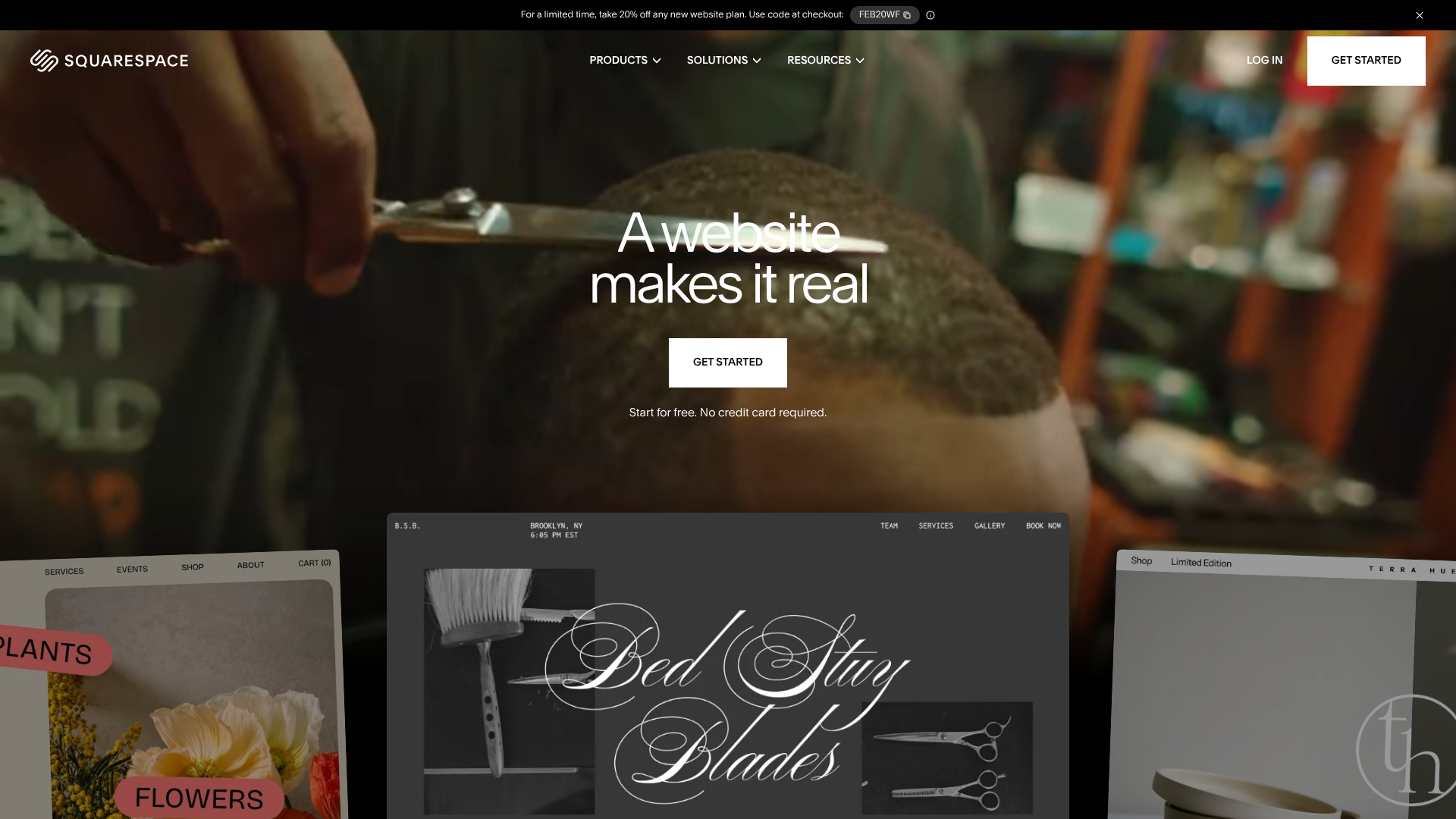
For those who want an all-in-one solution, Squarespace is a leading website builder that includes high-quality hosting in all its plans. This is a different approach compared to traditional hosting. Instead of buying hosting and then figuring out how to build your site, Squarespace provides the design tools, templates, and hosting in one seamless package. It's perfect for creatives, photographers, and small businesses who prioritise beautiful design and simplicity.
You don't need any technical skills to use Squarespace. Its drag-and-drop editor and award-winning templates allow you to create a professional-looking website in hours. All technical aspects, including hosting, security, and updates, are managed for you. This means you can focus entirely on your content and design.
While Squarespace is more expensive than a basic shared hosting plan, it can be cost-effective when you consider that you don't need to buy premium themes or plugins. It's the ultimate solution for users who value convenience and aesthetics and are willing to pay a bit more for a fully managed, hassle-free experience.
Pros
- Stunning Design Templates: Industry-leading templates that are modern, professional, and mobile-responsive.
- Extremely Easy to Use: The all-in-one platform is incredibly intuitive, with no technical maintenance required.
- Reliable Hosting Included: All hosting is fully managed by Squarespace, ensuring great performance and security.
Cons
- Less Flexibility: You are locked into the Squarespace platform and cannot move your site to another host.
- Higher Cost: More expensive than buying a shared hosting plan and using a free CMS like WordPress.
7. DreamHost: Best for Uptime Guarantee and Monthly Plans
DreamHost is another WordPress-recommended host that stands out for its strong commitment to user-friendliness and its industry-leading guarantees. They offer a remarkable 100% uptime guarantee; if your site ever goes down, they will credit you for the downtime. This shows immense confidence in their infrastructure.
One of DreamHost's biggest advantages is its affordable monthly billing option. While most hosts require a long-term commitment to get a low price, DreamHost offers a reasonably priced month-to-month plan, making it a great choice for those who don't want to be locked into a multi-year contract. All plans include a free domain, free SSL, and unlimited traffic.
DreamHost uses a custom control panel that is clean and easy to use, though it might take some getting used to for those familiar with cPanel. With its strong guarantees and flexible billing, DreamHost is a trustworthy and solid choice for any new website.
Pros
- 100% Uptime Guarantee: An industry-leading guarantee that promises maximum reliability.
- Affordable Monthly Billing: Offers a true month-to-month plan without a steep price increase.
- Recommended by WordPress.org: A trusted and well-integrated option for WordPress users.
Cons
- No cPanel: The custom control panel is functional but may be a drawback for some users.
- Email Accounts Cost Extra: The cheapest shared plan does not include email hosting; it's a paid add-on.
Budget Web Hosting: A Pricing and Cost Comparison
Navigating the pricing of budget web hosting can be tricky. The advertised price is almost always a promotional rate for new customers who sign up for an extended period. To help you compare the true cost, here's a breakdown of the providers we've discussed.
| Provider | Starting Price (Intro) | Renewal Price (Approx.) | Free Domain? | Free SSL? | Best For |
|---|---|---|---|---|---|
| Hostinger | From ~£1.99/mo | ~£5.99/mo | Yes (on premium plans) | Yes | Overall Value & Speed |
| Namecheap | From ~£1.50/mo | ~£3.50/mo | Yes | Yes | Beginners & Domain Privacy |
| Bluehost | From ~£2.30/mo | ~£8.99/mo | Yes | Yes | WordPress Integration |
| HostGator | From ~£2.50/mo | ~£9.99/mo | Yes | Yes | Flexibility & Resources |
| SiteGround | From ~£2.99/mo | ~£11.99/mo | No | Yes | Performance & Support |
| DreamHost | From ~£2.30/mo | ~£5.99/mo | Yes | Yes | Monthly Plans & Uptime |
Note: Prices are approximate and subject to change. They are typically based on a 12-month or longer commitment to get the promotional rate. Always check the provider's website for the most current pricing.
Pro Tip: When budgeting, always factor in the cost of domain renewal (after the first free year) and any essential add-ons you might need, like professional email or advanced backups. This gives you a more accurate picture of the total annual cost.
The Pros and Cons of Using Low-Cost Hosting Sites
While affordable web hosting is a fantastic starting point for millions of websites, it's important to understand both its advantages and its limitations. Knowing what you're getting into will help you make an informed decision and avoid potential frustrations.
The Pros
- Unbeatable Affordability: The most obvious benefit is the price. For just a few pounds a month, you can get a fully functional hosting service, making it accessible to virtually anyone.
- Beginner-Friendly: Most budget hosts focus on ease of use. They provide intuitive control panels, one-click installers, and guided setups that simplify the process of launching a website.
- Sufficient for New Sites: For a website that is just starting out, a shared hosting plan provides more than enough resources to handle initial traffic levels.
- All-in-One Packages: Many plans bundle everything you need to get started, including a free domain name, SSL certificate, and email accounts, which adds even more value.
The Cons
- Shared Resources: Because you're sharing server resources with other websites, a traffic spike on another site could potentially slow yours down. This is often called the "noisy neighbour" effect.
- Performance Limitations: Shared plans have stricter limits on CPU and RAM usage. If your site becomes too resource-intensive, you may experience performance issues or be asked to upgrade.
- Less Specialised Support: While support is generally available 24/7, the agents are trained to handle a wide range of common issues. They may not have the specialised expertise to deal with complex, application-specific problems.
- Hidden Costs and Upsells: The business model often relies on upselling additional services and high renewal rates. You need to be vigilant during the checkout process and aware of the long-term costs.
Frequently Asked Questions (FAQ)
Here are answers to some of the most common questions people have about cheap and affordable web hosting.
Can I host my own website for free?
Yes, you can, but it comes with significant limitations. Services like GitHub Pages allow you to host static websites for free, which is great for portfolios or project documentation. There are also "free hosting" companies, but these should be avoided for any serious project. They often have very slow performance, inject their own ads onto your site, offer no support, and can shut down your site without warning.
For a reliable and professional presence, investing a few pounds a month in a quality budget host is always the better option.
What is the cheapest hosting company?
The title of "cheapest" often changes based on current promotions, but providers like Hostinger and Namecheap consistently offer some of the lowest introductory prices, sometimes falling below £2 per month. However, this rock-bottom price usually requires a long-term commitment of three to four years. For short-term projects, a host with a low monthly rate like DreamHost might end up being more cost-effective.
Which hosting is best for beginners?
For absolute beginners, Bluehost is often considered the best choice due to its seamless WordPress integration and guided setup process. It removes much of the initial technical guesswork. Hostinger's hPanel and Namecheap's straightforward cPanel interface are also excellent options that are very easy for newcomers to learn and navigate.
What are the risks of free hosting?
The risks are substantial. Free hosting providers have little incentive to offer a good service. Common risks include poor security, leaving your site vulnerable to hacks; unreliable servers that lead to frequent downtime; extremely slow loading speeds that frustrate visitors; and a complete lack of customer support. Furthermore, you don't truly own your hosting space, and the provider could delete your site at any time without reason.
Is Hostinger cheap?
Yes, Hostinger is one of the most affordable and high-value hosting providers on the market. Their introductory prices are exceptionally low, especially when you sign up for a multi-year plan. While their renewal rates are higher, they remain competitive, and the level of performance and features you get for the price is outstanding, making it a top choice for budget-conscious users.
What is the minimum cost to host a website?
The minimum cost to get a website online involves two main expenses: a domain name and a hosting plan. A domain name typically costs around £10-£15 per year. A cheap hosting plan can be found for about £2-£3 per month, which works out to £24-£36 per year. Therefore, you can realistically expect the minimum annual cost to be between £35 and £50 to run a basic website.
Final Thoughts
Choosing from the many cheap web hosting sites available doesn't have to be a gamble. By prioritising value over the absolute lowest price, you can find a provider that delivers reliable performance, essential features, and the support you need to get your website off the ground successfully.
For most users starting a new project, Hostinger offers the best all-around package. Its combination of speed, user-friendliness, and incredibly low pricing is hard to beat. If you're specifically building a WordPress site and want the most streamlined experience possible, Bluehost is an excellent and highly recommended alternative.
Ultimately, the best affordable web hosting for you is the one that meets your current needs while giving you room to grow. Any of the providers on this list will provide a solid foundation for your online journey, allowing you to build your presence without a hefty financial investment.