
Leadpages vs Unbounce vs Instapage: Which Is Best for Your Business in 2026?
Choosing the right landing page builder is a critical decision that can directly impact your lead generation and sales. With so many powerful options available, the debate over Leadpages vs Unbounce vs Instapage is a common one for marketers and business owners. Each platform promises higher conversions, but they achieve this through different features, philosophies, and price points, making the choice anything but simple. This guide breaks down exactly what you need to know to make the right decision for your specific needs.
- Quick Summary
- What Are Leadpages, Unbounce, and Instapage?
- At a Glance: Leadpages vs Unbounce vs Instapage Comparison
- Deep Dive: A Head-to-Head Feature Showdown
- How to Choose: Who Is Each Platform Best For?
- Choose Leadpages: For Solopreneurs and Small Businesses
- Choose Unbounce: For Data-Driven Performance Marketers
- Choose Instapage: For Agencies and Large Marketing Teams
- Pricing and Cost Comparison
- Pros and Cons of Each Landing Page Builder
- Leadpages: The Speed and Value King
- Unbounce: The Optimisation Powerhouse
- Instapage: The Enterprise and Agency Champion
- Frequently Asked Questions (FAQ)
- Is Leadpages good for beginners?
- Which is better, Unbounce or Instapage for PPC campaigns?
- Can I build a full website with these tools?
- Do I need a separate web host for these landing pages?
- Final Thoughts: Making Your Decision
Whether you're a solopreneur needing to launch pages quickly, a performance marketer obsessed with A/B testing, or part of a large team requiring seamless collaboration, one of these tools is built for you. We'll compare them across key areas like ease of use, conversion tools, design flexibility, and overall value to give you a clear verdict. By the end, you'll understand the distinct advantages of each and feel confident in your choice.
Quick Summary
- Choose Leadpages for Value and Speed: It's the most affordable and user-friendly option, perfect for small businesses, beginners, and anyone who needs to create high-converting pages, pop-ups, and even simple websites without a steep learning curve.
- Choose Unbounce for Optimisation Power: If your role revolves around maximising conversion rates through rigorous A/B testing and AI-powered traffic routing, Unbounce's flexible editor and Smart Traffic feature make it the top choice for performance marketers.
- Choose Instapage for Team Collaboration and Personalisation: Best suited for agencies and large marketing teams, Instapage excels with its advanced collaboration tools, AdMap for message matching, and robust analytics, though it comes at a premium price.
What Are Leadpages, Unbounce, and Instapage?
Before we dive into a feature-by-feature comparison, it's important to understand the core purpose of these platforms. At their heart, Leadpages, Unbounce, and Instapage are specialised software-as-a-service (SaaS) tools designed to help you create, publish, and test standalone web pages, commonly known as landing pages. Unlike a regular page on your website, a landing page is built with a single, focused objective: conversion.
This conversion goal could be anything from capturing an email address, registering for a webinar, downloading an ebook, or making a direct purchase. By removing distractions like site navigation and multiple calls-to-action (CTAs), these tools help you guide visitors towards that one specific action. They provide templates, drag-and-drop editors, and analytics to make this process efficient and effective, even for those without coding skills.
While they share this common goal, their approaches differ significantly. Leadpages prioritises speed and simplicity, Unbounce focuses on deep customisation and optimisation, and Instapage is built for scalable personalisation and team workflows. Understanding these fundamental differences is the first step in the Leadpages vs Unbounce vs Instapage decision.
At a Glance: Leadpages vs Unbounce vs Instapage Comparison
For a quick overview, this table breaks down the key differences between the three platforms. It provides a high-level look at where each tool shines, helping you see the main distinctions before we get into the finer details.
| Feature | Leadpages | Unbounce | Instapage |
|---|---|---|---|
| Best For | Small Businesses & Beginners | Performance Marketers & PPC | Agencies & Enterprise Teams |
| Ease of Use | Easiest | Moderate Learning Curve | Moderate |
| Page Editor | Structured, Section-Based | True Drag-and-Drop | Pixel-Perfect Drag-and-Drop |
| Core Strength | Speed, Value, All-in-One Tools | A/B Testing & AI Optimisation | Collaboration & Personalisation |
| A/B Testing | Standard A/B Testing | Advanced A/B & AI Smart Traffic | Advanced A/B & Heatmaps |
| Unique Feature | Built-in Website Builder | Smart Traffic AI | AdMap & Collaboration Suite |
| Starting Price | Most Affordable | Mid-Range | Highest |
| Free Trial | Yes, 14-day trial | Yes, 14-day trial | Yes, 14-day trial |
Deep Dive: A Head-to-Head Feature Showdown
Now let's move beyond the summary and analyse the core features that define these platforms. How you build, design, and optimise your pages will be heavily influenced by the tool you choose. This section explores the most critical aspects of the user experience.
Page Editor and Design Flexibility
Your primary interaction with any of these tools will be inside the page editor. The quality of this experience—how intuitive, flexible, and powerful it is—can make or break your workflow.
Leadpages:
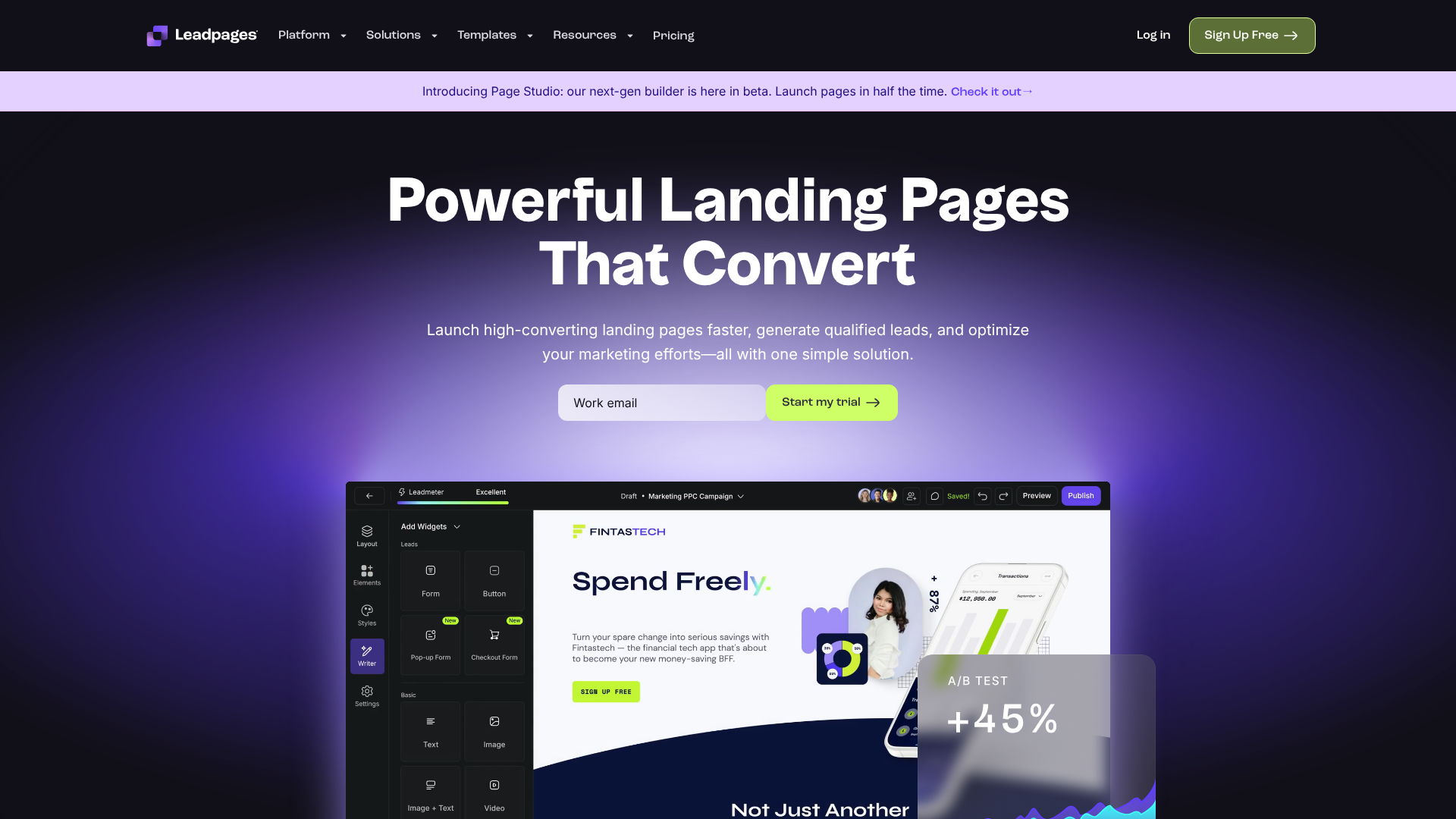
The Leadpages editor is designed for speed and simplicity. It uses a section-based, grid-like system where you drag pre-designed blocks (like headers, text sections, and forms) onto the page. While this makes it incredibly easy for beginners to create a professional-looking page in minutes, it comes at the cost of some flexibility. You can't just place an element anywhere you want; it has to snap into the predefined grid.
For most users, this is a helpful constraint that prevents design mistakes, but advanced designers might find it limiting.
Unbounce:
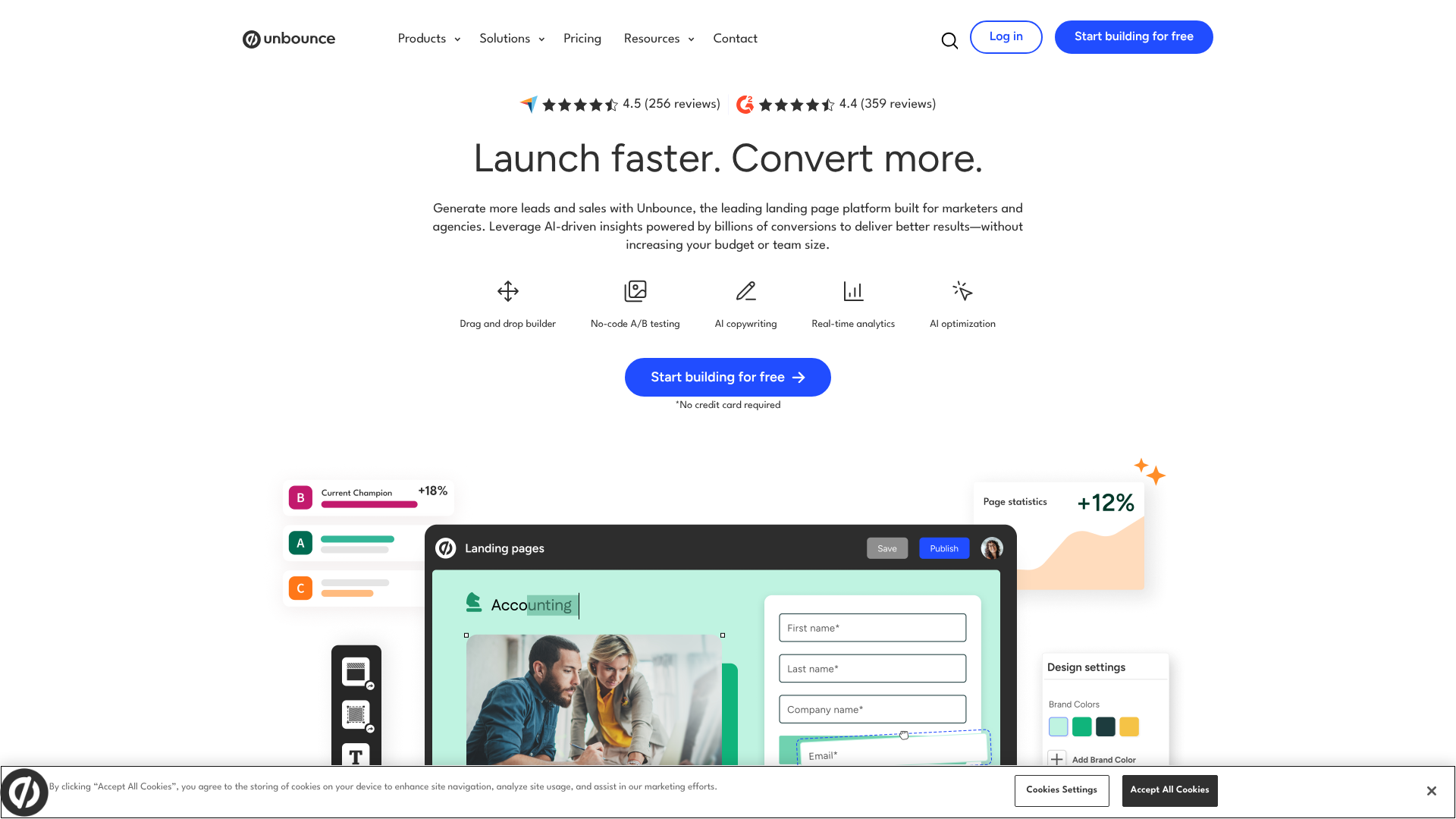
Unbounce offers a true, free-form drag-and-drop editor. This means you have pixel-perfect control and can place any element—text, images, buttons, forms—exactly where you want it on the page. This level of freedom is a massive advantage for experienced marketers and designers who want to create completely custom layouts without writing code. However, this power comes with a steeper learning curve.
It's easier to create a messy or poorly aligned design if you're not careful, making the Unbounce vs Instapage editor debate one of pure creative freedom versus structured precision.
Instapage:
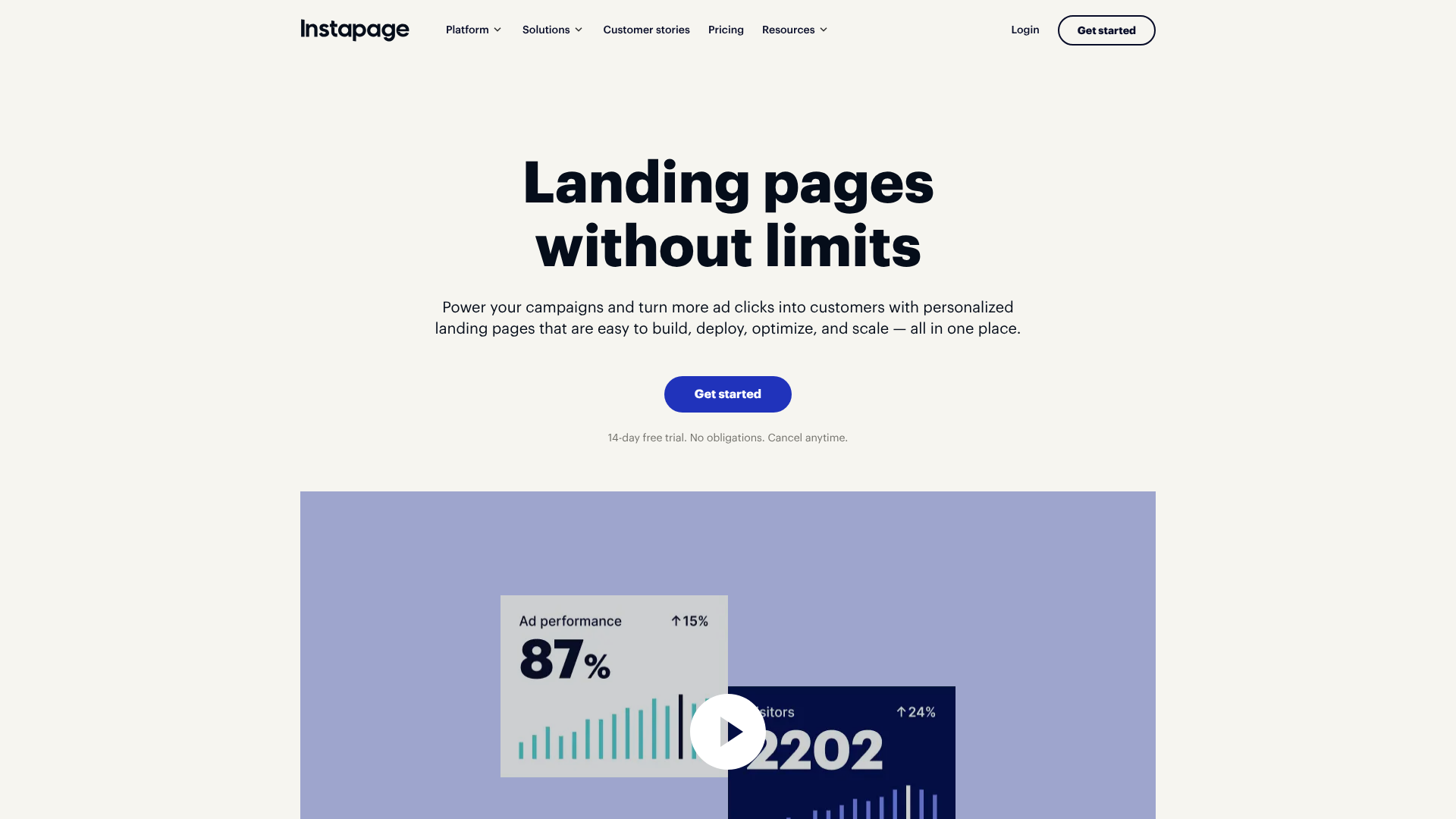
Instapage strikes a balance between the two. Its editor is also a pixel-perfect drag-and-drop canvas, similar to Unbounce, but it includes alignment and grouping tools that feel more robust and geared towards team collaboration. Features like Instablocks® allow you to create, save, and reuse custom page sections (like headers, footers, or testimonials) across multiple pages, ensuring brand consistency and saving enormous amounts of time. This makes it a powerhouse for agencies managing many clients or large companies with strict brand guidelines.
Templates and Design Quality
A great template can cut your creation time by 90%. All three platforms offer a wide selection of mobile-responsive templates, but their focus and quality vary.
- Leadpages offers over 200 templates that you can sort by conversion rate, based on data from their own platform. This is a brilliant feature for beginners, as it helps you choose a layout that's already proven to work. The designs are clean and modern, focusing on clear calls-to-action for lead generation.
- Unbounce also provides over 100 high-quality templates geared towards various industries and campaign types (like lead gen, click-through, and webinar sign-ups). Because of its flexible editor, these templates are more like starting points for your own custom creations.
- Instapage has a vast library of over 500 templates, all designed for specific use cases (e.g., demo requests, asset downloads). The designs are arguably the most polished and corporate-ready of the three, reflecting their focus on larger businesses and agencies.
Conversion Optimisation Tools
Creating a beautiful page is only half the battle. The real goal is to convert visitors, and this is where optimisation tools like A/B testing and AI come into play.
When comparing Leadpages vs Unbounce, the difference in optimisation capability is stark. Leadpages offers simple, effective A/B testing. You can create a variant of your page, change an element like the headline or button colour, and split traffic evenly between the two to see which performs better. It's straightforward and perfect for getting started with optimisation.
Unbounce takes this to another level. Its Smart Traffic feature is an AI-powered algorithm that goes beyond a simple 50/50 split. It analyses a visitor's attributes (like their device, location, and browser) and automatically sends them to the page variant where they are most likely to convert. After just 50 visits, it starts intelligently routing traffic, which can lead to an average conversion lift of 20% over traditional A/B testing.
Instapage also offers powerful A/B testing and complements it with built-in heatmaps. Heatmaps visually show you where users are clicking, moving their mouse, and how far they scroll down the page. This provides invaluable qualitative insight into user behaviour that you can't get from conversion numbers alone. The Unbounce vs Instapage battle in this area is a choice between AI-driven traffic routing and deep user behaviour analytics.
Pro Tip: For PPC campaigns, use the dynamic text replacement feature in Unbounce or Instapage. This allows you to automatically match the headline on your landing page to the search term the user typed into Google. This creates a highly relevant experience that can significantly boost your Quality Score and conversion rates.
How to Choose: Who Is Each Platform Best For?
Ultimately, the best platform depends entirely on your budget, team size, technical skill, and marketing goals. Here’s a clear breakdown of who should choose which tool.
Choose Leadpages: For Solopreneurs and Small Businesses
If you're a small business owner, a coach, a consultant, or a solopreneur, Leadpages is almost certainly your best choice. Its primary advantages are affordability, speed, and an all-in-one feature set.
You can go from idea to a published, high-converting landing page in under an hour, even with zero design experience. The inclusion of pop-ups, alert bars, and a full website builder in its plans provides incredible value for money. You get a complete lead generation toolkit without needing to subscribe to multiple services. The slightly less flexible editor is a feature, not a bug, for this audience—it keeps you from getting bogged down in tiny design details and helps you focus on getting results quickly.
Choose Unbounce: For Data-Driven Performance Marketers
If your job title includes "PPC Specialist," "Growth Marketer," or "Conversion Rate Optimiser," Unbounce is built for you. The platform is engineered for marketers who need maximum control and powerful tools to squeeze every possible conversion out of their campaigns.
The free-form editor gives you the creative freedom to build any page you can imagine, and its A/B testing capabilities are best-in-class. The Smart Traffic feature alone is a compelling reason to choose Unbounce, as it uses machine learning to do the heavy lifting of optimisation for you. It's more expensive than Leadpages, but for marketers managing significant ad spend, the potential ROI from higher conversion rates easily justifies the cost.
Choose Instapage: For Agencies and Large Marketing Teams
Instapage is the enterprise-level solution designed for scale, collaboration, and personalisation. If you're a marketing agency managing dozens of client campaigns or a large company with a dedicated marketing team, Instapage's feature set is tailored to your workflow.
Features like AdMap allow you to connect specific ads to unique, personalised landing page experiences, ensuring perfect message match at scale. The collaboration suite, with real-time commenting and secure sharing, streamlines the review and approval process between team members and clients. Furthermore, its Instablocks® system is unmatched for maintaining brand consistency across hundreds of pages. The high price point makes it inaccessible for smaller players, but for the target audience, it's a powerful and efficient platform.
Pricing and Cost Comparison

Pricing is a major factor in the Leadpages vs Unbounce vs Instapage decision. The plans are structured differently, and it's important to look beyond the monthly cost to the features and limits included.
Note: Prices and plans change frequently. Please visit the official websites for the most current information.
Leadpages Pricing
Leadpages is the most budget-friendly option. It typically offers two main plans:
- Standard: Aimed at new businesses, this plan includes one site, landing pages, pop-ups, and alert bars. It's an excellent entry point. * Pro: This plan adds unlimited A/B testing, online sales and payments, and more integrations.
It’s the most popular plan and offers the best balance of features and cost for growing businesses.
Unbounce Pricing
Unbounce's pricing is based on the number of conversions, visitors, and connected domains. Its plans are structured in tiers, often called:
- Launch: A great starting point for small businesses wanting to test the waters with Unbounce's powerful features.
- Optimise: This tier is the sweet spot for most professional marketers, offering more traffic and conversion limits and including the Smart Traffic AI feature.
- Accelerate: Designed for businesses scaling their marketing efforts, with higher limits and more domains.
Instapage Pricing
Instapage positions itself as a premium solution, and its pricing reflects that. It generally has a single main plan:
- Convert: This plan is comprehensive and includes most of the platform's key features, such as AdMap, heatmaps, and Instablocks®. The pricing is significantly higher than the entry-level plans of its competitors and is based on a set number of unique visitors and published experiences.
- Custom: For enterprise clients needing features like global blocks, audit logs, and dedicated support, Instapage offers custom-built plans.
Pros and Cons of Each Landing Page Builder
No tool is perfect. Being aware of the potential downsides is just as important as knowing the strengths. Here’s a balanced look at the pros and cons of each platform.
Leadpages: The Speed and Value King
Pros:
- Most Affordable: Offers the lowest entry price, making it accessible for everyone.
- Extremely Easy to Use: The intuitive, section-based editor allows beginners to build pages quickly.
- All-in-One Solution: Includes a website builder, pop-ups, and alert bars, providing excellent value.
- Fast Loading Speeds: Pages built on Leadpages are known for being lightweight and quick to load, which is great for SEO and user experience.
Cons:
- Less Design Freedom: The grid-based editor can feel restrictive for those wanting full creative control.
- Basic A/B Testing: While functional, its testing features are not as advanced as Unbounce or Instapage.
Unbounce: The Optimisation Powerhouse
Pros:
- Total Creative Freedom: The true drag-and-drop editor allows for pixel-perfect, custom designs.
- Powerful Optimisation Tools: Smart Traffic AI and advanced A/B testing give marketers a serious edge.
- Excellent for PPC: Features like dynamic text replacement are ideal for search ad campaigns.
- Great Pop-ups and Sticky Bars: Includes a versatile builder for pop-ups and announcement bars to capture more leads.
Cons:
- Steeper Learning Curve: The flexible editor requires more time to master compared to Leadpages.
- Higher Price Point: More expensive than Leadpages, which can be a barrier for smaller businesses.
Instapage: The Enterprise and Agency Champion
Pros:
- Unmatched Collaboration Features: Built from the ground up for teams, with real-time editing and feedback tools.
- Scalable Personalisation: AdMap makes it easy to create unique experiences for different audience segments.
- Reusable Instablocks®: A massive time-saver for maintaining brand consistency across many pages.
- Advanced Analytics: Built-in heatmaps and robust reporting provide deep insights into user behaviour.
Cons:
- Most Expensive: The premium price tag puts it out of reach for most small to medium-sized businesses.
- Potentially Overkill: The feature set may be too complex and extensive for individuals or small teams.
Frequently Asked Questions (FAQ)
Here are answers to some of the most common questions that arise when comparing Leadpages, Unbounce, and Instapage.
Is Leadpages good for beginners?
Absolutely. Leadpages is widely considered the best option for beginners. Its template-driven approach and structured editor are designed to help users with little to no design or technical experience create professional, effective landing pages in a very short amount of time. The focus is on simplicity and speed, making it an ideal starting point.
Which is better, Unbounce or Instapage for PPC campaigns?
Both Unbounce and Instapage are excellent for PPC. The choice often comes down to scale and workflow. Unbounce is fantastic for individual marketers or small teams running sophisticated tests with its Smart Traffic AI. Instapage shines for larger teams and agencies managing numerous campaigns, where its AdMap and collaboration tools streamline the process of creating hundreds of personalised, message-matched pages.
Can I build a full website with these tools?
Leadpages is the only one of the three that offers a dedicated, easy-to-use website builder as part of its core plans. You can create a simple, multi-page website complete with a homepage, about page, and contact page. While Unbounce and Instapage pages can be linked together to create a microsite, they are not designed to function as full-scale website builders like WordPress or Squarespace.
Do I need a separate web host for these landing pages?
No, you do not need a separate web host. All three platforms host the landing pages you create on their own fast and secure servers. You can publish your pages to a custom domain that you own (e.g., promo.yourwebsite.com) or use a WordPress plugin to publish them directly to your existing website (e.g., yourwebsite.com/promo).
Final Thoughts: Making Your Decision
The choice in the Leadpages vs Unbounce vs Instapage comparison is less about which tool is objectively "best" and more about which tool is the right fit for you. Each platform serves a distinct audience with remarkable effectiveness. Your decision should be guided by your budget, your team's size, and your primary marketing objectives.
To recap, if you're a small business, solopreneur, or just starting, Leadpages offers an unbeatable combination of value, speed, and ease of use. It provides all the essential tools you need to start generating leads and sales without a hefty price tag or a complex interface.
If you're a serious marketer focused on data-driven optimisation and managing paid ad campaigns, Unbounce provides the creative freedom and AI-powered tools necessary to achieve peak performance. For agencies and large corporate teams that require scalable personalisation and a seamless collaborative workflow, Instapage stands as the undisputed premium choice. All three offer free trials, so the best final step is to try the one that aligns most closely with your needs and see how it feels for yourself.