

11 Best Free AI Writing Tools for 2026 (Ranked & Reviewed)
Staring at a blank page can be one of the most frustrating parts of any creative or professional task. Whether you're a marketer drafting an email, a student writing an essay, or a blogger trying to publish your next post, writer's block is a universal challenge. Finding the best free AI writing tools can completely change your workflow, helping you generate ideas, polish your grammar, and produce high-quality content faster than ever before. These tools are no longer a futuristic concept; they are practical assistants ready to help you overcome creative hurdles and boost your productivity without costing a penny.
- Quick Summary
- What Are AI Writing Tools and How Do They Work?
- The Real Benefits of Using Free AI Writing Software
- Top 11 Free AI Writers for Every Need in 2026
- 1. Writesonic
- 2. Grammarly
- 3. QuillBot
- 4. ChatGPT (Free Version)
- 5. Google Gemini (formerly Bard)
- 6. Jasper (Free Trial)
- 7. HubSpot AI Content Writer
- 8. Copy.ai
- 9. TinyWow
- 10. ParagraphAI
- 11. Sudowrite
- Comparison of the Best AI Writing Tools (Free Plans)
- Key Features to Look for in Free AI Writing Software
- Beyond Automation: How AI Can Enhance Your Creativity
- Pro Tips for Getting the Most Out of Free AI Writers
- What Real Users Are Saying
- Understanding the Catch: Common Limitations of Free Tools
- The Future of Writing: What's Next for AI Tools?
- Frequently Asked Questions
- What is the best free AI for writing?
- Which AI tool is totally free?
- Which free AI is better than ChatGPT?
- Can I legally publish a book written by AI?
- Final Thoughts: Choosing the Right Free AI Writing Tool for You
This guide breaks down the top free AI writers available today. We'll explore their strengths, weaknesses, and ideal use cases to help you find the perfect fit for your needs. From simple grammar checkers to powerful content generators, you'll find a tool that can help you write better and more efficiently.
Quick Summary
- Best Overall Free Tool: Writesonic offers a generous free plan with a wide range of templates for marketing, SEO, and general writing, making it a versatile starting point.
- Best for Editing & Polishing: Grammarly remains the top choice for improving grammar, style, and clarity. Its free AI features help refine existing text with confidence.
- Best for Paraphrasing & Rewriting: QuillBot excels at rephrasing sentences and entire paragraphs, making it invaluable for students and academics who need to avoid plagiarism and improve clarity.
- Best for General-Purpose Chat: ChatGPT and Google Gemini are powerful, conversational AIs that can brainstorm ideas, draft outlines, and write entire sections of text on almost any topic.
- Truly Free, No Sign-Up: TinyWow provides a collection of simple writing tools that work directly in your browser without requiring an account, perfect for quick, one-off tasks.
What Are AI Writing Tools and How Do They Work?
AI writing tools are applications that use artificial intelligence, specifically large language models (LLMs), to generate, edit, and optimise human-like text. Think of them as incredibly advanced predictive text systems. They have been trained on vast amounts of data from the internet, including books, articles, and websites, allowing them to understand grammar, context, style, and nuance.
When you give an AI writer a prompt—a command or a piece of text to work with—it analyses your input and predicts the most likely sequence of words to follow. This process allows it to perform a wide range of tasks, from writing a complete blog post from a single headline to rephrasing a confusing sentence to make it clearer. Some tools focus on specific functions, like grammar correction, while others are designed for content generation.
The technology behind these tools is constantly evolving. Early versions often produced robotic or nonsensical text, but modern free AI writing software can create content that is often indistinguishable from human writing. They can adapt to different tones of voice, from professional and formal to casual and witty, making them useful for a huge variety of applications.
The Real Benefits of Using Free AI Writing Software
Integrating a free AI writer into your workflow offers more than just a way to type faster. These tools provide tangible benefits that can improve both the quality of your work and your overall efficiency. For anyone who writes regularly, the advantages are significant and can address several common pain points.
First and foremost, they are incredible time-savers. Instead of spending hours brainstorming an outline or drafting the first version of an article, you can generate a solid foundation in minutes. This frees up your time to focus on more strategic tasks like editing, fact-checking, and adding your unique personal insights. For content creators on a tight schedule, this can be the difference between meeting a deadline and falling behind.
Another major benefit is overcoming writer's block. The fear of the blank page is real, but an AI tool can instantly provide ideas, opening sentences, or different angles to explore. This initial spark is often all that's needed to get your own creative thoughts flowing. Furthermore, these tools act as a second pair of eyes, catching grammatical errors, awkward phrasing, and typos that you might have missed, ultimately improving the professionalism and clarity of your final piece.

Top 11 Free AI Writers for Every Need in 2026
Navigating the world of AI writing assistants can be overwhelming, but many of the best tools offer excellent free plans or trials. Here is our breakdown of the best AI writing tools free to use in 2026, categorised by their primary strengths.
1. Writesonic
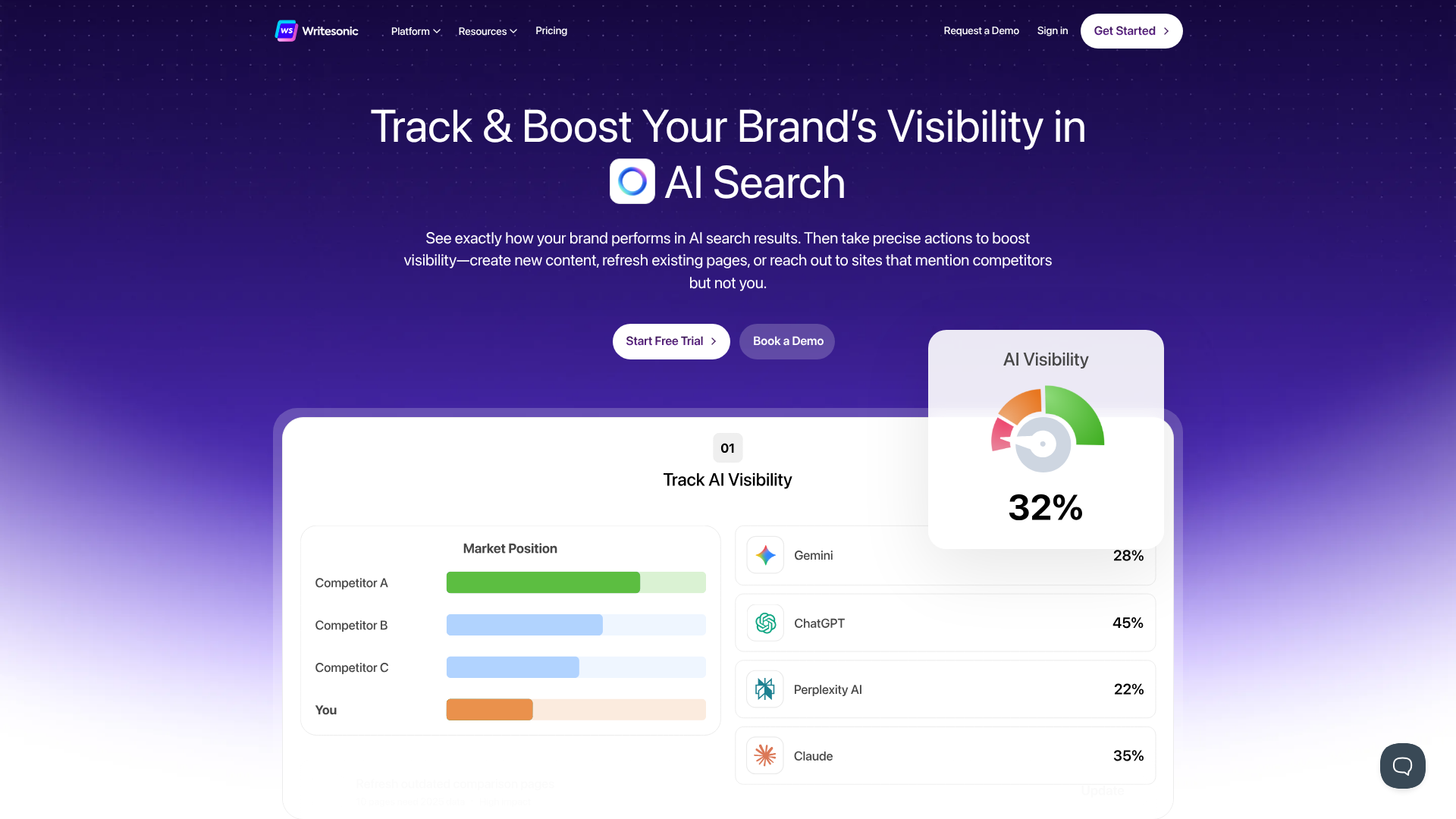
Writesonic is a powerful and versatile AI writer designed primarily for marketing and SEO content. Its free plan is one of the most generous available, making it an excellent starting point for bloggers, marketers, and small business owners. It provides a wide array of templates for everything from blog posts and Google ads to social media updates and product descriptions.
The platform is easy to navigate, and its guided workflows help you create structured content quickly. The quality of the output is generally high, and it incorporates features that help you optimise your content for search engines, a key advantage over more general-purpose tools.
Pros
- Generous free plan with a monthly word allowance.
- Over 100 templates for different types of content.
- Built-in tools for SEO optimisation and readability analysis.
- High-quality output that often requires minimal editing.
Cons
- The free word count can be used up quickly on long-form content.
- Some advanced features are reserved for paid plans.
Best for: Marketers, bloggers, and SEO specialists.
2. Grammarly
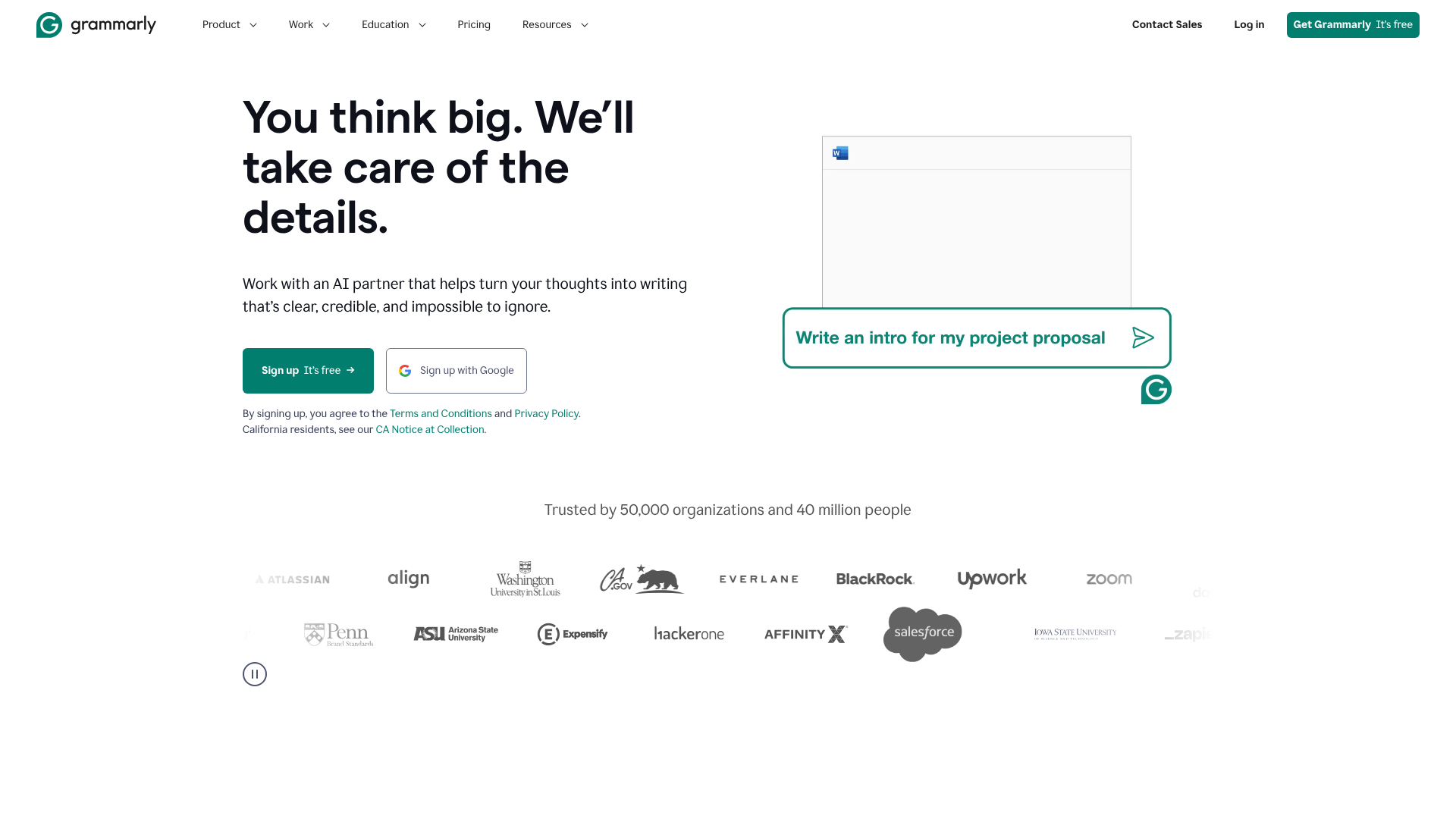
While many know Grammarly as a world-class grammar and spelling checker, it has evolved into a comprehensive AI writing assistant. The free version does more than just fix typos; it offers suggestions on clarity, conciseness, and tone, helping you make your writing more impactful. It works across multiple platforms, including a browser extension, desktop app, and mobile keyboard.
Recently, Grammarly has integrated more generative AI features into its free offering. You can use it to compose drafts, reply to emails, and generate ideas directly within the applications you already use. It's less of a content generator and more of a writing enhancer, making it an essential tool for polishing any piece of text.
Pros
- Excellent for real-time grammar, spelling, and punctuation checks.
- Tone detector helps you ensure your message lands as intended.
- Browser extension integrates with Gmail, Google Docs, and social media.
- Generative AI features are helpful for quick writing tasks.
Cons
- The free version doesn't include the plagiarism checker or advanced style suggestions.
- Generative capabilities are less powerful than dedicated AI writers.
Best for: Students, professionals, and anyone who wants to improve the quality of their existing writing.
3. QuillBot
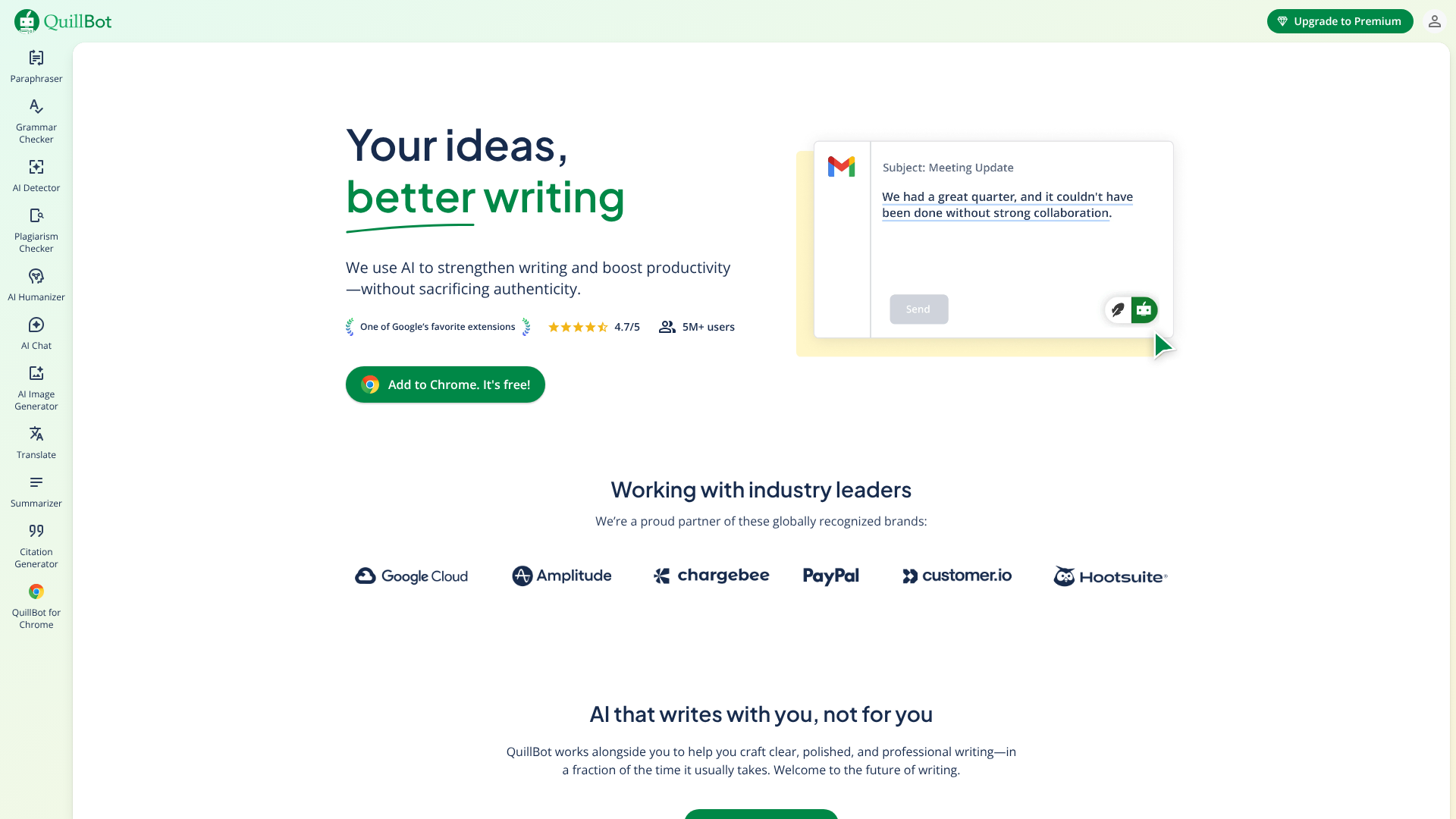
QuillBot has carved out a niche as one of the top free AI writers for paraphrasing and summarising text. Its core function is to rewrite sentences and paragraphs to improve clarity, change the tone, or simply find a different way to say something. This makes it incredibly useful for students trying to avoid plagiarism or writers looking to simplify complex ideas.
The free plan offers several modes, including Standard and Fluency, and has a character limit on the paraphraser. In addition to its rephrasing tool, QuillBot also offers a free grammar checker and summariser, making it a multi-functional assistant for academic and professional writing.
Pros
- Best-in-class paraphrasing tool with multiple modes.
- Simple and intuitive user interface.
- Includes a summariser and grammar checker in the free version.
- Co-Writer feature helps combine research and writing in one place.
Cons
- The free plan has character limits for the paraphraser and summariser.
- More advanced rewriting modes require a premium subscription.
Best for: Students, academics, researchers, and journalists.
4. ChatGPT (Free Version)
ChatGPT is the tool that brought AI writing into the mainstream, and its free version remains one of the most powerful and flexible options available. Built by OpenAI, it functions as a conversational chatbot that can perform an astonishing range of writing tasks. You can ask it to brainstorm blog post ideas, write a poem, draft a business email, explain a complex topic simply, or even write code.
Its strength lies in its versatility and conversational nature. You can refine its output through follow-up prompts, asking it to make the tone more formal, shorten a paragraph, or add more detail. While the free version uses a slightly older model than the paid Plus version, it is still incredibly capable for most everyday writing needs.
Pros
- Extremely versatile for a wide range of writing tasks.
- Conversational interface makes it easy to refine and iterate on content.
- Can understand context and remember previous parts of the conversation.
- Excellent for brainstorming, outlining, and generating initial drafts.
Cons
- The free version may be slower or unavailable during peak times.
- Does not have live access to the internet, so its knowledge is not current.
- Output requires careful fact-checking as it can generate incorrect information.
Best for: General-purpose writing, brainstorming, and creative exploration.
5. Google Gemini (formerly Bard)
Gemini is Google's answer to ChatGPT and a formidable free AI writing tool. Its biggest advantage is its direct integration with Google's search engine, allowing it to pull real-time information from the internet into its responses. This makes it far more useful for research and writing about current events or topics that require up-to-date data.
Gemini often provides multiple drafts of its response, allowing you to choose the one that best fits your needs. It's also skilled at summarising articles or web pages if you provide a link. Its interface is clean and user-friendly, and it's a fantastic tool for anyone who needs to blend research with content creation.
Pros
- Access to real-time information from the internet.
- Often provides multiple draft options for each response.
- Strong integration with other Google services (in development).
- Excellent for research, summarisation, and fact-based writing.
Cons
- The writing style can sometimes be less creative than ChatGPT.
- As a newer product, it is still evolving.
Best for: Researchers, students, and writers who need current information.
6. Jasper (Free Trial)
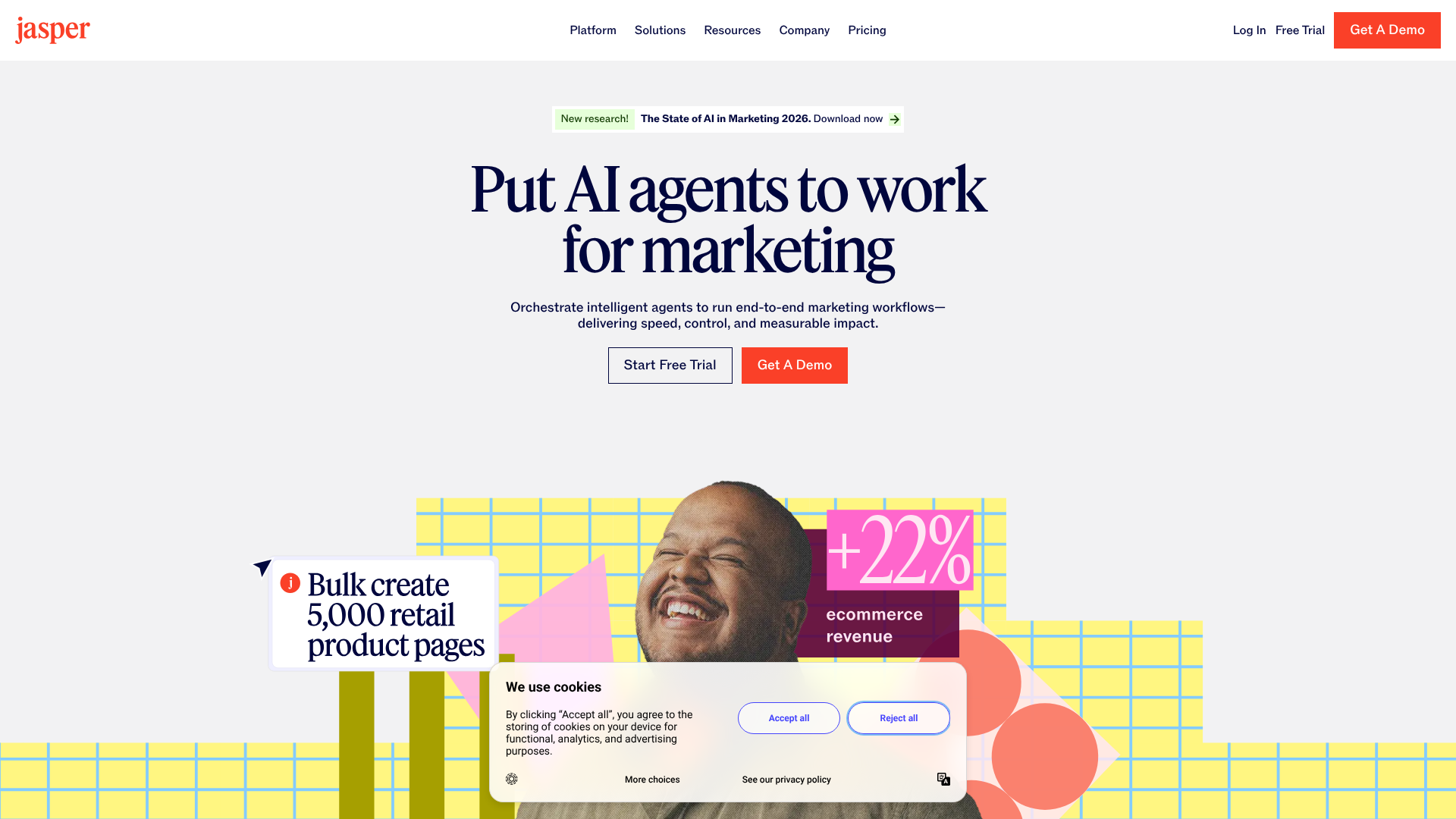
Jasper is a premium AI writing assistant beloved by marketers and businesses, but it offers a free trial that lets you experience its full power. Jasper excels at creating high-quality marketing copy, blog posts, and social media content that is tailored to a specific brand voice. It offers a vast library of templates designed for specific outcomes, like writing a compelling headline or a persuasive product description.
While its free access is limited, it's worth trying if you're considering a paid tool. The quality of its output is consistently high, and features like its document editor and collaboration tools showcase what a professional-grade AI writer can do. It's a glimpse into the premium side of AI writing.
Pros
- Extremely high-quality and natural-sounding output.
- Extensive template library for marketing and business use cases.
- Brand Voice feature allows it to learn and mimic your writing style.
- Powerful long-form content editor.
Cons
- The free offering is a limited-time trial, not a permanent free plan.
- The full tool is one of the more expensive options on the market.
Best for: Businesses and professional writers wanting to test a premium tool.
7. HubSpot AI Content Writer

For those already using HubSpot's ecosystem, their free AI Content Writer is a fantastic addition. It's a collection of tools integrated directly into the HubSpot platform, designed to help marketers create content more efficiently. You can use it to generate blog ideas, create outlines, write entire blog post drafts, and craft marketing emails or social media posts.
Because it's part of the HubSpot suite, the content you create can be seamlessly moved into your blog, email campaigns, or landing pages. While it might not be as feature-rich as some standalone tools, its convenience and integration make it a powerful asset for marketing teams.
Pros
- Seamless integration with the HubSpot CRM and Marketing Hub.
- Completely free for HubSpot users.
- Tools are specifically designed for marketing content creation.
- Simplifies the workflow from content creation to publication.
Cons
- Best suited for those already invested in the HubSpot ecosystem.
- Less versatile than standalone, general-purpose AI writers.
Best for: Marketing teams and businesses using HubSpot.
8. Copy.ai
Copy.ai is another popular tool focused on marketing and sales copy. Its free plan offers a monthly word limit and access to its suite of over 90 copywriting tools. It's particularly strong at generating short-form content like social media captions, digital ad copy, product descriptions, and email subject lines.
The platform's strength is its ability to generate multiple options for any given prompt, allowing you to quickly review and select the best one. It also has a 'Brand Voice' feature that helps maintain consistency. The free plan is a great way for freelancers or small businesses to experiment with AI-powered copywriting.
Pros
- Generous free plan with access to most tools.
- Excellent for generating multiple variations of short-form copy.
- User-friendly interface with a wide range of templates.
- 'Infobase' feature allows the AI to learn about your products and company.
Cons
- The free word limit can be restrictive for long-form content.
- Output quality can sometimes be inconsistent and require editing.
Best for: Social media managers, advertisers, and e-commerce businesses.
9. TinyWow
For those who need a quick writing task completed without the hassle of signing up for an account, TinyWow is a hidden gem. It's a website that offers a massive collection of free tools, including a suite of AI writing generators. You can find tools to write an essay, a blog post, a cover letter, or even a story, all without any limits or registration requirements.
The tools are simple and to the point. You provide a prompt, and it generates the text. The quality is surprisingly decent for a completely free and unlimited service. It's the perfect solution for one-off needs or for users who are concerned about data privacy and don't want to create an account.
Pros
- Completely free with no usage limits.
- No sign-up or registration required.
- A wide variety of writing tools for different needs.
- Simple, no-frills interface that is very easy to use.
Cons
- Output quality is not as refined as more advanced tools.
- Lacks features like project saving, document editing, or collaboration.
Best for: Quick, anonymous, and unlimited writing tasks.
10. ParagraphAI
ParagraphAI is designed to be an all-in-one writing assistant that works wherever you do, primarily through a keyboard extension. It aims to improve your writing for emails, messages, and documents in real-time. The free plan offers a limited number of daily uses for its core functions: writing, replying, and improving text.
Its main selling point is its convenience. Instead of copying and pasting text into a separate app, you can use its AI capabilities directly in your email client or word processor. It's particularly good at drafting quick email replies and improving the tone and clarity of your everyday communications.
Pros
- Integrates directly into your workflow as a keyboard extension.
- Fast and easy to use for everyday writing tasks.
- 'Reply' feature is excellent for drafting quick emails and messages.
- Can adjust the tone of your writing (e.g., formal, informal).
Cons
- The free plan is quite limited with a daily cap on usage.
- Less suited for long-form content generation compared to other tools.
Best for: Professionals who want to improve their daily email and message communications.
11. Sudowrite
While most AI writers focus on marketing or general content, Sudowrite is built specifically for creative writers, particularly those writing fiction. It's designed to be a brainstorming partner, helping novelists and screenwriters develop characters, plot points, and descriptive prose. Its free trial gives you a taste of its unique, creative-focused features.
Features like 'Write' can continue your story in your style, while 'Describe' can generate rich sensory details for a scene. It even has a 'Twist' feature to generate plot twists. It's a specialised tool that shows how AI can be a collaborator in the creative arts, not just a tool for productivity.
Pros
- Uniquely designed for fiction and creative writing.
- Features that help with brainstorming, description, and plot development.
- Can learn and adapt to your writing style.
- A true creative partner rather than just a content generator.
Cons
- The free offering is a trial with a limited word count.
- Highly specialised, so it's not suitable for general or marketing writing.
Best for: Novelists, screenwriters, and creative storytellers.
Comparison of the Best AI Writing Tools (Free Plans)
To help you decide, here’s a quick comparison of the top free tools and their primary features on the free plans.
| Tool | Primary Use Case | Free Plan Limit | Standout Feature |
|---|---|---|---|
| Writesonic | Marketing & SEO Content | 10,000 words/month | SEO-optimised article writer |
| Grammarly | Editing & Polishing | Unlimited for core features | Real-time tone and clarity suggestions |
| QuillBot | Paraphrasing & Summarising | 125 words at a time | Multiple paraphrasing modes |
| ChatGPT | General Purpose & Chat | Unlimited (on free model) | Conversational refinement |
| Google Gemini | Research & Factual Content | Unlimited | Real-time internet access |
| TinyWow | Quick, Anonymous Tasks | Unlimited, no sign-up | No registration required |
Key Features to Look for in Free AI Writing Software
When evaluating different free AI writing tools, several key features can significantly impact their usefulness. First, consider the quality and relevance of the output. The best tools produce text that is coherent, contextually appropriate, and requires minimal editing. Test a few different tools with the same prompt to see which one delivers the most natural-sounding results for your specific needs.
Ease of use is another critical factor. A clean, intuitive interface allows you to get started quickly without a steep learning curve. Look for tools with helpful guides, templates, or a straightforward workflow. If a tool is confusing to use, you're less likely to integrate it into your regular process, no matter how powerful it is.
Finally, check the limitations of the free plan. Most free tools have restrictions, such as a monthly word count, a limited number of uses per day, or access to only a subset of features. Choose a tool whose free plan aligns with your expected usage. A generous word count is vital for long-form content creators, while a user who only needs occasional help might be fine with a more limited plan.
Pro Tip: Combine tools for the best results. Use a generative tool like ChatGPT or Writesonic to create a first draft, then paste the text into Grammarly to polish the grammar and style, and finally use QuillBot to rephrase any awkward sentences. This layered approach leverages the strengths of each tool.
Beyond Automation: How AI Can Enhance Your Creativity
There's a common misconception that AI writing tools are creativity killers, designed only to churn out generic, soulless content. However, when used correctly, they can be powerful catalysts for human creativity. Instead of thinking of them as replacements for writers, it's more productive to view them as collaborators or brainstorming partners.
One of the best ways to use AI for creativity is to break through mental blocks. If you're stuck on an idea, you can ask an AI to generate ten different headlines, five possible opening paragraphs, or a list of metaphors for a specific concept. This flood of new possibilities can often provide the spark needed to get your own ideas flowing again. You don't have to use the AI's suggestions directly; they can simply serve as a jumping-off point.
Furthermore, AI can help you explore different perspectives. You could ask it to write about a topic from the point of view of an expert, a sceptic, or a complete beginner. This exercise can help you uncover new angles and add depth to your writing. As Digital Creator Avi explains in his video, building your own AI writing tool can help you understand this collaborative process even better.
Pro Tips for Getting the Most Out of Free AI Writers
To truly benefit from free AI writing software, it's important to use it strategically. Simply copying and pasting the output will often lead to mediocre results. The key is to treat the AI as an assistant, not an author.
First, master the art of the prompt. The quality of your output is directly related to the quality of your input. Be specific in your instructions. Instead of asking it to "write a blog post about coffee," try a more detailed prompt like, "Write a 500-word blog post for beginners about the differences between arabica and robusta coffee beans, using a friendly and informative tone."
Second, always edit and personalise the output. An AI-generated draft is just that—a draft. Your job is to add your unique voice, perspective, and expertise. Fact-check all claims, statistics, and names, as AIs can occasionally generate plausible-sounding but incorrect information.
Add personal anecdotes or examples to make the content more relatable and authentic.
Finally, use AI for specific stages of the writing process. It's excellent for outlining, drafting, and overcoming writer's block. It can also be great for tedious tasks like writing meta descriptions or social media snippets. By delegating these specific tasks to the AI, you can reserve your mental energy for the more creative and strategic aspects of writing.
What Real Users Are Saying
User feedback on free AI writing tools is generally positive, though often accompanied by important caveats. On platforms like Reddit's r/WritingWithAI, users frequently praise the tools for their ability to accelerate the writing process. Many share stories of how they've used AI to quickly generate outlines and first drafts, which they then refine with their own expertise. The consensus is that these tools are best used as a starting point rather than a final solution.
A common piece of advice from experienced users is to avoid relying on a single tool for everything. As one user on a Medium forum noted, the best results often come from a "multi-tool workflow." For example, using a powerful generator like ChatGPT for the initial draft, then a specialised tool like QuillBot for rephrasing, and finally Grammarly for a final polish.
However, users also caution against the pitfalls. The most frequent complaint is the tendency for AI to produce generic or repetitive content, especially with simple prompts. There's also a strong emphasis on the need for human oversight. As many have pointed out, AI doesn't understand context or audience in the same way a human does, and it cannot replace the critical thinking and unique voice that a skilled writer brings to a piece.
Understanding the Catch: Common Limitations of Free Tools
While free AI writing tools offer incredible value, it's important to understand their limitations. The "free" label almost always comes with some trade-offs, which usually fall into a few common categories. Knowing these can help you set realistic expectations and avoid frustration.
The most common limitation is usage caps. Most "freemium" tools restrict the amount of content you can generate per month or per day. This could be a word count (e.g., 10,000 words per month) or a limit on the number of times you can run a specific tool. For heavy users, these caps can be a significant bottleneck, pushing them towards a paid subscription.
Another limitation is restricted access to advanced features. The free version of a tool might give you access to basic templates and functions, but withhold the most powerful features—like plagiarism checkers, advanced SEO tools, brand voice customisation, or the highest-quality AI models—for paying customers. This means the output from a free plan might be of a lower quality than what the platform is truly capable of.
Finally, there can be concerns about data privacy. When you use a free online tool, you are often providing it with data. It's crucial to understand how the company uses your prompts and the content you generate. Always review the privacy policy, especially if you are working with sensitive or proprietary information.
The Future of Writing: What's Next for AI Tools?

The field of AI writing technology is advancing at a breathtaking pace, and the tools of tomorrow will likely make today's versions seem basic. One of the biggest trends is deeper integration and hyper-personalisation. Instead of standalone apps, AI assistants will become more deeply embedded in our operating systems and primary software, learning our individual writing styles and anticipating our needs.
We can also expect to see a move towards multi-modal generation. This means AI will not only write text but also generate accompanying images, videos, and audio. A single prompt like "create a blog post about the history of Rome" could yield a written article, a set of relevant images, and a short summary video, all created in seconds. Tools like Synthesia and Pictory are already pioneering this space for video content.
Finally, expect significant improvements in fact-checking and reasoning. A major weakness of current LLMs is their tendency to "hallucinate" or invent facts. Future models will likely have more robust, built-in mechanisms for verifying information against reliable sources, making their output more trustworthy and reducing the editing burden on users. This will make AI a more reliable partner for research and factual content creation.
Frequently Asked Questions
What is the best free AI for writing?
The "best" free AI for writing really depends on your specific needs. For general-purpose content generation and brainstorming, ChatGPT's free version is a fantastic all-rounder. If you need to polish existing text and improve your grammar, Grammarly is unbeatable. For marketers and bloggers who need a variety of templates and SEO features, Writesonic's free plan is arguably the most comprehensive starting point.
Which AI tool is totally free?
Truly, 100% free tools with no limits or required sign-up are rare, but they do exist. TinyWow is the best example, offering a wide range of writing tools without any cost or registration. Most other high-quality tools operate on a "freemium" model, meaning they offer a permanent free plan with certain limitations (like a monthly word count) and encourage users to upgrade for more features and higher limits.
Which free AI is better than ChatGPT?
Whether an AI is "better" than ChatGPT depends on the task. For writing that requires up-to-date information or research, Google Gemini is often superior because it can access the internet in real-time, whereas ChatGPT's free version has a knowledge cut-off. For creative fiction writing, a specialised tool like Sudowrite would be better. For paraphrasing, QuillBot is far more effective.
ChatGPT is a master generalist, but specialised tools often outperform it in their specific niches.
Can I legally publish a book written by AI?
This is a complex and evolving area of law. Currently, in most jurisdictions, copyright protection is only granted to works created by a human author. Content generated entirely by AI without significant human input, editing, or creative direction generally cannot be copyrighted. If you heavily edit, arrange, and modify AI-generated text to the point where it reflects your own creative expression, you may be able to claim copyright on your contributions.
Major platforms like Amazon's KDP have specific policies requiring you to disclose the use of AI in submitted works. It is crucial to check the terms of service of any platform you plan to publish on and consider consulting with a legal professional.
Final Thoughts: Choosing the Right Free AI Writing Tool for You
AI writing tools have moved from a novelty to an essential part of the modern writer's toolkit. The free options available in 2026 are more powerful and versatile than ever, offering a solution for nearly every type of writing task. Whether you're looking to save time, break through writer's block, or simply polish your prose, there is a free tool that can help.
Your choice should be guided by your primary needs. For marketers, a tool like Writesonic provides an incredible suite of templates to get started. For students and academics, the combination of QuillBot for paraphrasing and Grammarly for proofreading is a winning formula. For everyone else, experimenting with general-purpose tools like ChatGPT and Gemini is the best way to discover how AI can fit into your unique workflow.
The key is to view these tools as assistants, not replacements. The best content will always come from a partnership between human creativity and artificial intelligence. Embrace the technology, learn how to use it effectively, and watch your productivity and writing quality soar.