

WP Engine vs Kinsta: Which Host is Right for Your Business in 2026?
Choosing a managed WordPress host is one of the most critical decisions for your website's success. Two names consistently dominate the conversation: WP Engine and Kinsta. This detailed wp engine vs kinsta comparison breaks down everything you need to know, moving beyond marketing claims to analyse the core differences in performance, features, and pricing that will impact your business.
- In a Nutshell
- Quick Comparison: WP Engine vs Kinsta at a Glance
- Performance and Speed: Who's Faster?
- Infrastructure Deep Dive: Google Cloud Platform
- Content Delivery Network (CDN) Comparison
- Built-in Caching and Optimisation
- Pricing Plans and Value for Money
- User Experience: Dashboards and Ease of Use
- A Kinsta vs WP Engine Review of Customer Support
- Development Workflows: Environments and Tools
- WP Engine's Three-Environment System (Dev, Stage, Prod)
- Kinsta's Staging Environment
- Developer-Friendly Features (Git, SSH, WP-CLI)
- Security: Fortifying Your WordPress Site
- Backups and Migrations
- Who Should Choose WP Engine?
- Who Should Choose Kinsta?
- Frequently Asked Questions (FAQ)
- Is Kinsta a good host?
- Why is Kinsta so expensive?
- Who are WP Engine's competitors?
- Does WP Engine own Flywheel?
- What happened with WP Engine?
- Final Verdict: WP Engine vs Kinsta
Both platforms offer premium, high-performance hosting, but they cater to slightly different needs and priorities. Whether you're a growing business, a high-traffic blog, or a development agency, picking the right partner is essential. We'll explore the technology, support systems, and development workflows that set them apart, giving you the clarity to make an informed choice.
In a Nutshell
- Performance Edge: Kinsta often leads in raw speed by using Google Cloud's fastest C2 and C3D virtual machines for all plans and offering more global data centre locations.
- Developer Workflow: WP Engine is the clear winner for agencies and developers who need separate development, staging, and production environments for a structured workflow.
- All-Inclusive Value: Kinsta bundles premium features like Cloudflare Enterprise security and an Application Performance Monitoring (APM) tool into all plans, offering simpler, more predictable value.
- Pricing Model: WP Engine's pricing is based on visits and bandwidth, which can lead to overage fees. Kinsta uses a more straightforward visit-based model, making costs easier to predict.
Quick Comparison: WP Engine vs Kinsta at a Glance
Before we dive deep, here's a high-level look at how the two services stack up against each other. This table provides a quick reference for the most important features.
| Feature | WP Engine | Kinsta |
|---|---|---|
| Infrastructure | Google Cloud Platform / AWS | Google Cloud Platform (Premium Tier) |
| Fastest VMs | Available on higher-tier plans | C2 & C3D VMs on all plans |
| Data Centres | 20+ global locations | 37+ global locations |
| CDN | Proprietary CDN (on Cloudflare) | Cloudflare Enterprise on all plans |
| Development Environments | Dev, Stage, & Prod | Stage & Prod |
| Free Migrations | Automated plugin migration | 1-5+ free premium migrations |
| Support Model | 24/7 tiered support (chat/phone) | 24/7 expert support (no tiers) |
| Security | Managed WAF, DDoS mitigation | Cloudflare Enterprise WAF, free hack-fix |
| Pricing Model | Visits & Bandwidth | Visits Only |
| APM Tool | Add-on for most plans | Included free on all plans |
Performance and Speed: Who's Faster?
For any serious website, speed isn't just a feature; it's a necessity. Site speed directly impacts user experience, conversion rates, and SEO rankings. Both WP Engine and Kinsta are built on the high-performance Google Cloud Platform (GCP), but their approach to infrastructure creates a noticeable difference.
Infrastructure Deep Dive: Google Cloud Platform
Kinsta has a significant advantage here by providing Google Cloud's fastest Compute-Optimised (C2 and C3D) virtual machines for all customers, regardless of their plan. These machines are designed for CPU-intensive workloads, making them ideal for dynamic WordPress sites, especially e-commerce stores running WooCommerce. This democratic approach ensures even entry-level customers get top-tier hardware.
WP Engine also uses GCP's powerful infrastructure, but their highest-performance hardware is often reserved for their more expensive, custom-tier plans. While their standard hosting is fast, you may not be getting the same raw processing power as you would on a comparable Kinsta plan. Furthermore, Kinsta offers access to over 37 data centres in GCP's global network, compared to WP Engine's 20+. A wider selection allows you to host your site closer to your primary audience, reducing latency and improving load times.
Content Delivery Network (CDN) Comparison
A CDN is crucial for serving assets like images and scripts to users around the world quickly. Here again, Kinsta's all-inclusive model stands out. Every Kinsta plan includes a full integration with Cloudflare Enterprise at no extra cost. This provides not only a lightning-fast global CDN but also enterprise-level DDoS mitigation and a Web Application Firewall (WAF), adding a massive layer of security and performance.
WP Engine provides its own excellent global CDN, which is also built on Cloudflare's network. It performs exceptionally well and is included on all plans. However, to get the advanced security features comparable to what Kinsta includes by default, such as the advanced WAF, you often need to purchase them as a separate add-on. This makes Kinsta's offering a more compelling value proposition from a performance and security standpoint.
Built-in Caching and Optimisation
Both hosts have sophisticated, multi-layered caching systems that eliminate the need for third-party caching plugins. They handle page caching, object caching (with Redis or Memcached), and CDN caching at the server level. This is a core benefit of managed hosting, as it's fine-tuned for WordPress and delivers superior results.
Kinsta takes this a step further with its Edge Caching feature. This saves your site's cache to Cloudflare's global network of data centres, serving your entire site from the edge. This dramatically reduces the time to first byte (TTFB) and makes your site feel almost instantaneous to users anywhere in the world.

Pricing Plans and Value for Money
Pricing is often a deciding factor, but it's important to look beyond the monthly fee and consider the total value. The pricing models for WP Engine and Kinsta are fundamentally different, which can impact your total cost of ownership, especially as your site grows.
Kinsta's Pricing Structure Explained
Kinsta uses a straightforward, tiered pricing model based primarily on the number of monthly visits your site receives. Plans also have limits on WordPress installs, disk space, and CDN bandwidth, but the visit count is the main metric. This makes budgeting predictable; if you know your average traffic, you know your monthly cost.
Their plans start from around $35/month for a single site with 25,000 visits and scale up to agency and enterprise levels. Every plan includes the same core feature set: Google C2 VMs, free premium migrations, the Cloudflare Enterprise integration, and the Kinsta APM tool. You're not penalised with slower hardware or fewer features on lower-tier plans.
WP Engine's Pricing Tiers
WP Engine also has a tiered structure, but its limits are based on both monthly visits and bandwidth. Their entry-level plan is slightly cheaper, starting around $30/month for one site with 25,000 visits and 50 GB of bandwidth. This dual-metric system can make costs less predictable.
For example, if you have a media-heavy site (lots of images or videos), you could hit your bandwidth limit long before you reach your visit limit, triggering overage fees. This requires you to monitor two separate metrics to stay within your plan's allowance. While their plans are feature-rich, some advanced tools like the APM and enhanced security are reserved for higher tiers or sold as add-ons.
The Hidden Costs and Overage Fees
This is where the kinsta vs wp engine debate gets interesting. Kinsta's overage fees are simple: you pay a flat rate (e.g., $1 per 1,000 extra visits) if you go over your monthly limit. It's transparent and easy to calculate.
WP Engine's overage fees can be more complex. You're charged for both extra visits and extra bandwidth. This can sometimes lead to surprise bills if you experience a sudden traffic spike or if your site's bandwidth usage grows unexpectedly. For businesses that need predictable monthly costs, Kinsta's model is often preferable.
User Experience: Dashboards and Ease of Use
A powerful hosting platform is only useful if you can manage it effectively. Both companies have invested heavily in creating custom dashboards that move far beyond the standard cPanel interface.
The MyKinsta Dashboard
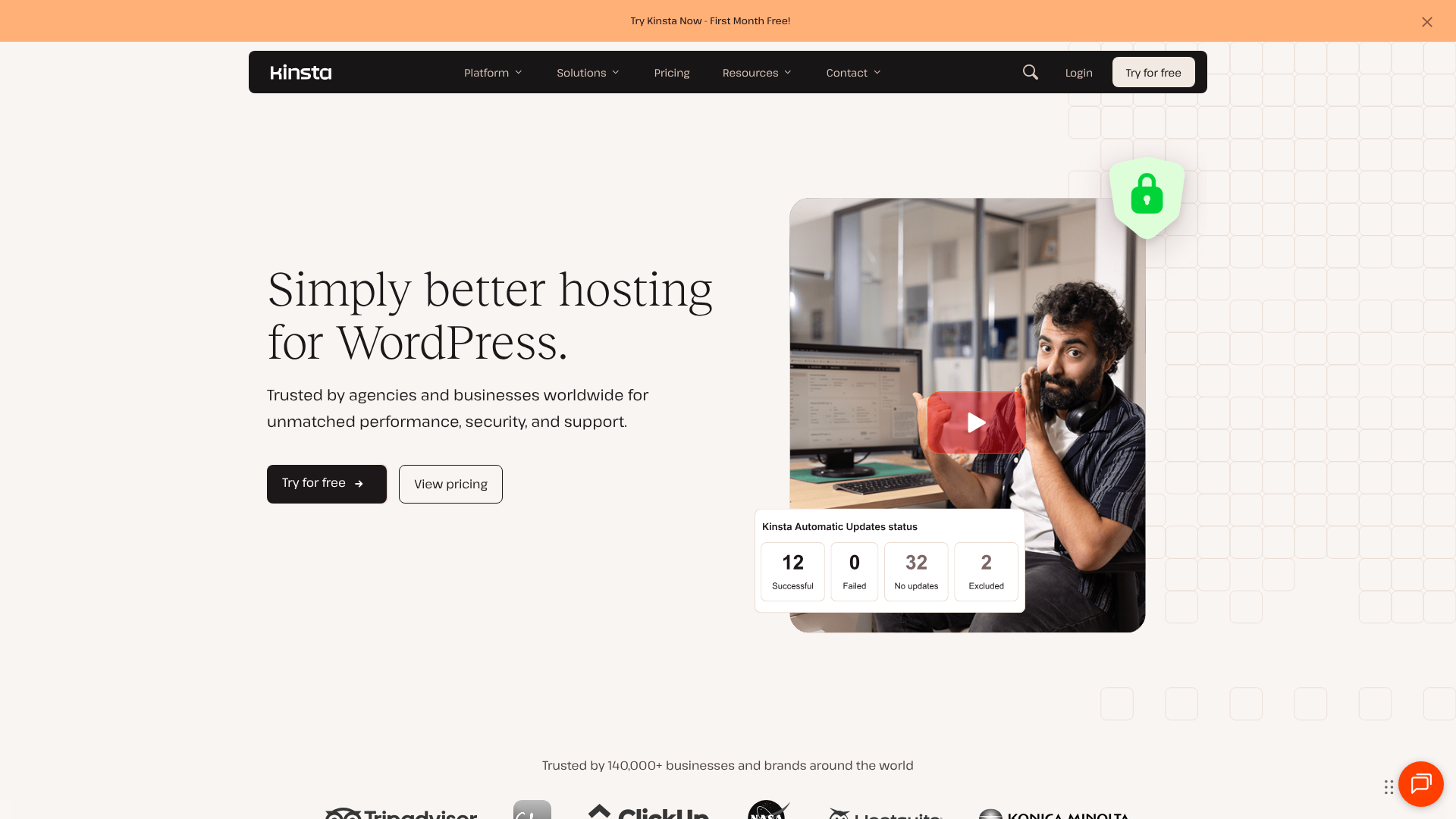
Kinsta's custom-built MyKinsta dashboard is widely praised for its clean, modern, and intuitive design. From the main screen, you can see all your sites, monitor resource usage, and access key tools. Creating a new site, deploying a staging environment, or restoring a backup can all be done with just a few clicks.
Key features like the Kinsta APM tool for performance monitoring, site analytics, and database management are seamlessly integrated. The user interface is fast, responsive, and organised logically, making it easy for both beginners and experienced developers to find what they need without getting lost in menus.
The WP Engine User Portal
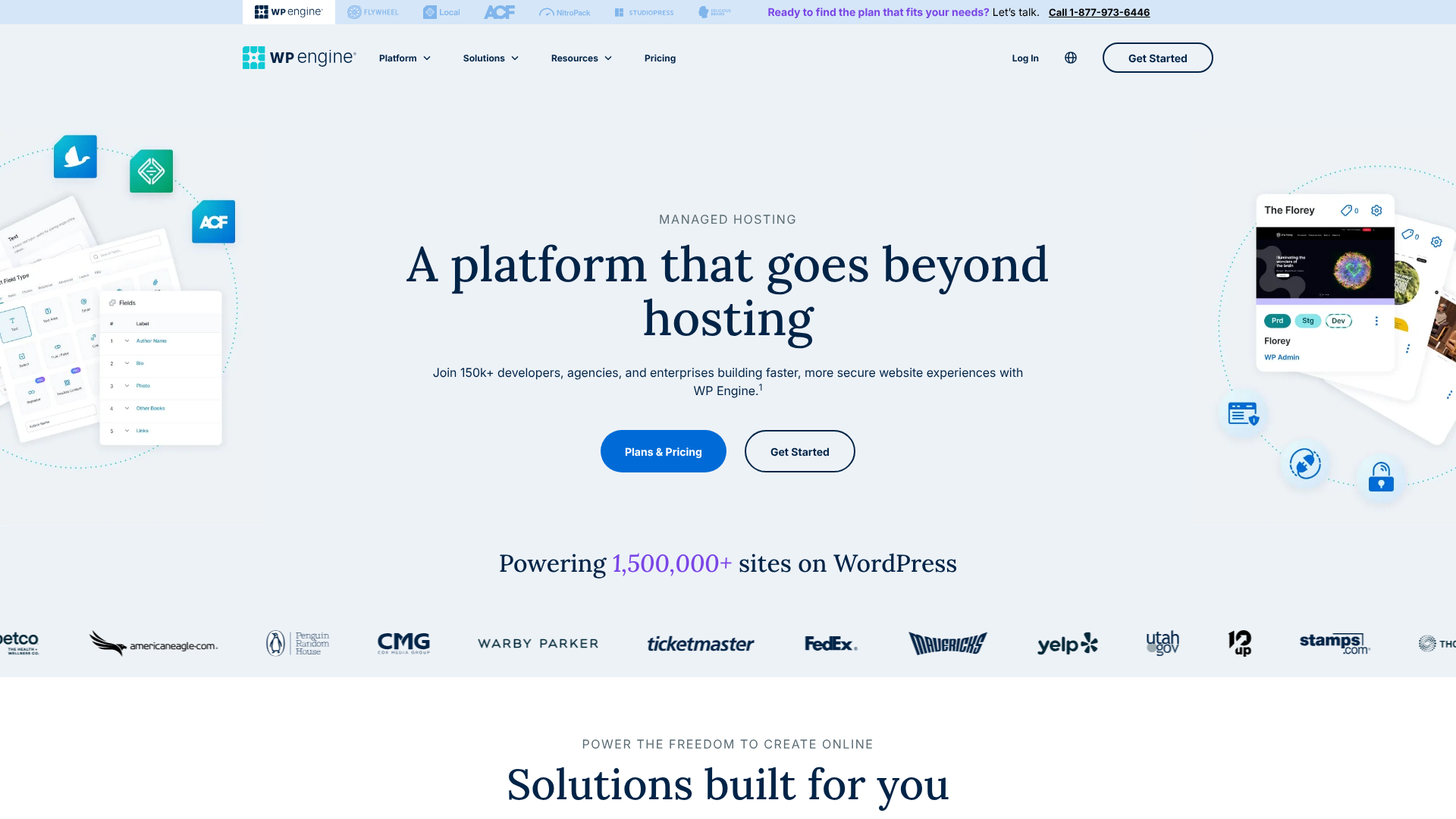
WP Engine's User Portal is powerful and functional, though some users find its design slightly more dated than MyKinsta. Its standout feature is the clear separation of the three environments: Production, Staging, and Development. This is a huge asset for their target audience of agencies and developers.
You can easily copy a site between these environments, manage user permissions, and access tools like SSH Gateway and error logs. While it may have a slightly steeper learning curve for absolute beginners, it provides granular control that professional development teams appreciate.
Pro Tip: When evaluating dashboards, consider your daily workflow. If you primarily manage content and need simple tools, Kinsta's intuitive UI is excellent. If you're part of a development team constantly pushing code, WP Engine's three-environment structure might be a better fit.
A Kinsta vs WP Engine Review of Customer Support
When your site is down or you're facing a technical issue, the quality of customer support becomes paramount. This is an area where both companies excel, but they take different approaches.
Kinsta's Expert-Led Support
Kinsta's support model is unique. They don't have traditional Level 1 or Level 2 support tiers. Every support request, no matter how simple, is handled by a highly-skilled WordPress engineer. This means you get expert help right away without being escalated through multiple agents.
Support is available 24/7 exclusively through live chat in the MyKinsta dashboard. While some users miss phone support, this text-based system allows engineers to share links, code snippets, and screenshots efficiently. Response times are typically under two minutes, and users consistently praise the depth of knowledge and problem-solving ability of the support team. A user on a Reddit discussion noted that Kinsta's support felt more like having a dedicated sysadmin on call.
WP Engine's Award-Winning Support
WP Engine has built a reputation on its excellent, 24/7 customer support, which has won multiple Stevie Awards. They offer support via live chat for all plans and 24/7 phone support for all plans except the entry-level Startup tier. This multi-channel approach is a plus for those who prefer speaking to a person.
Their support team is well-trained and knowledgeable about WordPress. However, they use a more traditional tiered system. For basic queries, you'll get a quick resolution from a front-line agent. For more complex technical issues, your ticket may need to be escalated to a senior engineer, which can sometimes add a delay to the resolution process.
Development Workflows: Environments and Tools
For developers and agencies, the hosting environment's workflow tools are just as important as its speed. This is arguably WP Engine's strongest area.
WP Engine's Three-Environment System (Dev, Stage, Prod)
WP Engine is famous for its three-environment workflow, which is included on all plans. This provides separate, one-click environments for Development, Staging, and Production. This setup allows teams to build new features in a safe development sandbox, test them with clients or QA teams on a staging server, and then push them to the live production site with confidence.
This structured process is invaluable for preventing errors on live sites and is a standard practice in professional software development. They also offer integration with their Local development tool, allowing for a seamless offline-to-online workflow.
Kinsta's Staging Environment
Kinsta offers a one-click staging environment for every site. This allows you to create a clone of your live site to safely test updates, plugins, or design changes before pushing them live. For most website owners and small businesses, this single staging environment is more than sufficient.
However, it lacks the third dedicated 'development' environment that WP Engine provides. While you can create additional 'Premium Staging Environments' as a paid add-on, it's not the same integrated, three-tier system that comes standard with WP Engine.
Developer-Friendly Features (Git, SSH, WP-CLI)
Both platforms are built for professionals and provide all the essential developer tools. You get SSH access, Git integration, and WP-CLI pre-installed on both hosts. This allows for command-line management, version control, and automated deployments, catering to modern development practices.
Security: Fortifying Your WordPress Site

In today's environment, website security is non-negotiable. Both hosts take a proactive approach to security, implementing measures at the server level to protect your site.
Proactive Security Measures
Both WP Engine and Kinsta offer a robust security foundation. This includes dedicated firewalls, continuous malware scanning, and automatic detection of threats. They also enforce strong password policies and support two-factor authentication to secure your account.
Crucially, both platforms offer a free hack-fix guarantee. If your website is compromised while hosted on their platform, their teams will repair it for free. This provides immense peace of mind and can save you hundreds or thousands of pounds in cleanup fees.
Kinsta's Cloudflare Enterprise Advantage
As mentioned in the performance section, Kinsta's inclusion of Cloudflare Enterprise is a massive security benefit. It provides an enterprise-grade Web Application Firewall (WAF) that intelligently blocks malicious traffic before it even reaches your server. It also includes free, unmetered DDoS mitigation that can withstand even the largest attacks.
WP Engine's Security Add-ons
WP Engine's core platform is highly secure, featuring a proprietary WAF and real-time threat detection. However, for the highest level of protection, such as advanced DDoS mitigation and a more sophisticated WAF, you may need to purchase their Global Edge Security add-on. While effective, this comes at an additional cost, whereas Kinsta includes comparable protection as standard.
Backups and Migrations
Reliable backups and a smooth migration process are fundamental features of any quality managed host.
Backup Systems and Restore Points
Both providers offer excellent backup solutions. They create automatic daily backups of your entire site and retain them for a set period (Kinsta for 14-30 days depending on the plan, WP Engine for 40 days). You can also create manual backups at any time before making significant changes.
Restoring a backup is a simple one-click process in both dashboards, allowing you to roll back your site to a previous state quickly. Kinsta also offers more frequent backup options as a paid add-on, such as hourly backups, which is ideal for highly dynamic sites like e-commerce stores.
The Migration Process
This is another area with a clear difference in approach. Kinsta offers at least one free 'premium' migration with every plan, and more on higher tiers. This means their team of engineers will manually migrate your existing site for you, ensuring a seamless, hands-off transition.
WP Engine provides a free Automated Migration plugin. You install this plugin on your old site, enter your WP Engine details, and it handles the migration process automatically. The plugin works very well for most standard WordPress sites, but it's a more do-it-yourself approach compared to Kinsta's white-glove service.
Who Should Choose WP Engine?
WP Engine is an outstanding choice for specific types of users who can take full advantage of its unique strengths. It's the ideal platform for development agencies, freelance developers, and larger businesses with dedicated tech teams.
The three-environment workflow (Dev/Stage/Prod) is its killer feature, providing a professional and safe process for building and maintaining complex websites. If your team collaborates on code and follows a structured deployment pipeline, WP Engine is built for you. Additionally, the inclusion of the Genesis Framework and StudioPress themes adds significant value for those who build sites using that ecosystem.
Pros of WP Engine
- Three-Environment Workflow: The Dev/Stage/Prod setup is best-in-class for professional development.
- Genesis Framework Included: Access to premium themes and the powerful Genesis framework is a great perk.
- Excellent Support: Award-winning 24/7 support with phone access on most plans.
- Strong Security: A highly secure platform with a reliable hack-fix guarantee.
Cons of WP Engine
- Complex Pricing: The dual metric of visits and bandwidth can make costs unpredictable.
- Cost of Add-ons: Key features like advanced security and APM often cost extra.
- DIY Migrations: The free migration is handled by a plugin, not by an expert team.
Who Should Choose Kinsta?
Kinsta is the perfect host for users who prioritise all-out performance, simplicity, and all-inclusive value. It's an excellent fit for high-traffic blogs, WooCommerce stores, and businesses with a global audience.
Its use of Google's fastest C2/C3D VMs on all plans ensures top-tier speed, while the bundled Cloudflare Enterprise integration provides unmatched performance and security value out of the box. The straightforward, visit-based pricing and expert-led support model make it a reliable and predictable partner for businesses that want to focus on growth, not on managing their hosting.
Pros of Kinsta
- Superior Performance: C2/C3D VMs and Edge Caching deliver incredible speed.
- All-Inclusive Features: Cloudflare Enterprise and APM tool included on all plans.
- Predictable Pricing: Simple, visit-based pricing with no bandwidth overages.
- Expert Support: Every query is handled by a skilled engineer, ensuring fast, effective solutions.
- Free Premium Migrations: White-glove migration service handled by their team.
Cons of Kinsta
- No Phone Support: Support is limited to an excellent 24/7 live chat.
- Fewer Environments: The standard two-environment (Stage/Prod) setup is less flexible for complex dev teams.
Frequently Asked Questions (FAQ)
Is Kinsta a good host?
Yes, Kinsta is widely regarded as one of the best managed WordPress hosts available. It excels in performance, security, and customer support. Its use of Google Cloud's premium infrastructure and the inclusion of features like Cloudflare Enterprise make it a top choice for serious businesses and high-traffic websites.
Why is Kinsta so expensive?
Kinsta's pricing reflects its premium infrastructure and all-inclusive feature set. You are paying for access to Google's fastest servers (C2/C3D VMs), an enterprise-grade CDN and WAF (Cloudflare Enterprise), expert-level support, and a free hack-fix guarantee. When you factor in the cost of purchasing these services separately, Kinsta often provides better value than cheaper hosts.
Who are WP Engine's competitors?
WP Engine's main competitors in the managed WordPress hosting space are Kinsta, Flywheel (which WP Engine owns), Pressable, and SiteGround. Each offers a slightly different balance of features, performance, and pricing, but Kinsta is most often compared directly due to its similar focus on high-performance hosting for businesses.
Does WP Engine own Flywheel?
Yes, WP Engine acquired Flywheel in 2019. While they are part of the same parent company, they continue to operate as separate brands with distinct platforms and target audiences. Flywheel is particularly popular among designers and creative agencies for its user-friendly workflow tools.
What happened with WP Engine?
Nothing negative has happened with WP Engine; it remains a leading and highly respected managed WordPress host. The question may arise from the intense competition in the hosting market. WP Engine continues to innovate, particularly in its developer tools and enterprise solutions, maintaining its position as a top choice for agencies and large-scale WordPress sites.
Final Verdict: WP Engine vs Kinsta
After a thorough wp engine comparison, it's clear that both are exceptional hosting providers. The best choice depends entirely on your specific needs and priorities. There is no single winner, only the right fit for your use case.
Choose WP Engine if you are a developer, an agency, or part of a team that requires a structured, multi-environment workflow. Its Dev/Stage/Prod system is unmatched and provides a professional framework for building and maintaining websites safely and efficiently. It is a developer's powerhouse.
Choose Kinsta if your top priorities are raw performance, all-inclusive value, and simplicity. The combination of Google's fastest VMs, Cloudflare Enterprise on all plans, and predictable pricing makes it a performance champion. It's ideal for businesses, e-commerce stores, and publishers who want the best speed and security without the complexity of add-ons.