

HubSpot CRM vs Zoho: Which is Better for Small Businesses in 2026?
Choosing the right Customer Relationship Management (CRM) platform is a critical decision for any business. It’s the central hub for your customer data, sales pipeline, and marketing efforts. Two of the most prominent names in the industry are HubSpot and Zoho, and a detailed comparison of HubSpot CRM vs Zoho reveals two very different philosophies on how to manage customer relationships. Both offer powerful tools, but they cater to different needs, budgets, and business priorities.
- Essential Points
- HubSpot CRM vs Zoho: At a Glance Comparison
- An Overview of HubSpot CRM
- An Overview of Zoho CRM
- Key Features of HubSpot CRM
- Unified Customer View and Contact Management
- Sales Pipeline Management
- Marketing and Sales Tools
- Reporting and Dashboards
- Key Features of Zoho CRM
- Advanced Workflow Automation
- Process Management with Blueprints
- Zia AI Sales Assistant
- Unmatched Customisation
- Comparison of Pricing Models
- User Experience and Interface Comparison
- Integrations and API Capabilities
- Customer Support and Resources
- Best Use Cases for HubSpot CRM
- Best Use Cases for Zoho CRM
- Frequently Asked Questions (FAQ)
- Is HubSpot CRM really free?
- Is Zoho better than HubSpot?
- Can Zoho replace HubSpot?
- What is the main disadvantage of HubSpot?
- Final Thoughts: HubSpot vs Zoho – The Verdict
HubSpot is renowned for its user-friendly interface and its powerful, free CRM that serves as the core of its all-in-one marketing, sales, and service platform. It’s built around an inbound marketing methodology, designed to attract customers naturally. On the other hand, Zoho presents itself as the “operating system for business,” offering a sprawling suite of over 50 integrated applications, with Zoho CRM at its heart. It champions deep customisation and affordability, making it a strong contender for businesses that need a tailored solution.
This guide will break down the key differences in the HubSpot vs Zoho debate, covering everything from features and pricing to user experience and ideal use cases. We'll help you understand which platform aligns best with your team's workflow, growth goals, and budget.
Essential Points
- Ease of Use vs. Customisation: HubSpot CRM excels in user-friendliness and intuitive design, making it perfect for teams needing a quick start. Zoho offers far deeper customisation options, ideal for businesses with unique processes, but it comes with a steeper learning curve.
- Pricing Philosophy: HubSpot's free CRM is one of the best available, but its paid Hubs can become expensive as you add contacts and features. Zoho generally offers more advanced features at lower price points, providing better value for scaling teams.
- Ecosystem Approach: HubSpot integrates seamlessly with thousands of third-party apps, positioning itself as a central hub that connects to your existing tools. Zoho’s main strength is its own vast ecosystem of native apps (finance, HR, projects), creating a tightly integrated, all-in-one solution from a single vendor.
- Ideal User: HubSpot is best for marketing-led businesses that prioritise inbound strategies and a clean, simple user experience. Zoho is better suited for sales-driven organisations that require granular control, complex workflow automation, and a budget-friendly path to scale.
HubSpot CRM vs Zoho: At a Glance Comparison
Before we dive deep, here’s a high-level look at how these two CRM giants stack up against each other.
| Feature | HubSpot CRM | Zoho CRM |
|---|---|---|
| Free Plan | Excellent free-forever plan with generous features for unlimited users. | Free plan available for up to 3 users, but with more limitations. |
| Ease of Use | Industry-leading. Extremely intuitive and easy to set up. | Moderate. More complex and data-dense, requires more configuration. |
| Core Focus | Inbound marketing and sales alignment. An all-in-one growth platform. | Sales force automation and business process management. |
| Customisation | Good, but deep customisation is often reserved for higher-priced tiers. | Excellent. Highly customisable modules, fields, and layouts even on lower tiers. |
| Ecosystem | Strong integration with a vast marketplace of third-party apps. | Unmatched native ecosystem with 50+ Zoho business apps. |
| Pricing Model | Free core CRM. Paid Hubs (Marketing, Sales) scale with features and contacts. | Traditional per-user, per-month pricing. Very cost-effective. |
| Best For | Start-ups, SMBs, and marketing-focused teams prioritising ease of use. | Businesses of all sizes needing a powerful, customisable, and affordable CRM. |
An Overview of HubSpot CRM
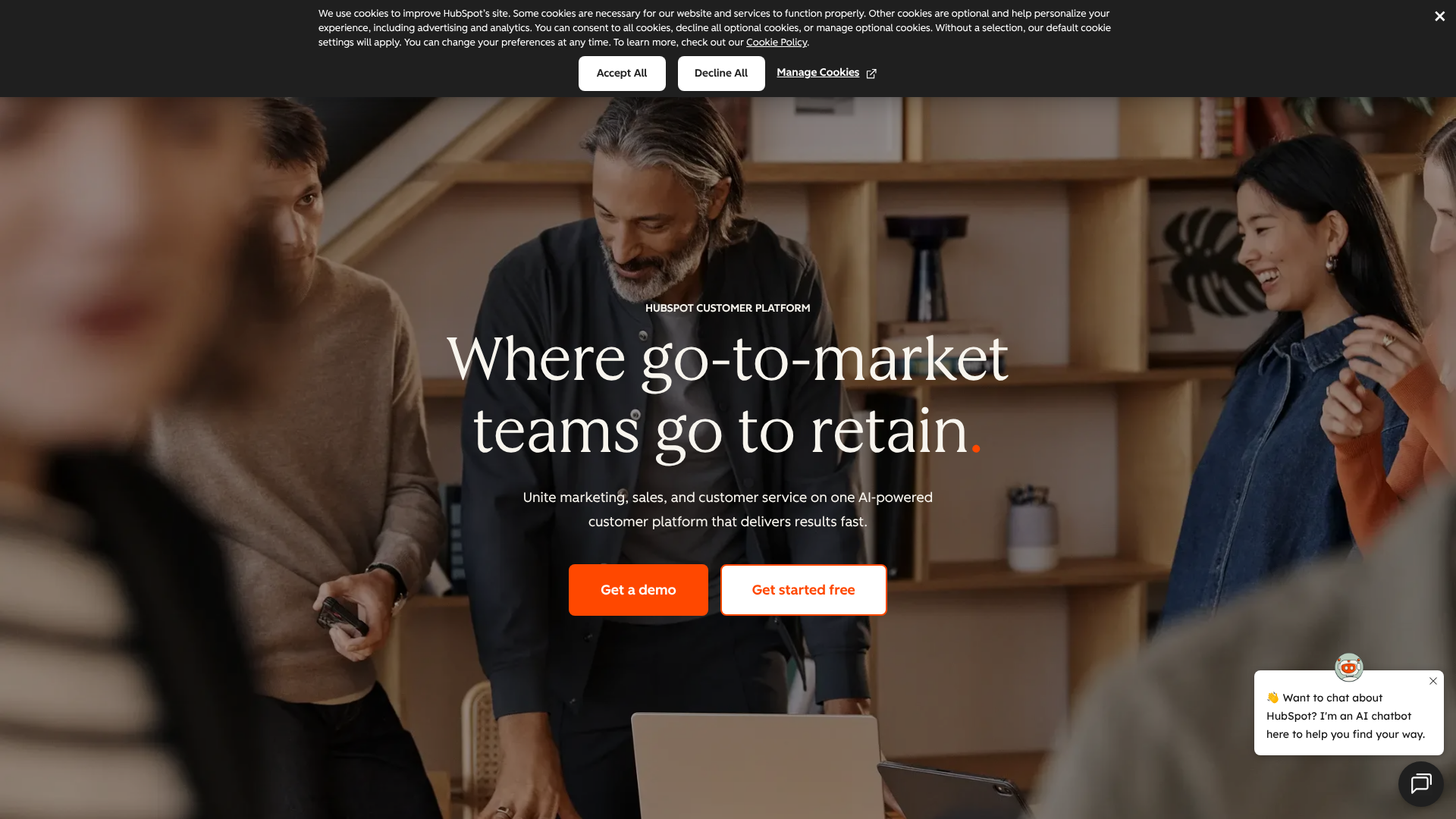
HubSpot entered the market in 2006 with a clear mission: to transform how businesses approach marketing and sales. Instead of outbound tactics like cold calls and email blasts, HubSpot championed the “inbound” methodology—creating valuable content and experiences that attract customers to you. The HubSpot CRM platform is the engine that powers this philosophy.
At its core, HubSpot offers a completely free CRM that is surprisingly powerful. It allows for unlimited users and can store up to one million contacts, making it an accessible starting point for any business. This free tool includes essential features like contact management, deal tracking, pipeline management, and task scheduling. It’s designed to provide immediate value without a price tag, serving as the foundation for the entire HubSpot ecosystem.
Where HubSpot truly expands is through its paid “Hubs”: Marketing Hub, Sales Hub, Service Hub, CMS Hub, and Operations Hub. Each Hub adds a layer of specialised functionality onto the core CRM. For example, Sales Hub adds advanced deal automation and e-signature capabilities, while Marketing Hub introduces email marketing automation and landing page creation. This modular approach allows businesses to pick and choose the tools they need, but it's also where the costs can begin to add up.
An Overview of Zoho CRM
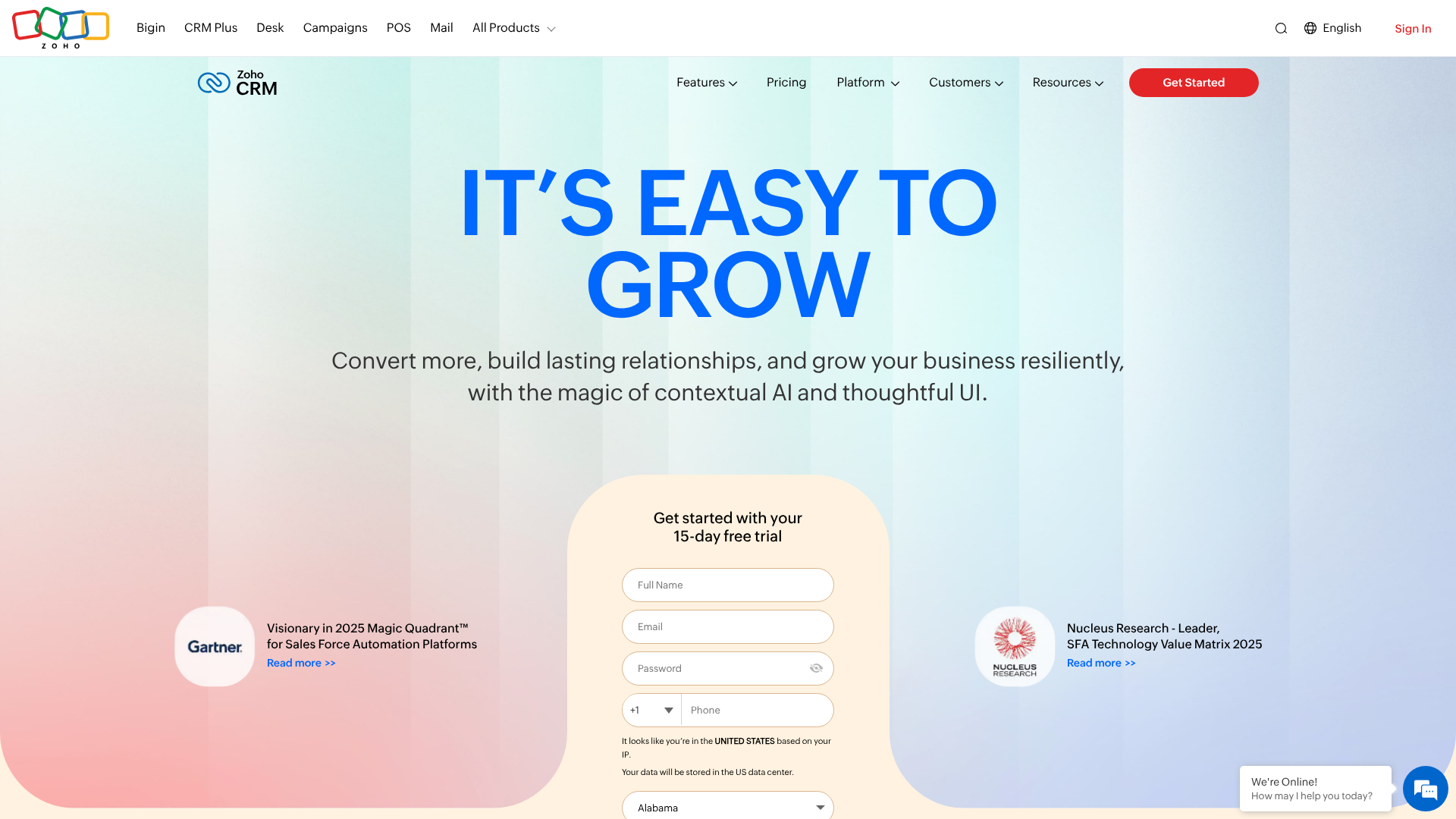
Zoho Corporation has been around since 1996, and its approach is vastly different from HubSpot’s. Zoho’s ambition is to be the single software vendor a business ever needs. It offers a massive suite of applications known as Zoho One, which covers everything from finance (Zoho Books) and HR (Zoho People) to project management (Zoho Projects) and, of course, customer relationship management with Zoho CRM.
Zoho CRM is the flagship product in this extensive portfolio. It is designed to be a powerful, flexible, and highly customisable platform that can adapt to any business process. While HubSpot focuses on a streamlined, guided experience, Zoho provides a toolkit for businesses to build their ideal CRM from the ground up. This includes creating custom modules, designing unique page layouts, and building complex, multi-stage automation workflows.
This emphasis on customisation makes it a favourite among businesses with non-standard sales cycles or those who need to manage complex data relationships. Zoho also integrates an AI-powered sales assistant called Zia, which provides predictions, suggestions, and anomaly alerts to help sales teams work smarter. While it offers a free plan, the real power of Zoho CRM is unlocked in its affordable paid tiers, which pack in features that competitors often charge a premium for.
Key Features of HubSpot CRM
HubSpot’s feature set is organised around its different Hubs, all built on top of the central CRM database. This structure ensures that data is shared across marketing, sales, and service teams, providing a single source of truth for every customer interaction.
Unified Customer View and Contact Management
Every interaction a contact has with your business—from opening an email to visiting a pricing page or submitting a support ticket—is automatically logged on their timeline. This 360-degree view is invaluable for sales reps preparing for a call or support agents trying to understand a customer's history. The data is clean, easy to access, and requires very little manual entry.
Sales Pipeline Management
HubSpot offers a clean, visual drag-and-drop interface for managing your sales pipeline. You can create multiple pipelines with custom deal stages, set probabilities, and track deals as they move towards closing. The interface is intuitive, making it simple for sales managers to get a quick overview of the team's forecast and for reps to manage their daily priorities.
Marketing and Sales Tools
Even the free version of HubSpot CRM comes with a suite of useful tools. These include a meeting scheduler that syncs with your calendar, live chat for your website, basic email marketing capabilities, and a library of email templates. As you move into paid Hubs, these features become much more powerful, with advanced marketing automation, sequence-based email follow-ups, and detailed analytics.
Reporting and Dashboards
HubSpot provides a library of pre-built reports and dashboards that cover key sales and marketing metrics. These are easy to set up and understand, even for non-technical users. While custom reporting capabilities are more limited on lower tiers, the out-of-the-box analytics give most SMBs the insights they need to track performance and make data-informed decisions.

Key Features of Zoho CRM
A Zoho CRM comparison reveals a platform built for depth and control. Its features are designed to give businesses the power to automate and manage complex processes with precision.
Advanced Workflow Automation
This is one of Zoho's strongest areas. You can create intricate workflow rules that trigger actions based on almost any criteria. For example, you can automatically assign leads to reps based on territory, send a follow-up email when a deal stage changes, or create a task when a contact hasn't been touched in 30 days. This level of automation helps enforce processes and saves significant time.
Process Management with Blueprints
Zoho's Blueprint feature is a unique tool that allows you to build and enforce a specific sales process. You can define every stage of a process and dictate exactly what actions a sales rep must take before moving to the next stage. This is incredibly useful for organisations with regulated sales cycles or for training new reps to follow a proven methodology.
Zia AI Sales Assistant
Zia is Zoho's AI-powered assistant that works across the platform. It can predict the likelihood of a deal closing, suggest the best time to contact a lead, analyse email sentiment, and detect anomalies in your sales trends. This layer of intelligence helps teams prioritise their efforts and uncover opportunities they might have otherwise missed.
Unmatched Customisation
Zoho allows you to customise nearly every aspect of the CRM. You can create custom modules to track unique data (e.g., properties for a real estate agency), add custom fields of various types, and design page layouts to show the most relevant information to different user roles. This flexibility ensures the CRM can adapt to your business, not the other way around.
Comparison of Pricing Models
Pricing is one of the most significant battlegrounds in the HubSpot vs Zoho debate. Their approaches are fundamentally different and can have a major impact on your long-term costs.
HubSpot's Pricing Structure
HubSpot’s model is built on a “freemium” strategy. The core CRM is 100% free forever for unlimited users, which is an incredible offer. However, the real power—and cost—comes from the paid Hubs.
- Free Tools: Includes CRM, live chat, basic email marketing, and more.
- Starter Plans: These start at a relatively low price (around £15-£40/month per Hub) and are designed for individuals and small teams. They unlock more features but still have limitations.
- Professional & Enterprise Plans: This is where the price jumps significantly, often into hundreds or thousands of pounds per month. These tiers are required for serious automation, advanced reporting, and team management features. A key factor is that Marketing Hub pricing is also tied to the number of marketing contacts in your database, which can cause costs to escalate as you grow.
Zoho's Pricing Structure
Zoho uses a more traditional and transparent per-user, per-month pricing model. Its tiers are straightforward, and it consistently offers more features for a lower price compared to HubSpot.
- Free Edition: Available for up to 3 users, but it's quite basic.
- Paid Tiers (Standard, Professional, Enterprise, Ultimate): These range from approximately £12 to £45 per user per month. Even the lower-priced tiers include features like workflow automation and custom dashboards. The Enterprise plan is a popular choice, offering Zia AI and advanced customisation for a fraction of the cost of HubSpot's equivalent.
- Zoho One: This is Zoho's all-in-one bundle. For a single flat fee per employee (around £35/month), you get access to over 45 of Zoho's enterprise-level applications, including Zoho CRM Ultimate. For businesses that can use other Zoho apps, this offers unbeatable value.
Pro Tip: When comparing costs, don't just look at the starting price. Model your expected costs for 12-24 months from now, considering user growth and contact list size. HubSpot often appears cheaper to start, but Zoho is frequently more cost-effective for scaling.
User Experience and Interface Comparison
How a CRM looks and feels can directly impact user adoption. A powerful CRM is useless if your team finds it too complicated to use. This is another area where HubSpot and Zoho diverge significantly.
HubSpot: Clean, Modern, and Intuitive
HubSpot is widely praised for its user experience. The interface is clean, uncluttered, and easy to navigate. It uses a lot of white space and clear visuals, which reduces cognitive load and makes the platform feel approachable. Onboarding is simple, and most users can become proficient with the core features in a matter of hours with minimal training. This focus on simplicity is a core part of HubSpot's value proposition and a major reason for its popularity, especially among teams that are not technically savvy.
Zoho: Data-Dense and Highly Configurable
Zoho's interface feels more traditional and functional. It can appear dense and a bit overwhelming to new users, with more menus, options, and data points visible on a single screen. However, this density is a by-product of its power and customisability. Once configured, you can tailor the interface to show each user exactly what they need to see, hiding irrelevant fields or modules. While the learning curve is steeper, users who invest the time to set it up properly often find it highly efficient for their specific workflows.
Integrations and API Capabilities
A CRM's ability to connect with other business tools is crucial. Both platforms offer strong integration capabilities, but they emphasise different aspects.
HubSpot's App Marketplace
H HubSpot boasts a large and well-curated App Marketplace with over 1,500 integrations. It connects with major players in every category, including Slack, Zapier, PandaDoc, and major accounting software. HubSpot focuses on deep, high-quality integrations that often feature two-way data syncs. This makes it an excellent choice for businesses that want to build a “best-of-breed” tech stack, using HubSpot as the central customer data hub that connects to other specialised tools.
Zoho's Native Ecosystem
Zoho's greatest integration strength is its own ecosystem. If you use Zoho CRM alongside Zoho Books (accounting), Zoho Desk (customer support), and Zoho Campaigns (email marketing), the integration is seamless and works out of the box. This “all-in-one” approach simplifies vendor management and ensures data flows perfectly between departments. While Zoho also has a marketplace for third-party integrations, it's smaller than HubSpot's, and the primary draw remains the power of its native suite.

Customer Support and Resources
When you run into an issue, the quality of customer support and the availability of learning resources become paramount.
HubSpot: World-Class Education
HubSpot is famous for its educational content. The HubSpot Academy offers a vast library of free courses and certifications on everything from inbound marketing to sales management. Their blog and knowledge base are extensive and incredibly helpful. However, direct customer support (phone and email) is tied to your subscription level. Free users are limited to a community forum, while Starter plans get email and chat support. Phone support is reserved for the more expensive Professional and Enterprise tiers.
Zoho: Accessible Support for All Paid Users
Zoho provides phone, email, and chat support to all customers on its paid plans, which is a significant advantage for smaller businesses. They also have a detailed knowledge base, community forums, and a library of webinars and tutorials. While the quality of Zoho's support has received mixed reviews over the years, its accessibility across all paid tiers is a major plus. For complex implementation or customisation, both platforms have a network of certified partners and consultants available for hire.
Best Use Cases for HubSpot CRM
So, when does it make the most sense to choose HubSpot? Here are the ideal scenarios:
- You Prioritise Ease of Use: If you need a CRM that your team can adopt quickly with minimal training, HubSpot is the clear winner. Its intuitive design ensures high user adoption rates.
- Your Business is Marketing-Led: Companies that rely on content marketing, SEO, and inbound lead generation will find HubSpot's tools perfectly aligned with their strategy. The seamless integration between the CRM and Marketing Hub is its killer feature.
- You're a Start-up or Small Business: The free HubSpot CRM is an unbeatable starting point. It provides a robust foundation that can support your business through its early growth stages without any financial investment.
- You Need a Central Hub for Your Tech Stack: If you already use and love several other SaaS tools (like Slack, Google Workspace, etc.), HubSpot's strong third-party integrations make it an excellent central nervous system for your operations.
Best Use Cases for Zoho CRM
And when is Zoho the smarter choice? Consider Zoho if your business fits one of these profiles:
- You Have Unique or Complex Sales Processes: If you need to heavily customise your CRM to match your specific workflow, Zoho's flexibility is unmatched. The ability to create custom modules and use Blueprint is essential for these businesses.
- You Are Budget-Conscious but Need Power: Zoho consistently delivers more advanced features for a lower cost. If you need sales force automation, advanced analytics, and AI features without the enterprise price tag, Zoho is the way to go.
- You Want an All-in-One Business Suite: For businesses looking to consolidate their software stack and reduce vendor sprawl, the Zoho One bundle is a game-changer. Getting CRM, finance, HR, and more for one low price is an incredible value proposition.
- You Have Some Technical Resources: While you don't need to be a developer, having someone on the team who is comfortable with configuration and setup will help you get the most out of Zoho's powerful platform.
Frequently Asked Questions (FAQ)
Is HubSpot CRM really free?
Yes, the core HubSpot CRM platform is 100% free forever. It allows for unlimited users and up to one million contacts. This free version includes essential tools for contact management, deal tracking, and pipeline visualisation. However, more advanced features for marketing automation, sales sequences, and customer service are part of the paid "Hubs," which can become quite expensive.
Is Zoho better than HubSpot?
Neither platform is objectively “better”; they are better for different types of businesses. HubSpot is better for companies that prioritise an easy-to-use interface and have a strong focus on inbound marketing. Zoho is better for businesses that need deep customisation, have complex sales processes, and are looking for the most features for their budget.
Can Zoho replace HubSpot?
Absolutely. Zoho CRM offers a feature set that is not only comparable to HubSpot's but often more advanced, especially when comparing similarly priced tiers. With tools for sales automation, marketing campaigns, and customer support (through Zoho Desk), the Zoho ecosystem can fully replace the functionality of the HubSpot Growth Suite, often at a lower total cost.
What is the main disadvantage of HubSpot?
The primary disadvantage of HubSpot is its pricing model. While the free CRM is a great entry point, the cost of the paid Hubs can escalate very quickly, particularly for the Professional and Enterprise tiers. The pricing for the Marketing Hub is also tied to the number of contacts you store, which means your bill will grow alongside your lead database, making it potentially very expensive for companies with large audiences.
Final Thoughts: HubSpot vs Zoho – The Verdict
The choice between HubSpot CRM and Zoho CRM ultimately comes down to a fundamental business decision: do you prioritise simplicity and a guided user experience, or do you need power, flexibility, and granular control?
Choose HubSpot if your priority is getting your team up and running fast on an intuitive platform. It's the ideal solution for marketing-focused businesses that live and breathe the inbound methodology. The free CRM provides a risk-free way to get started, and its clean interface ensures your team will actually use it. It's an investment in ease of use and seamless marketing-to-sales alignment.
Choose Zoho if your business demands a CRM that can be moulded to fit your unique processes. It’s the more powerful and cost-effective option for companies that need to manage complex workflows and scale their operations without breaking the bank. If you're willing to invest a bit more time in setup and configuration, Zoho rewards you with a level of control and a breadth of functionality that is hard to beat for the price.
For most small businesses starting out, the best path is often to begin with the free HubSpot CRM to organise your contacts and sales process. As your needs become more complex, you can evaluate whether to upgrade within the HubSpot ecosystem or make the switch to a more customisable platform like Zoho.