

WP Engine vs Kinsta: Which Host Is Better for High-Traffic Sites in 2026?
Choosing a managed WordPress host is a critical decision for any serious business, and the debate often comes down to two industry giants. In this comprehensive comparison of WP Engine vs Kinsta, we'll break down every crucial aspect of their services. Both platforms promise exceptional speed, security, and support, but they achieve these goals through different philosophies and technologies, making them suitable for different types of users.
- Quick Summary
- WP Engine vs Kinsta: At a Glance Comparison
- An Introduction to the Titans of Managed WordPress Hosting
- Performance and Speed: The Kinsta vs WP Engine Showdown
- Pricing and Plans: A Detailed Cost Comparison
- Customer and Technical Support: Who Has Your Back?
- Deep Dive into WP Engine's Features
- Exploring Kinsta's Powerful Toolkit
- User Reviews and Real-World Experiences
- Who Should Choose WP Engine?
- Who is Kinsta Best For?
- Frequently Asked Questions (FAQ)
- Is Kinsta worth it?
- Is WP Engine a good company?
- What happened with WP Engine?
- How does Kinsta compare to other hosts?
- Final Thoughts: The Verdict
Whether you're an agency managing multiple client sites, an e-commerce store where every millisecond counts, or a high-traffic publisher, the choice you make will directly impact your site's performance, scalability, and your own peace of mind. We're moving beyond the marketing claims to give you a detailed, data-driven look at how these two hosts stack up in the real world.
This guide will explore their core infrastructure, pricing models, feature sets, and customer support quality. By the end, you'll have a clear understanding of which provider—WP Engine or Kinsta—is the right partner for your website's growth.
Quick Summary
- Choose Kinsta for Raw Speed: Kinsta is built exclusively on the Google Cloud Platform's fastest machines (C2 and C3D) and includes its high-performance CDN with Edge Caching on all plans, often giving it a slight edge in speed tests.
- Choose WP Engine for Security & Stability: WP Engine offers a more layered, proprietary security approach and a generous 60-day backup retention policy, making it a strong choice for businesses that prioritise stability and disaster recovery.
- Developer Tools: Kinsta offers the highly-praised DevKinsta for local development, which integrates smoothly with its hosting. WP Engine provides its own Local tool and features like transferable installs, which are excellent for agencies.
- Support Quality: Both are known for excellent support, but Kinsta's model of providing access to Level 2 engineers for all customers via chat is frequently highlighted as a key advantage by users.
- Global Reach: Kinsta has a wider network of data centres (35+), making it an ideal choice for websites with a global audience, as it can reduce latency for international visitors.
WP Engine vs Kinsta: At a Glance Comparison

Before we dive deep, here is a side-by-side look at the key specifications for the entry-level plans from both hosts. This table provides a quick overview of what you get for your initial investment.
| Feature | WP Engine (Startup Plan) | Kinsta (Starter Plan) |
|---|---|---|
| Pricing (approx.) | Check website for current pricing | Check website for current pricing |
| WordPress Installs | 1 | 1 |
| Monthly Visits | 25,000 | 25,000 |
| Storage | 10 GB | 10 GB |
| Bandwidth | 50 GB | 100 GB (via Cloudflare) |
| Data Centres | ~20 (Google Cloud & AWS) | 35+ (Google Cloud Platform) |
| CDN | Included (Proprietary + Cloudflare) | Included (Cloudflare Enterprise) |
| Free SSL | Yes (Let's Encrypt) | Yes (Let's Encrypt with wildcard support) |
| Staging Environments | Yes (Dev/Stage/Prod) | Yes (Standard + Premium Add-on) |
| Backup Retention | 60 days (40 daily + manual) | 30 days (daily, manual, etc.) |
| Support Channels | 24/7 Live Chat | 24/7 Live Chat |
An Introduction to the Titans of Managed WordPress Hosting
Understanding the background of each company helps to frame the kinsta vs wp engine comparison. They are not just two random hosting companies; they are pioneers who have shaped the managed WordPress hosting landscape. Their origins and core philosophies influence every aspect of their service, from the technology they use to the support they provide.
WP Engine was founded in 2010 and is arguably the company that popularised the concept of managed WordPress hosting. They identified a significant gap in the market: developers and businesses needed a hosting environment built specifically for WordPress, one that handled security, updates, caching, and performance optimisation automatically. Based in Austin, Texas, WP Engine has grown into an enterprise-level powerhouse, serving over 1.5 million websites and earning a reputation for reliability and robust security.
Kinsta, founded in 2013, entered the market as a challenger with a fresh perspective. The founders, themselves WordPress developers, were dissatisfied with existing hosting solutions and decided to build their own. Kinsta's key differentiator from the start was its exclusive use of the Google Cloud Platform (GCP). This decision allowed them to leverage Google's cutting-edge infrastructure to deliver exceptional speed and scalability, quickly earning them a following among performance-obsessed users and developers.
Performance and Speed: The Kinsta vs WP Engine Showdown
For most users, the primary reason to choose a premium managed host is performance. Slow loading times can kill conversions, harm SEO rankings, and frustrate users. Both WP Engine and Kinsta have built their reputations on delivering fast, reliable performance, but they approach it with different technological stacks.
Infrastructure and Hardware
Kinsta's entire platform is built on the Google Cloud Platform and, crucially, utilises their top-tier Compute-Optimised C2 and C3D virtual machines for all clients, regardless of their plan. These are some of the fastest servers available in the cloud market, designed for CPU-intensive workloads. This commitment to using the best available hardware across the board is a significant factor in Kinsta's consistently high performance benchmarks.
WP Engine also uses top-tier cloud providers, including Google Cloud Platform and Amazon Web Services (AWS). This gives them flexibility, but the specific hardware your site runs on can vary. While they use high-performance servers, they don't standardise on a single, top-of-the-line machine type in the same way Kinsta does. However, their platform is highly optimised, and for most websites, the performance is excellent.
Content Delivery Network (CDN)
A CDN is essential for serving assets quickly to a global audience. Kinsta integrates with Cloudflare's Enterprise network for all plans. This includes features like full-page edge caching, which can dramatically speed up sites by serving the entire HTML page from a Cloudflare server close to the user. With over 275+ locations, this provides a massive performance boost for international traffic.
WP Engine has historically used its own proprietary CDN solution combined with services from Cloudflare. Their advanced network is highly effective and includes features like Global Edge Security. While it performs very well, Kinsta's inclusion of Cloudflare's premium Edge Caching on all plans is a compelling advantage for sites that need the absolute fastest global delivery.
Caching Technology
Caching is another critical performance factor. WP Engine is famous for its proprietary caching system, EverCache. It's an aggressive and highly effective system that intelligently caches pages, objects, and database queries to minimise server load and deliver pages rapidly. It's one of the cornerstones of their platform and is finely tuned for WordPress.
Kinsta employs a multi-layered caching approach that includes server-level full-page caching, object caching (Redis or Memcached available as an add-on), and the aforementioned Cloudflare edge caching. This combination is powerful and highly configurable, giving users fine-grained control over how their site is cached and served to visitors around the world.

Pricing and Plans: A Detailed Cost Comparison
When considering WP Engine or Kinsta, pricing is a major factor. Both are premium services, and their prices reflect the quality of the technology and support provided. They are not budget hosts, and their plans are structured around resources like the number of sites, monthly visits, and storage.
WP Engine's plans typically start with their 'Startup' tier, designed for a single small website or blog. This plan includes a generous amount of resources for its price point, including 25,000 monthly visits and 10 GB of storage. As you move up their tiers—'Professional', 'Growth', and 'Scale'—you get more sites, visits, and storage, along with features like phone support. For large-scale needs, they offer custom enterprise solutions.
Kinsta's pricing structure is similar, starting with their 'Starter' plan. This plan also accommodates 25,000 visits and provides 10 GB of storage. Their plans scale up through 'Pro', 'Business', and 'Enterprise' tiers, each offering more resources and PHP workers (which are crucial for handling dynamic sites like e-commerce stores). Kinsta's pricing is very transparent, with clear costs for each tier.
One of the most important differences to understand is how each host handles overages. If your site exceeds the monthly visit limit, you will be charged an overage fee. Kinsta's overage fees are known to be quite strict and can add up quickly if you consistently exceed your plan's limits. WP Engine's overage policy can sometimes be more lenient, but it's crucial to check the current terms for both providers.
This is a critical factor for sites with unpredictable traffic spikes.
Pro Tip: When choosing a plan, don't just look at your average monthly traffic. Consider your busiest months and potential growth. It's often more cost-effective to choose a slightly larger plan than to pay expensive overage fees regularly.
Customer and Technical Support: Who Has Your Back?
A key reason businesses pay for managed hosting is to have access to expert support. When something goes wrong, you need fast, competent help. Both WP Engine and Kinsta excel in this area, but their support philosophies differ slightly.
Kinsta is famous for its support model. Every single support request, whether from a 'Starter' plan user or an enterprise client, is handled by a Level 2 or higher WordPress engineer. There is no tiered support system where you have to escalate your ticket. You get an expert from the very first interaction.
Their support is available 24/7 exclusively through a live chat widget in their MyKinsta dashboard. The response times are incredibly fast, often under a minute, and the quality of support is consistently praised in user reviews.
WP Engine also offers 24/7 support and has a team of highly trained WordPress experts. Their support is primarily delivered via live chat for lower-tier plans. For customers on their 'Growth' plan and higher, they also offer 24/7 phone support, which can be a significant advantage for users who prefer to talk through complex issues. While their first line of support is excellent, more complex technical problems may need to be escalated to a senior engineer, which can sometimes take a little longer than Kinsta's direct-to-expert model.
Ultimately, both companies provide some of the best support in the hosting industry. The choice comes down to preference. If you value immediate access to a senior engineer for every query, Kinsta's model is hard to beat. If the option of phone support is a must-have for your business, then a higher-tier WP Engine plan is the better choice.
Deep Dive into WP Engine's Features
Beyond speed and support, a great host provides tools and features that make managing and developing websites easier. WP Engine has developed a powerful suite of tools tailored for developers, agencies, and businesses.
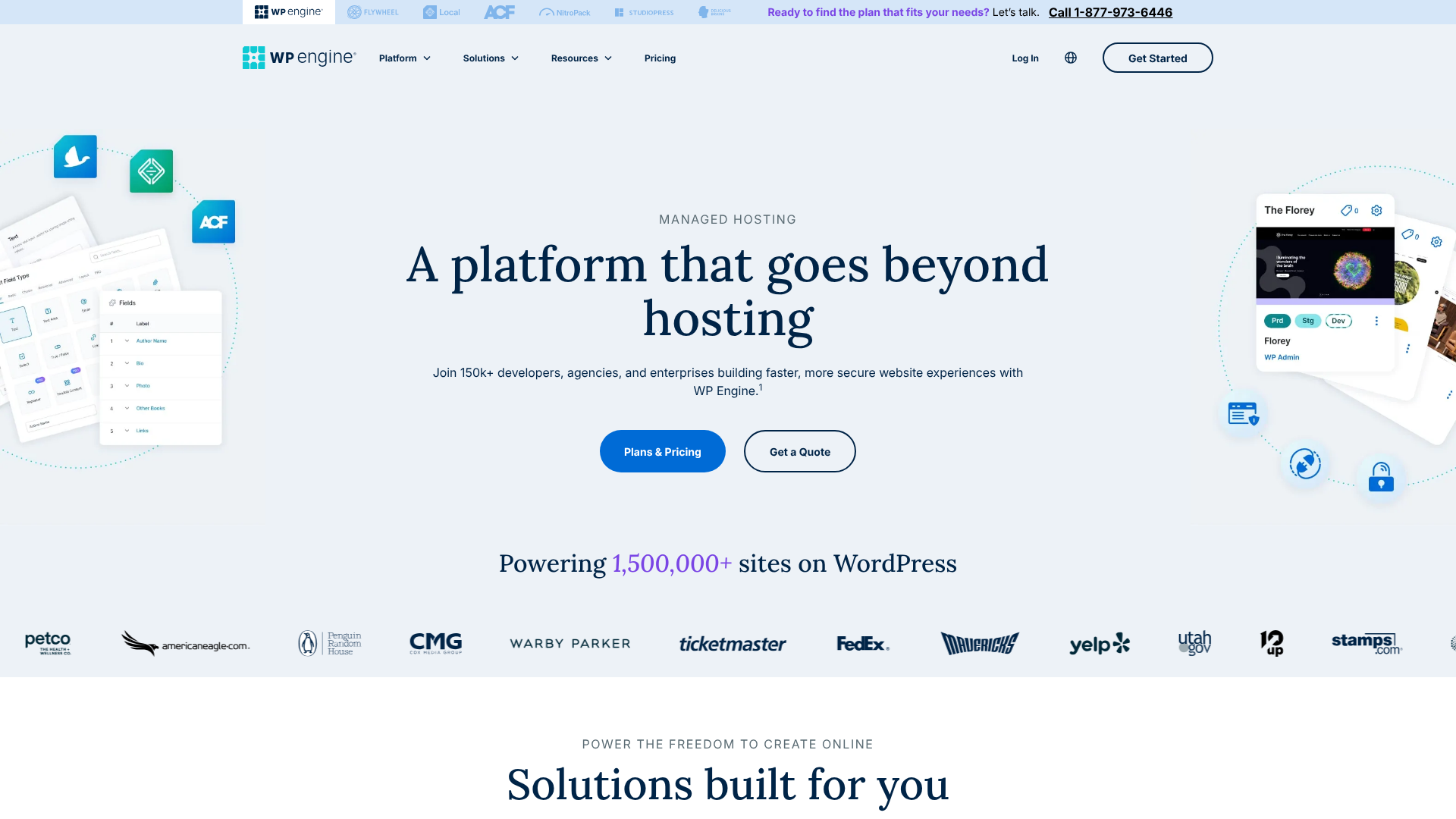
Key Features of WP Engine:
- Three-Environment Staging: WP Engine offers Development, Staging, and Production environments for every site. This three-tier system is a professional workflow that allows for rigorous testing before deploying changes live, reducing the risk of breaking your site.
- Genesis Framework & StudioPress Themes: All WP Engine customers get free access to the powerful Genesis Framework and over 35 premium StudioPress themes. This is a value of over $2,000 and provides a fantastic starting point for building fast, SEO-friendly websites.
- Extensive Security Measures: Security is a major focus for WP Engine. They offer a proprietary managed Web Application Firewall (WAF), real-time threat detection, free SSL certificates, and a security guarantee. If your site gets hacked, they will fix it for free.
- Longer Backup Retention: WP Engine keeps up to 40 of your most recent daily backups, offering a 60-day window for restoration. This is double Kinsta's standard 30-day retention and provides extra peace of mind.
- Transferable Installs & Billing: This is a standout feature for agencies and freelancers. You can create a new site under your own account, develop it without it counting towards your plan's limits, and then easily transfer the site and billing to your client when it's ready to go live.
Pros of WP Engine
- Industry-leading security features and a hack-fix guarantee.
- Generous 60-day backup retention policy.
- Excellent workflow tools for agencies, like transferable installs.
- Free access to the Genesis Framework and premium themes.
- Phone support available on higher-tier plans.
Cons of WP Engine
- Can be more restrictive with its list of disallowed plugins.
- The core performance, while excellent, may be slightly behind Kinsta in some tests.
Exploring Kinsta's Powerful Toolkit
Kinsta has built its platform with a focus on performance and a modern, developer-friendly user experience. Their custom-built dashboard and integrated tools are designed to be intuitive and powerful.
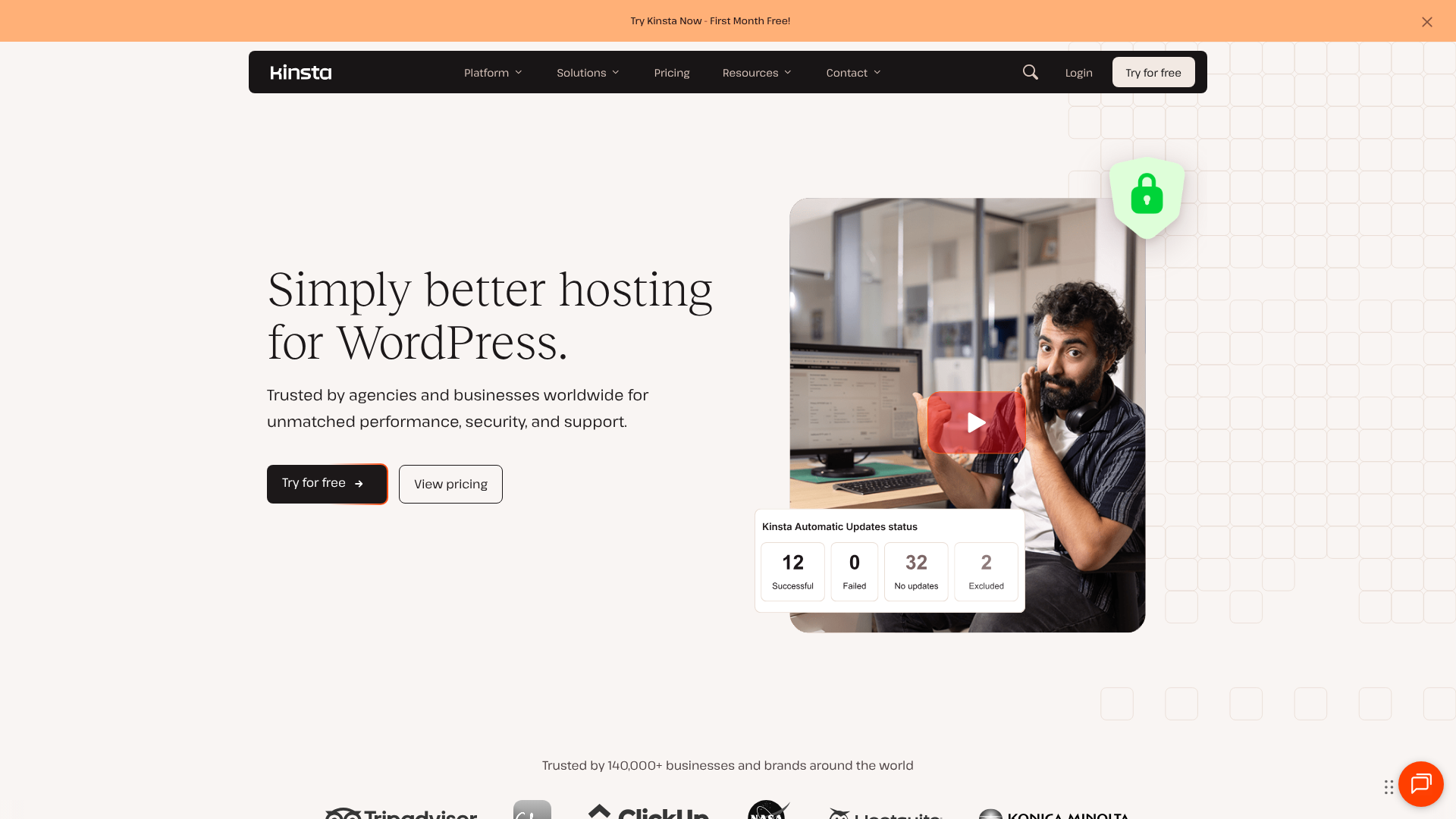
Key Features of Kinsta:
- MyKinsta Dashboard: Kinsta's custom-built dashboard is widely regarded as one of the best in the industry. It's clean, fast, and makes managing sites, tracking analytics, and accessing tools incredibly easy.
- DevKinsta: This is a free local development tool that allows you to build and test WordPress sites on your own computer. It integrates seamlessly with the Kinsta hosting platform, allowing you to push and pull sites between your local machine and the live server with a single click.
- Application Performance Monitoring (APM): Kinsta offers its own APM tool, which helps you debug performance issues by identifying slow database queries, long API calls, and inefficient plugin code. This is an invaluable tool for optimising complex sites.
- Automatic Database Optimisation: Kinsta automatically runs weekly optimisations on your site's database to keep it running efficiently. This is a small but important feature that helps maintain site performance over time.
- Cloudflare Enterprise Integration: As mentioned, this integration provides top-tier security, a high-performance CDN, and Edge Caching for all customers, which is a premium feature that would cost hundreds of dollars per month if purchased separately.
Pros of Kinsta
- Exceptional performance due to GCP's C2/C3D machines and Edge Caching.
- Superb, user-friendly MyKinsta dashboard.
- Excellent developer tools, including the free DevKinsta application.
- Wider global reach with over 35 data centre locations.
- All support requests are handled by senior engineers.
Cons of Kinsta
- Strict overage policies can be costly for sites with traffic spikes.
- No phone support is offered on any plan.
User Reviews and Real-World Experiences
Technical specifications are important, but what do actual users say? A wp engine comparison with Kinsta wouldn't be complete without looking at community feedback. Both hosts generally receive glowing reviews, but the praise often centres on different aspects of their service.
On platforms like G2, Trustpilot, and Reddit forums like r/WordPress, Kinsta users consistently rave about two things: speed and support. Many users report seeing immediate and significant improvements in their site's loading times after migrating to Kinsta. The support team is frequently described as the best in the business, with users appreciating the quick access to knowledgeable engineers who can solve problems without escalation.
WP Engine users also praise the platform's reliability and performance. The term that comes up most often is "rock-solid". Businesses appreciate the stability and the comprehensive security features that let them focus on their work without worrying about their website. The agency-focused tools, particularly transferable installs, are also a huge selling point for developers building sites for clients.
Of course, no service is perfect. Some users find WP Engine's platform a bit more restrictive, particularly their list of disallowed plugins which can sometimes conflict with a developer's preferred toolkit. For Kinsta, the most common complaint revolves around the pricing and strict overage fees. While users agree the service is worth the price, they caution that you need to choose your plan carefully to avoid unexpected costs.
Who Should Choose WP Engine?
Deciding between wp engine or kinsta comes down to your specific priorities. WP Engine is an excellent choice for a specific set of users who value certain features above all else.
You should choose WP Engine if:
- You're an agency or freelancer: The transferable installs and billing features are designed specifically for your workflow. They streamline the process of developing a site and handing it off to a client, making your business more efficient.
- Security and stability are your absolute top priorities: While Kinsta is very secure, WP Engine's multi-layered approach, proprietary WAF, and hack-fix guarantee provide an enterprise-grade level of protection that is ideal for mission-critical business websites, financial institutions, or sites handling sensitive data.
- You need long-term backups: The 60-day backup retention is a significant advantage for businesses that may need to restore an older version of their site due to a content error or a complex issue that wasn't discovered immediately.
- You value phone support: For businesses that require the option to speak directly with a support agent, WP Engine's inclusion of phone support on its higher-tier plans is a key differentiator.
Who is Kinsta Best For?
Kinsta, with its focus on cutting-edge performance and developer experience, appeals to a different but equally demanding audience. Its infrastructure and toolset are finely tuned for speed and efficiency.
You should choose Kinsta if:
- Maximum speed is non-negotiable: If you run an e-commerce store, a high-traffic publication, or any site where every millisecond of load time impacts your bottom line, Kinsta's use of GCP's fastest servers and Edge Caching will give you a competitive advantage.
- Your audience is global: With over 35 data centres spread across the globe, Kinsta makes it easy to host your site close to your users, significantly reducing latency and improving their experience.
- You are a developer who values a modern workflow: The combination of the intuitive MyKinsta dashboard and the powerful DevKinsta local development tool creates a seamless and efficient workflow from development to deployment.
- You want immediate access to expert support: If you prefer to solve problems quickly with a senior engineer without going through a tiered support system, Kinsta's support model is tailor-made for you.
Pro Tip: Use your host's local development tool. Both WP Engine's 'Local' and Kinsta's 'DevKinsta' are powerful applications that can save you hours of development time. They allow you to work offline and push changes to your live site safely.
Frequently Asked Questions (FAQ)
Here are answers to some common questions that arise when comparing these two hosting giants.
Is Kinsta worth it?
Yes, for the right user, Kinsta is absolutely worth the premium price. If your business relies on website speed, scalability, and top-tier support, the investment in Kinsta pays for itself through better user experience, improved SEO, and higher conversion rates. The combination of Google's C2/C3D infrastructure, Cloudflare Enterprise CDN, and expert support provides a level of performance and reliability that cheaper hosts simply cannot match. It's not a budget option, but it's a high-value one for serious websites.
Is WP Engine a good company?
WP Engine is widely regarded as one of the best and most reputable companies in the web hosting industry. They are pioneers in the managed WordPress space and have built a strong reputation over more than a decade for providing a stable, secure, and reliable platform. They serve a huge number of customers, from small businesses to large enterprises, and are known for their excellent customer support and commitment to the WordPress community. Their focus on security and agency tools makes them a trusted partner for thousands of businesses worldwide.
What happened with WP Engine?
This question sometimes comes up due to industry news or acquisitions. Over the years, WP Engine has made several strategic acquisitions to enhance its platform, most notably acquiring StudioPress (creators of the Genesis Framework) and the popular local development tool, Flywheel. These moves have strengthened their product offerings. Like any major tech company, they also update their platform and pricing periodically.
There have been no major negative events; the company continues to be a healthy and growing leader in the WordPress ecosystem.
How does Kinsta compare to other hosts?
Compared to shared hosting providers like Bluehost or HostGator, Kinsta is in a completely different league in terms of performance, security, and support. The difference is night and day. When compared to other managed WordPress hosts like SiteGround or Flywheel, Kinsta typically competes at the very top end of the market, often winning on raw performance due to its exclusive use of Google's premium infrastructure. Its main competitor is WP Engine, where the choice depends more on specific feature needs (e.g., Kinsta's speed vs.
WP Engine's security tools).
Final Thoughts: The Verdict
Choosing between WP Engine and Kinsta is a good problem to have. You are deciding between two of the best managed WordPress hosting providers on the market. There is no single "winner" for everyone; the best choice depends entirely on your specific needs, priorities, and budget.
To summarise, Kinsta is the champion of raw performance and modern developer workflow. Its relentless focus on using the fastest available hardware and its superb MyKinsta dashboard and DevKinsta tool make it a dream for performance-focused businesses and developers. If your primary goal is to have the fastest possible website with a sleek, modern management experience, Kinsta is likely your best bet.
On the other hand, WP Engine is the fortress of stability, security, and agency-centric features. Its robust, multi-layered security, industry-leading 60-day backup policy, and invaluable tools like transferable installs make it an incredibly reliable partner for established businesses and agencies. If you prioritise peace of mind, enterprise-grade security, and a workflow built for client work, WP Engine is the clear choice.